


 Scripts & Code7790
 App Templates2418
 Themes3
 Drupal10
 Ghost1228
 HTML93
 Joomla33
 Magento32
 MyBB2
MyBB2 nopCommerce31
 OpenCart1
 Osclass103
 PrestaShop121
 Shopify12
 Tumblr84
 WooCommerce596
 WordPress14
 Architecture16Beauty67Blog13Construction108Business18eCommerce26Education11Entertainment4Event8Fashion13Law3Hotel24Medical10Minimal12News10Photography37Portfolio32Restaurant5Resume16Sport34Technology10Travel91Miscellaneous 69
 Miscellaneous1068
 Plugins14217
 Graphics
Elementor WordPress themes combine ready-made site structures with a visual editing workflow that can shorten the path from installation to launch. Codester currently has dozens of active themes that explicitly support Elementor, giving buyers a useful choice across business, portfolio, ecommerce and specialist designs. Compare more than the homepage appearance: inspect how headers, archives, forms, blog layouts and mobile breakpoints are assembled.
For broader browsing, visit all WordPress themes or compare focused business WordPress themes.



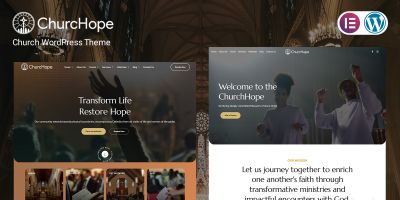
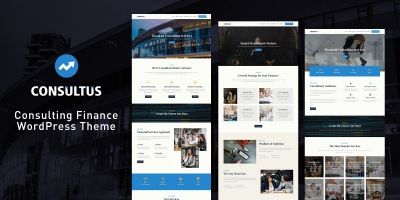




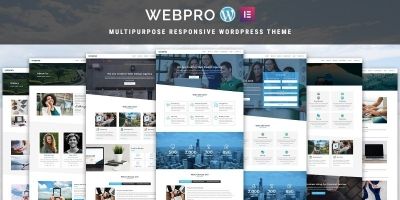



Strong Elementor themes use global colors, typography and reusable sections instead of styling every widget independently. This makes brand changes faster and reduces inconsistent spacing. Check whether the design works with Elementor Free or requires Elementor Pro, and identify any additional widget packs shown in the demo.
- Responsive editing and custom breakpoints
- Reusable headers, footers and page sections
- Global typography and color controls
- Importable demos with clear documentation
- Templates for blog, search and error pages
Performance varies significantly between Elementor products. Test several demo pages, not only the homepage, and look for excessive animation, deeply nested containers and large third-party libraries. Themes that let you disable unused effects and widgets are generally easier to optimize.
Also review portability. Standard Elementor widgets are easier to maintain than proprietary elements that stop working when the theme changes. A good product should explain which content remains after switching themes and which parts depend on bundled extensions.
Confirm the supported WordPress, PHP and Elementor versions. List every required plugin and determine whether premium licenses are included or must be purchased separately. Review the changelog, documentation and support terms, then import the demo in a test environment and inspect its structure before committing.
- Check whether Elementor Pro is mandatory.
- Test navigation, forms and mobile layouts.
- Review update frequency and compatibility notes.
- Confirm that important content is not locked into custom widgets.
Do all Elementor themes require Elementor Pro?
No. Some work entirely with the free plugin, while advanced theme-builder templates, forms or dynamic content may require Pro.
Can I import the complete demo?
Many products include guided demo import, but licensed images and premium plugins may be excluded. Check the product documentation.
Are Elementor themes slower?
Speed depends on the theme, widgets, hosting, images and configuration. Test real demo pages and remove unused add-ons.
Can I switch themes later?
Elementor content often remains, but theme-specific widgets and styling may not. Test migrations on staging first.
After importing a demo, remove unused templates, images and plugins. Replace placeholder content, configure global styles and test every important page at tablet and mobile widths. Keep WordPress, Elementor and the theme updated together on a staging site before applying major changes to production.