


 Textures & Patterns


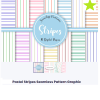
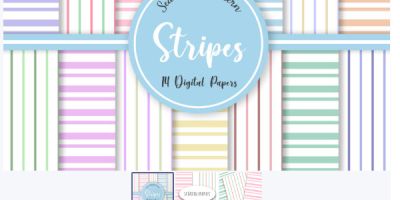

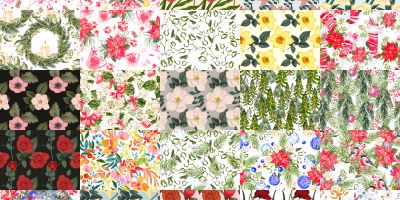
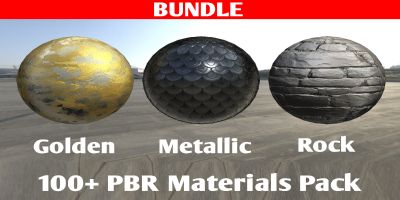
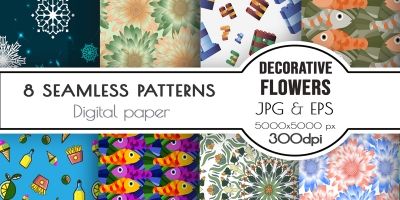



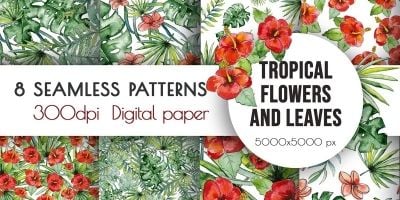
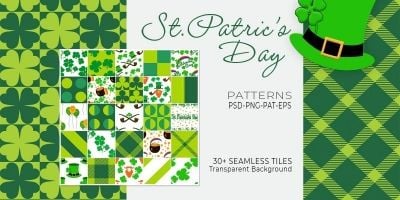
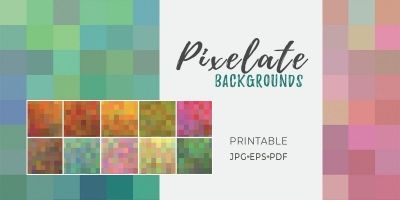
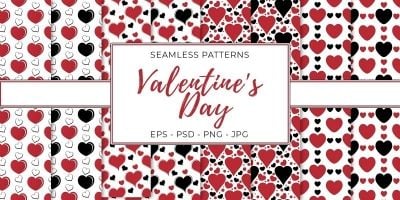
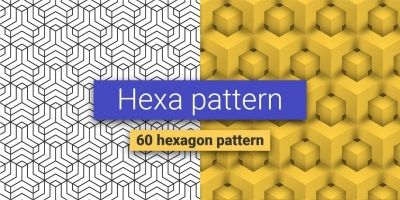
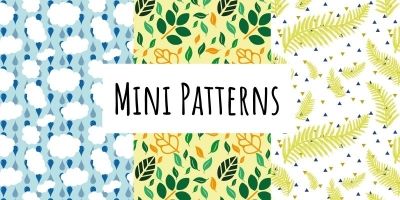

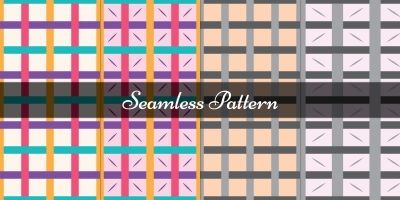
More about Textures & Patterns
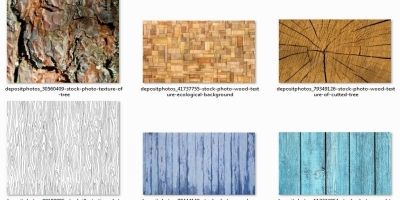
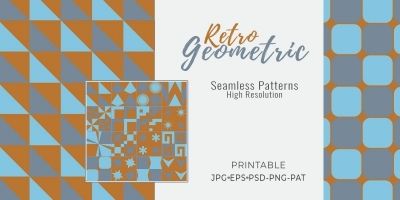
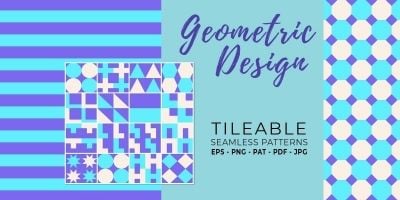
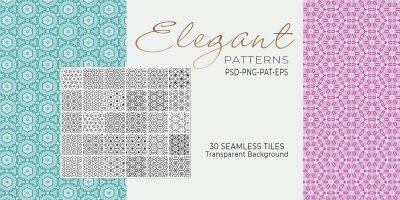
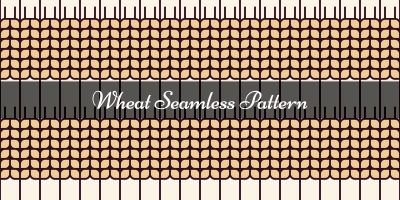
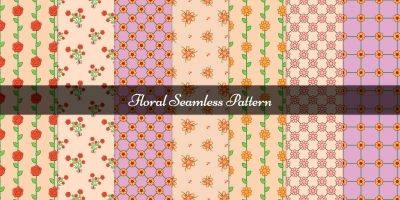
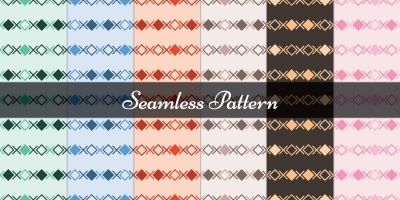
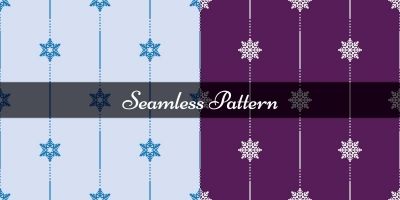
Good design isn’t only about the big hero images — it’s the details. With seamless textures, those details become repeatable: textures, seamless textures, patterns. Everything here is made to be downloaded and adapted, so you can spend less time starting from a blank canvas. Most packs come in familiar formats like PNG/JPG and work well for 3D rendering and game environments. Pick a style, swap colors and typography, and keep moving.
Looking for a broader set? Start at Graphics, or jump to User Interfaces, Icons, and Logo Templates for a full visual system.
Inside this collection
- textures and seamless textures designed to stay readable at real-world sizes.
- Files in PNG / JPG so you can tweak colors, layers, and typography.
- Styles that work for 3D rendering and game environments — from clean and minimal to bold and playful.
- Tileable textures and patterns that help you add depth without visible seams.
- Useful variations such as PBR textures and normal maps for common project needs.
- Community-made downloads that are easy to compare using sorting and filters on the page.
Where these files shine
Creators use seamless textures for everything from quick prototypes to polished releases. These are especially useful for:
- 3D rendering
- game environments
- web backgrounds
- print patterns
- UI overlays
Formats & compatibility
Most downloads are delivered in familiar formats such as PNG, JPG, TIF and PBR maps. That means you can edit in your preferred tools and export exactly what your project needs. For textures, pay attention to resolution and whether maps are included (albedo, normal, roughness). It helps with realism.
A quick selection checklist
Choose with the end use in mind. If it’s going on mobile, test at real size. If it’s for print, think margins and safe areas. For games, consider readability against busy backgrounds and whether the asset supports different resolutions. The best pick is the one that will still look good after you’ve swapped in your own colors, icons, and copy.
Things to double-check
This stuff is easy to skip when you’re in a hurry, but it pays off. A two‑minute check now can save an afternoon of fixes later.
- Open the source file once before you commit — it’s the fastest way to spot messy layers or missing assets.
- Check for consistency: spacing, alignment, and style details should match across the pack.
- Make sure text is editable (or easy to replace) and key elements are grouped logically.
- Zoom in to confirm resolution, then tile the texture to check for visible seams.
- If PBR maps are included, keep naming consistent (albedo/normal/roughness) to avoid confusion.
A cleaner workflow
To keep things tidy, create a small “assets” folder per project (and keep the original download untouched). Make edits in the source format, then export only what you need for the build. If you’re working with vectors, export to SVG for crisp scaling; for raster assets, keep an eye on pixel density and compression. A quick naming convention (like `ui/button_primary` or `icons/outline/settings`) also makes future you very happy.
Practical tip: When you’re using textures in 3D or games, keep an eye on tiling. A subtle rotation or a second overlay can break repetition without adding heavy file size.
A few common questions
- What makes a texture “seamless”? It tiles without visible edges, so it repeats cleanly across large surfaces.
- What are PBR maps? Extra maps (normal/roughness/metallic) that improve lighting realism in 3D and games.
- Any quick trick to reduce repetition? Blend two textures or add a subtle overlay noise to break obvious tiling.
More categories to check
Learn more
Want to dig deeper or align with common conventions? These references are handy while you customize:
Browse the files below, filter by popularity or newest releases, and grab something you can ship with. If you’re assembling a full stack for a project, pair this category with related graphics and templates so everything feels cohesive. And if you’re new to Codester, check the other categories — you’ll often find complementary code, themes, and plugins that speed things up even further.