


 Product Mockups
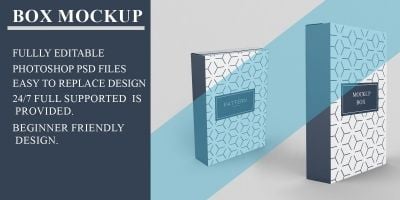
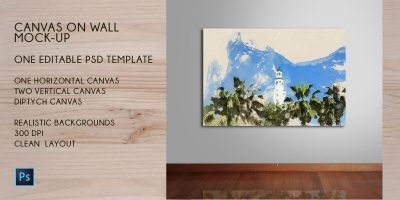
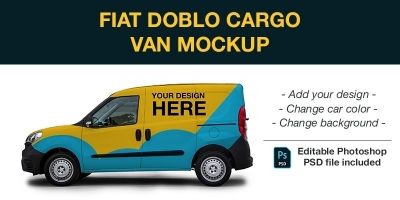
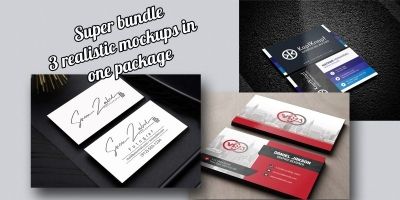
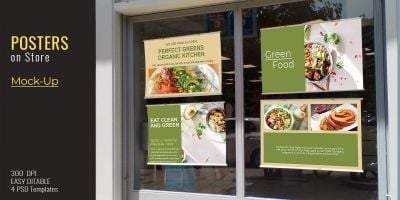
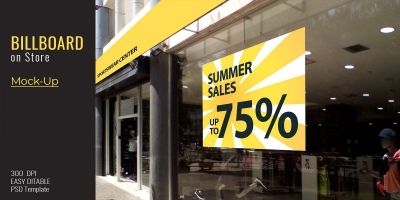
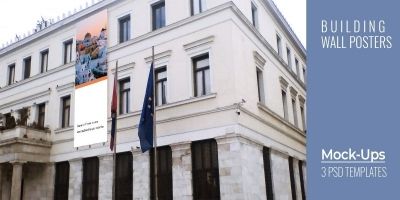
Ready-to-use product mockups for showing off your next project. Product mockup, mockup PSD, and packaging mockup ready to download. Ideal for client presentations and brand launches, with files in PSD and JPG previews. Customize fast, keep your visuals consistent, and ship sooner.


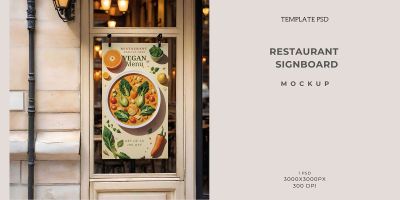

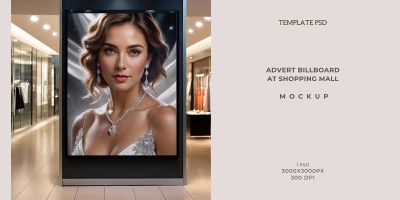
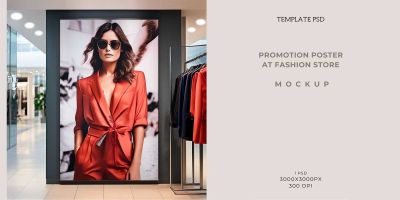
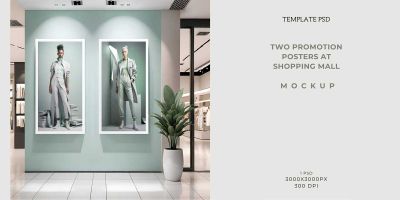
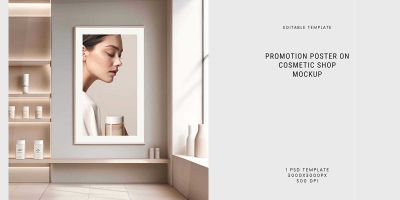
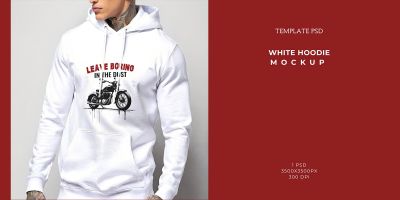
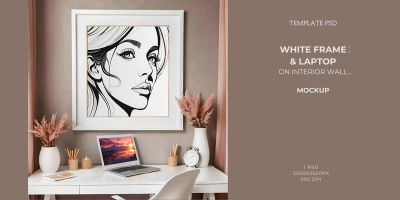
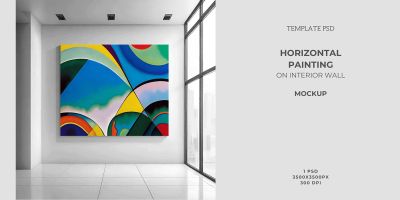
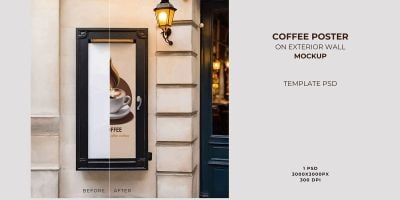
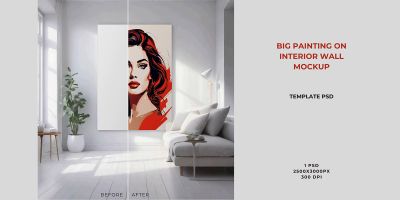
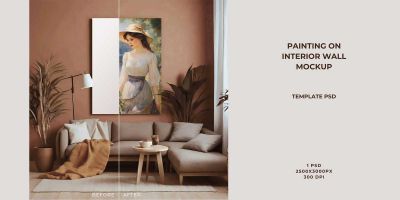
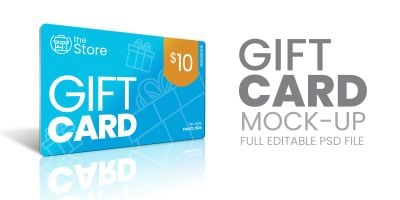
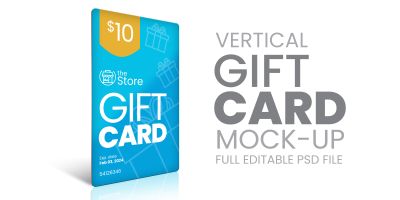
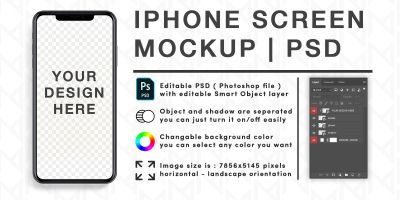
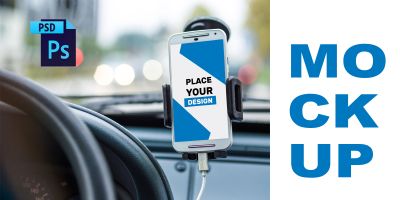
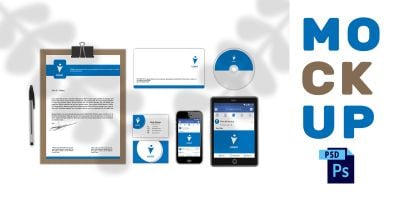

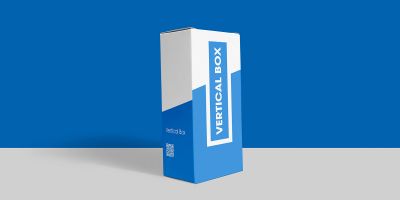
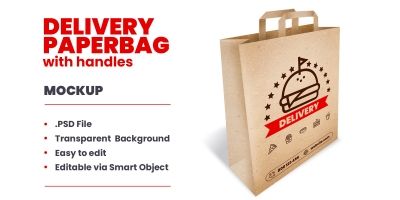
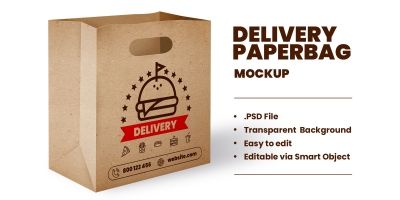
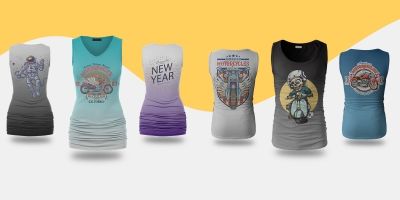









More about Product Mockups
Good design isn’t only about the big hero images — it’s the details. With PSD mockups, those details become repeatable: product mockup, mockup PSD, packaging mockup. Everything here is made to be downloaded and adapted, so you can spend less time starting from a blank canvas. Most packs come in familiar formats like PSD/JPG previews and work well for client presentations and brand launches. Pick a style, swap colors and typography, and keep moving.
Looking for a broader set? Start at Graphics, or jump to User Interfaces, Icons, and Logo Templates for a full visual system.
Inside this collection
- product mockup and mockup PSD designed to stay readable at real-world sizes.
- Files in PSD / JPG previews so you can tweak colors, layers, and typography.
- Styles that work for client presentations and brand launches — from clean and minimal to bold and playful.
- Assets that pair well with related categories like Icons and Logo Templates.
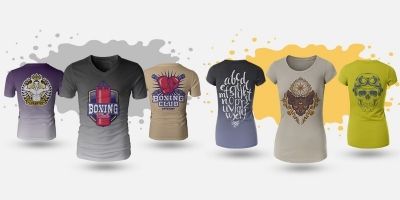
- Useful variations such as t-shirt mockup and device mockup for common project needs.
- Community-made downloads that are easy to compare using sorting and filters on the page.
Where these files shine
Creators use PSD mockups for everything from quick prototypes to polished releases. These are especially useful for:
- client presentations
- brand launches
- portfolio shots
- ecommerce listings
- social media
Formats & compatibility
Most downloads are delivered in familiar formats such as PSD, JPG previews and smart objects. That means you can edit in your preferred tools and export exactly what your project needs. For mockups, look for Smart Object layers and organized groups — that’s what makes swapping artwork fast.
A quick selection checklist
A small checklist goes a long way: does it scale well, does it read at small sizes, and is it easy to tweak? For templates, pay attention to grids and typography hierarchy. For graphical assets, check if layers are named and grouped logically. And if you’re buying for a team, pick a style that can carry through future pages and screens without looking out of place.
Quality checklist
This stuff is easy to skip when you’re in a hurry, but it pays off. A two‑minute check now can save an afternoon of fixes later.
- Open the source file once before you commit — it’s the fastest way to spot messy layers or missing assets.
- Check for consistency: spacing, alignment, and style details should match across the pack.
- Make sure text is editable (or easy to replace) and key elements are grouped logically.
- Make sure the style fits your brand direction — modern vs. playful, minimal vs. detailed.
- Save a copy of the original download so you can roll back edits later.
Make it easy to reuse
Most projects get messy when assets live in ten different places. Centralize your downloads, keep source files separate from exports, and write down a couple of rules for sizing and spacing. It’s not glamorous, but it’s the difference between a quick update and a half-day cleanup later.
Practical tip: For mockups, start with the lighting and perspective you want, then fit your design to it — not the other way around. Smart Objects make swapping artwork fast, but realism comes from matching shadows and texture.
A few common questions
- Do mockups work without Photoshop? Most are PSD-based. Some editors can open PSDs, but Smart Objects work best in Photoshop.
- How do I get realistic results? Match your design’s contrast to the lighting in the mockup, and don’t over-sharpen.
- What should I export for clients? High-res JPG/PNG for previews, plus the layered PSD if they need future swaps.
Explore more on Codester
- Logo templates
- Business identity templates
- Print templates
- Icons
- Website templates & themes
- Graphics marketplace
Learn more
Want to dig deeper or align with common conventions? These references are handy while you customize:
Scroll through the collection, compare styles, and download the pieces that match your project. Many creators update their packs over time, so it’s worth bookmarking the categories you use most. For a consistent look, combine assets from adjacent categories and keep a simple style guide for your team or clients.