


 Board Game Templates For Unity
Kick-start your next Unity project with Board Game Templates For Unity. Each download is a ready-to-open template with C# code, prefabs and editor setups, making it easy to prototype, reskin and release engaging digital board games, dice games, turn-based strategy and tabletop-inspired projects to Google Play, the App Store or Steam.
 Scripts & Code7241
 App Templates2436
 Android768
 Buildbox476
 Construct 315
 Cordova7
 Corona448
 Flutter153
 Ionic688
 iOS83
iOS83 React1
 Titanium2161Unity24
 Assets2125Templates133Action115Adventure205Arcade37Board128Bundles15Card924Casual36Educational92Kids23Quiz255Puzzle87Racing46Sport5
 Xamarin2209
 Themes876
 Plugins13933
 Graphics
















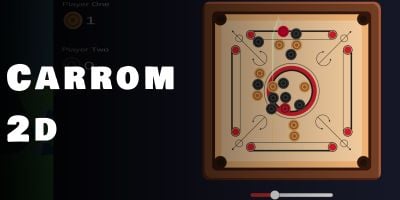
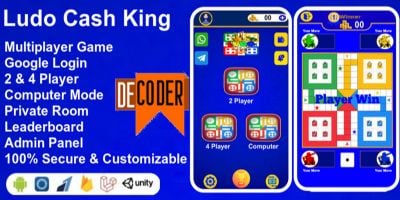
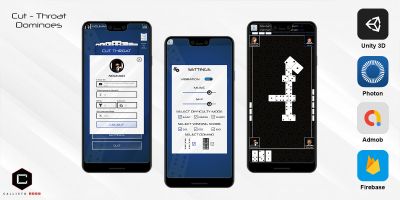
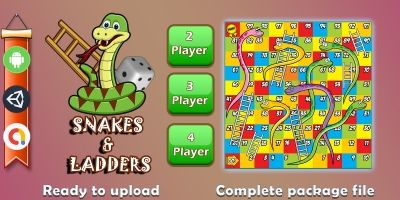
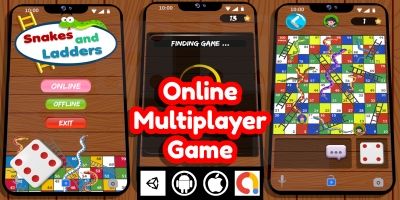

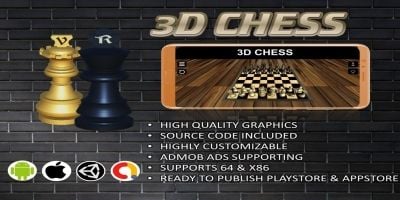
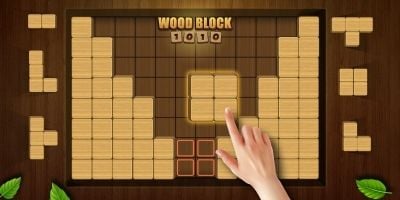
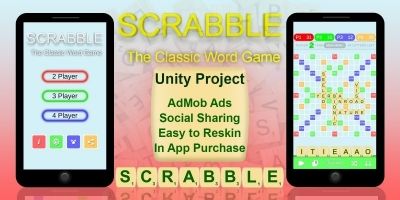

Download Board Game Templates For Unity
The Board Game Templates For Unity area on Codester is where you find focused Unity board game templates and complete projects. Each download is a complete Unity project, with scenes, prefabs, C# scripts and basic menus already wired up, so you can jump straight into shaping your own digital board games, dice games, turn-based strategy and tabletop-inspired projects instead of wrestling with boilerplate.
Most templates include mobile-ready controls, touch input, camera systems and UI flows that feel natural on phones and tablets. You will often see pause menus, settings, level selection, sound toggles and save systems already in place. That means you can start by swapping art, music and copy, then move on to tweaking spawning logic, difficulty curves and level pacing once you have your first branded build running.
Under the hood, these projects tend to follow sensible Unity structure: organised folders for scripts, art and prefabs, clear naming, and use of components such as ScriptableObjects where it makes sense. That makes it easier to integrate your own tools, connect analytics, add new power-ups or enemy types and keep performance healthy while your project grows.
While you customise, keeping the official Unity Manual open alongside a template can be surprisingly helpful. Between Codester example projects and Unity’s documentation on physics, UI, input and optimisation, you can learn patterns that transfer to your own original games later on.
Monetisation is usually handled for you: many templates already integrate Unity Ads or AdMob, in-app purchases and sometimes rewarded video flows. All you need to do is plug in your own IDs, test placements and experiment with different reward structures or pricing models. That’s a big win if you are trying to validate a board game idea quickly without investing months of engineering time.
Used well, the Board Game Templates For Unity section becomes a starting point for a small collection of games rather than just a single release. Once you are comfortable reskinning and extending one project, you can reuse your art pipeline, UX patterns and store assets across several related titles and grow a portfolio of digital board games, dice games, turn-based strategy and tabletop-inspired projects built on top of reliable Unity source code.