
Lyrics Finder PHP ScriptLyrics Finder PHP Script
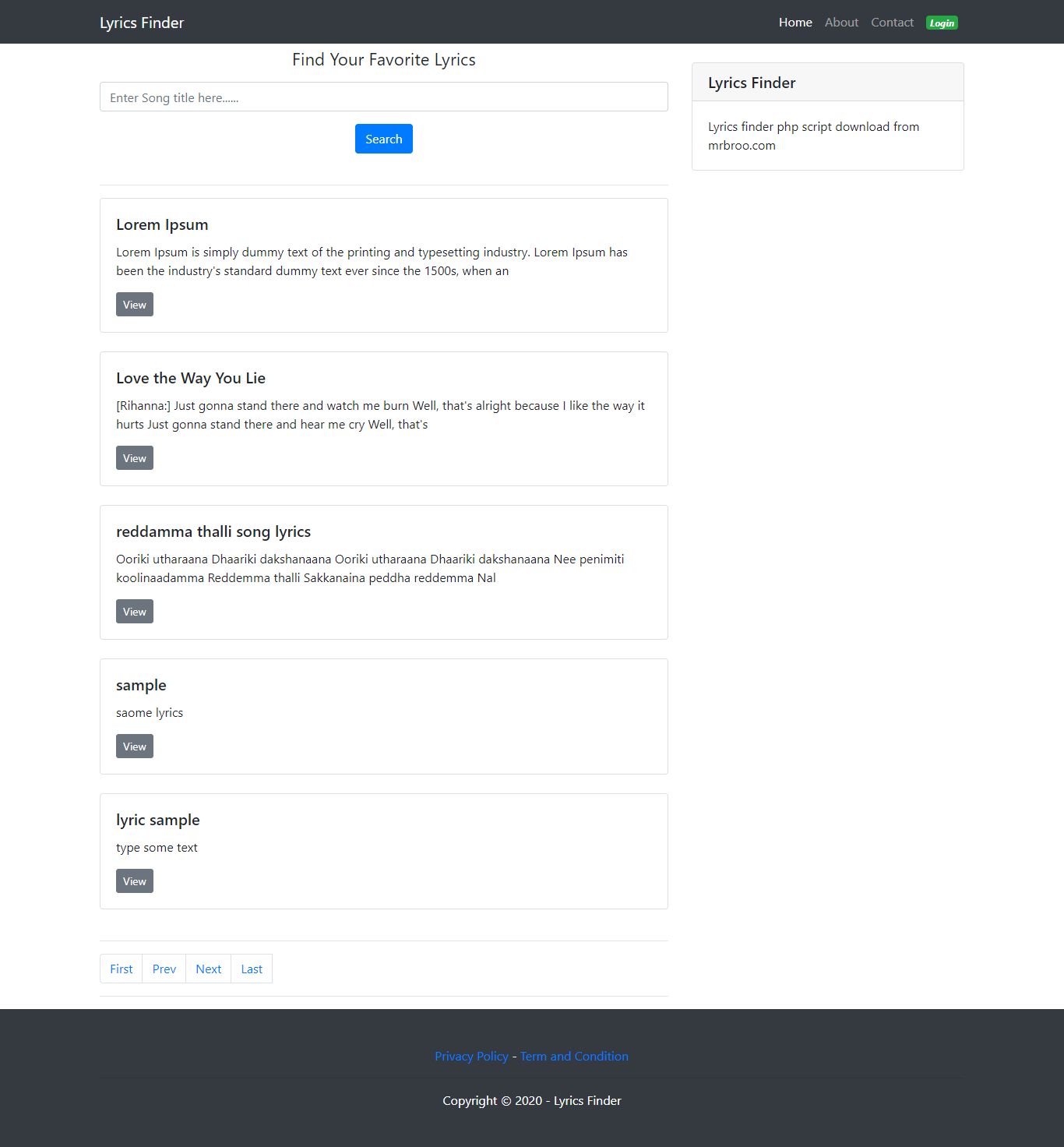
Lyrics finder is built with PHP. It's a song lyrics website with admin panel.
 Average rating of 2.0 based on 1 votes
Lyrics Finder PHP Script
Lyrics finder is built with PHP. It's a song lyrics website with admin panel.
Average rating of 2.0

Screenshots
Overview
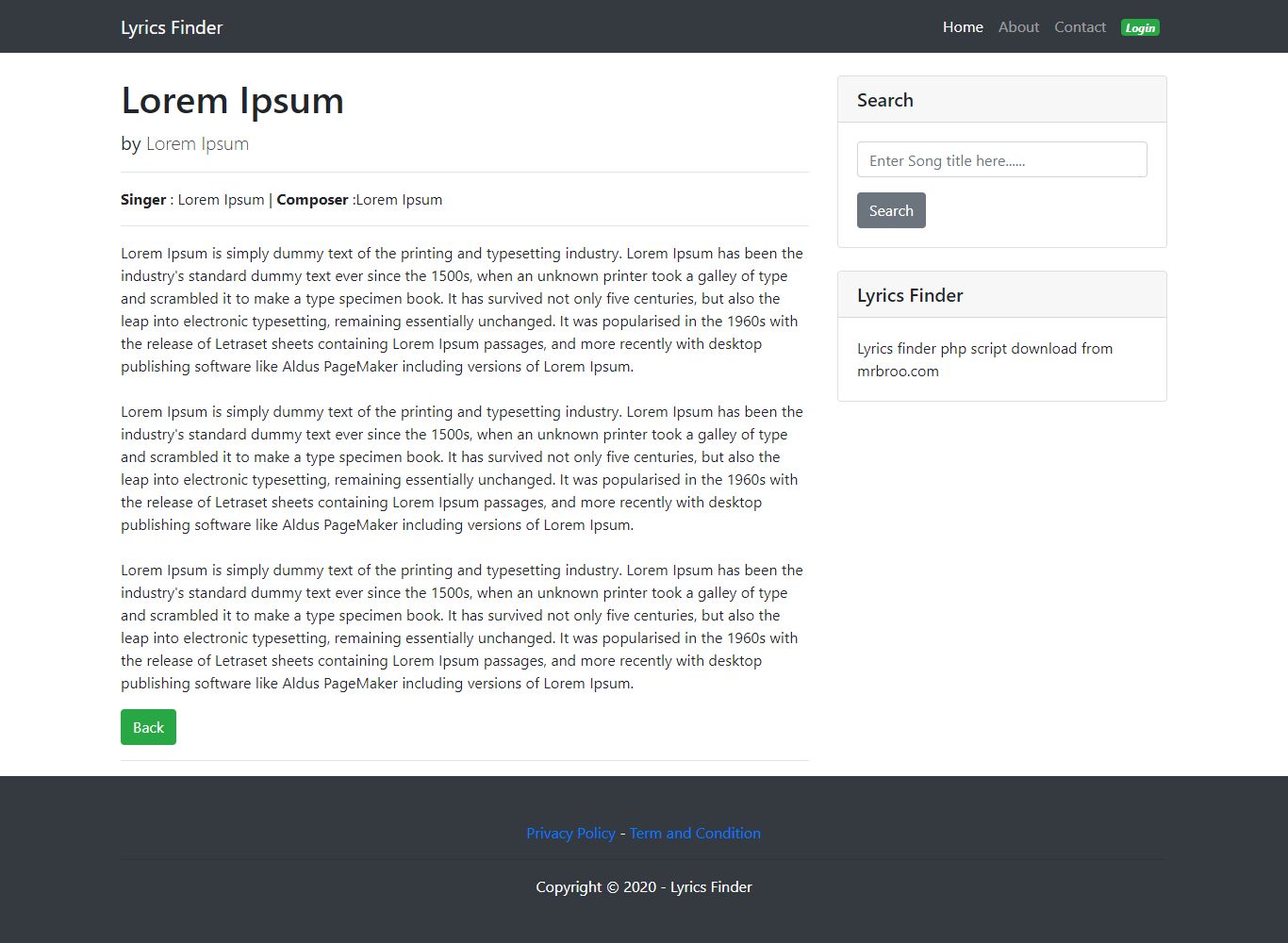
Lyrics finder is built with PHP. It's a song lyrics website with admin panel. Where user can view song lyrics. There is a backend where, admin can set up the configuration form backend. Admin can manage song lyrics. Admin can create/edit/delete/update song lyrics.
User : Click to view
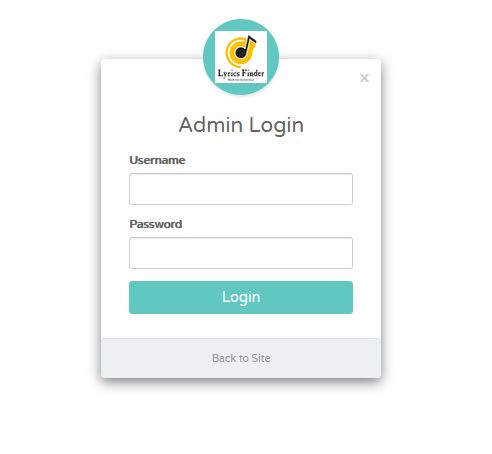
Admin : Click to view
(login info: user/user123)
Features
- Admin panel with PHP
- SEO optimized
- Easy to customize
- Easy to install
- Fully responsive
- Basics knowledge for setup
- Equip with all modern features
Requirements
- Web server: Apache Web server 2.0 or later.
- Version of PHP 5.0 or later.
- MySQL 4.0 or later.
Instructions
[01] Unzip the file and you can see following folders,
- database - [database "sql" file]
- doc - [supporting files]
- Main - [contain the necessary files]
[02] Installation
[2.1] First one, you need create a database.
[2.1.1] goto "database" folder and find the "lyrics.sql" file.
[2.1.2] Create database named "lyrics' and remeber database name, password & admin name.
[2.2] Now, goto "Main" folder and find "Main.zip" file.
[2.3] Upload "Main.zip" file to your server and extract it. (pulic_html folder)
[2.4] goto "connect" folder and find "conn.php".
[2.5] open "conn.php" file and edit it, ( see following examples)
Edit following line with your server & database details,
- Replace "localhost" and enter your server address or ip.
- Replace "root" and enter your "database user name".
- Replace "password" and enter your "database password".
- Replace "lyrics" and enter your "database name".
[03] Finish the installation.
[04] Test Frontend
- Now, you can test your site with your browser.
- open your browser and enter "website address" (https://www.example.com)
[05] Test Backend and Login to "Admin Panel'
Admin are features
- Add, View, Edit and Delete lyrics.
- Chage site name and description. (Meta tags & Meta description.)
- Change Admin password.
login to admin area click "login" button or type "your website name/login.php. (https://www.example.com/login.php)
- Username : user / Password : user123
- Password : user123
[06] Edit 'Pages'.
Open your server folder and you can edit "About page, Privacy Policy page and Term of use page".
Reviews
-
Jan 2, 2024
 9jaoncloud PurchasedRating:
Very Buggy script . I installed in one of my website, I cannot use it because you cannot even edit anything u post . Not worth it at all for me.
9jaoncloud PurchasedRating:
Very Buggy script . I installed in one of my website, I cannot use it because you cannot even edit anything u post . Not worth it at all for me.
Other items by this author






|
PHP Script Installation Service
Don't worry about the installation of your script! Have your PHP Script installed for you.
|
$39 | Buy now |
| Category | Scripts & Code / PHP Scripts / Multimedia / Music |
| First release | 1 May 2020 |
| Last update | 8 September 2020 |
| Software version | PHP 7.0, PHP 7.1, PHP 7.2, PHP 7.3, PHP 7.4, PHP 5.0, PHP 5.1, PHP 5.2, PHP 5.3, PHP 5.4, PHP 5.5, PHP 5.6 |
| Files included | .php, .css, .sql, Javascript .js |
| Database | MySQL 4.x, MySQL 5.x |
| Tags | lyrics, Lyrics finder, music lyrics |