Home / Scripts & Code / PHP Scripts / Multimedia / Video

Movierocket - Online Movie Database PHP ScriptMovierocket - Online Movie Database PHP Script
Online cinema, movie database, film review, online tv, tv shows & tv series Average rating of 4.5 based on 4 votes
Home / Scripts & Code / PHP Scripts / Multimedia / Video
Movierocket - Online Movie Database PHP Script
Online cinema, movie database, film review, online tv, tv shows & tv series Average rating of 4.5
×
This item is temporarily not available for sale

Screenshots
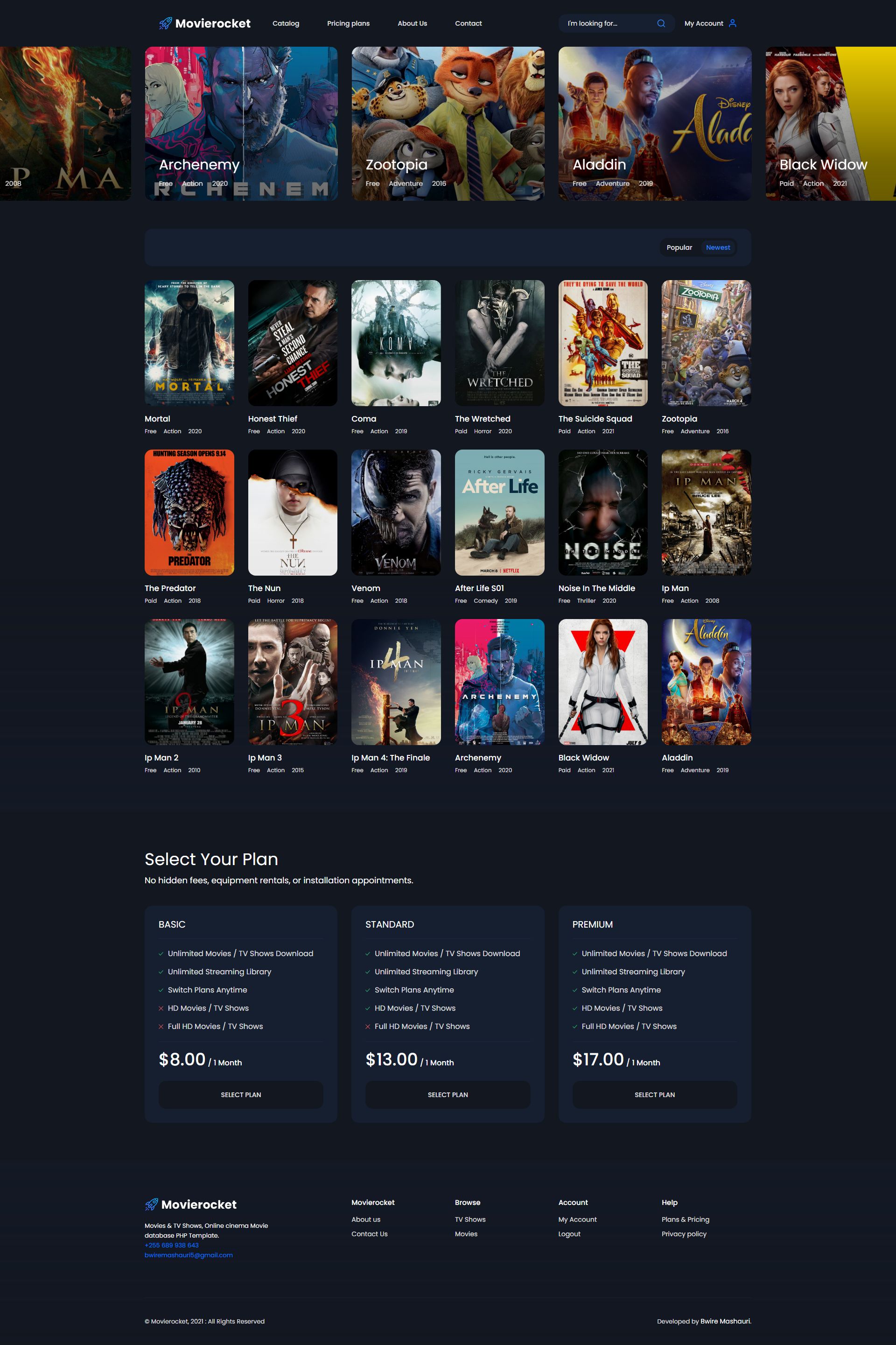
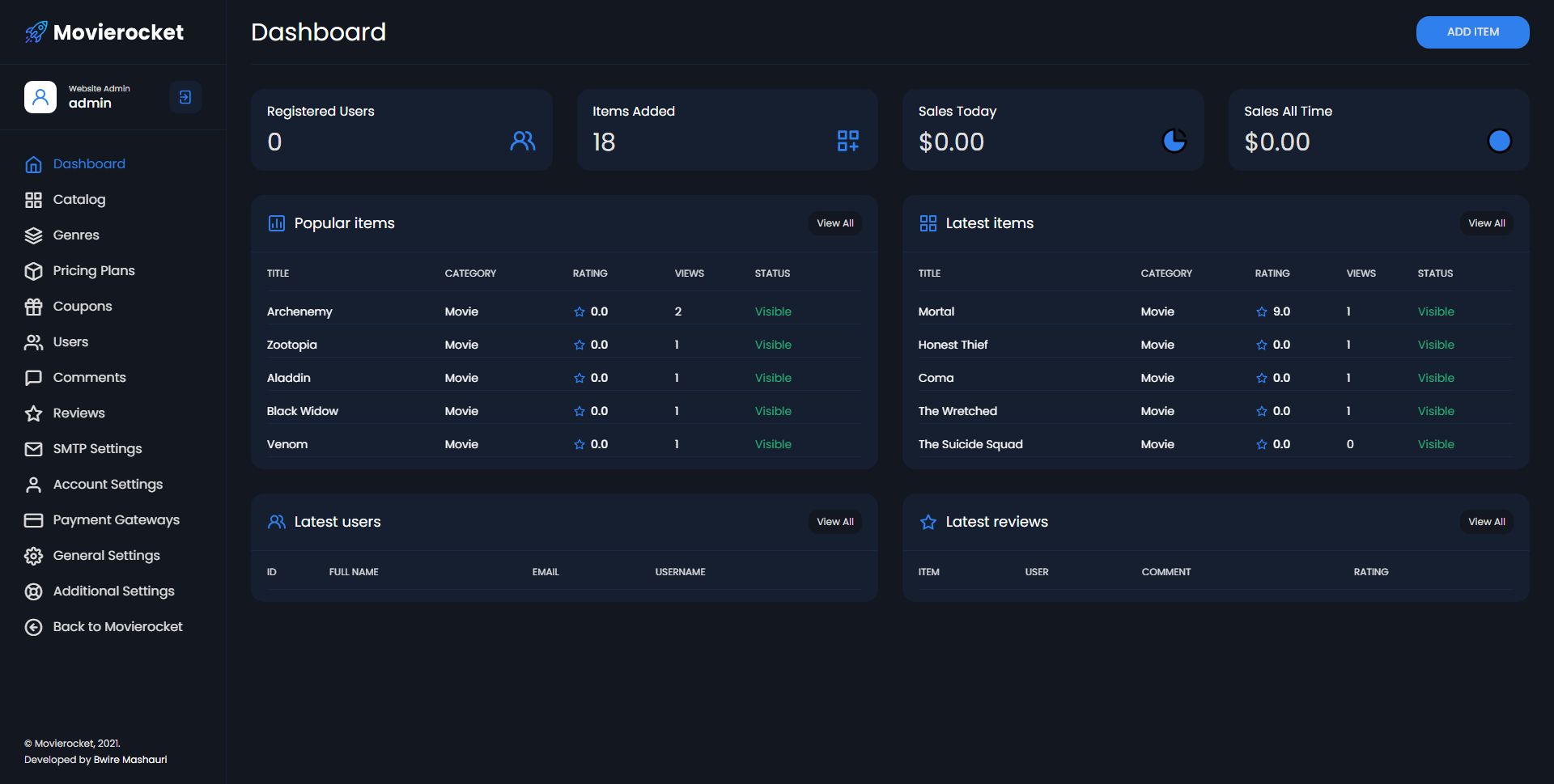
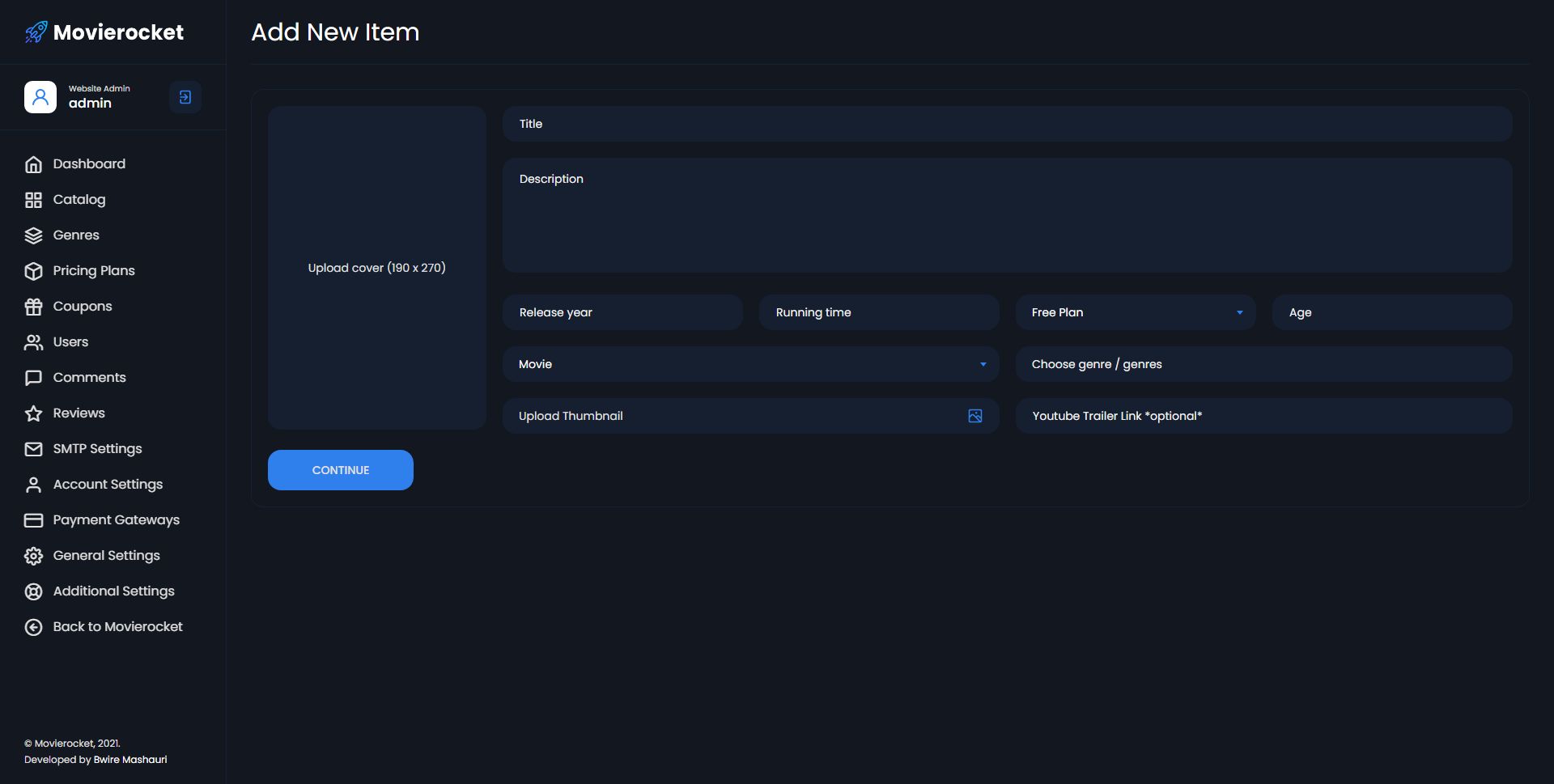
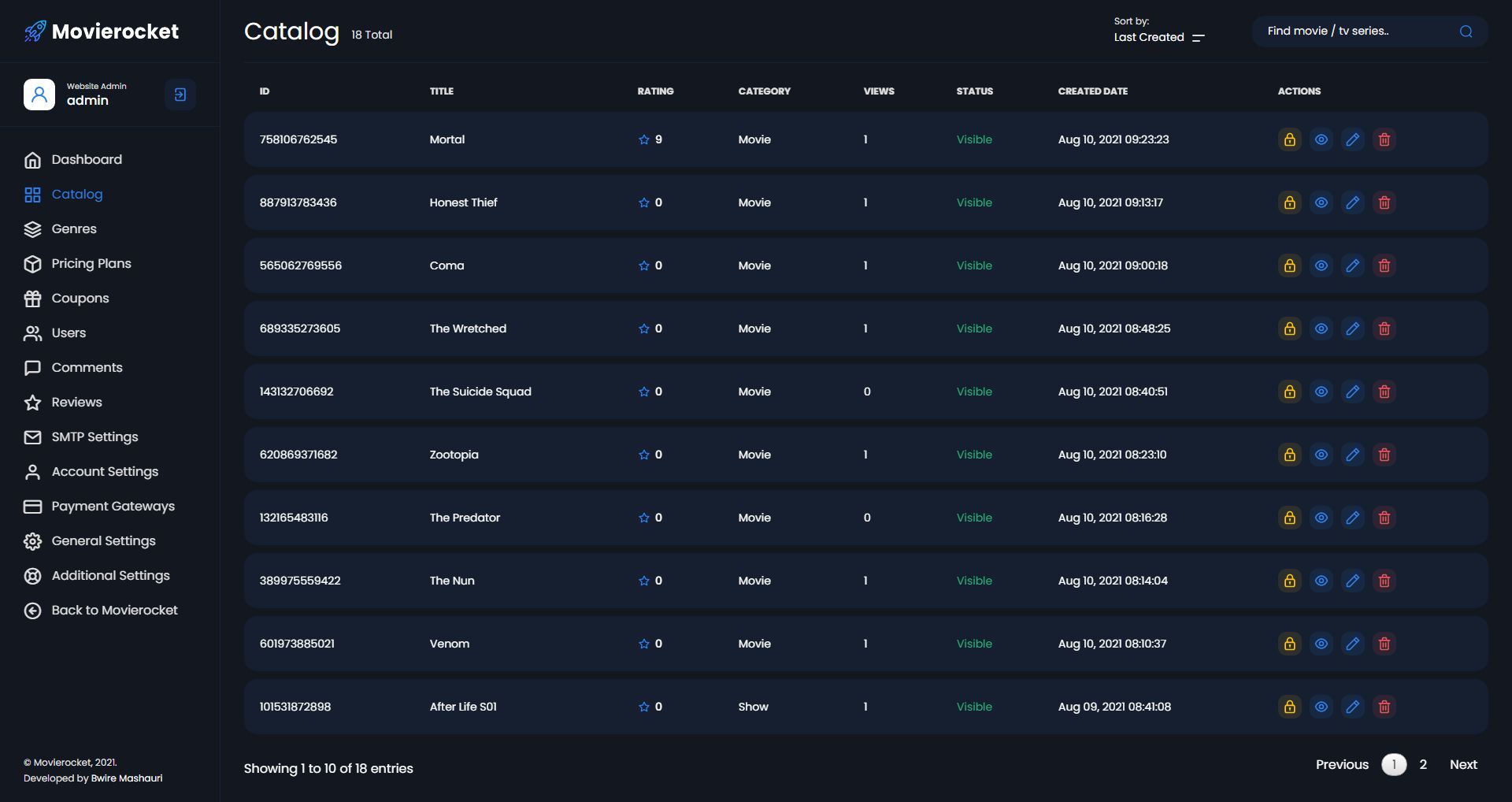
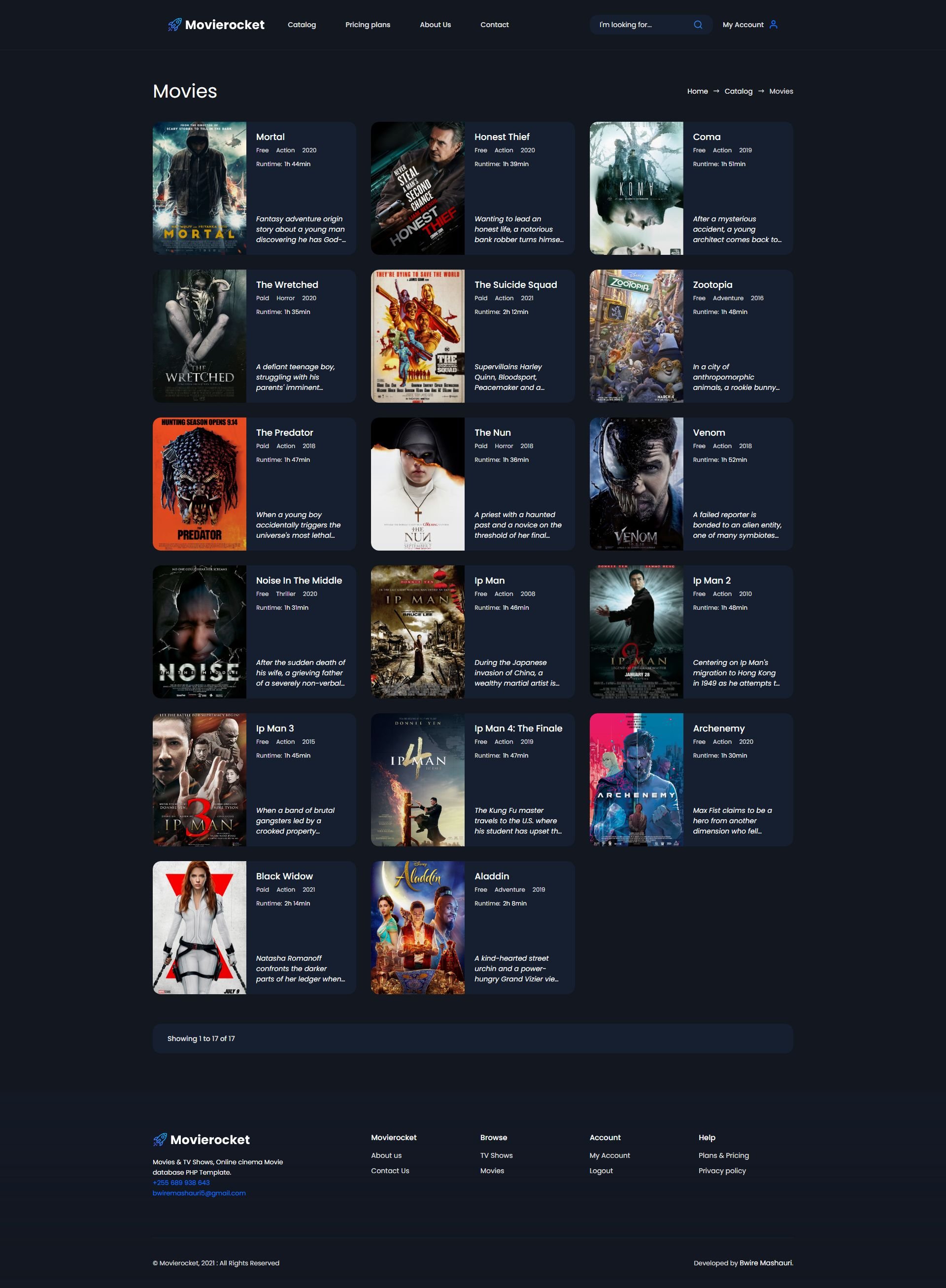

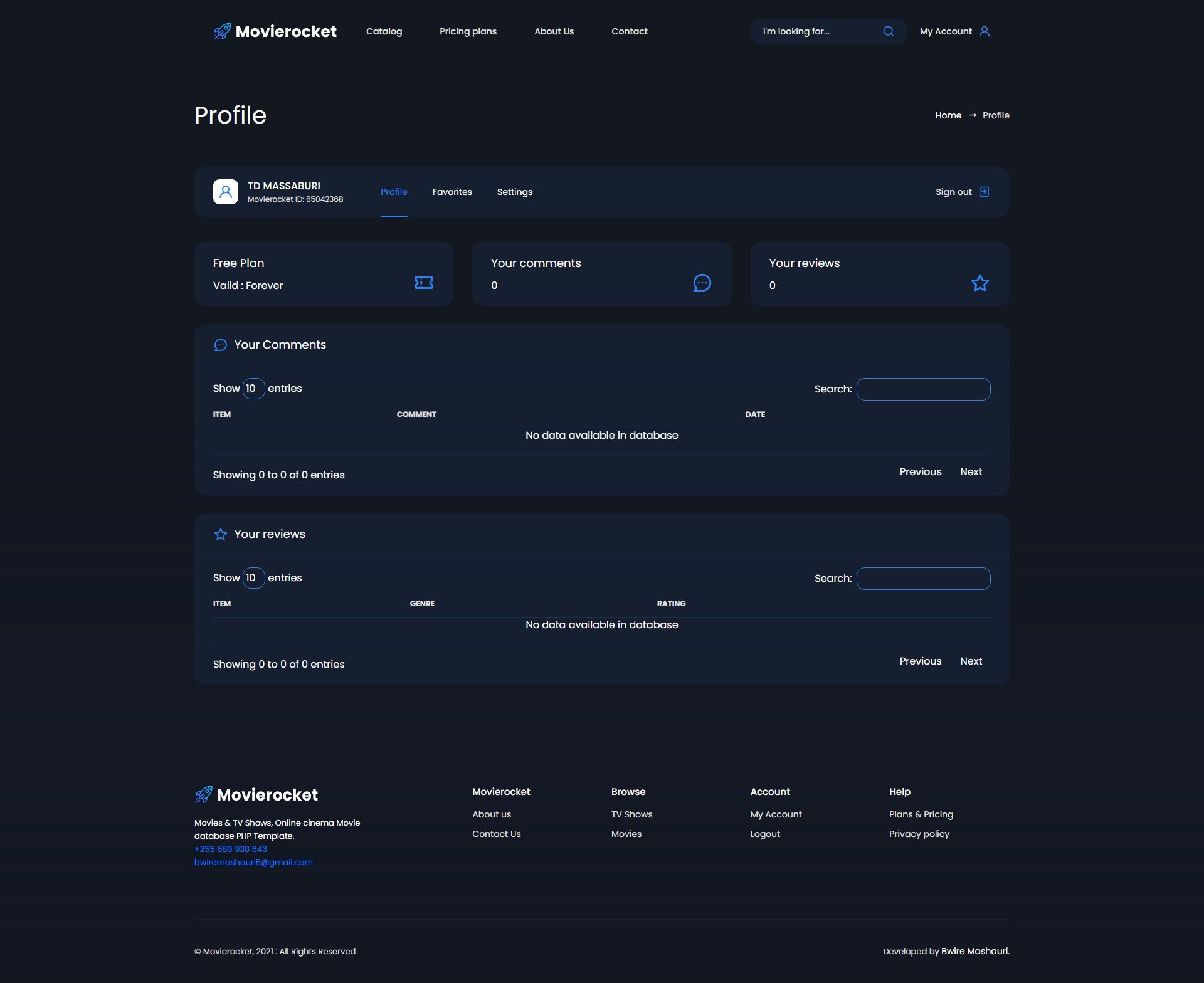
Overview
Movierocket is a modern and responsive PHP script. It’s come with a creative design, admin dashboard, different catalog and detail pages.
It’s suitable for online cinema, movie database, film review, online tv, tv shows & tv series
Admin Login
username : admin
password : mrocket2021
Features
- Direct link supported
- Streaming supported
- 2embed supported
- Import from TMDB
- Responsive Design (Desktop/Tablet/Mobile)
- Movies Add - Update - Delete - List
- Series Add - Update - Delete - List
- Episodes Add - Update - Delete - List
- Genres Add - Update - Delete - List
- Comments
- Reviews
- Change Visibility of Items
- Google Analytics Stats
- Settings - (logo,favicon,site name,seo settings,etc.)
- Profile Edit (Admin)
- Embeded Player
- Movie Lists - Tv Shows Lists
Requirements
- Apache 2 or higher, with:
- mod_rewrite
- PHP 7 or higher, with:
- MySQLi
- MySQL 5.7 or higher
Instructions
- Import the database.SQL file from the "MySQL" folder into your MySQL database using the import function available in MySQL.
- With a text editor open the following file located inside the 'Script/db/' folder: config.php, and replace what's between the quotes (eg: 'Your Database Host') with your MySQL settings:
//Database Server Name: DEFINE('DBHost','Your Database Host'); //Database Username: DEFINE('DBUser', 'Your Database Username'); //Database Password: DEFINE('DBPass','Your Database Password'); //Database Name: DEFINE('DBName','Your Database Name'); - Upload the files from the "Script" folder on the FTP server (usually public_html folder when installing it on a domain).
- Set the CHMOD to 777, 775 or 775 (depending on the server configuration) to the following folders: '/uploads/cover', '/uploads/thumbnail' and '/img/'.



Other items by this author


Free support
Future product updates
Quality checked by Codester
Lowest price guarantee
Not available
Future product updates
Quality checked by Codester
Lowest price guarantee


Additional options
|
PHP Script Installation Service
Don't worry about the installation of your script! Have your PHP Script installed for you.
|
$39 | Buy now |

Information
| Category | Scripts & Code / PHP Scripts / Multimedia / Video |
| First release | 10 August 2021 |
| Last update | 29 April 2025 |
| Software version | PHP 7.0, PHP 7.1, PHP 7.2, PHP 7.3, PHP 7.4, PHP 8.0, PHP 8.1, PHP 8.2, PHP 8.3 |
| Files included | .php, .css, .sql, Layered .png, Javascript .js |
| Tags | movies, online, video, stream, online tv, film, movie, trailer, tv shows, tv series, movie database, online cinema |