Home / Scripts & Code / VB.NET

Payroll Management System VB.NETPayroll Management System VB.NET
BEST PAYROLL MANAMGENT SYSTEM MANUAL ENTRY . VERY EASY TO USE THIS SYSTEMHome / Scripts & Code / VB.NET
Payroll Management System VB.NET
BEST PAYROLL MANAMGENT SYSTEM MANUAL ENTRY . VERY EASY TO USE THIS SYSTEM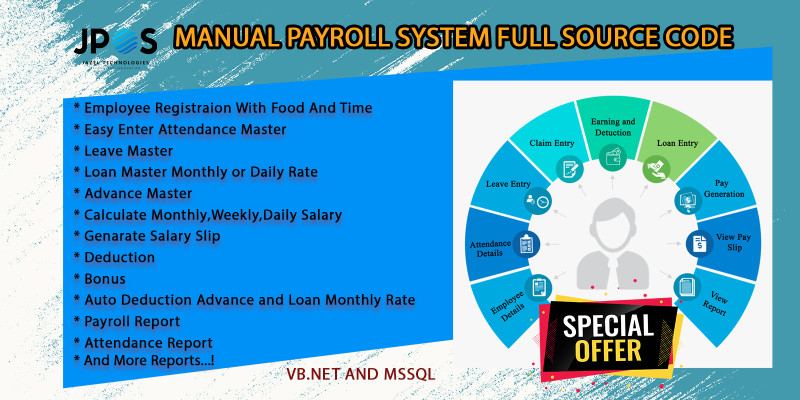
Screenshots
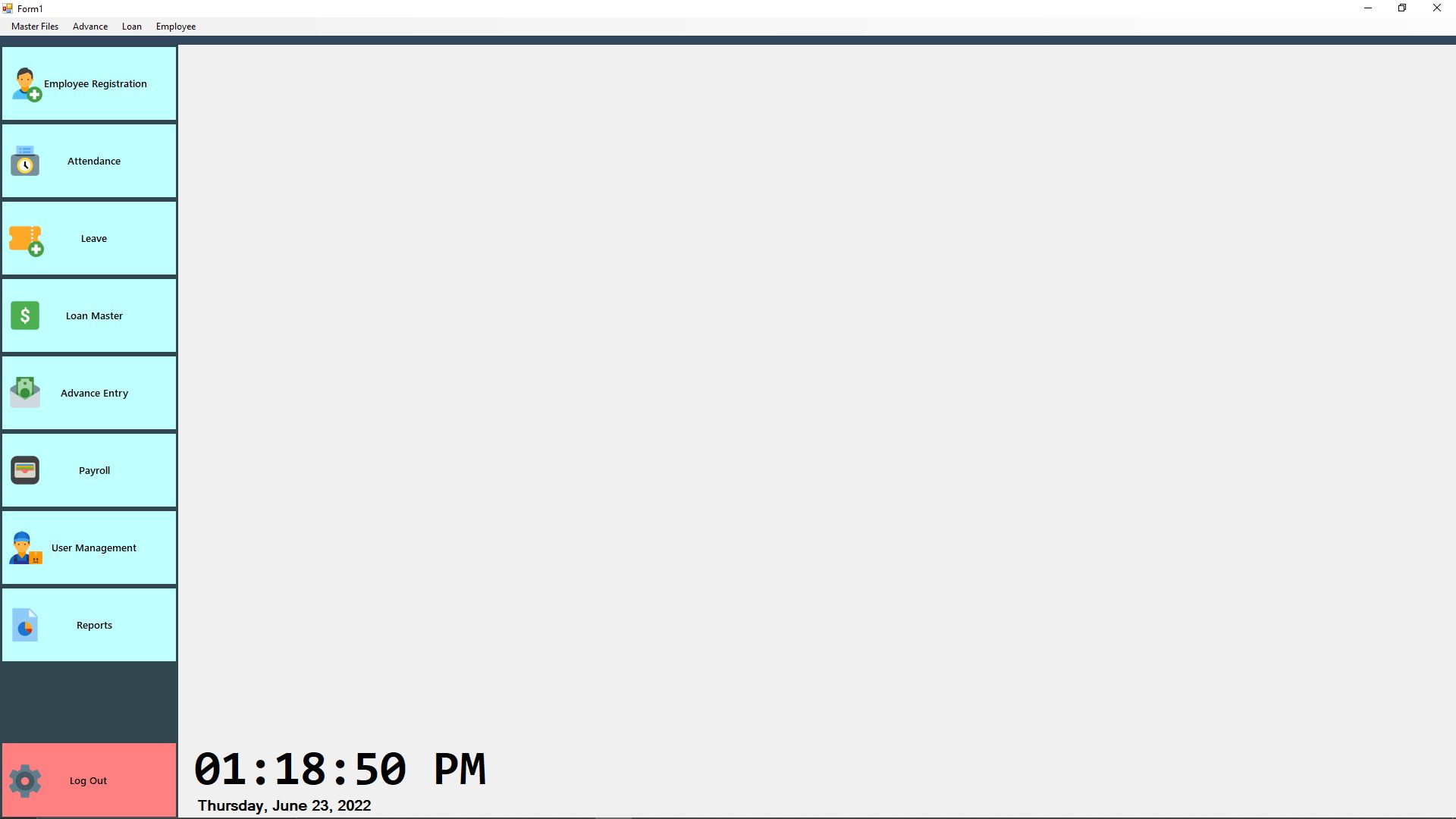
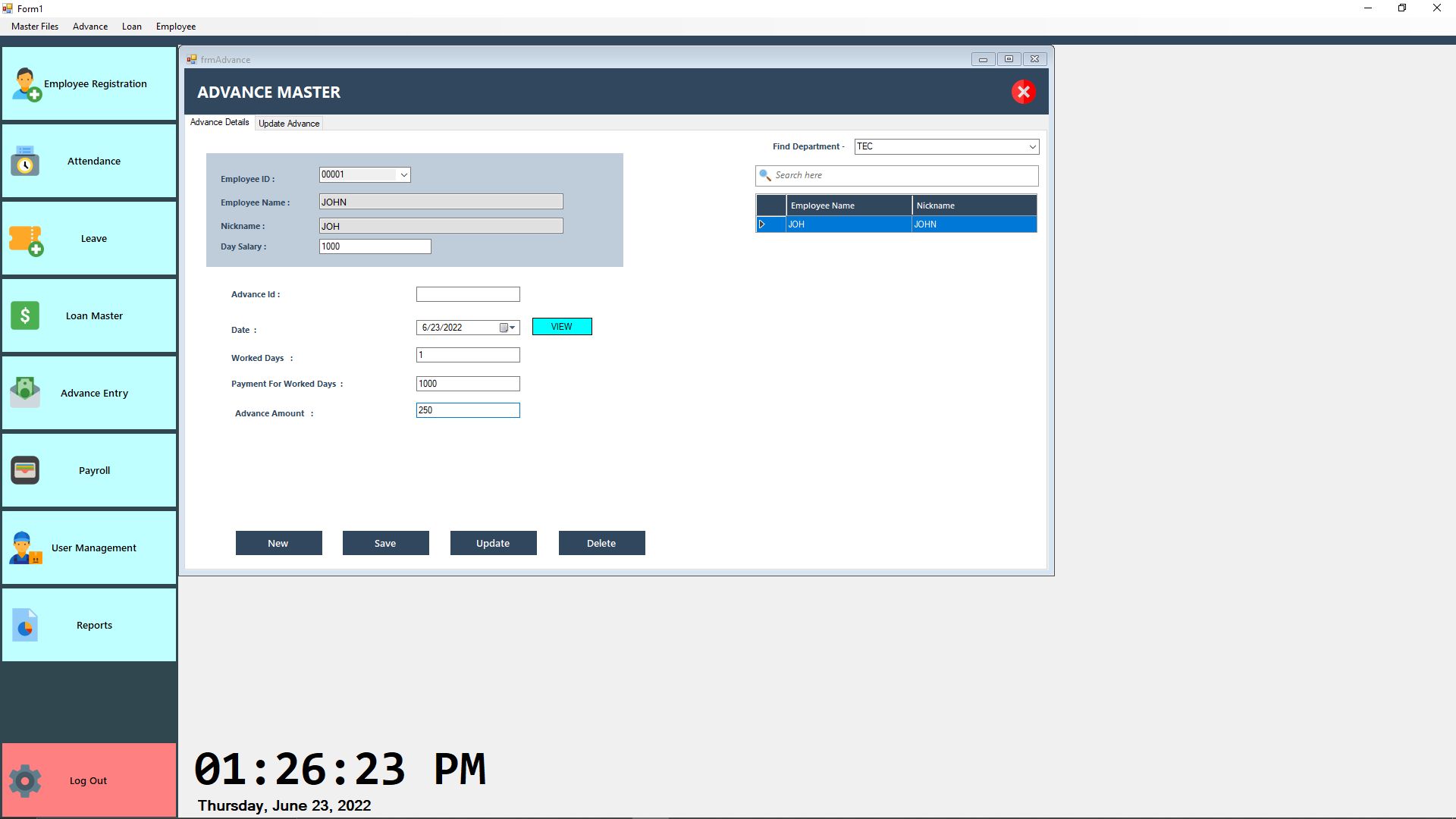

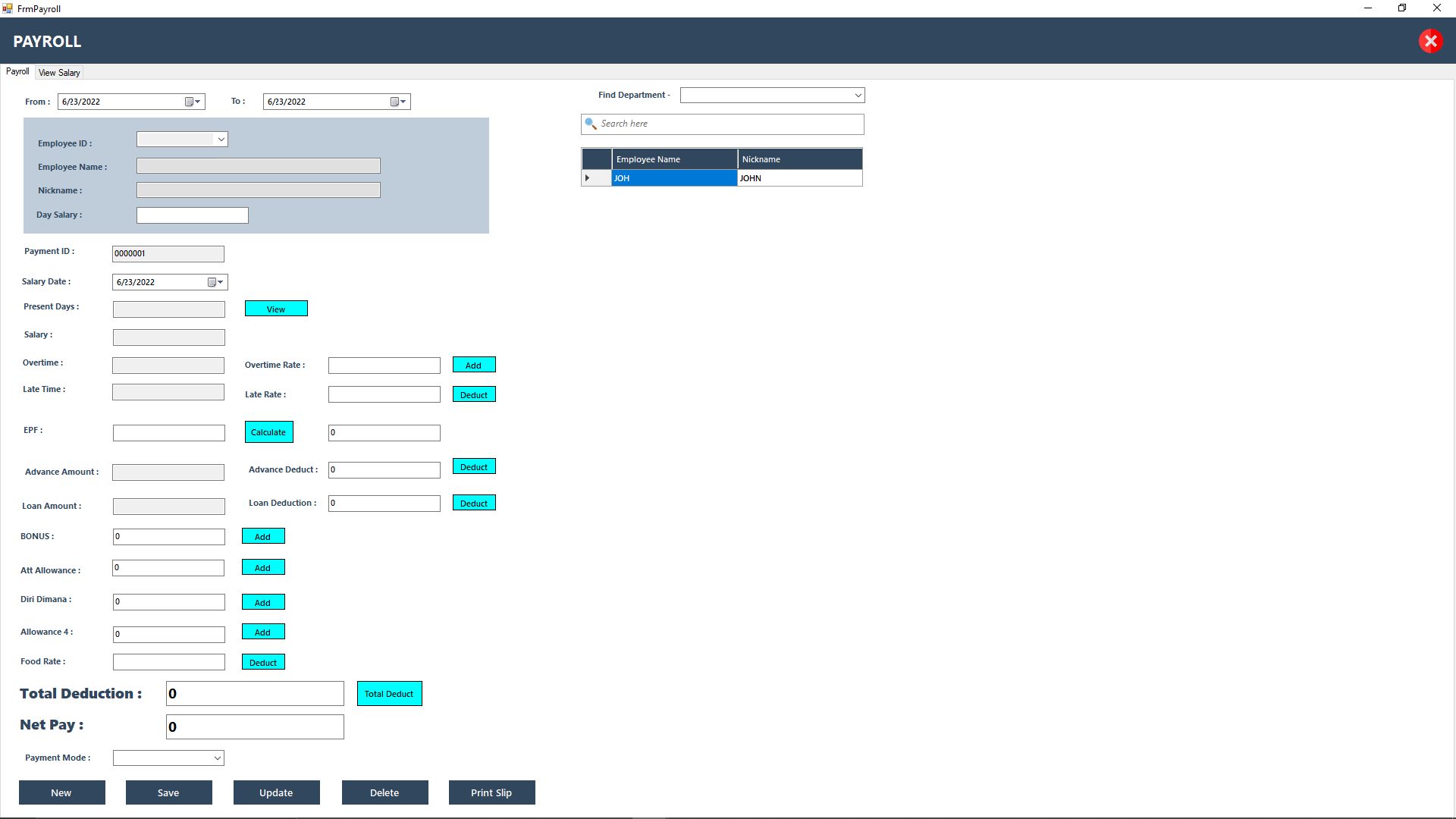

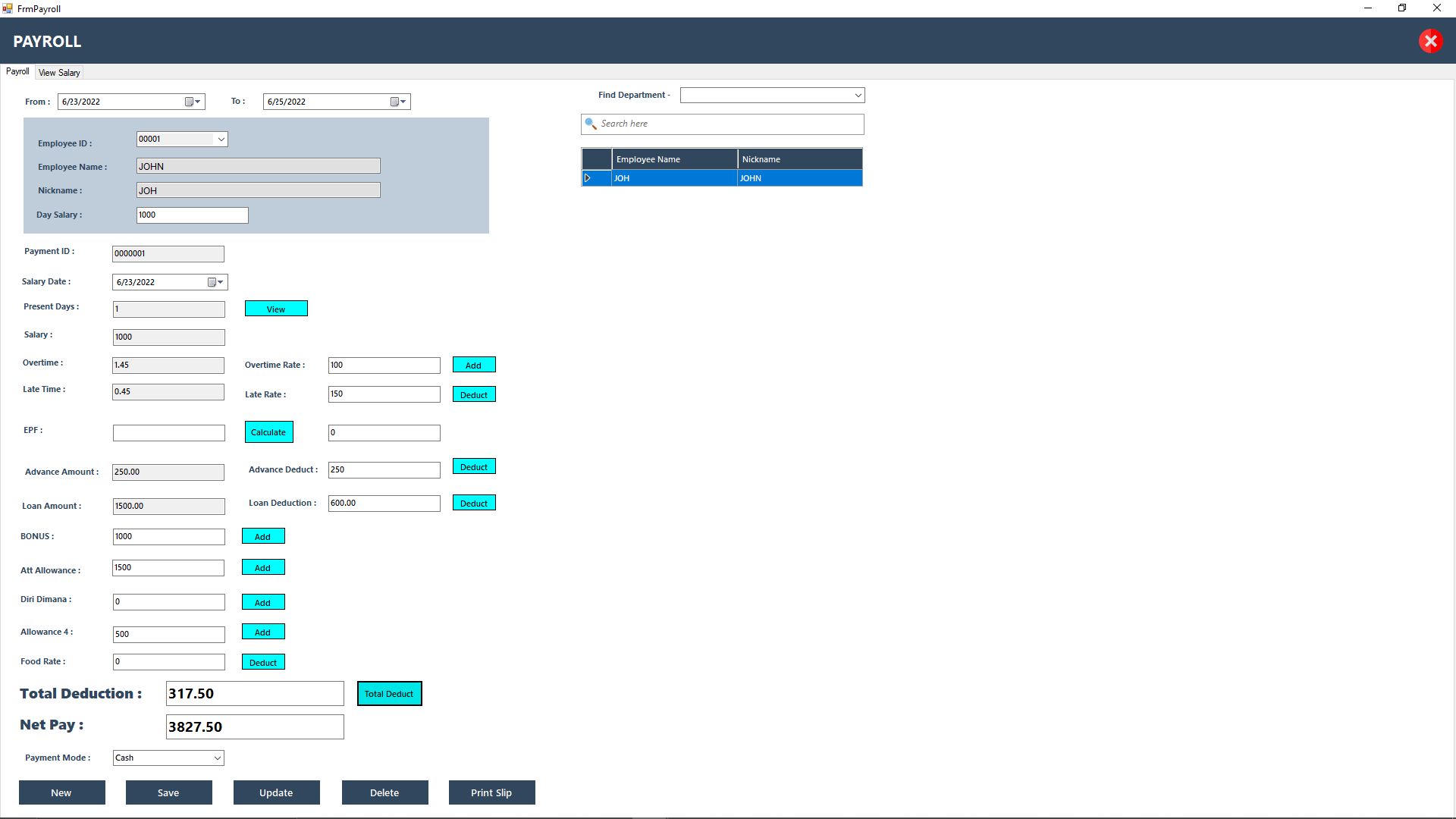

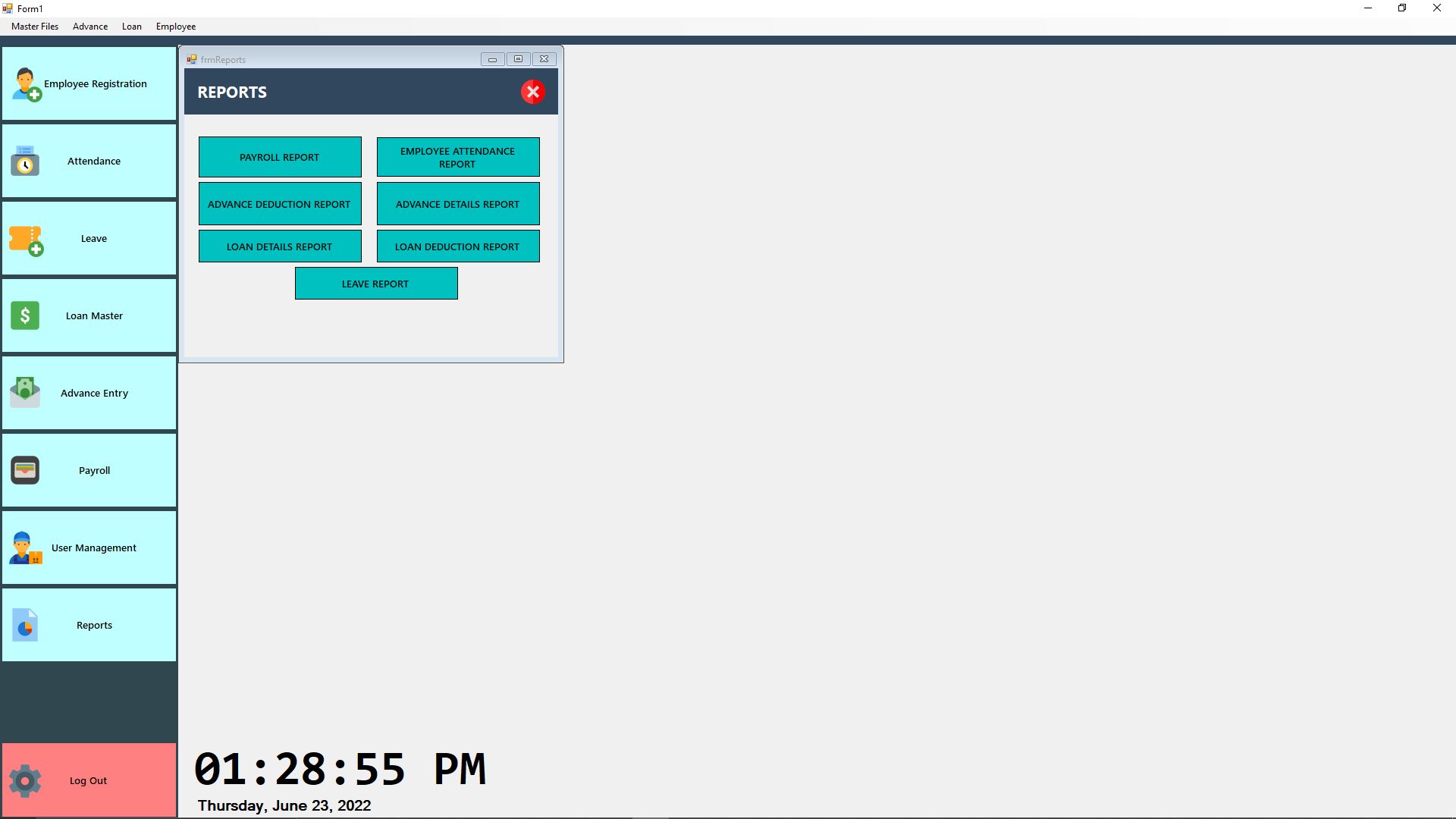
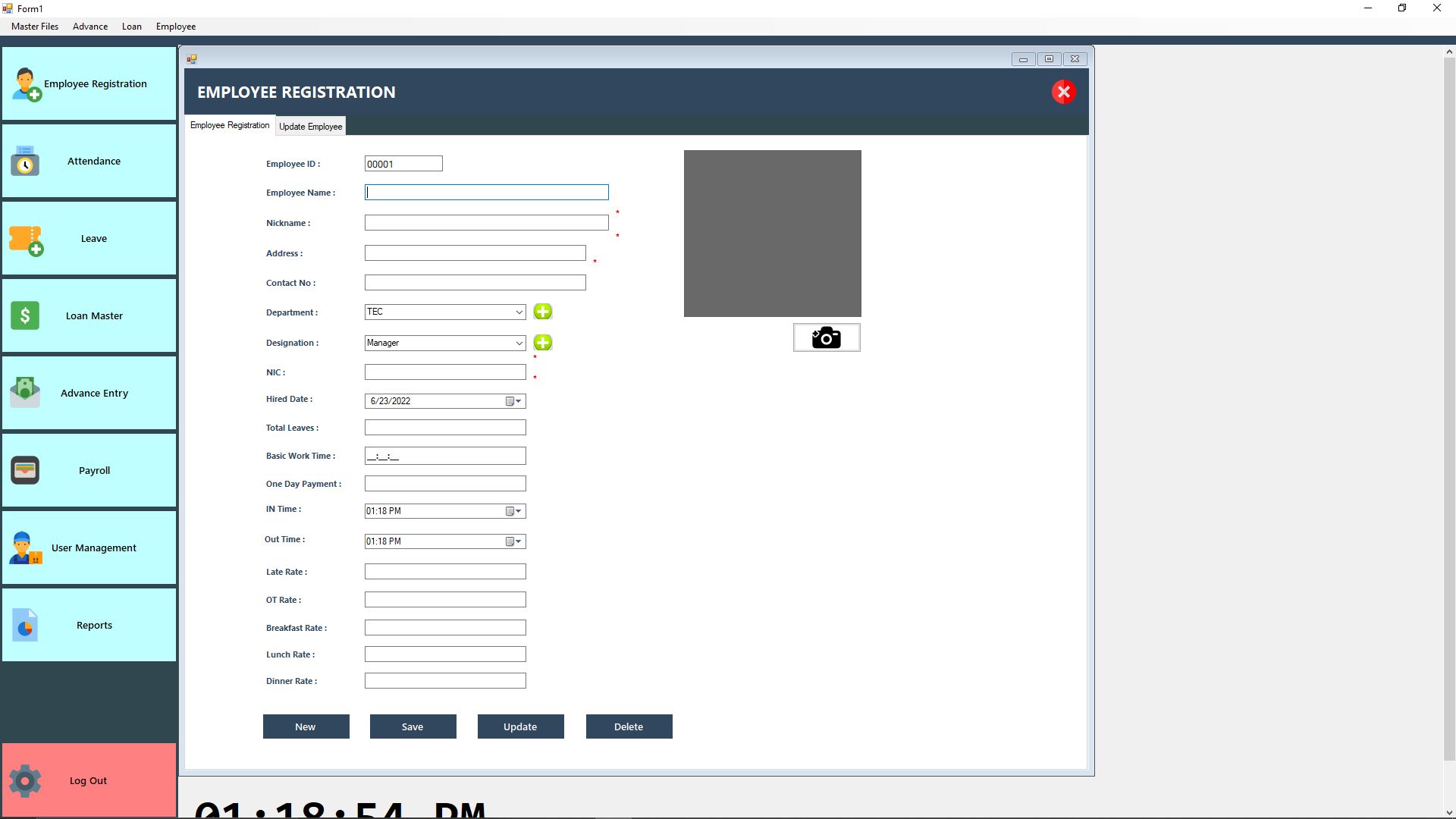
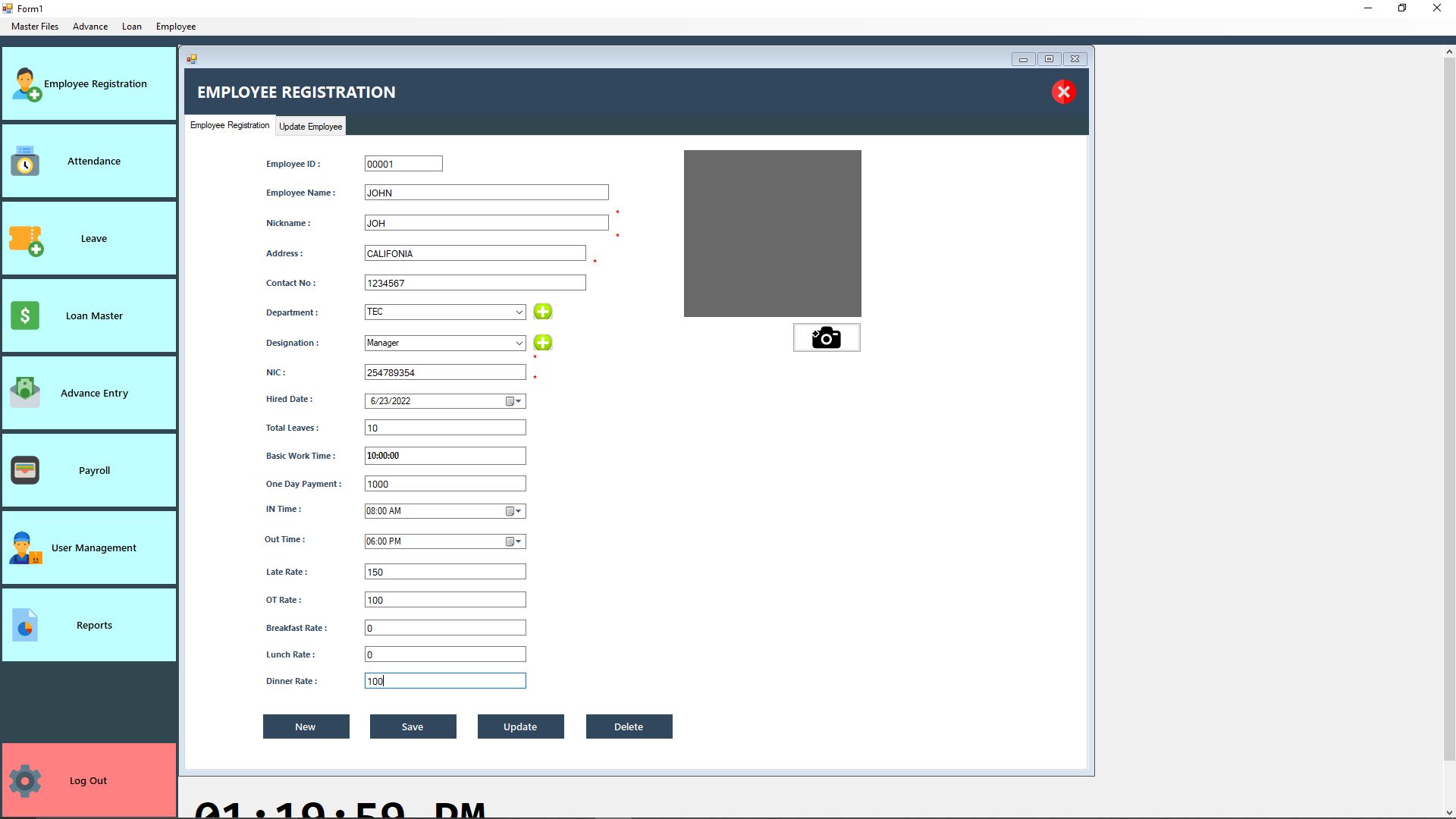
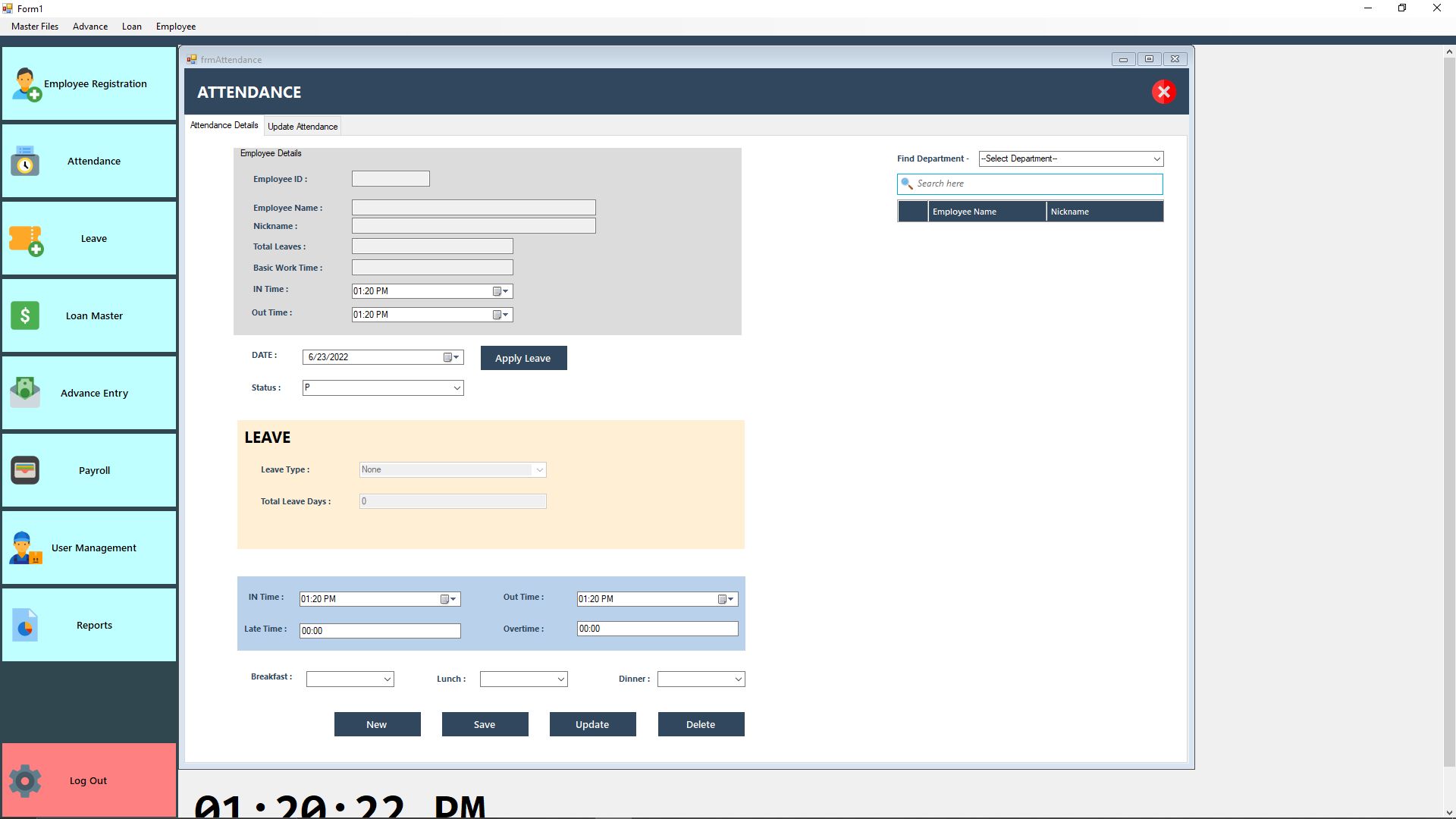

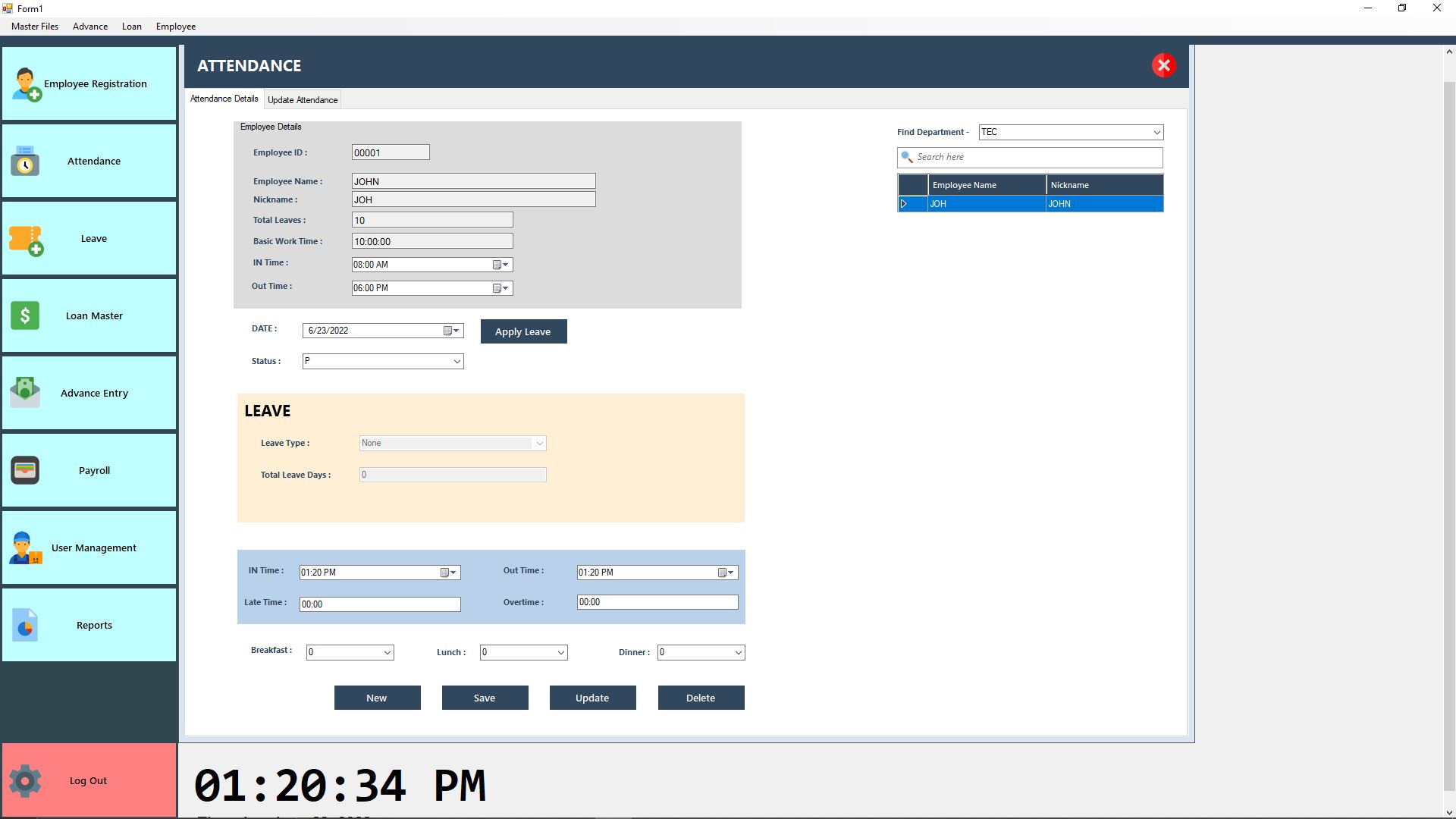
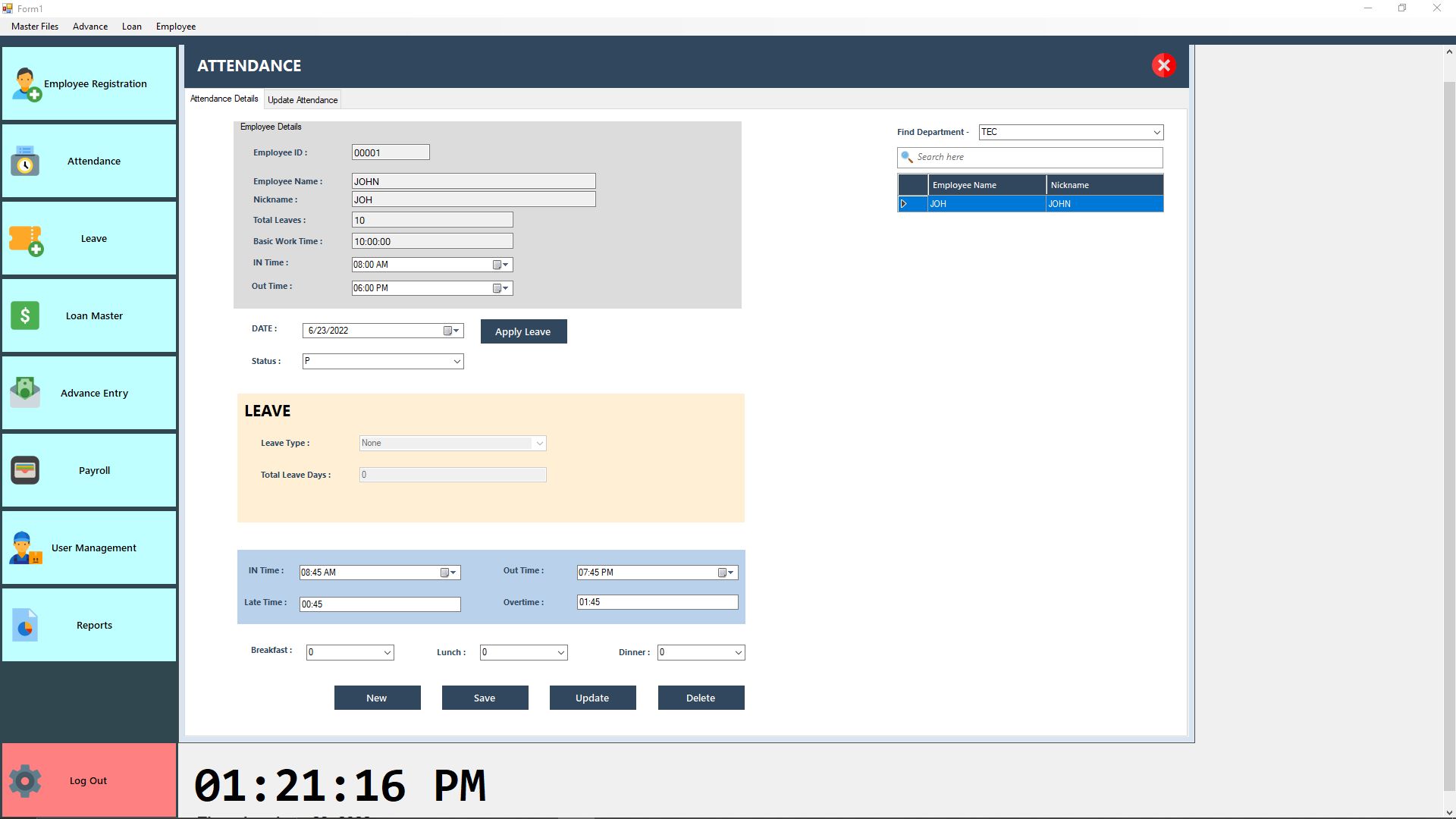

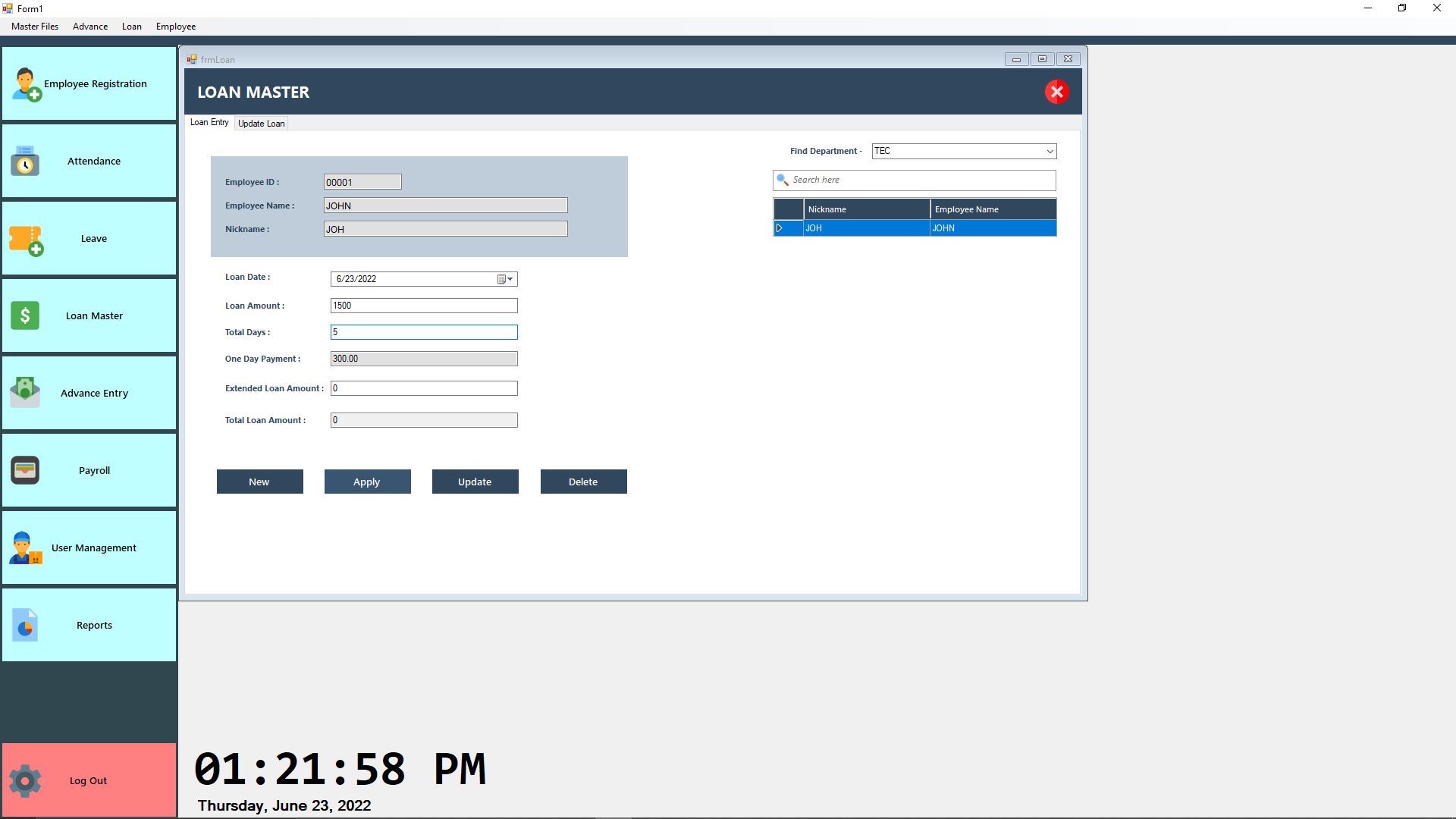
Overview
Full Source code Included (PayrollManagement.sln, .vb , PayrollManagement.sql, Runtime Setup File, Database Schema, Documentation )
- Uses Technology in Attendance and Payroll Management Software:
- Windows Forms Application (Desktop)
- Visual Studio 2015 VB.NET
- Microsoft SQL Server 2008 R2
- Microsoft SQL Server Compact 4.0
- SAP Crystal Report
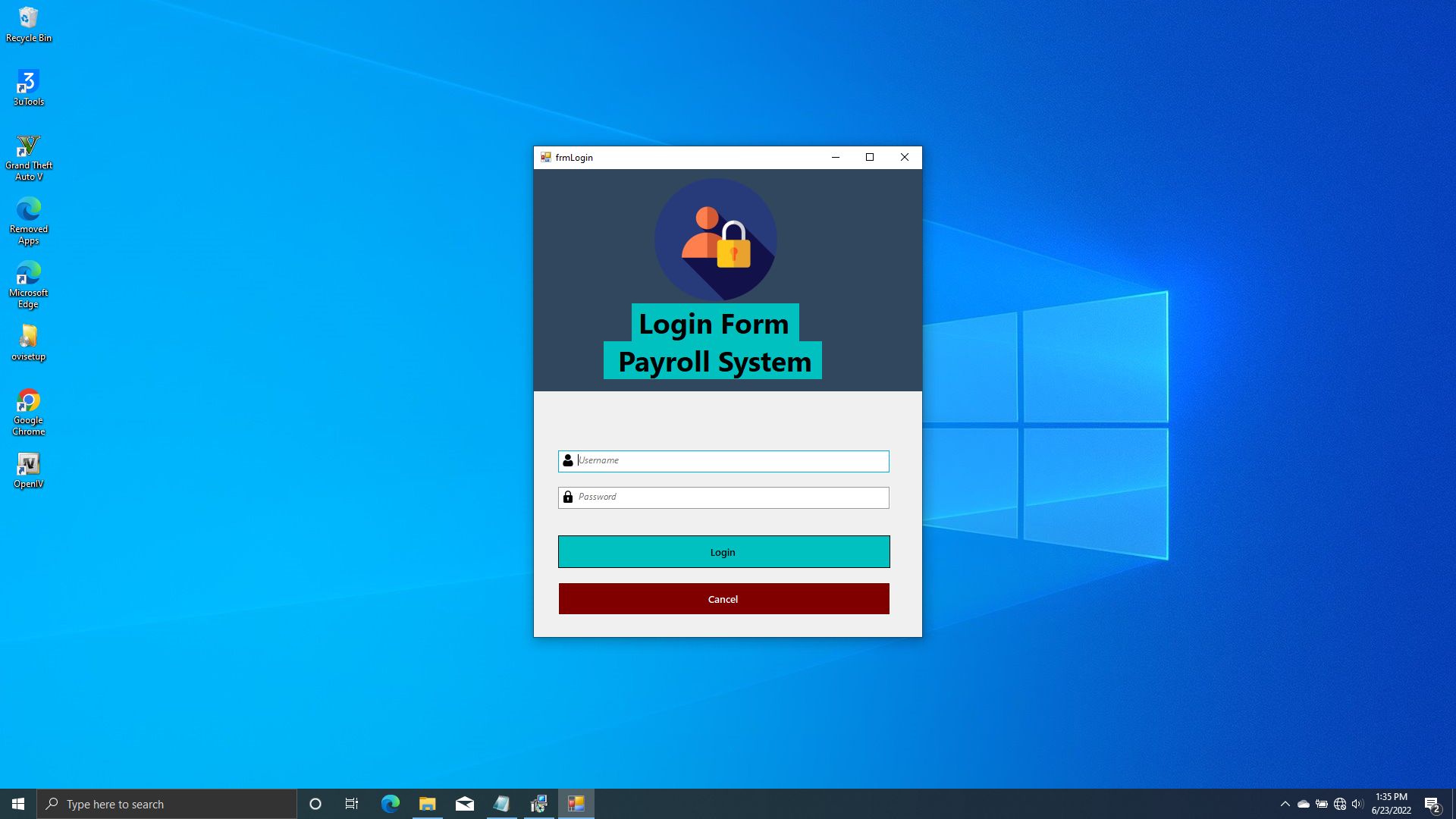
LOGGING DETAILS
Username - Admin
Password - 123
Features
* Employee Registration With Food And Time
* Easy Enter Attendance Master
* Leave Master
* Loan Master Monthly or Daily Rate
* Advance Master
* Calculate Monthly, Weekly, Daily Salary
* Generate Salary Slip
* Deduction
* Bonus
* Auto Deduction Advance and Loan Monthly Rate
* Payroll Report
* Attendance Report
* And More Reports...!
Requirements
- System Requirements:
- Operating system: Windows XP or Higher version
- Supported editions: 32-bit and 64-bit
- Preinstalled with the OS: .NET Framework 4.6
- Hardware requirements:
- 1 GHz or faster processor
- 512 MB of RAM or Higher
- 850 MB of available hard disk space (x86)
- 2 GB hard drive (x64)
Instructions
Download and install Microsoft SQL server 2008 R2, if you don't have the version.
Step-1
Please download Microsoft SQL Server 2008 R2
Step-1
- To open SQL Server Management Studio 2008 R2, right-click the SQL Server Management Studio icon on the Start menu, and then click Run as Administrator.
- Select Server type: Database Engine, Server Name: (local), Authentication: Windows Authentication
- Click Connect
Step-2
- After login SQL server management studio, Right click on Database folder and click New Database …
- New database window will appear
Step-3
- Provide database name (PayrollManagment) in the database name text box.
- Scroll right database file grid view & find out path header; clickfor put your database file and database log file into same folder. Default path is C:Program FilesMicrosoft SQL ServerMSSQL10_50.MSSQLSERVERMSSQLDATA
- If a path is specified, click OK button
Step-4
- Once finished, click & expand database folder.
- Right click on PayrollManagment and click New Query
Step-5
- Copy all text from PayrollManagment.sql files with note pad, copies all code and paste into New Query Panel select database (PayrollManagment) from combo box and press F5 or Execute
Step-6
- Once Query executed successfully, Right click on SQL Server and click Refresh.
- Expand Databases - > PayrollManagment -> Tables
Please drop us a note with your feedback, suggestions or questions. For technical support or general queries you can contact us via: Email: [email protected]
DON’T FORGET TO RATE THIS ITEM
Thank you very much!
Other items by this author





Information
| Category | Scripts & Code / VB.NET |
| First release | 20 August 2022 |
| Last update | 7 February 2023 |
| Files included | .sql, .vb |
| Tags | HRM, payroll, payroll management system, h=human resource system, salary software, payrollsystem |