Gallery Grid For Angular And IonicGallery Grid For Angular And Ionic
Responsive gallery for Angular v2/v4 and Ionic v2/v3
Gallery Grid For Angular And Ionic
Responsive gallery for Angular v2/v4 and Ionic v2/v3
Screenshots
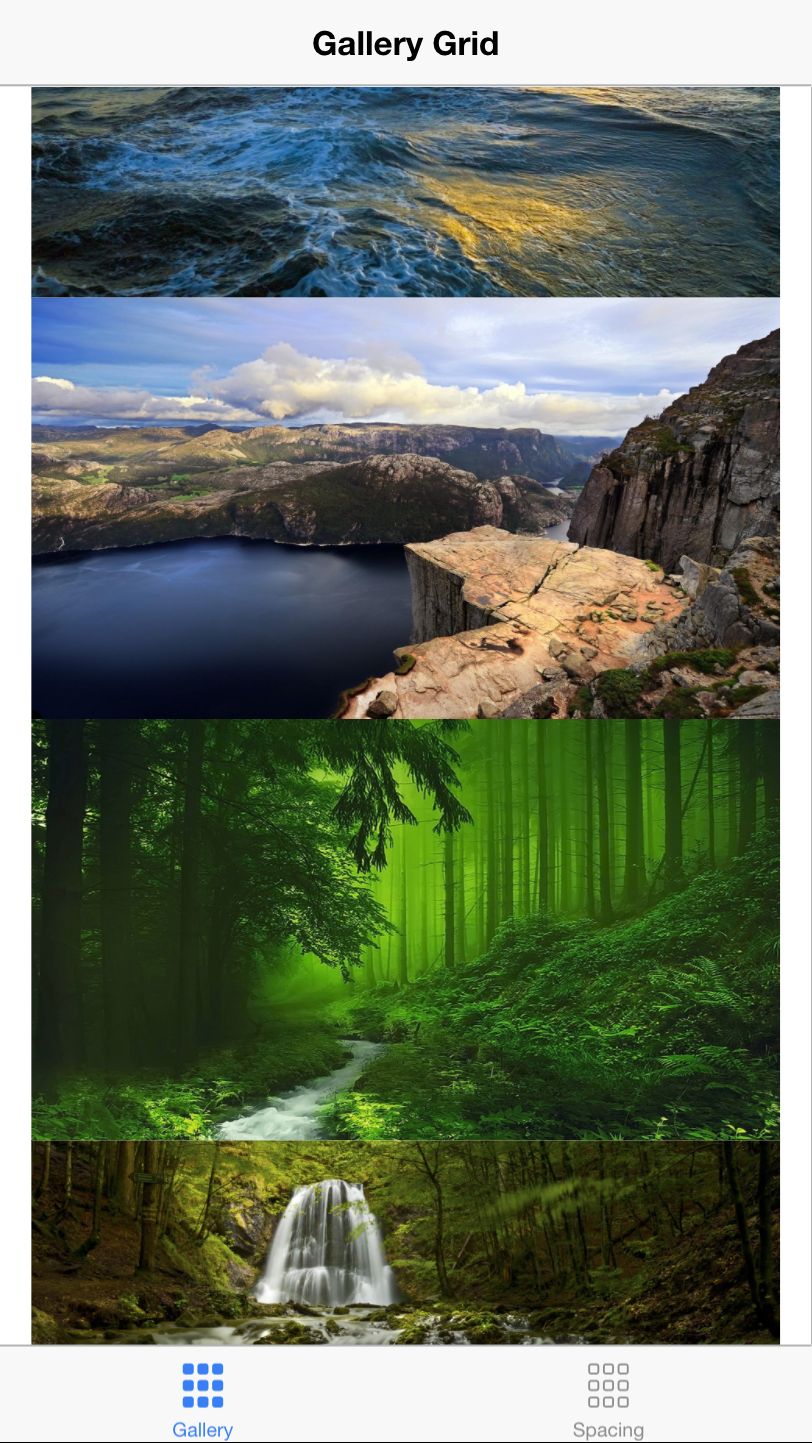
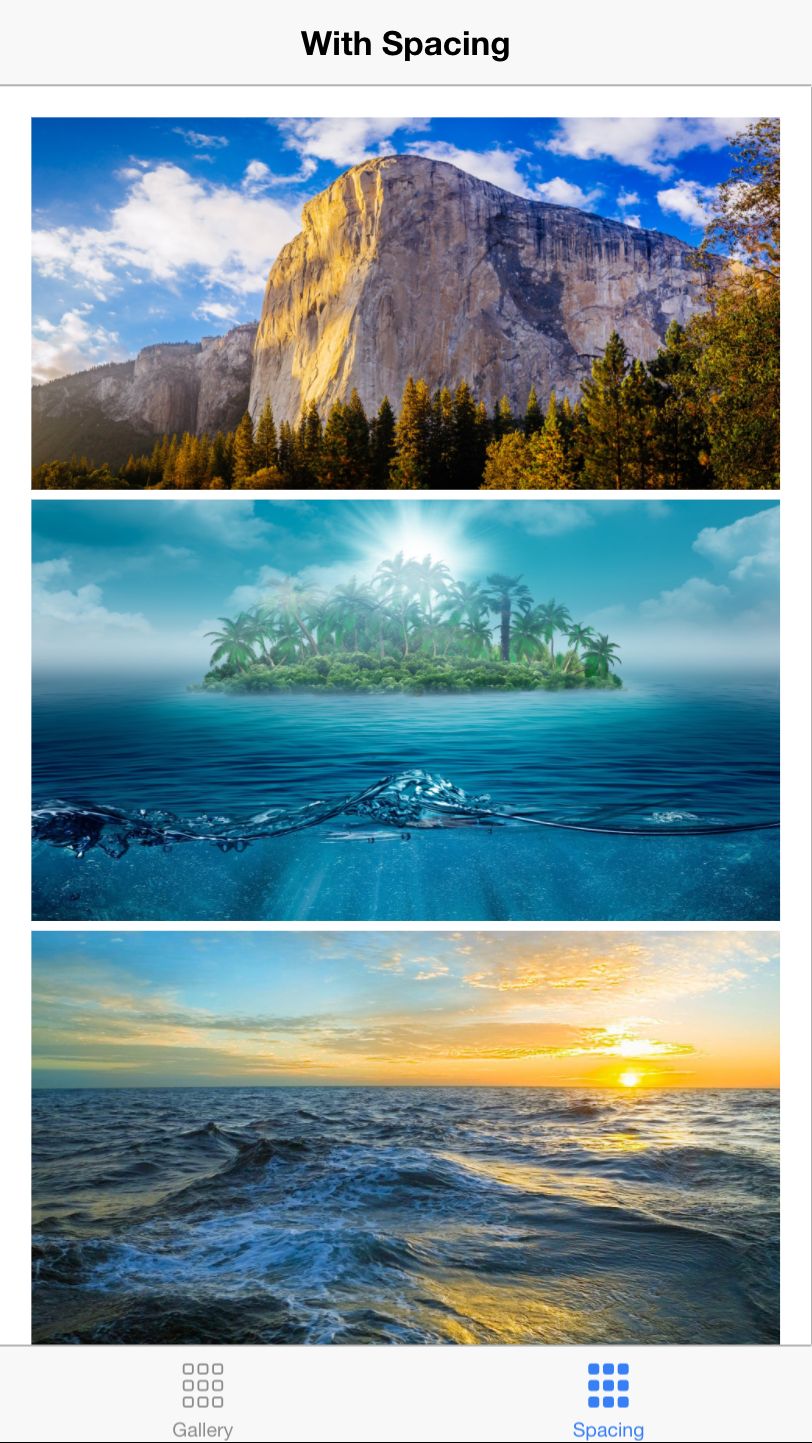

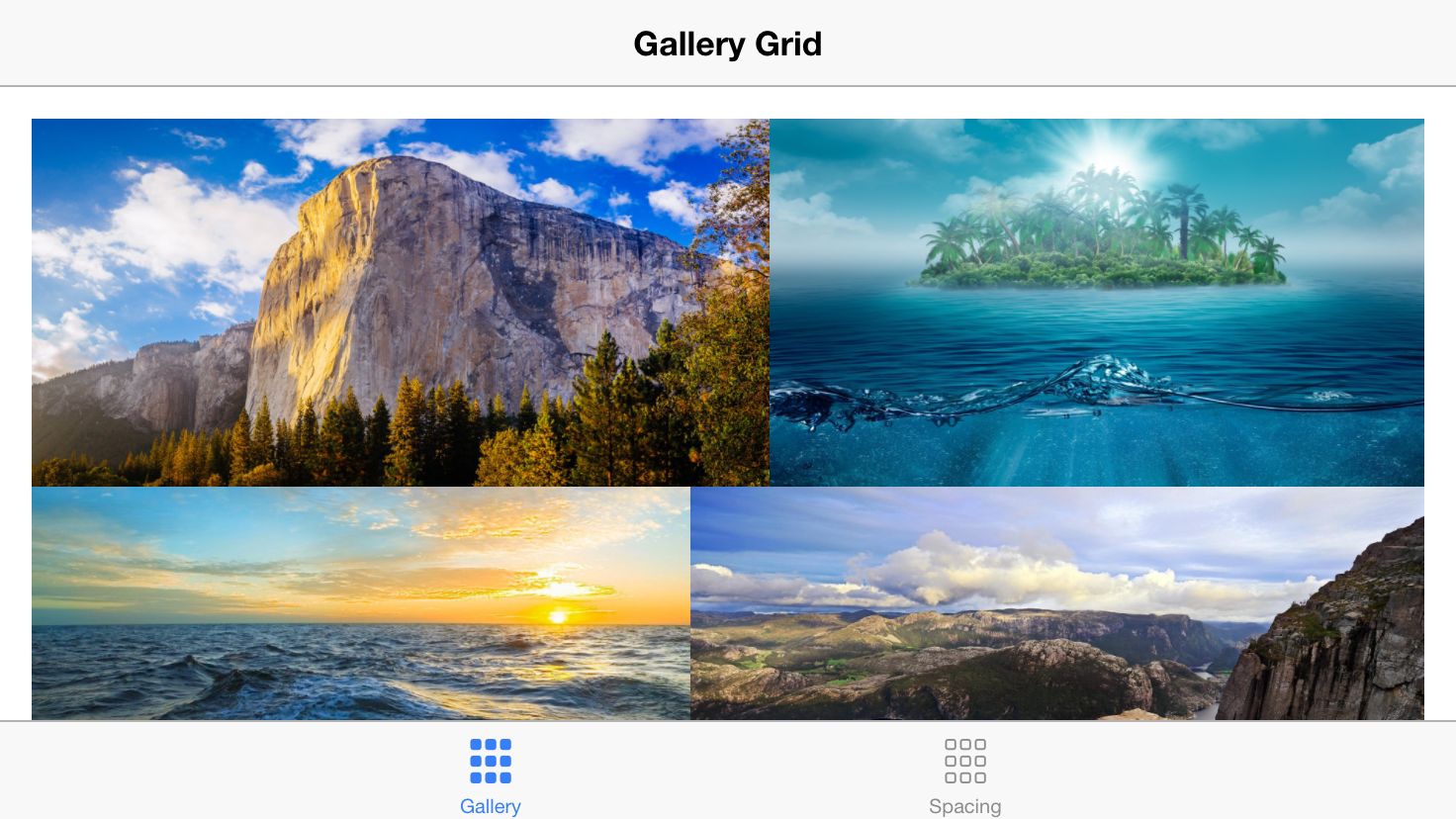

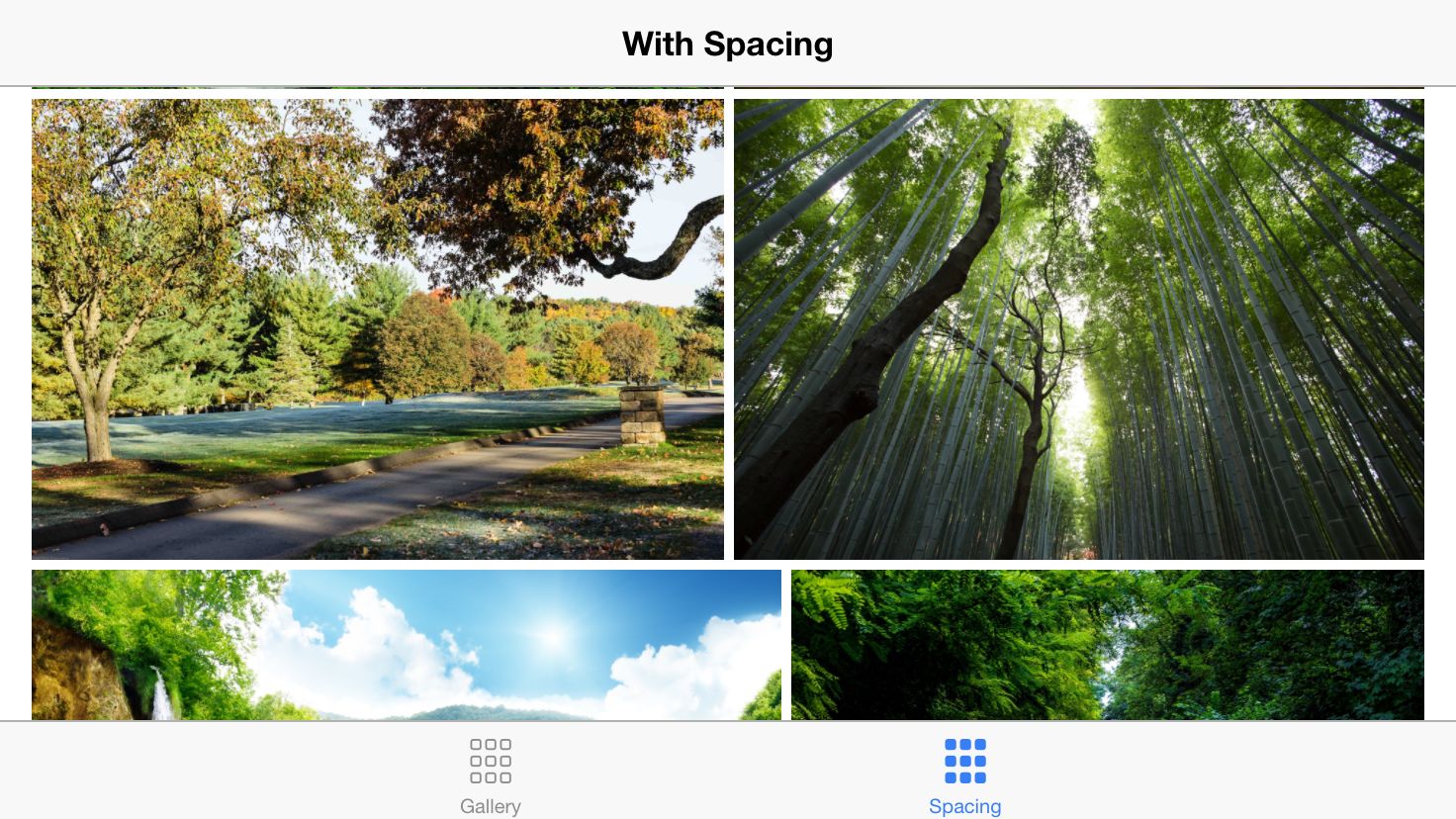
Overview
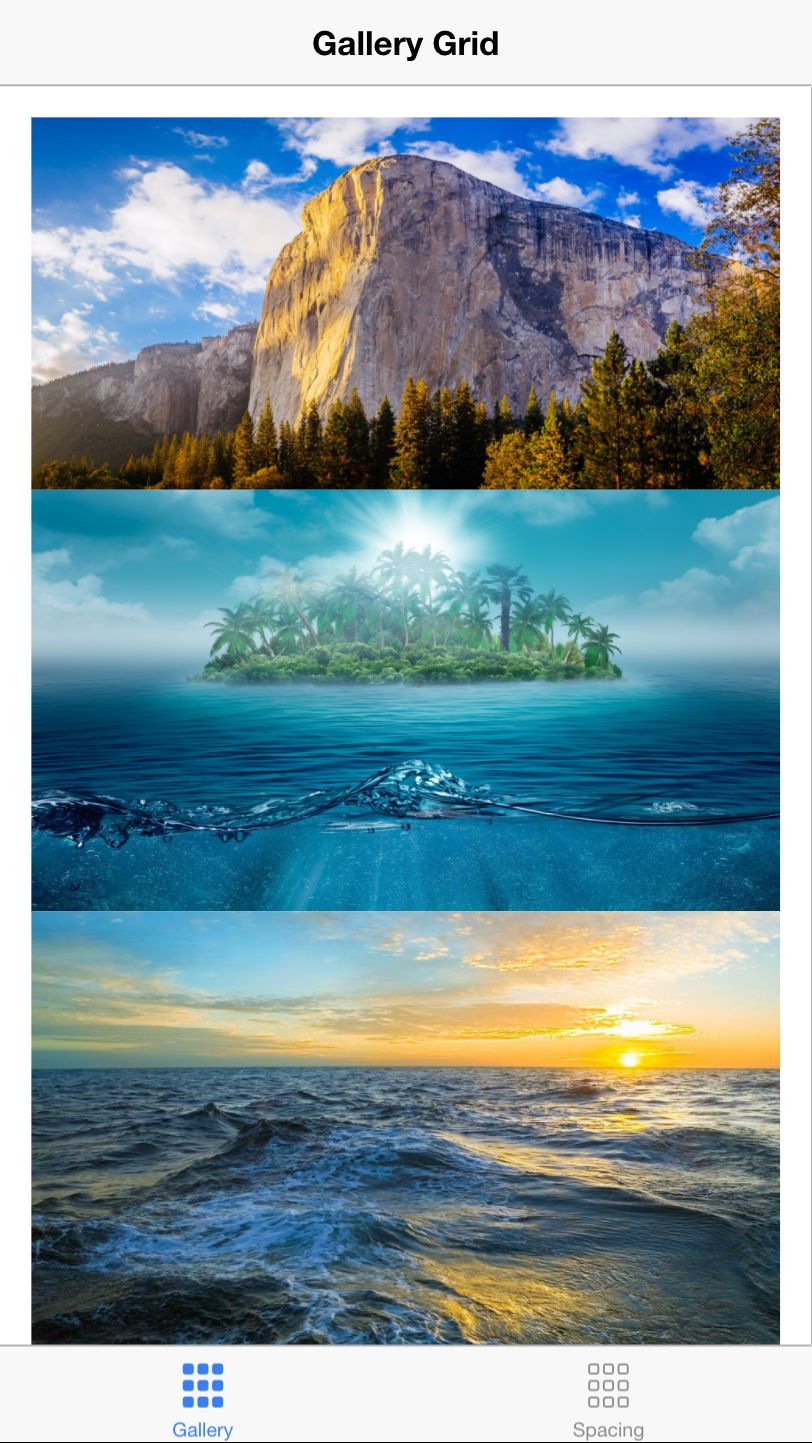
Gallery Grid for Angular v2/v4 and Ionic v2/v3 is the component for integrating responsive gallery into you app (demo)
Features
- Define rules by which images will be broken to rows inside the gallery
- Define spacing between images
- Implement custom adapter class that would adapt your custom component within gallery
Instructions
Installation:
- Download the zip file and unzip it;
- Copy files from
mama-gallery-grid/srcand paste them intosrcfolder within your project; - Import component in
app.module.ts:
import { MamaGalleryGrid } from 'path/to/mama-gallery-grid';
...

@NgModule({
    declarations: [
        ...,
        MamaGalleryGrid
    ],
    ...
})
export class AppModule {}
Usage:
In your view, add:
<!-- Other content -->
<mama-gallery-grid>
    <img *ngFor="let image of images"
         [src]="image.url"
         [attr.data-image-width]="image.width"
         [attr.data-image-height]="image.height">
</mama-gallery-grid>
<!-- Other content -->
Options:
[breakingRules](optional array in format{ maxWidth: number, maxColumns: number }[]) - rules by which images will be broken to rows inside the gallery;maxWidth- Width of the gallery component;maxColumns- Number of columns in the gallery when gallery width is lower than maxWidth;
Default value:
[
    {
        maxWidth: 480,
        maxColumns: 1
    },
    {
        maxWidth: 1024,
        maxColumns: 2
    },
    {
        maxWidth: Number.MAX_VALUE,
        maxColumns: 3
    }
]
[spacing](optional number, default is 0) - spacing between images;- Content elements/images need to have
data-image-widthanddata-image-heightattributes with values set to original dimensions of an image.
Currently gallery works same with any HTML element (works with any element that controls sizing through css properties). If you want to implement custom HTML element inside the gallery, do following steps:
- Import
ItemAdapter,ItemStylingOptionsandregisterItemAdapterfrommama-gallery-grid; - Create class
MyItemAdapterthat implementsItemAdapter; - Add instance of
MyItemAdaptertoregisterItemAdapter;
Sample:
import {
    ItemAdapter,
    ItemStylingOptions,
    registerItemAdapter
} from 'path/to/mama-gallery-grid';

class MyItemAdapter implements ItemAdapter {
    styleElement(element:any, options:ItemStylingOptions) {
        element.widthProperty = `${options.width}px`;
        element.heightProperty = `${options.height}px`;
        element.marginTopProperty = `${options.marginTop}px`;
        element.marginLeftProperty = `${options.marginLeft}px`;
        element.style.display = 'block';
        element.style.float = 'left';
    }
}

registerItemAdapter('my-custom-element', new MyItemAdapter());