Aroma Drips - React Drinks Ordering TemplateAroma Drips - React Drinks Ordering Template
a sleek, lightning-fast ordering system that makes customers fall in love with your drink menu, reliable
Aroma Drips - React Drinks Ordering Template
a sleek, lightning-fast ordering system that makes customers fall in love with your drink menu, r...
Screenshots

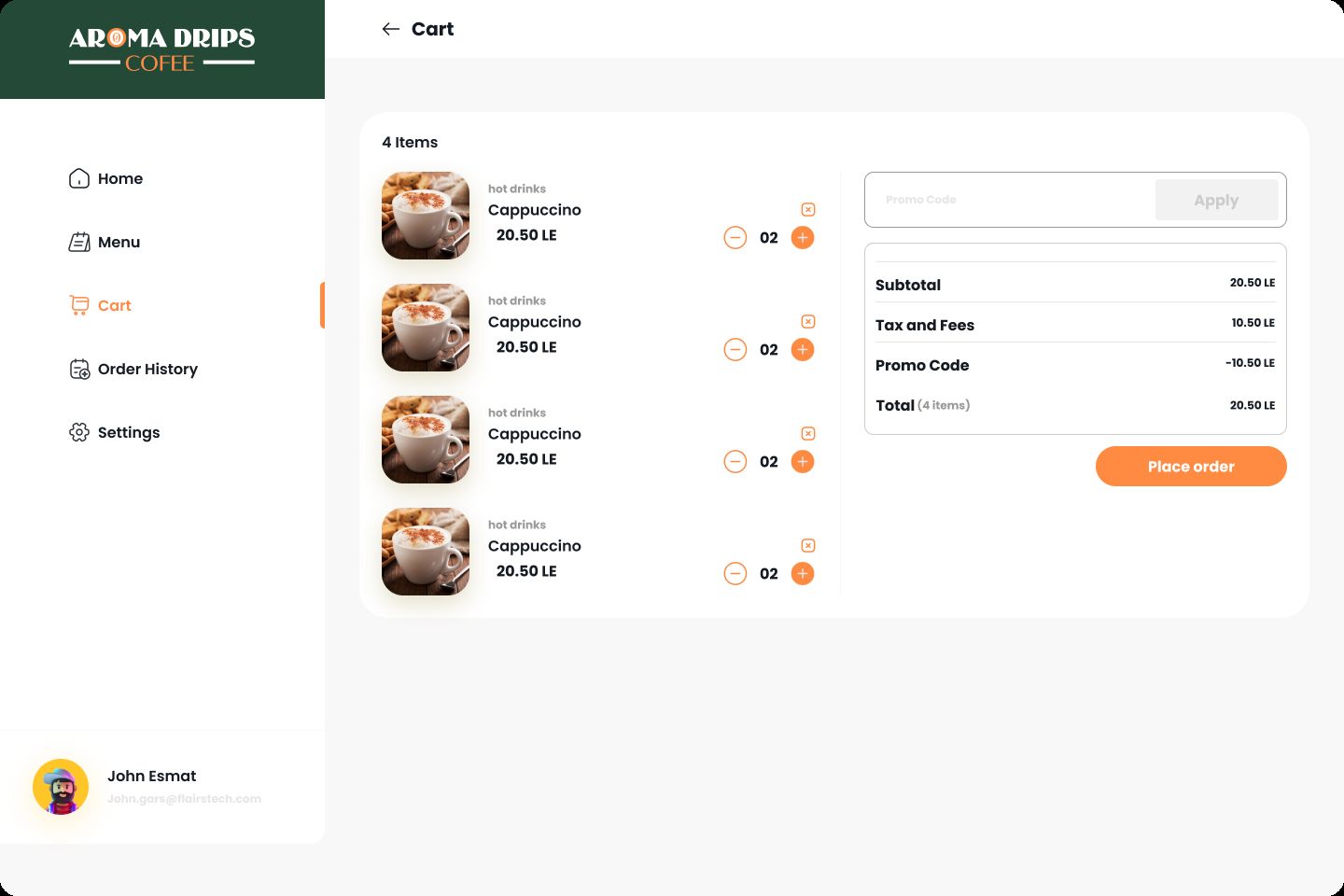

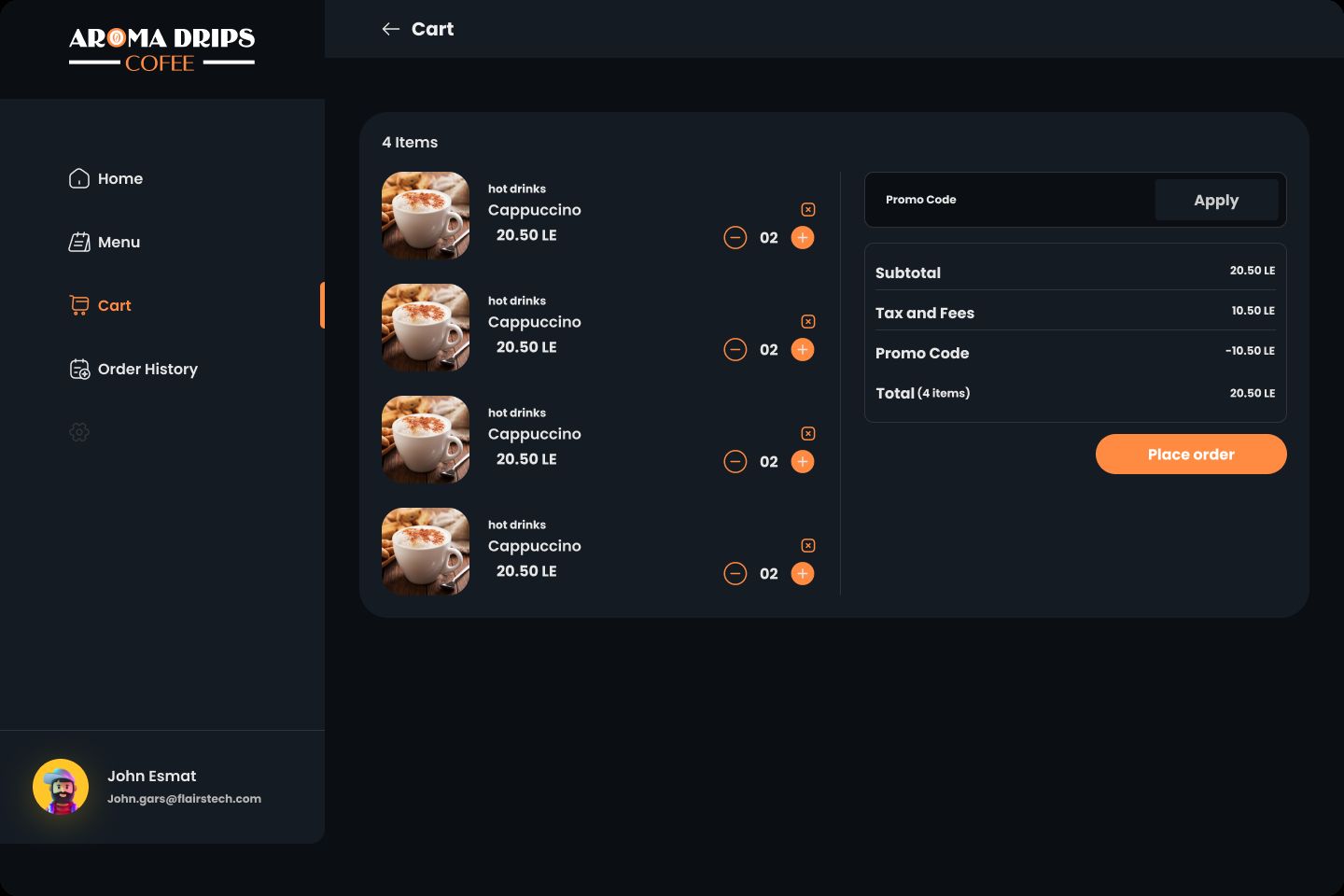
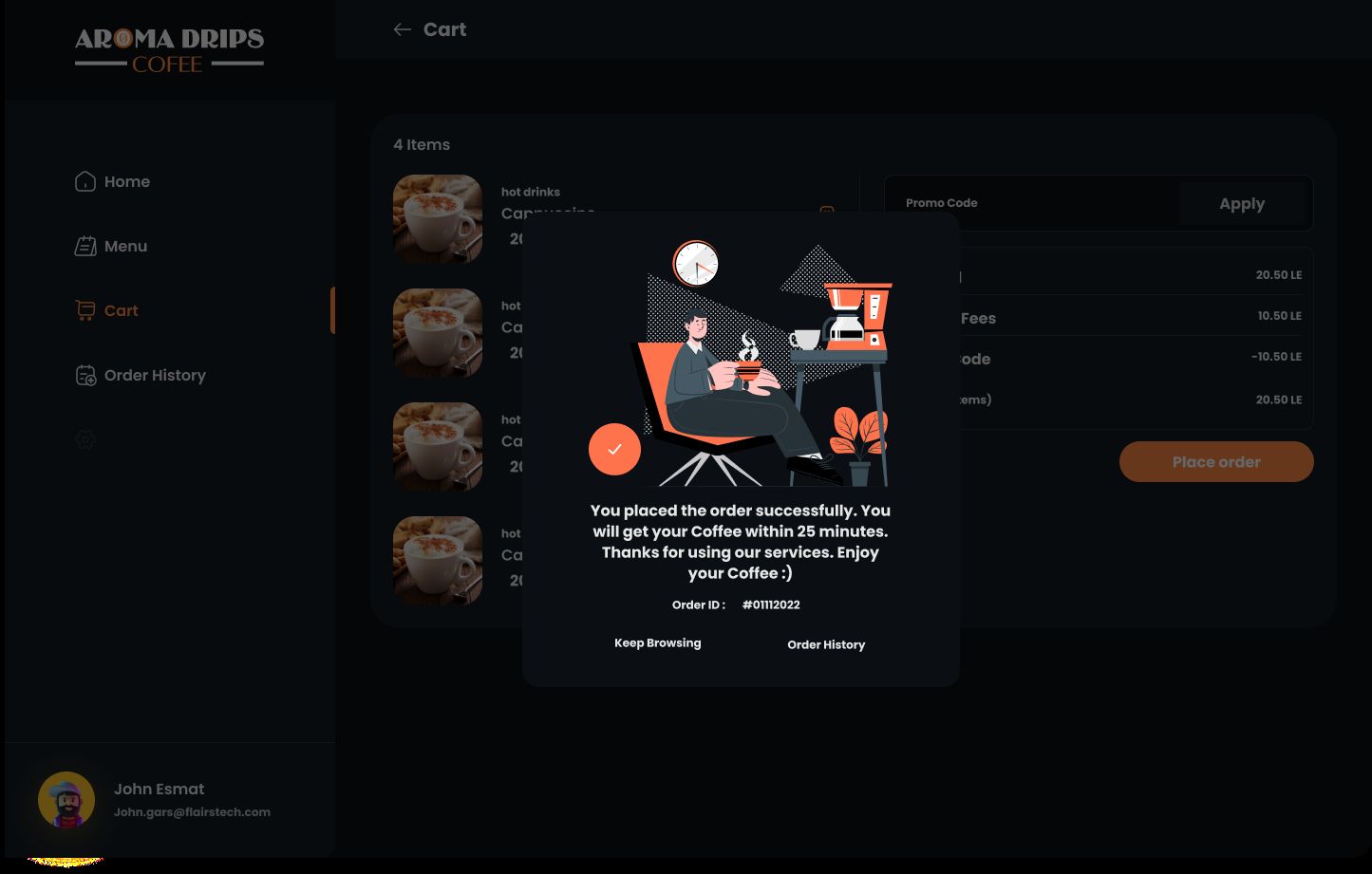
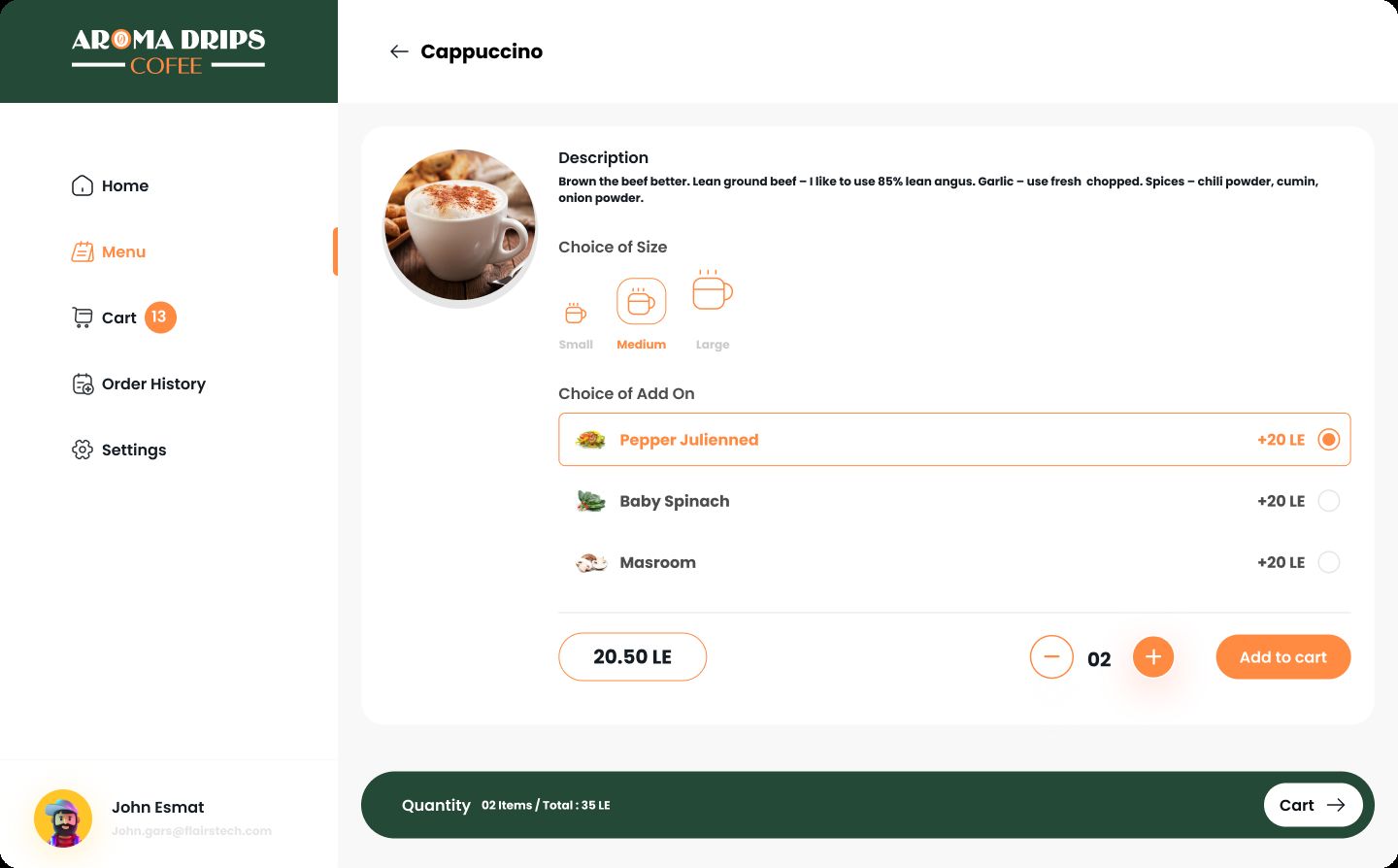
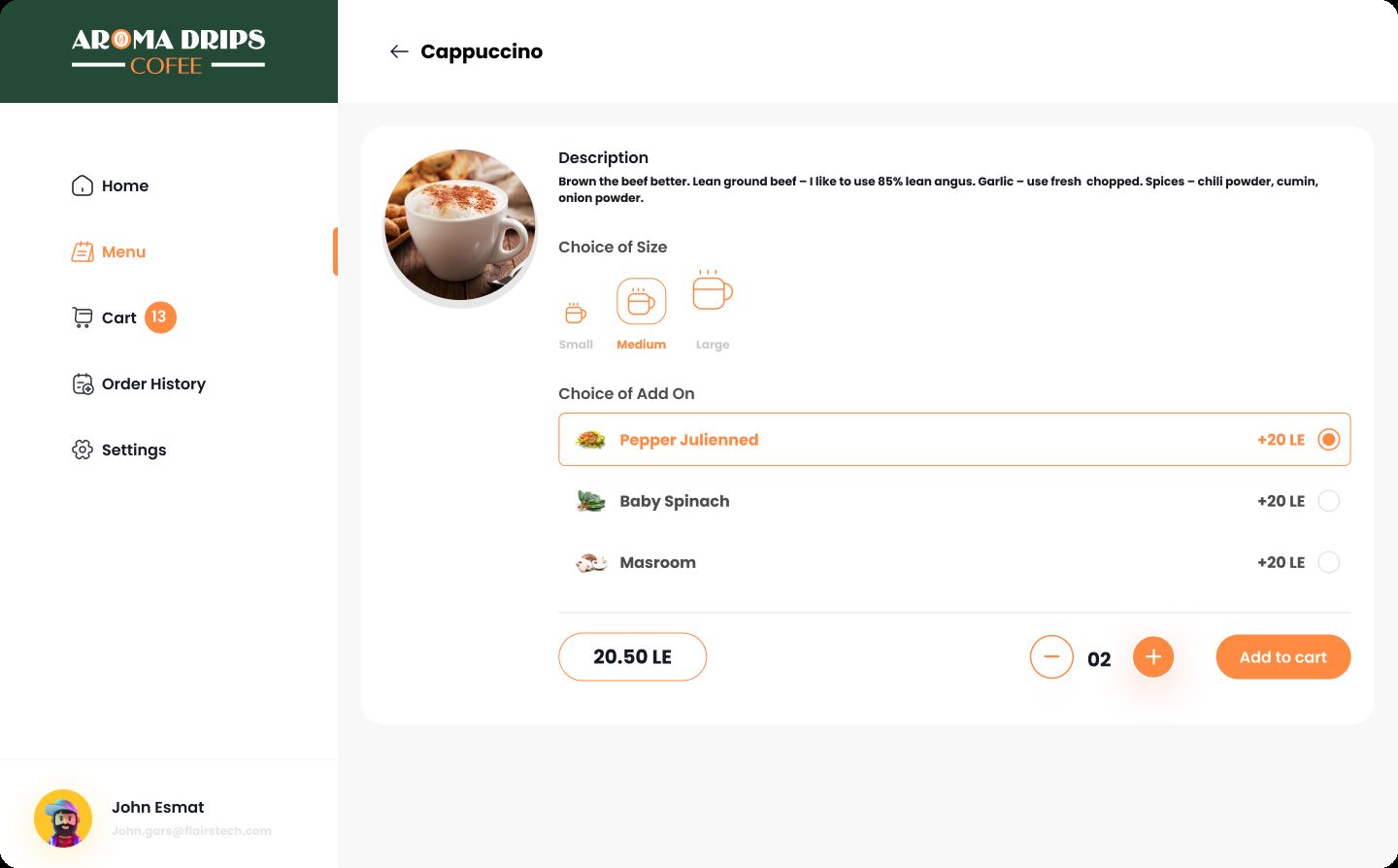
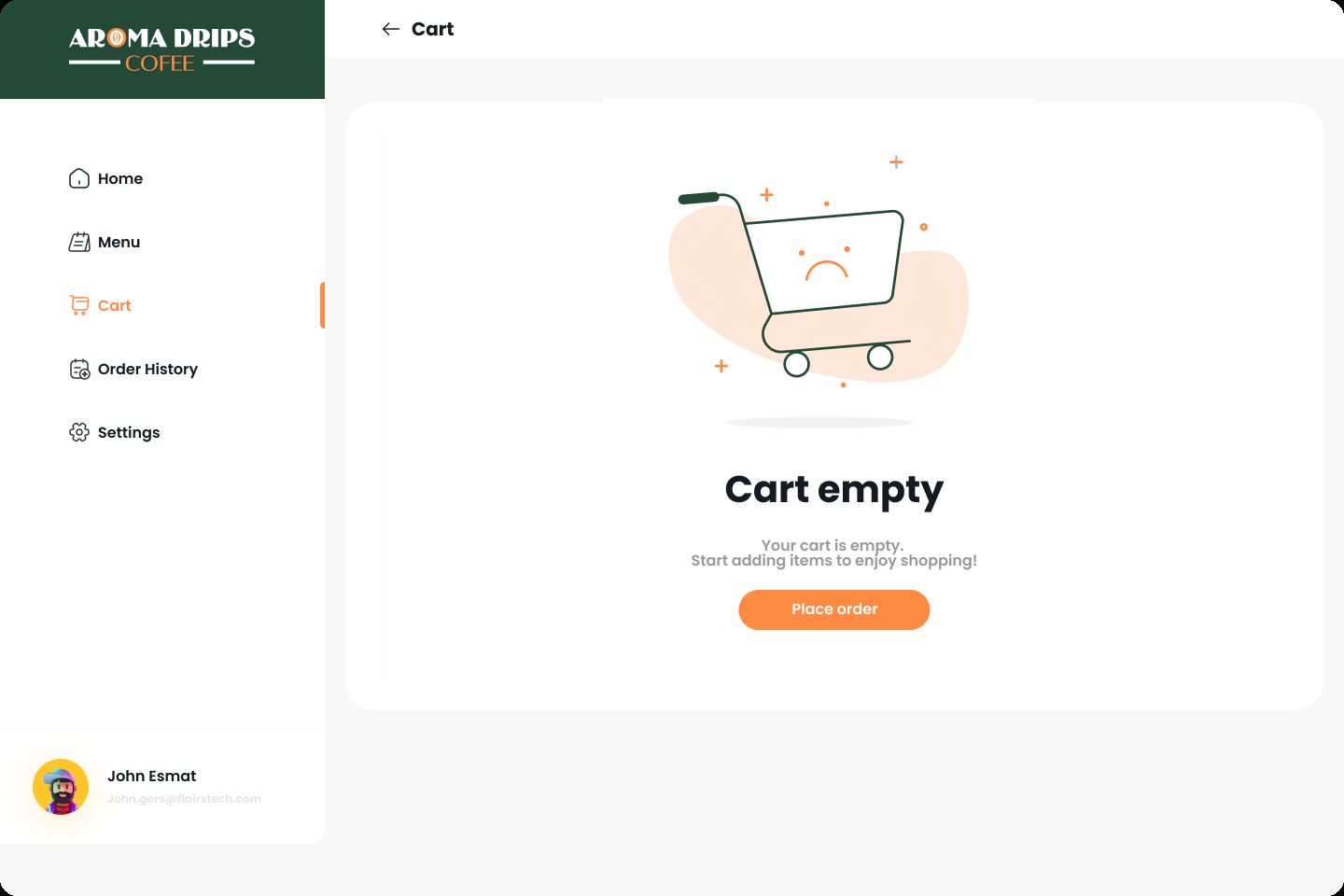
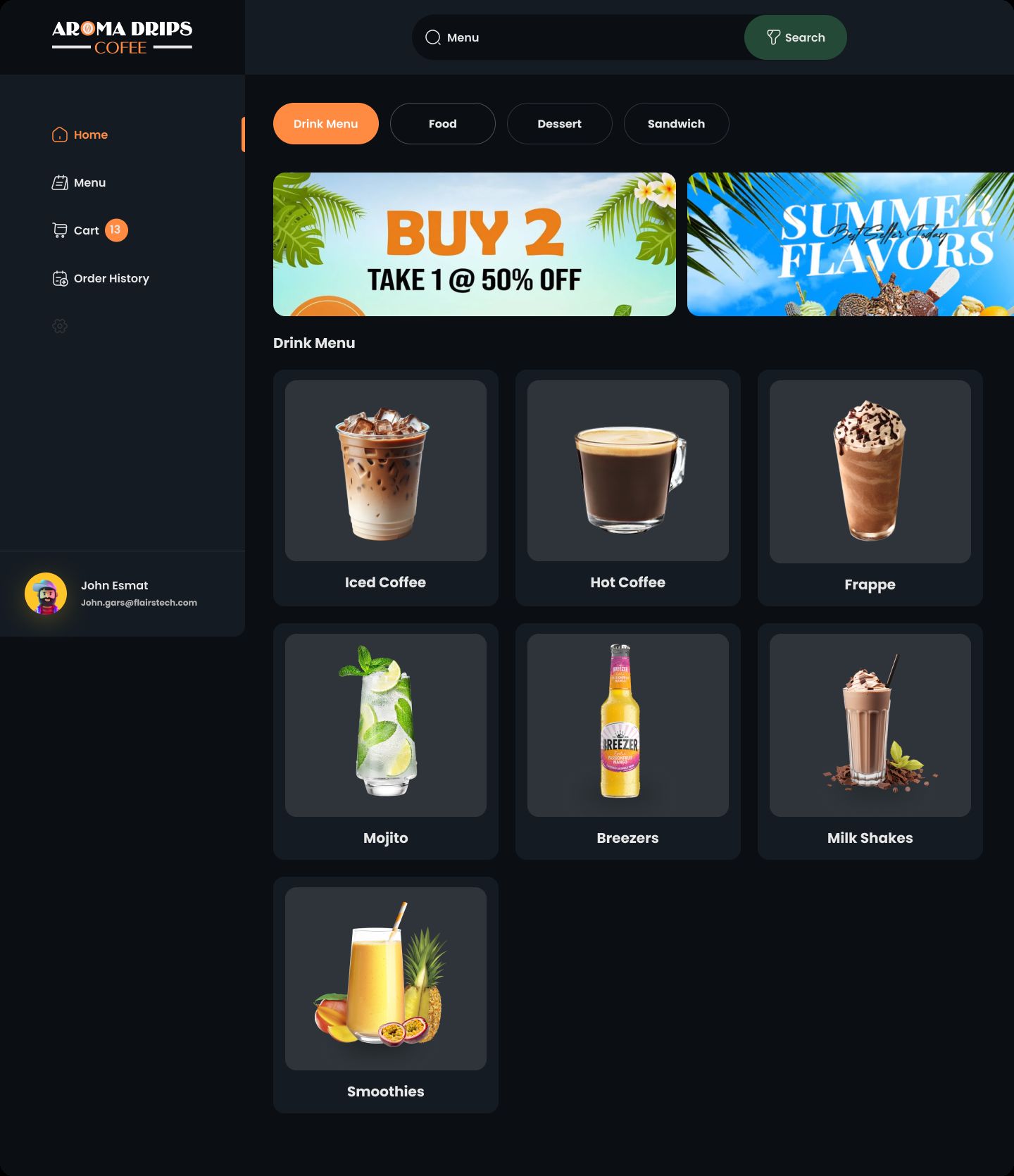
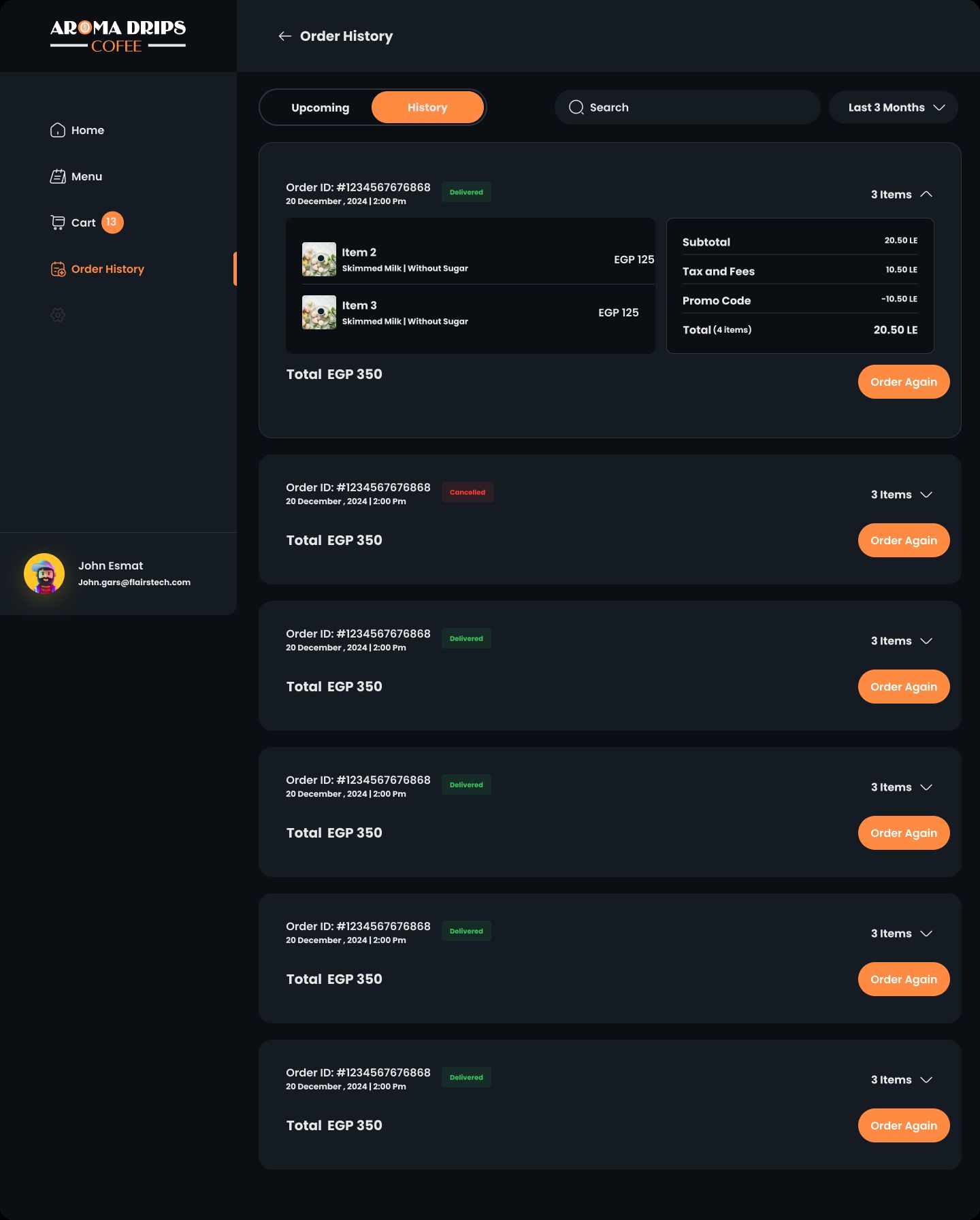




Overview
AromaDrips Documentation
Overview
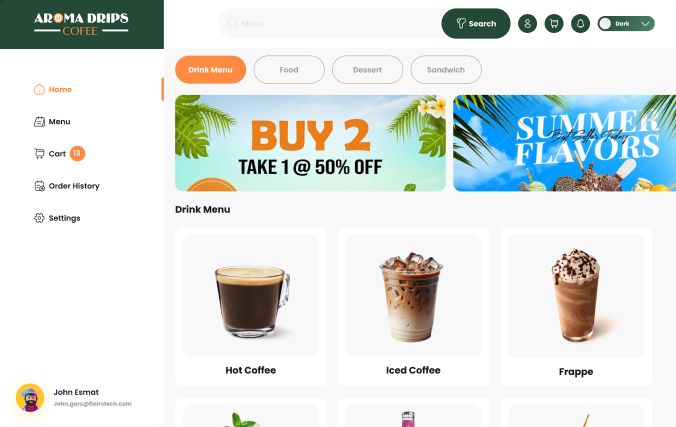
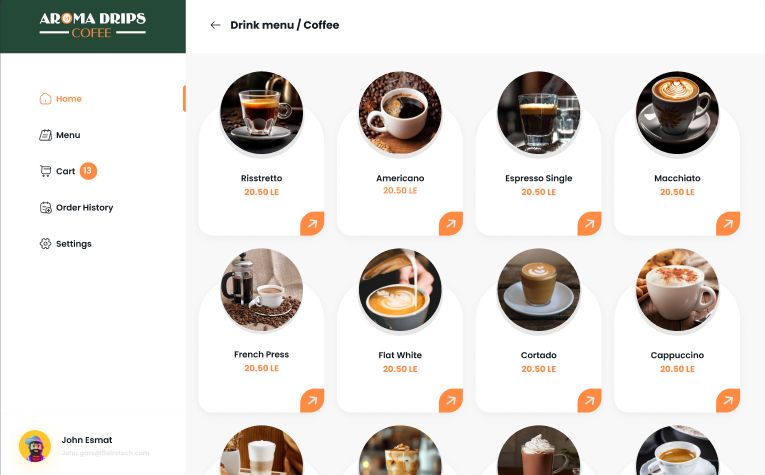
AromaDrips is a modern web application built with React, TypeScript, and Vite, designed for an e-commerce platform specializing in beverage products such as coffee, milkshakes, frappes, mojitos, breezers, and smoothies. The application includes features like user authentication, product browsing, cart management, order history, and a theme provider for UI customization. It leverages modern libraries and tools to ensure a robust, accessible, and performant user experience.
This documentation provides a detailed guide to the project structure, dependencies, setup instructions, and key components of the application.
Table of Contents
- Project Setup
- Dependencies
- Project Structure
- Key Components and Files
- Features
- Running the Application
- Building for Production
- Linting and Code Quality
- Accessibility
- Internationalization
- State Management
- Styling
- Future Enhancements
Project Setup
The project is initialized as a Vite-based React application with TypeScript support. The package.json file defines the project configuration, scripts, and dependencies.
- Name:
aromadrips - Private:
true(indicating the project is not published to npm) - Version:
0.0.0 - Type:
module(uses ES modules) - Scripts:
dev: Runs the development server usingvite.build: Compiles TypeScript and builds the production bundle usingtsc -b && vite build.lint: Runs ESLint to check code quality witheslint ..preview: Previews the production build usingvite preview.
Dependencies
Production Dependencies
The application uses a variety of libraries to support its functionality:
@guidepup/guidepup(^0.24.0): Tools for accessibility testing.@guidepup/virtual-screen-reader(^0.32.0): Virtual screen reader for testing accessibility.@radix-ui/react-slot(^1.1.1): Utility for composing React components.@reduxjs/toolkit(^2.7.0): State management library for Redux.@tanstack/react-query(^5.64.1): Data fetching and caching library.@tanstack/react-query-devtools(^5.64.1): Debugging tools for React Query.@types/react-joyride(^2.0.2): Type definitions for React Joyride.class-variance-authority(^0.7.1): Utility for managing CSS class variants.clsx(^2.1.1): Utility for conditionally joining class names.embla-carousel-autoplay(^8.5.2): Autoplay plugin for Embla Carousel.embla-carousel-react(^8.5.2): React component for Embla Carousel.framer-motion(^11.18.0): Animation library for React.i18next(^24.2.1): Internationalization framework.i18next-browser-languagedetector(^8.0.2): Language detection for i18next.i18next-http-backend(^3.0.1): Backend for loading translations via HTTP.lucide-react(^0.471.1): Icon library for React.react-dom(^18.3.1): React DOM rendering library.react-hook-form(^7.54.2): Form management library.react-hot-toast(^2.5.2): Notification library for toast messages.react-i18next(^15.4.0): React bindings for i18next.react-icons(^5.4.0): Icon library for React.react-joyride(^2.9.3): Guided tour library for onboarding.react-redux(^9.2.0): React bindings for Redux.react-router-dom(^7.1.1): Routing library for React.redux-persist(^6.0.0): Persists Redux state to storage.tailwind-merge(^2.6.0): Utility for merging Tailwind CSS classes.tailwindcss-animate(^1.0.7): Animation utilities for Tailwind CSS.uuid(^11.1.0): Library for generating UUIDs.
Development Dependencies
@eslint/js(^9.17.0): ESLint JavaScript configurations.@types/node(^22.13.10): TypeScript type definitions for Node.js.@types/react(^18.3.18): TypeScript type definitions for React.@types/react-dom(^18.3.5): TypeScript type definitions for React DOM.@types/react-i18next(^8.1.0): TypeScript type definitions for react-i18next.@vitejs/plugin-react-swc(^3.5.0): Vite plugin for React with SWC.autoprefixer(^10.4.20): PostCSS plugin for vendor prefixes.eslint(^9.17.0): Linting tool for JavaScript/TypeScript.eslint-plugin-react-hooks(^5.0.0): ESLint rules for React hooks.eslint-plugin-react-refresh(^0.4.16): ESLint plugin for React Refresh.globals(^15.14.0): Global variable definitions for ESLint.postcss(^8.4.49): CSS post-processing tool.tailwindcss(^3.4.17): Tailwind CSS framework.typescript(~5.6.2): TypeScript compiler.typescript-eslint(^8.18.2): ESLint rules for TypeScript.vite(^6.0.5): Build tool and development server.
Project Structure
The project follows a typical React application structure with TypeScript and Vite:
src/:components/: Reusable UI components (e.g.,BreezersProducts,CoffeProducts, etc.).pages/: Page components (e.g.,Home,Cart,SignIn, etc.).routes/: Routing configuration (e.g.,AppRoutes.tsx).store/: Redux store configuration (store.ts).context/: Context providers (e.g., ###code/code###).index.tsx: Entry point for the application.App.tsx: Main App component.index.css: Global CSS styles.
Key Components and Files
Entry Point (index.tsx)
The index.tsx file serves as the entry point for the React application. It renders the App component wrapped in StrictMode and ###code/code###, and includes a Toaster component for notifications.
import { StrictMode } from 'react'
import { createRoot } from 'react-dom/client'
import './index.css'
import App from './App.tsx'
import { ThemeProvider } from './context/themeContext.tsx'
import { Toaster } from 'react-hot-toast';

createRoot(document.getElementById("root")!).render(
  <StrictMode>
    <ThemeProvider>
      <App />
      <Toaster
        position="top-right"
      />
    </ThemeProvider>
  </StrictMode>
);
- Purpose: Initializes the React application, mounts it to the DOM, and provides global context for theming and notifications.
- Key Features:
StrictMode: Enables additional checks for potential issues in development.- ###code/code###: Provides theme-related context (e.g., light/dark mode).
Toaster: Displays toast notifications at the top-right of the screen.
App Component (App.tsx)
The App.tsx file defines the main App component, which sets up the core providers for state management and routing.
import { QueryClient, QueryClientProvider } from "@tanstack/react-query";
import { RouterProvider } from "react-router-dom";
import AppRoutes from "./routes/AppRoutes";
import { Provider } from "react-redux";
import { store } from "./store";

export default function App() {
  const queryClient = new QueryClient({
    defaultOptions: {
      queries: {
        staleTime: Infinity,
        refetchOnWindowFocus: false,
        refetchOnReconnect: false,
        refetchOnMount: false,
      },
    }
  })

  return (
    <Provider store={store}>
      <QueryClientProvider client={queryClient}>
        <RouterProvider router={AppRoutes} />
      </QueryClientProvider>
    </Provider>
  )
}
- Purpose: Configures Redux for state management, React Query for data fetching, and React Router for navigation.
- Key Features:
Provider: Connects the Redux store to the React application.QueryClientProvider: Provides aQueryClientinstance for managing data fetching and caching.RouterProvider: Renders the routes defined inAppRoutes.QueryClientConfiguration:staleTime: Infinity: Cached data never becomes stale.refetchOnWindowFocus: false: Prevents refetching on window focus.refetchOnReconnect: false: Prevents refetching on network reconnect.refetchOnMount: false: Prevents refetching on component mount.
Routing (AppRoutes.tsx)
The AppRoutes.tsx file defines the application's routing configuration using react-router-dom.
import BreezersProducts from '@/components/BreezersProducts';
import CoffeProducts from '@/components/CoffeProducts';
import FrappeProducts from '@/components/FrappeProducts';
import IcedCoffeProducts from '@/components/IcedCoffeProducts';
import MilkShakeProducts from '@/components/MilkShakeProducts';
import MojitoProducts from '@/components/MojitoProducts';
import ProtectedRoute from '@/components/ProtectedRoute';
import SmoothiesProducts from '@/components/SmoothiesProducts';
import Cart from '@/pages/Cart';
import Dashboard from '@/pages/Dashboard';
import Home from '@/pages/Home';
import OrderHistory from '@/pages/OrderHistory';
import ProductDetails from '@/pages/ProductDetails';
import { Profile } from '@/pages/Profile';
import RootLayout from '@/pages/RootLayout'
import SearchPage from '@/pages/SearchPage';
import SignIn from '@/pages/SignIn';
import SignUp from '@/pages/SignUp';
import { createBrowserRouter, createRoutesFromElements, Navigate, Route } from 'react-router-dom'

const AppRoutes = createBrowserRouter(
  createRoutesFromElements(
    <Route element={<RootLayout />}>
      <Route path="/signin" element={<SignIn />} />
      <Route path="/signup" element={<SignUp />} />
      <Route element={<ProtectedRoute />}>
        <Route path="/" element={<Dashboard />}>
          <Route index element={<Home />} />
          <Route path="home" element={<Home />} />
          <Route path="cart" element={<Cart />} />
          <Route path="orderHistory" element={<OrderHistory />} />
          <Route path="product-details" element={<ProductDetails />} />
          <Route path="hotcoffe" element={<CoffeProducts />} />
          <Route path="icedcoffe" element={<IcedCoffeProducts />} />
          <Route path="milkshakes" element={<MilkShakeProducts />} />
          <Route path="frappe" element={<FrappeProducts />} />
          <Route path="mojito" element={<MojitoProducts />} />
          <Route path="breezers" element={<BreezersProducts />} />
          <Route path="smoothies" element={<SmoothiesProducts />} />
          <Route path="search" element={<SearchPage />} />
          <Route path="profile" element={<Profile />} />
        </Route>
      </Route>
      <Route path="*" element={<Navigate to="/signin" replace />} />
    </Route>
  )
);

export default AppRoutes;
- Purpose: Defines the application's navigation structure and protects certain routes with authentication.
- Key Features:
RootLayout: Provides a common layout for all pages.- Public Routes:
/signin: Sign-in page./signup: Sign-up page.
- Protected Routes (wrapped in
ProtectedRoute):/: Dashboard with nested routes./home: Home page./cart: Shopping cart./orderHistory: Order history./product-details: Product details page./hotcoffe,/icedcoffe,/milkshakes,/frappe,/mojito,/breezers,/smoothies: Product category pages./search: Search page./profile: User profile page.
- Fallback Route: Redirects any unmatched routes to
/signin.
Features
- Authentication: Supports user sign-in and sign-up (
SignInandSignUpcomponents). - Protected Routes: Uses
ProtectedRouteto restrict access to authenticated users. - Product Browsing: Dedicated components for various product categories (e.g.,
CoffeProducts,MilkShakeProducts). - Cart and Order Management: Includes
CartandOrderHistorypages. - Search: Provides a
SearchPagefor finding products. - User Profile: Allows users to view and manage their profile (
Profilecomponent). - ###strong/strong###: Uses ###code/code### for light/dark mode support.
- Notifications: Uses
react-hot-toastfor toast notifications. - Accessibility: Integrates
@guidepuplibraries for accessibility testing. - Internationalization: Uses
i18nextfor multi-language support. - Animations: Uses
framer-motionandtailwindcss-animatefor UI animations. - State Management: Uses Redux (
@reduxjs/toolkit,react-redux) with persistence (redux-persist). - Data Fetching: Uses
@tanstack/react-queryfor efficient data fetching and caching. - Onboarding: Uses
react-joyridefor guided tours.
Running the Application
To run the application locally:
- Install Dependencies:
npm install
- Start the Development Server:
npm run dev


###/precode###http://localhost:5173.
- Access the Application: Open a browser and navigate to the provided URL.
Building for Production
To create a production build:
npm run build


###/preul###Compiles TypeScript code (<code>tsc -b</code>.Builds the production bundle using Vite.Outputs the optimized assets to the <code>dist/</code> directory.To preview the production build:
npm run preview
This starts a local server to serve the production build.
Linting and Code Quality
To ensure code quality, run the linter:
npm run lint
This uses ESLint with plugins for React hooks and React Refresh to enforce coding standards and catch potential issues.
Accessibility
The application uses @guidepup/guidepup and @guidepup/virtual-screen-reader to support accessibility testing, ensuring the UI is navigable by screen readers and meets WCAG guidelines.
Internationalization
The application supports multiple languages using i18next, i18next-browser-languagedetector, and i18next-http-backend. Translation files are loaded via HTTP, and language detection is handled automatically based on the user's browser settings.
State Management
The application uses Redux Toolkit for state management, with redux-persist to persist state across sessions. The Redux store is configured in src/store/index.ts and provided to the application via the Provider component.
Styling
The application uses Tailwind CSS for styling, with utilities like tailwind-merge and tailwindcss-animate for class management and animations. Global styles are defined in index.css, and components use Tailwind classes for responsive and customizable designs.
Future Enhancements
- Improved Authentication: Integrate a backend API for secure authentication and token management.
- Analytics: Integrate analytics for tracking user interactions.
Features
Features
- Authentication: Supports user sign-in and sign-up (
SignInandSignUpcomponents). - Protected Routes: Uses
ProtectedRouteto restrict access to authenticated users. - Product Browsing: Dedicated components for various product categories (e.g.,
CoffeProducts,MilkShakeProducts). - Cart and Order Management: Includes
CartandOrderHistorypages. - Search: Provides a
SearchPagefor finding products. - User Profile: Allows users to view and manage their profile (
Profilecomponent). - ###strong/strong###: Uses for light/dark mode support.
- Notifications: Uses
react-hot-toastfor toast notifications. - Accessibility: Integrates
@guidepuplibraries for accessibility testing. - Animations: Uses
framer-motionandtailwindcss-animatefor UI animations. - State Management: Uses Redux (
@reduxjs/toolkit,react-redux) with persistence (redux-persist). - Data Fetching: Uses
@tanstack/react-queryfor efficient data fetching and caching. - Onboarding: Uses
react-joyridefor guided tours.
Requirements
- Framework: React + TypeScript
- Styling: Tailwind CSS +
tailwind-merge - State Management: Redux Toolkit + React Query
- Routing: React Router DOM
- Animations: Framer Motion
- Internationalization: i18next
Instructions
Installation & Setup Guide
Prerequisites
- Node.js (v18 or later) → Download Node.js
- Git (for cloning) → Download Git
- npm (comes with Node.js) or yarn (
npm install -g yarn)
First Download the file and extract, then open the file is vs code
Running the Application
To run the application locally:
- Install Dependencies:
npm install
- Start the Development Server:
npm run dev
###/precode###http://localhost:5173.
- Access the Application: Open a browser and navigate to the provided URL.


| Category | Scripts & Code / ReactJS |
| First release | 30 June 2025 |
| Last update | 30 June 2025 |
| Software framework | React |
| Tags | #fast-loading #fast-processing #lazy-load #responsive #ordering-system-management |