Lumina FoundationLumina Foundation
Lightweight PHP SaaS starter kit — auth, dashboard, roles & admin panel. No Composer. No framework. Runs on any shared host.
Lumina Foundation
Lightweight PHP SaaS starter kit — auth, dashboard, roles & admin panel. No Composer. No fram...
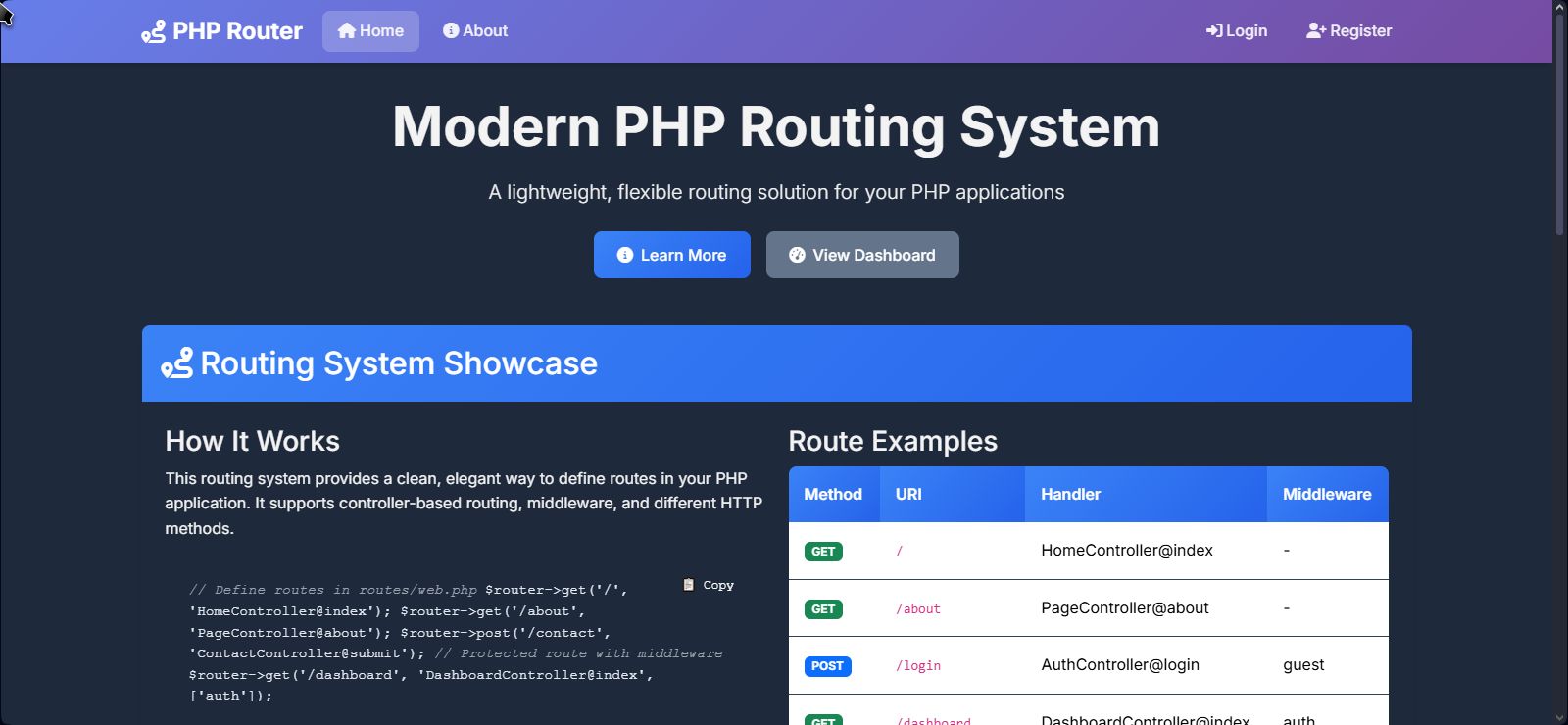
Screenshots
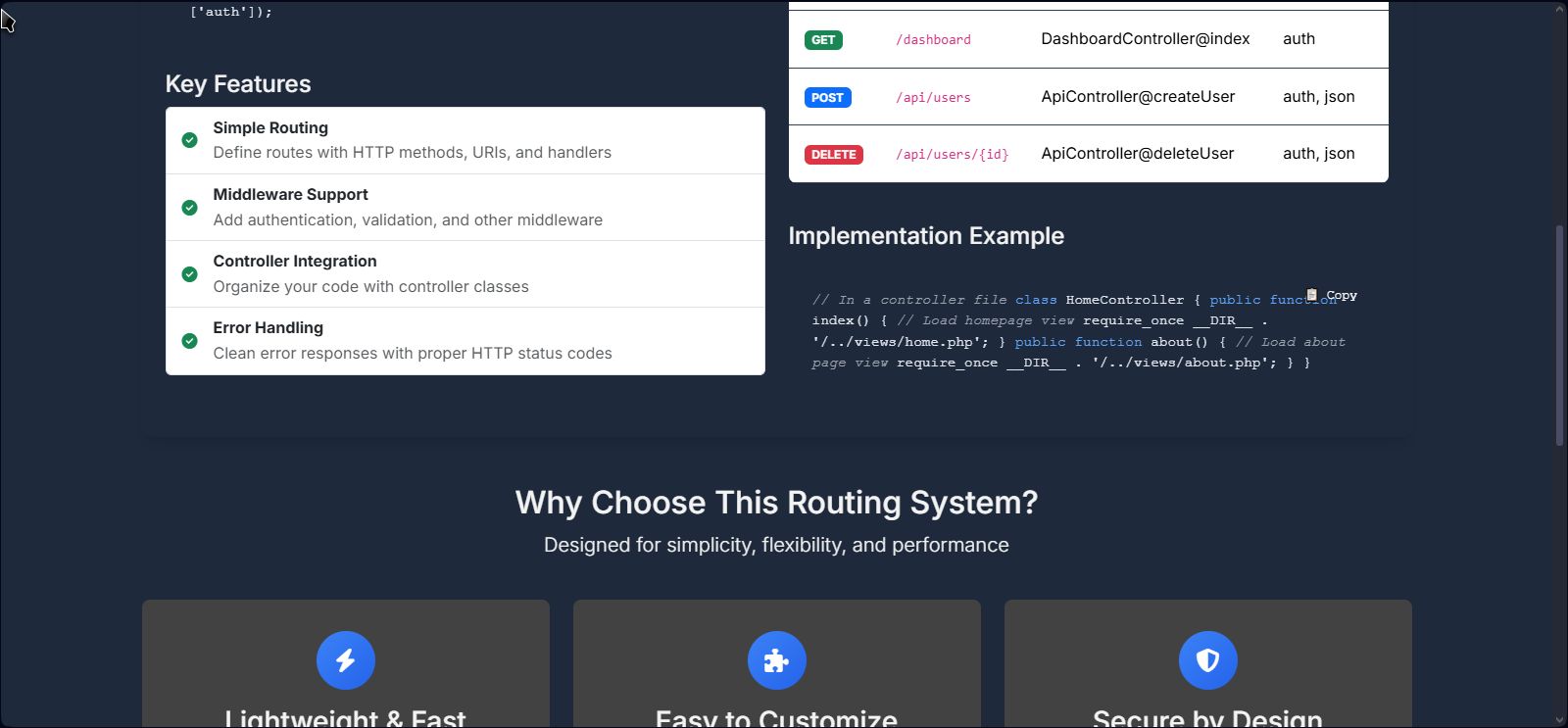
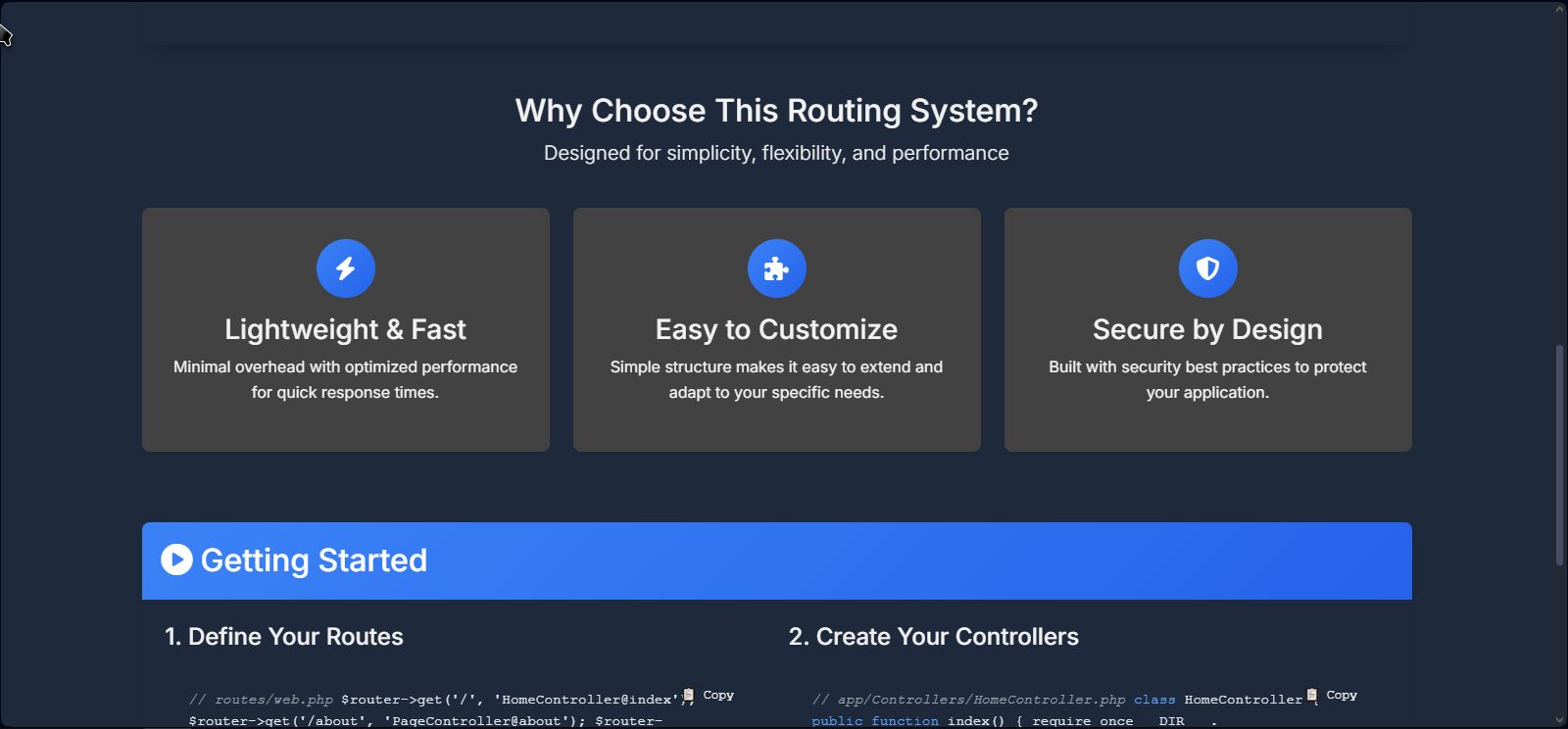

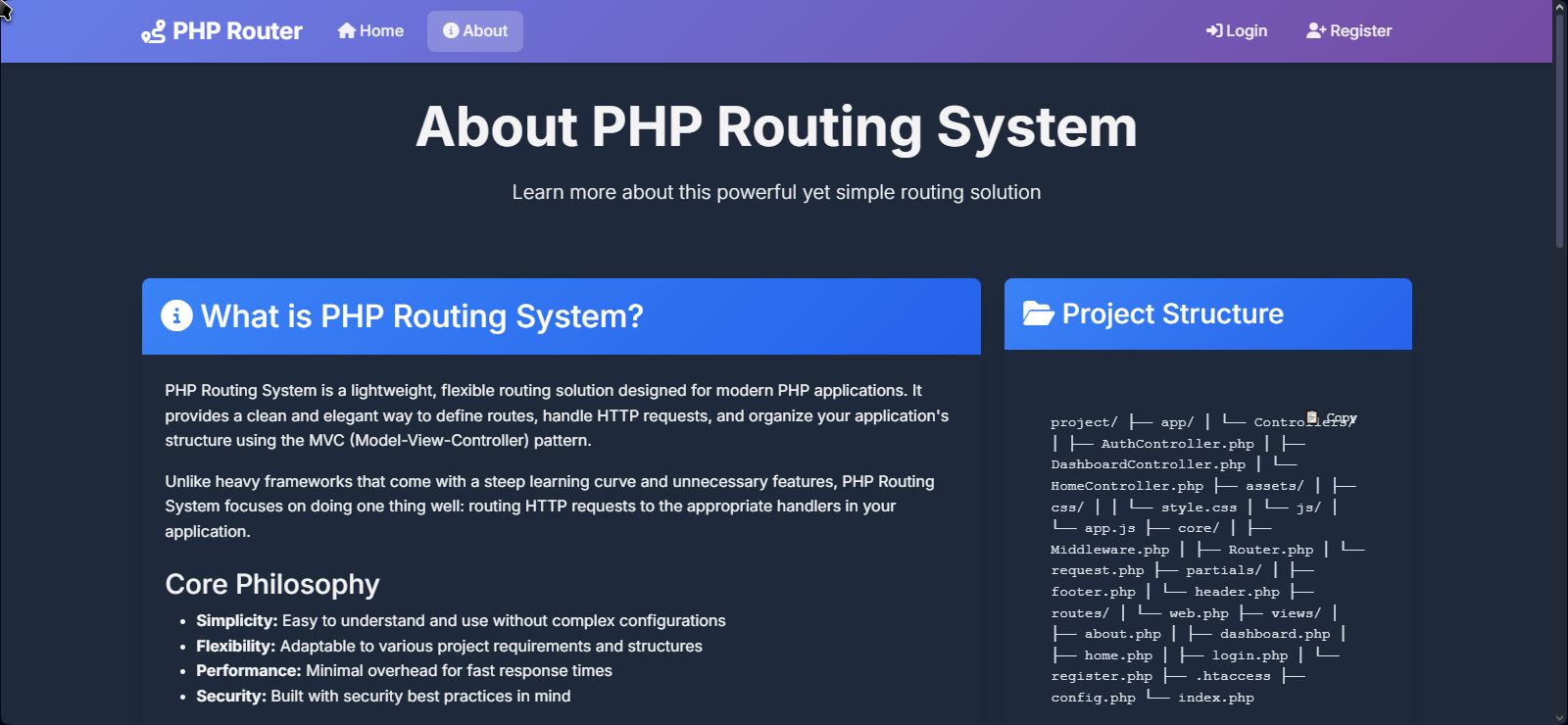

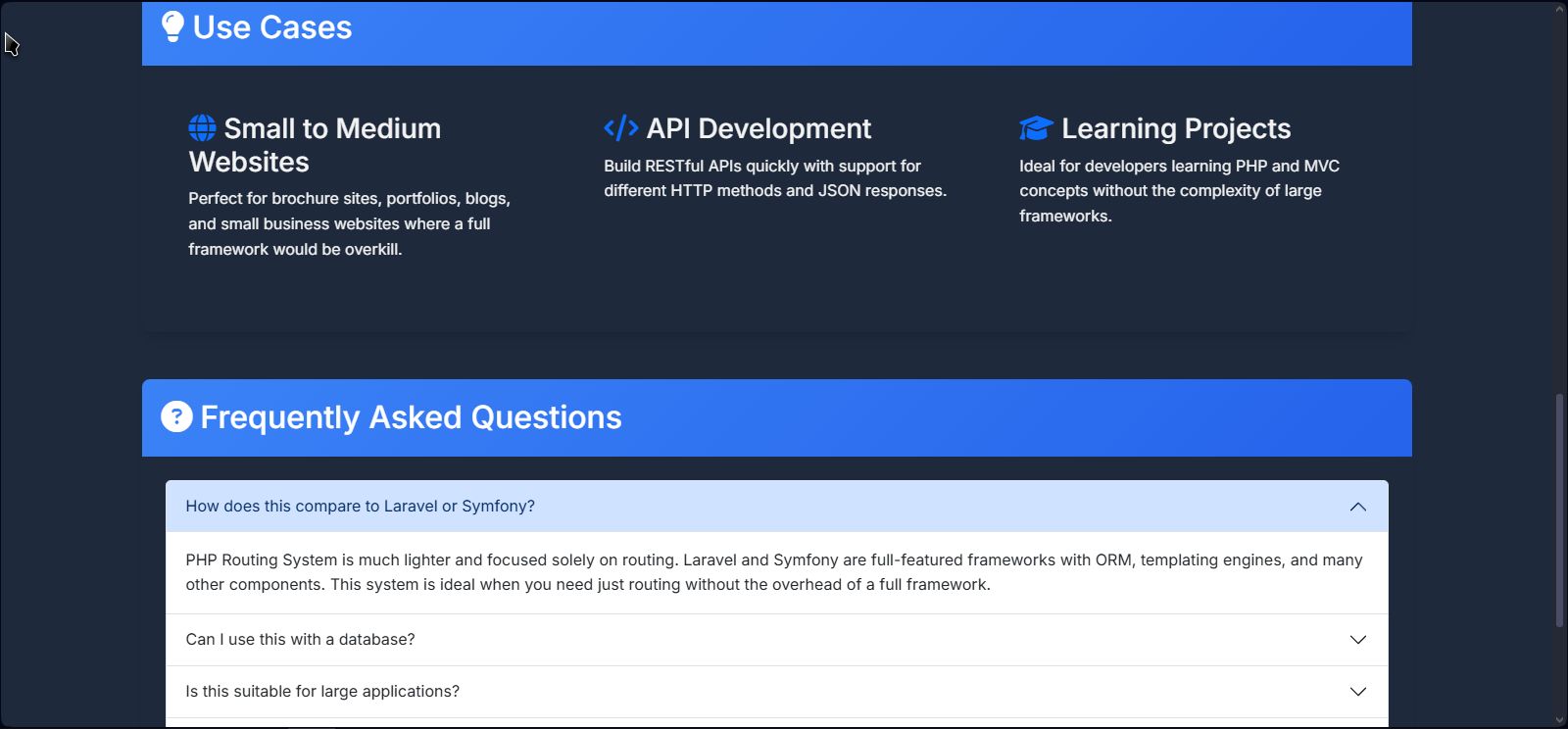
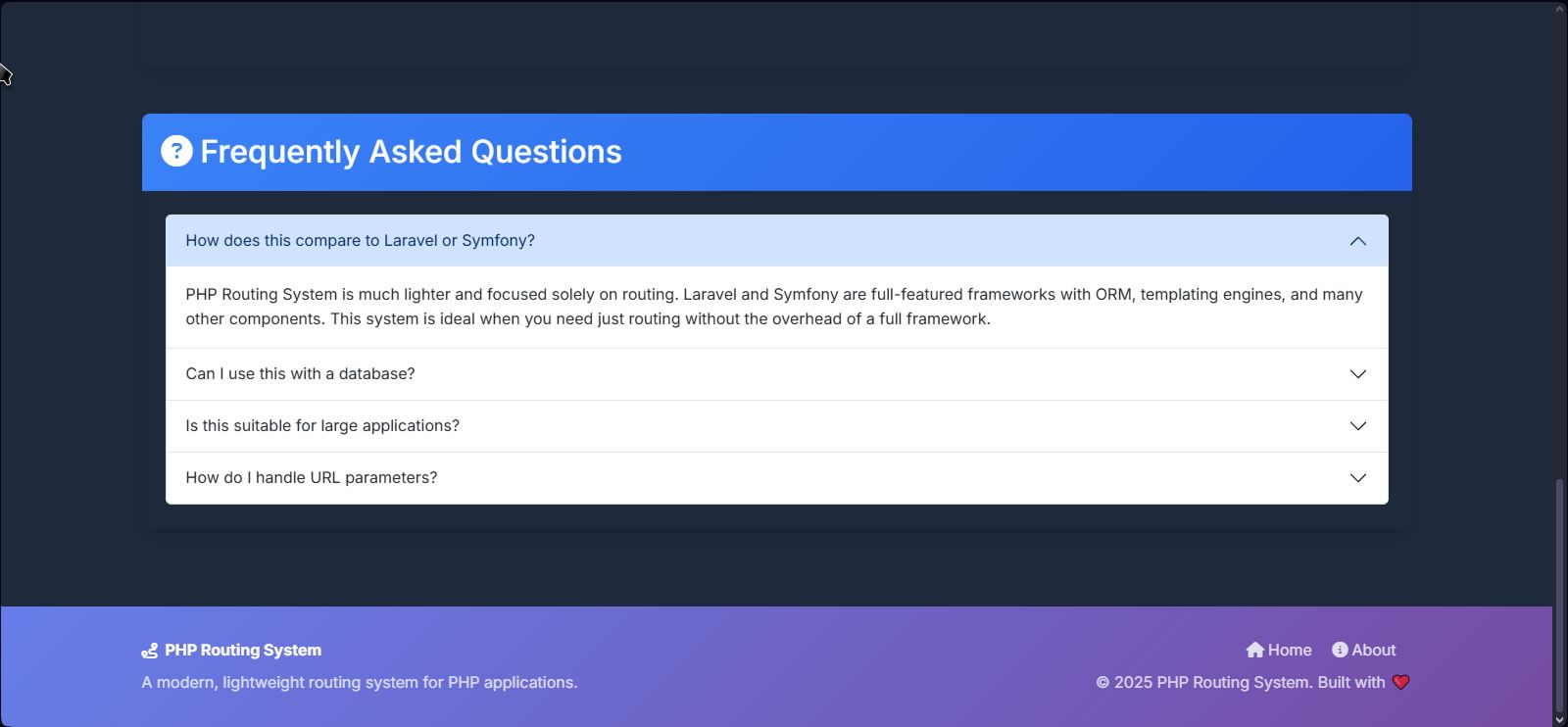

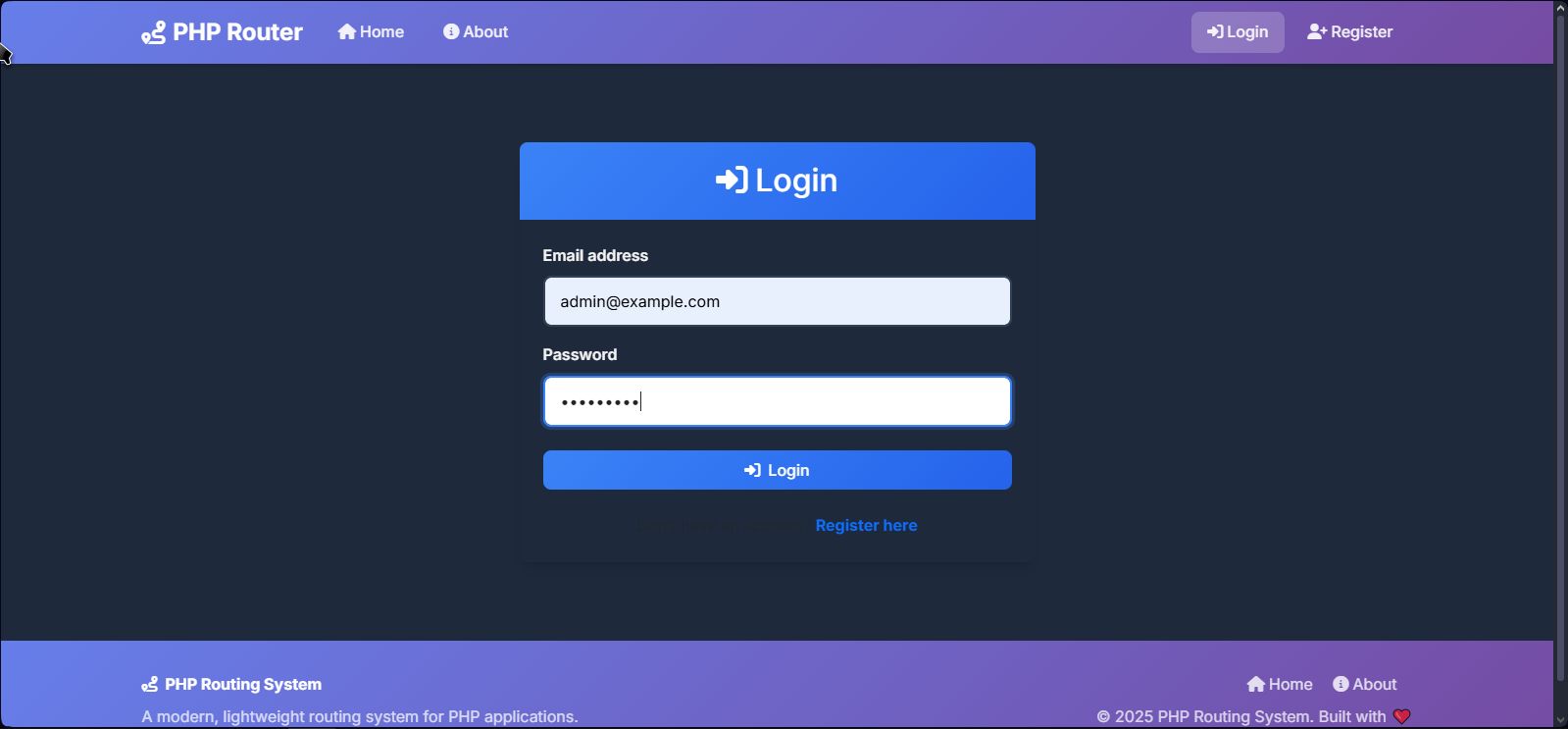
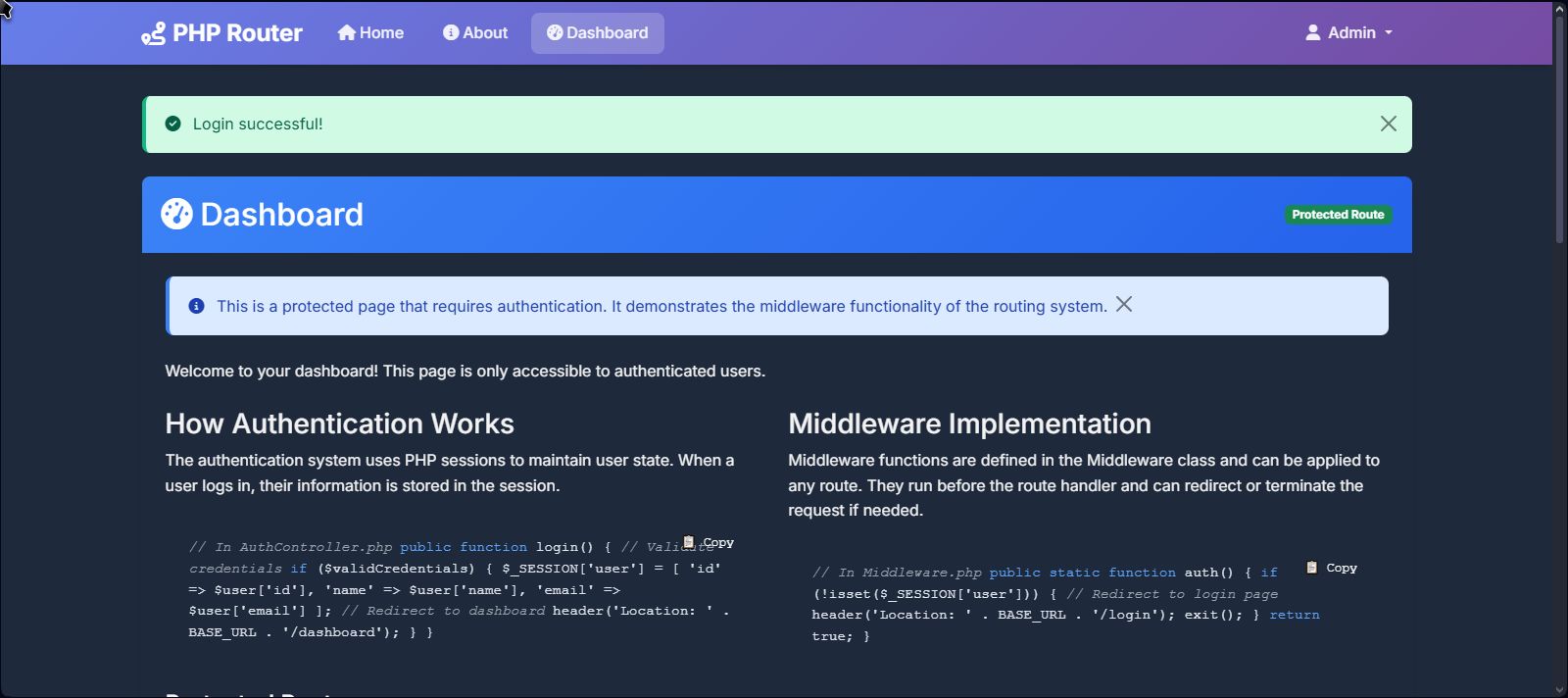
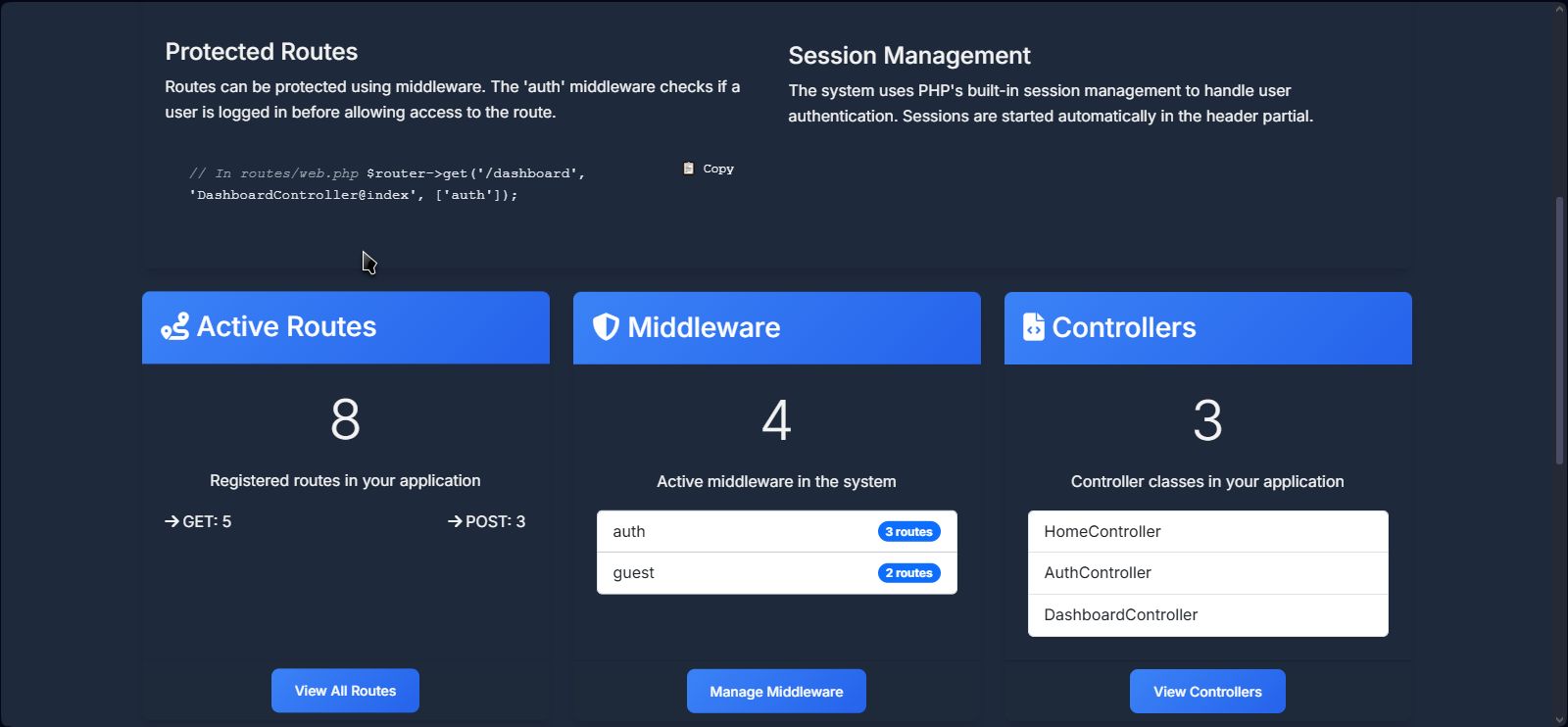

Overview
Build Your SaaS Product on a Foundation That Actually Works
Most PHP starter kits give you a UI template with placeholder data and a half-wired backend. Lumina Foundation is different. Every page in the dashboard reads from and writes to the database. Every form submits to a real controller. Every action is logged.
This is not a mockup. It is a working foundation.
The full Demo: https://palspace25.cfd/
Features
FEATURE LIST
Authentication & Access
- User registration with password hashing
- Login with session regeneration
- Logout
- Password reset via DB-stored token (expiry-aware)
- Invite link generation and redemption
- CSRF protection on all POST routes
- Session-based authentication with secure cookie flags
-
Middleware:
auth,admin,guest,csrf,rateLimit,cors
Dashboard
- Live task manager (create / complete / delete)
- Real disk usage via PHP system functions
- Active session count from DB
- Invite widget with copyable link
- Dashboard CSV export
- Share link generation
Analytics
- Automatic page visit tracking (URL, IP, User Agent)
- Total visits, unique IPs, registered user count
- Chart.js bar/line charts
- Switchable timeframes: 7d / 30d / 1yr
Notifications
- In-app notification system (DB-backed)
- Unread badge (live count from DB)
- Mark all as read
- Programmatic notification creation from controllers
Profile & Security
- Edit name, email, gender
- Avatar upload (MIME-validated, stored on server)
- Avatar shown in navbar
- Change password (current password verification)
- Active session info (real Session ID, browser detection, IP)
- Delete account (with confirmation and cascade)
Activity Log
- Full activity trail written to DB
- Date filter
- CSV export (with IP address, supports date filtering)
Admin Panel
- User list and delete
- Role management (create, delete custom roles)
- Per-role permission management (JSON-stored)
- System settings (all fields DB-backed)
- Maintenance mode (real request interception)
- App name dynamically applied sitewide
Technical
- Custom MVC router (GET, POST, PUT, DELETE + params)
- PDO Singleton with prepared statements
-
.envfile for environment configuration -
.htaccessdirectory and file protection - Error pages (404, 500, 503 Maintenance)
- Rate limiting middleware (session-based)
-
Security headers (PHP +
.htaccess) - Dynamic primary color from DB settings
Requirements
| Requirement | Detail |
|---|---|
| PHP | 8.0 or higher (uses named arguments, str_contains, match) |
| Web Server | Apache with mod_rewrite enabled (.htaccess required) |
| Database | MySQL 5.7+ or MariaDB 10.3+ |
| PDO Extension | Must be enabled (PDO + PDO_MySQL driver) |
| FileInfo Extension | Required for avatar MIME-type validation (finfo_open) |
| Shared Hosting | ✅ Fully compatible — no Composer, no CLI tools required |
| Local Development | ✅ Tested on XAMPP; works on WAMP, Laragon, Valet |
| Composer | ❌ Not required |
| Node.js / npm | ❌ Not required |
| Browser | Any modern browser; ES6+ required for theme toggle; Chart.js served via CDN |
Instructions
INSTALLATION INSTRUCTIONS
Step 1 — Upload Files
Upload the entire project folder to your server's web root (e.g., public_html/ or htdocs/).
Step 2 — Create a Database
Create a new MySQL database in your hosting control panel (cPanel, phpMyAdmin, etc.).
Step 3 — Import the Schema
Import the provided database.sql file into your new database via phpMyAdmin or your hosting's SQL tool. This creates all required tables and seeds default data (roles, settings, a default admin user).
Step 4 — Configure Environment
Rename or edit the .env file in the project root:
APP_NAME=Lumina Foundation
APP_ENV=production
APP_DEBUG=false
APP_URL=https://yourdomain.com/your-folder

DB_HOST=localhost
DB_NAME=your_database
DB_USER=your_username
DB_PASS=your_password
Step 5 — Set the Base URL
If you're running the project in a subdirectory (e.g., yourdomain.com/lumina), update the APP_URL accordingly. The base path is auto-detected from this value.
Step 6 — Log In
Navigate to /login and use the default admin credentials provided in the database.sql file comments. Change the password immediately from the Security Settings page.
Step 7 — (Optional) Set Upload Permissions
If avatar uploads don't work, ensure the assets/uploads/avatars/ directory is writable by the web server (chmod 755 or 775).


|
PHP Script Installation Service
Don't worry about the installation of your script! Have your PHP Script installed for you.
|
$39 | Buy now |
| Category | Scripts & Code / PHP Scripts / Miscellaneous |
| First release | 3 July 2025 |
| Last update | 3 July 2025 |
| Software version | PHP 7.4, PHP 8.0, PHP 8.1, PHP 8.2, PHP 8.3 |
| Files included | .php, .css, .sql, Javascript .js |
| Tags | bootstrap 5, php web app, php router, php routing system, lightweight routing, mvc php, php microframework, clean url, php project starter, php framework alternative, simple routing, php mvc, php middleware, php security, routing script |