Dating Mobile App Ionic with Full PHP Admin SQLDating Mobile App Ionic with Full PHP Admin SQL
Dating Mobile App Hybrid Ionic with Full PHP & Mysql Admin Backend
Dating Mobile App Ionic with Full PHP Admin SQL
Dating Mobile App Hybrid Ionic with Full PHP & Mysql Admin Backend
×
This item is temporarily not available for sale
Screenshots
Overview
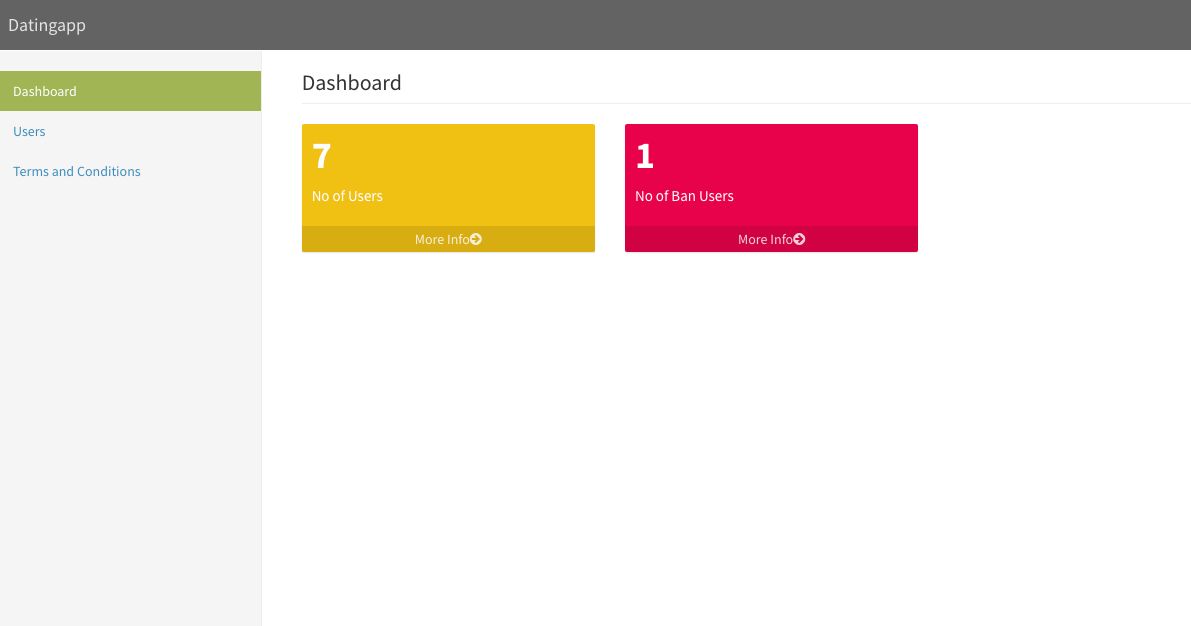
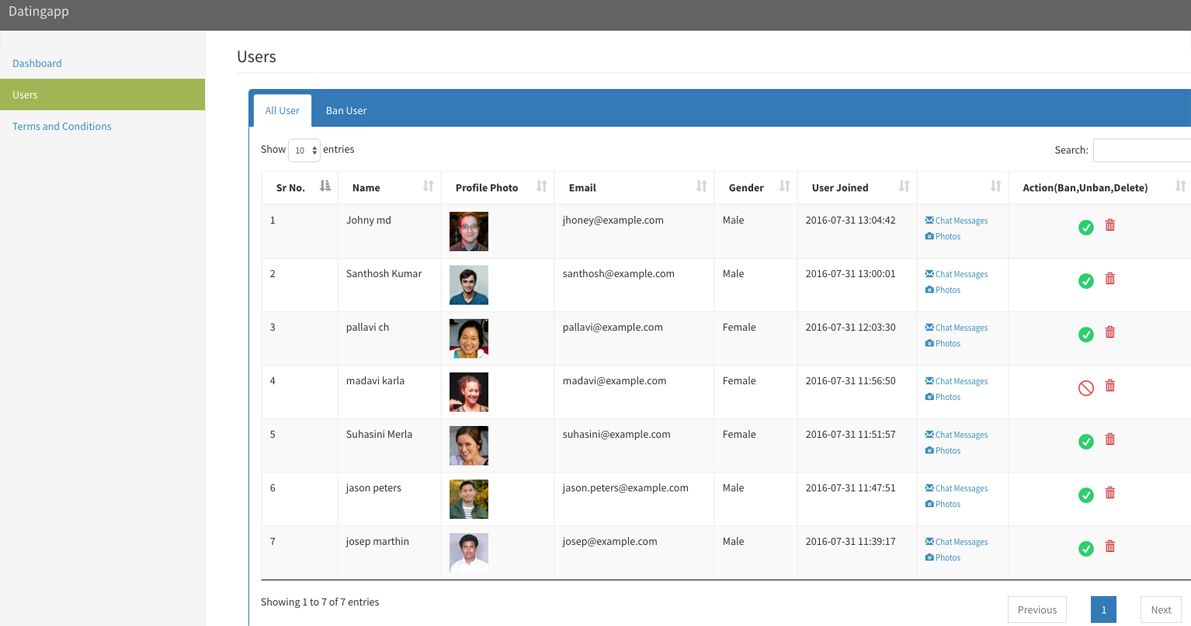
DATINGAPP is a FULL IONIC HYBRID APPLICATION – it’s complete dating app, Ionic with PHP Admin Panel, This application has unlimited customization possibilities and can act as starter application for your next dating application
Features
- Build with Robust Ionic Framework
- DatingApp is a Full Hybrid App using AngularJS + Ionic framework which is open source front-end SDK for developing hybrid mobile apps with HTML5.
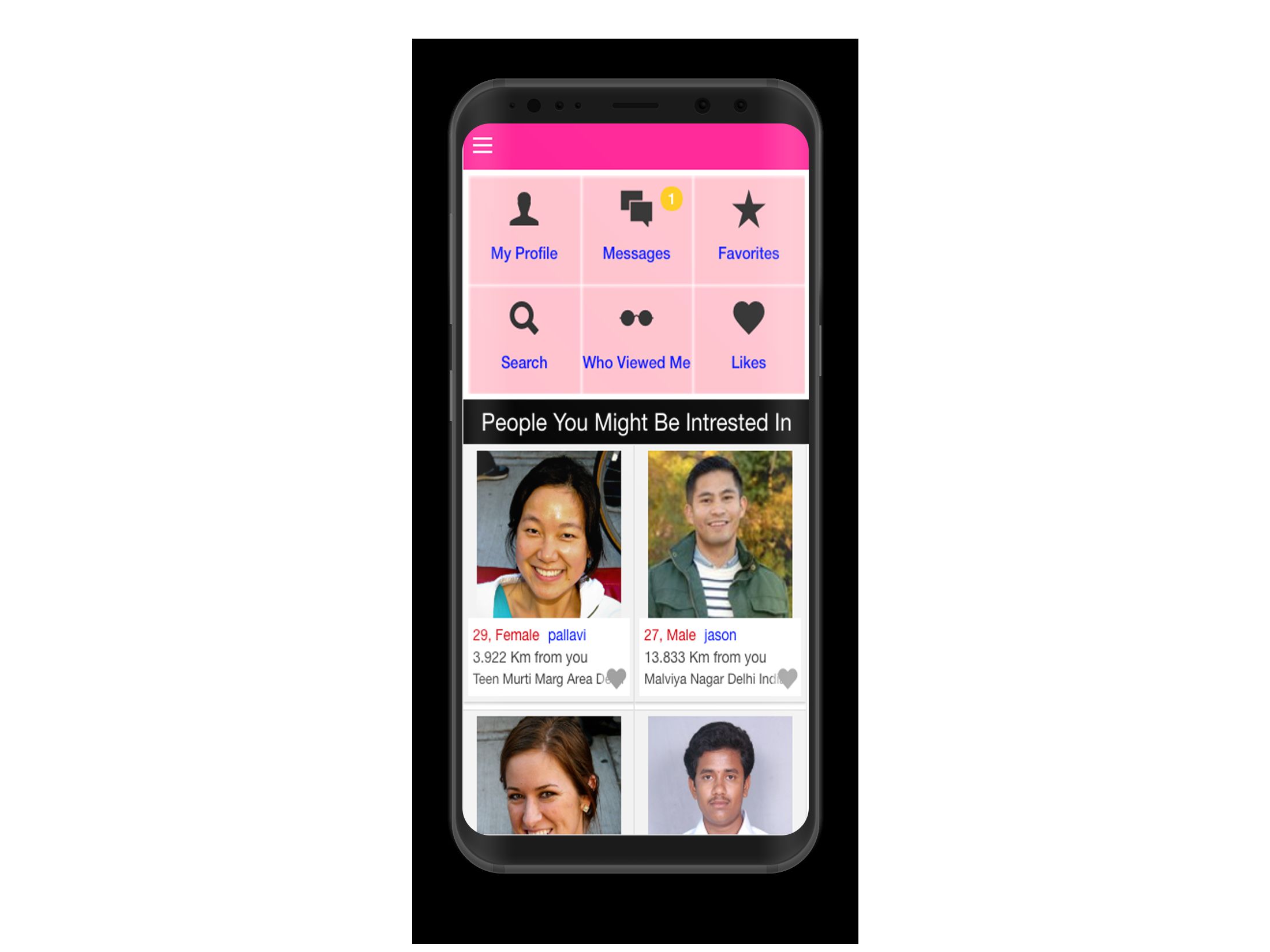
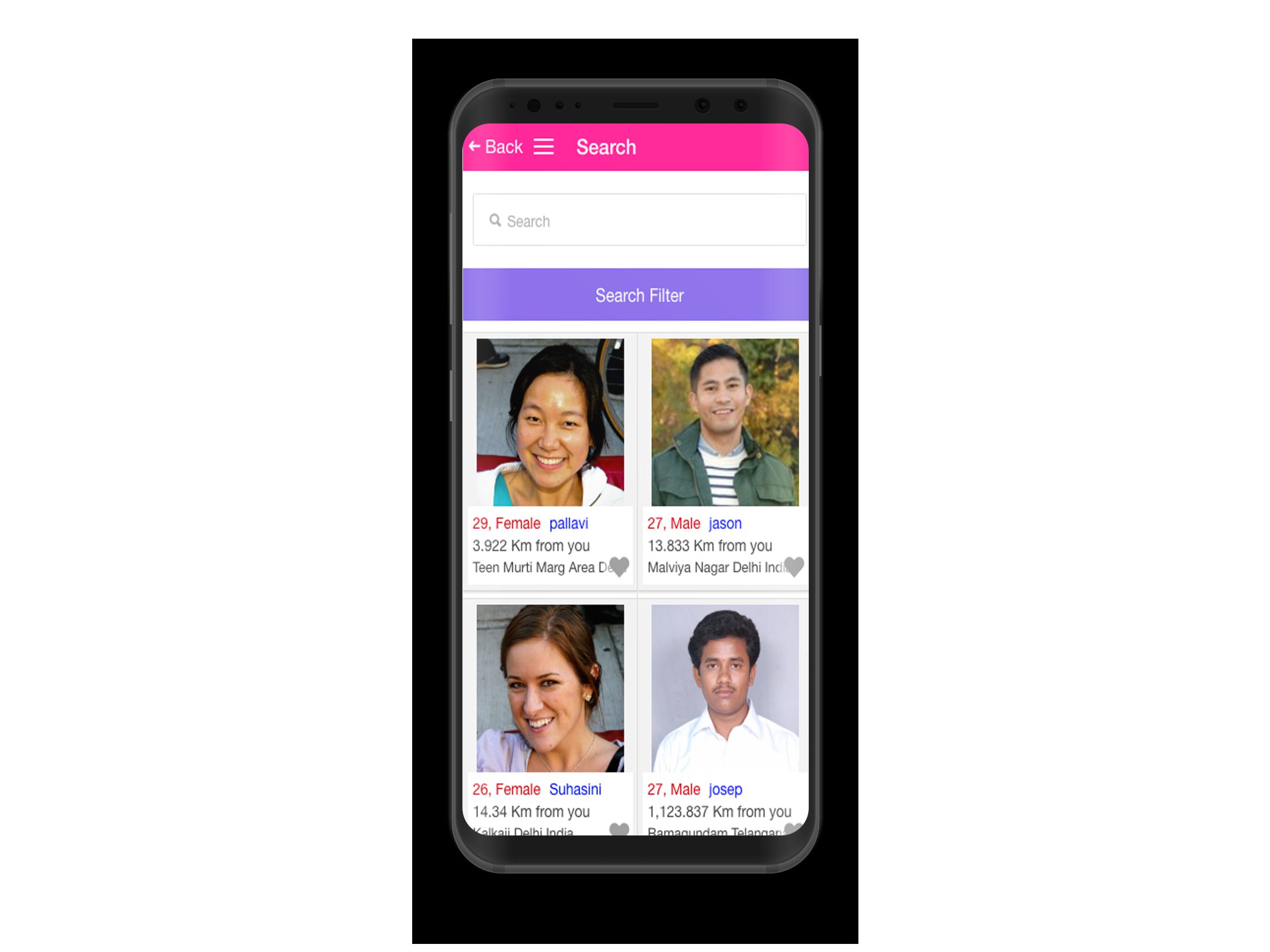
- We can see nearest profiles with how many kilometers they are, based on our location using latitute and longitude values
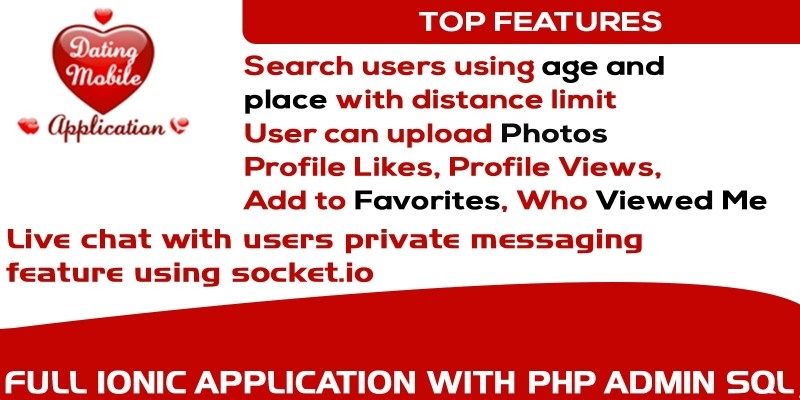
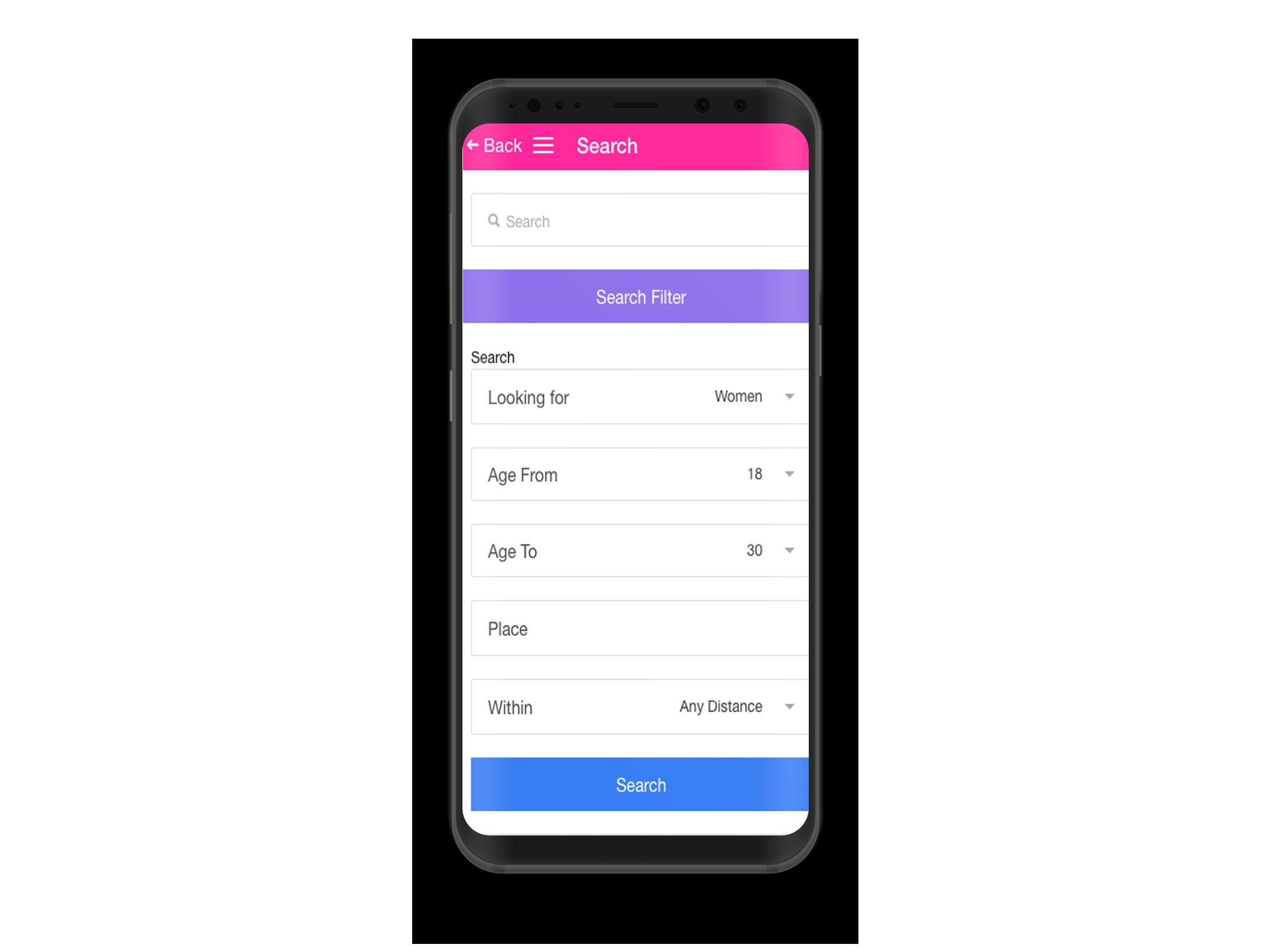
- Search users using age and place with distance limit
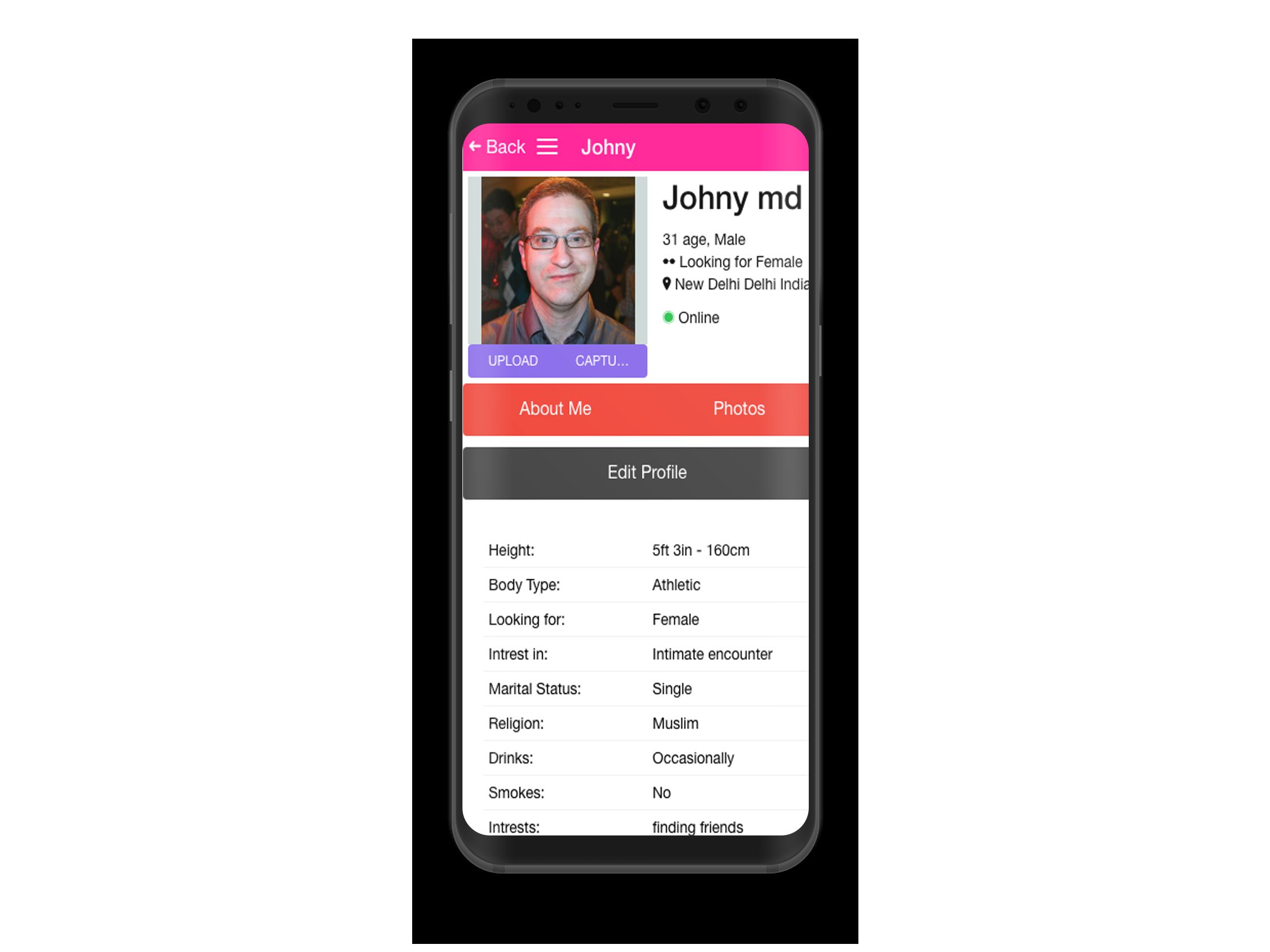
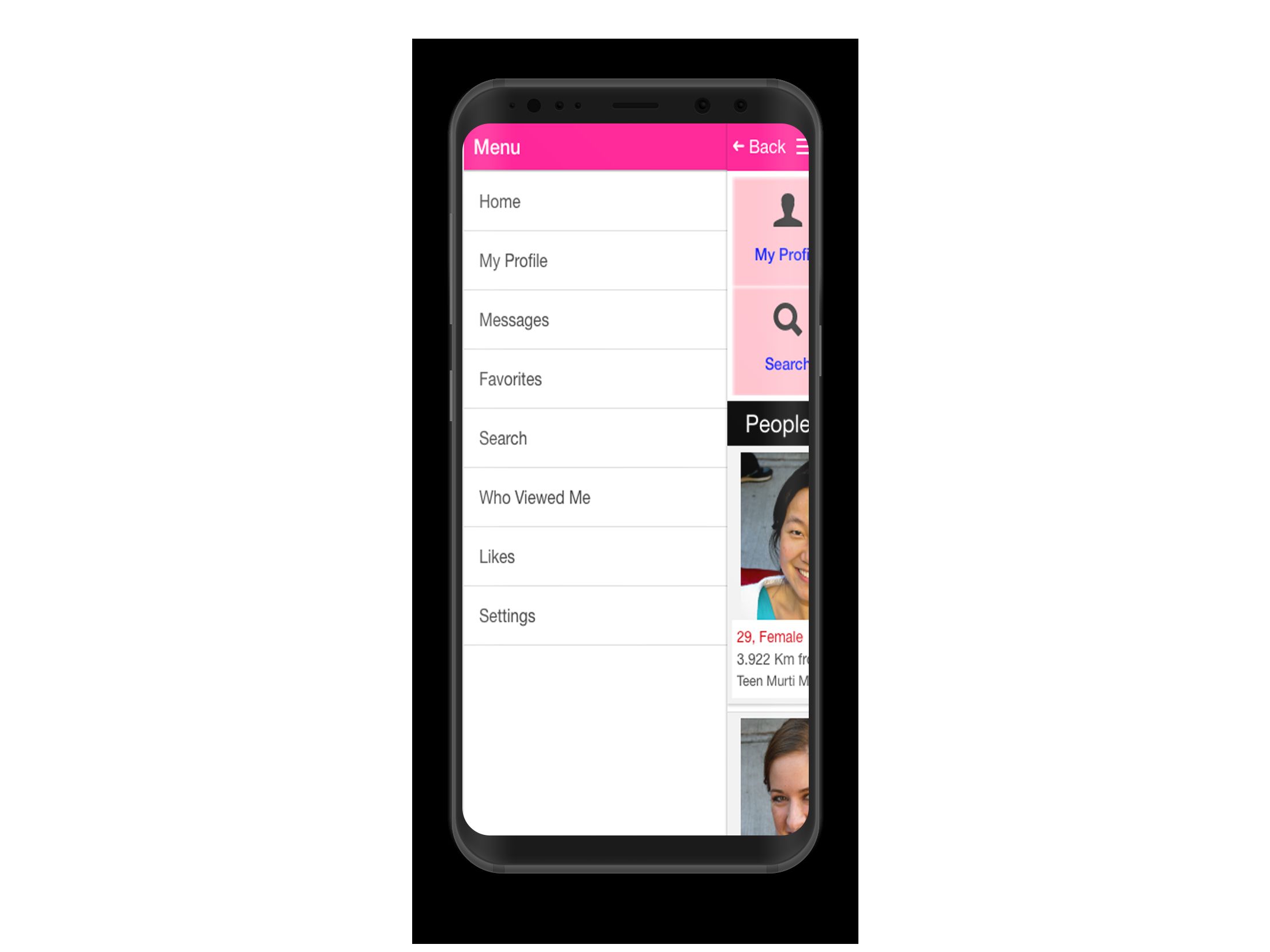
- Profile Likes, Profile Views, Add to Favorites, Who Viewed Me
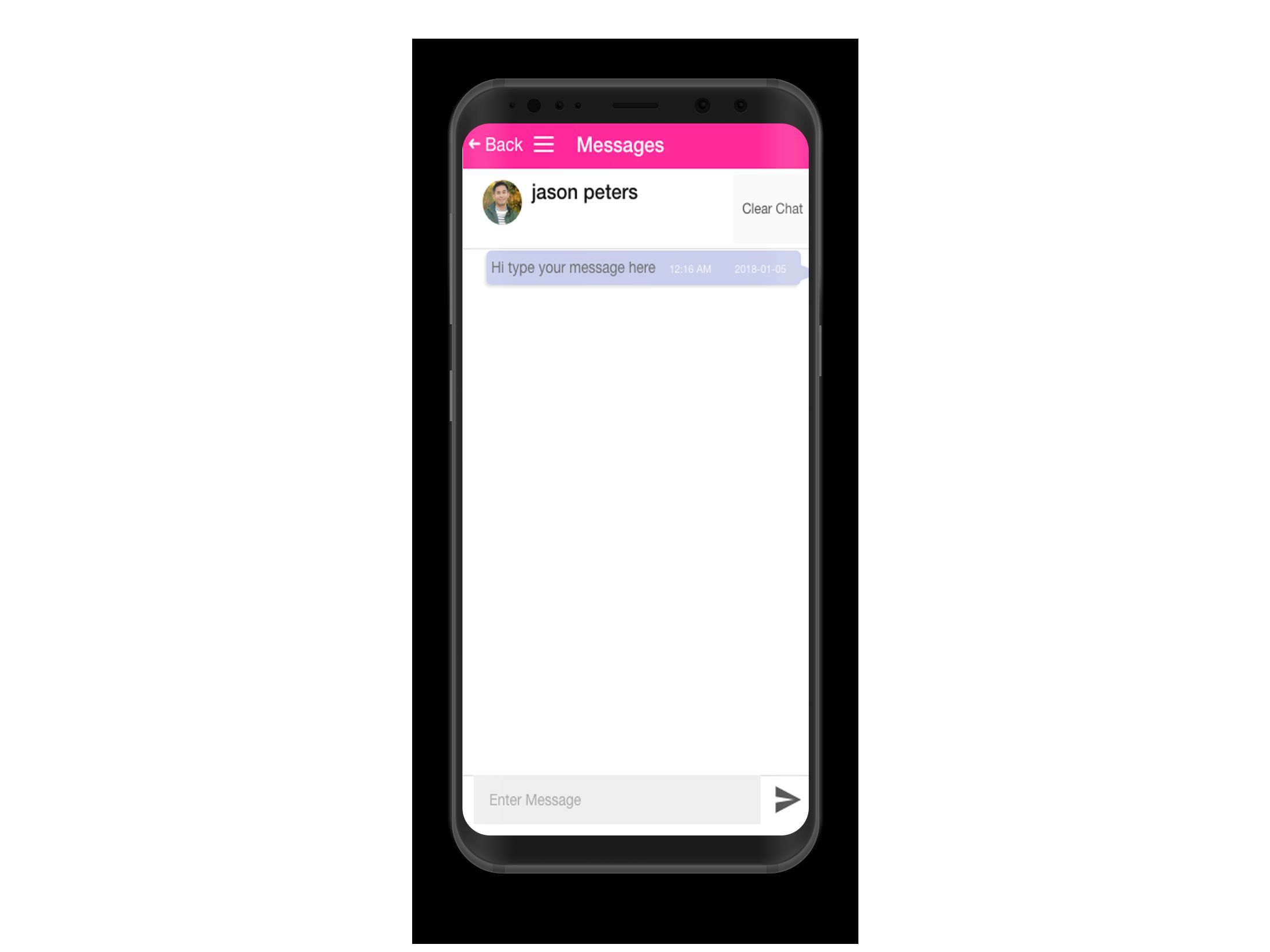
- Live chat with users private messaging feature using socket.io
- PHP(codeigniter framework) – MySQL Based Admin Panel
- Tons of Customization Possibilities
Requirements
- Ionic Framework
- http://ionicframework.com/gett...
- Angular JS
- https://angularjs.org/
- Apache Cordova:
- http://cordova.apache.org/docs...
- Ionic Framework
- http://ionicframework.com/gett...
PHP 5x - 7x
MySQL
Instructions
- Browse to the download folder > source > admin > DatinAppAdmin, copy paste this folder into the working directory of your application folder i.e. 'www' for LAMP/WAMP or 'htdocs' for XAMPP Server.
- Create a new blank database into your Server using phpmyadmin, & execute the MySQL database Script present in the same folder by the name DatingApp.sql to your phpmyadmin which will create the required tables.
- Now, coming back to the code folder, which you have copied into the application server in step one, browse to the file config.php and enter the database name, username and password
- Now Run the application into your Web Browser, by typing in the url, http://localhost/DatingAppAdmin/, login withusername: admin, password: admin@123, inplace of localhost you can use your own domain name if you have made setup there.###li/li###
- With this you are done with your Admin Panel Setup, Its quite simple and easy to understand.
- Browse to the download folder > Source > client> DatingApp This is your Ionic Project Base Directory .
- Browse to the download folder > Source > Admin> DatinAppAdmin This is your Ionic App PHP Admin Dashboard Directory.
- Browse to the download folder > Source > Admin> DatinAppAdmin > Api This is your Ionic App PHP Api(WebServices) Directory.
- Inside the directory download folder > Source > client> DatingApp browse to the file www/js/controller.js and change the variable API_URL to your corresponding server url (PHP API URL)
- Once the changes done, Open terminal and navigate to your ionic app folder execute the following command on terminal, to run ionic app in browser "ionic server"
Free support
Future product updates
Quality checked by Codester
Lowest price guarantee
Not available
Future product updates
Quality checked by Codester
Lowest price guarantee


Additional options
|
Ionic App Reskin Service
Have your App reskinned to meet your needs.
|
$499 | Buy now |
Information
| Category | App Templates / Ionic / Full Applications |
| First release | 5 January 2018 |
| Last update | 5 January 2018 |
| Files included | .php, .css, .html, .sql, .apk, Javascript .js |