ALS Forms PRO - WordPress Form BuilderALS Forms PRO - WordPress Form Builder
Modern WordPress form builder with drag & drop, GDPR, file upload, conditional logic, and integrations (Slack, Discord, Mailch
Screenshots


Overview
ALS Forms Pro is a powerful, user-friendly WordPress plugin for creating, managing, and displaying custom forms. Designed for both beginners and advanced users, it offers a drag-and-drop builder, modern layouts, GDPR compliance, file uploads, conditional field logic, and robust admin features.
Key Features:
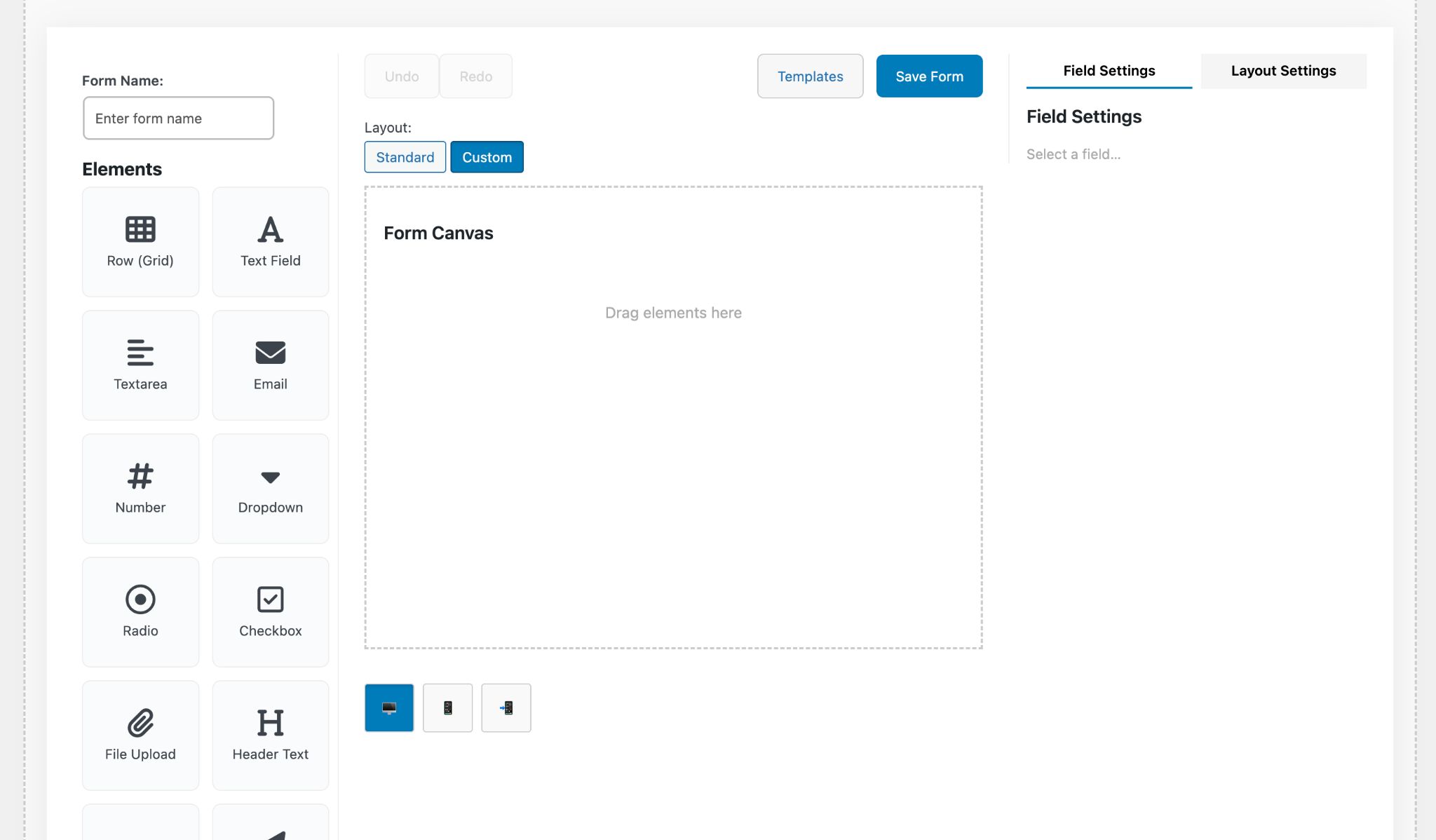
- Drag & drop form builder with 16+ field types (text, email, dropdown, radio, checkbox, file upload, GDPR consent, header, separator, paragraph, anchor, submit, etc.)
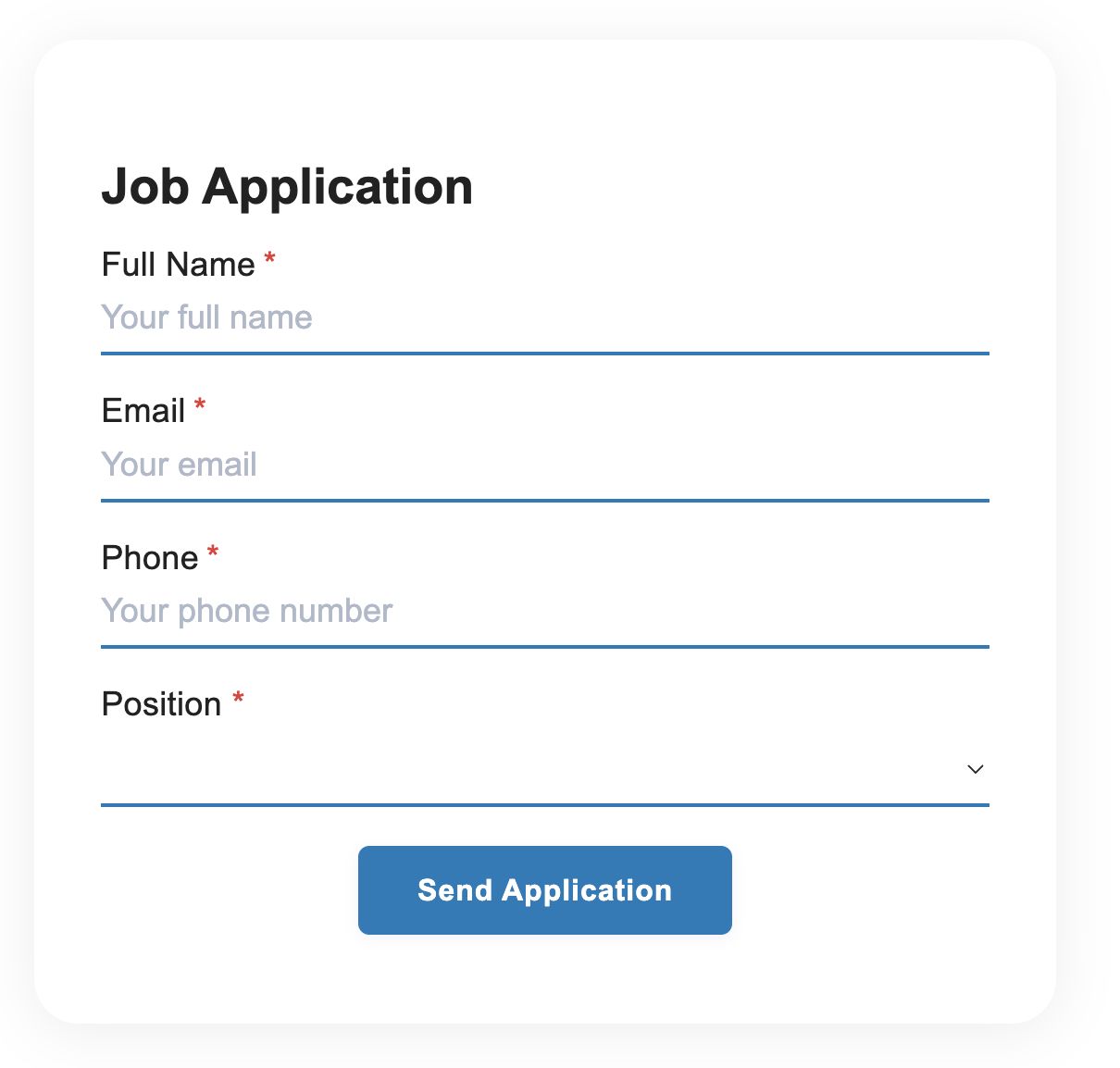
- Multiple layouts: standard and elegant image
- Conditional field logic: show/hide fields based on other field values
- Shortcode integration: [als_form_pro id="..."]
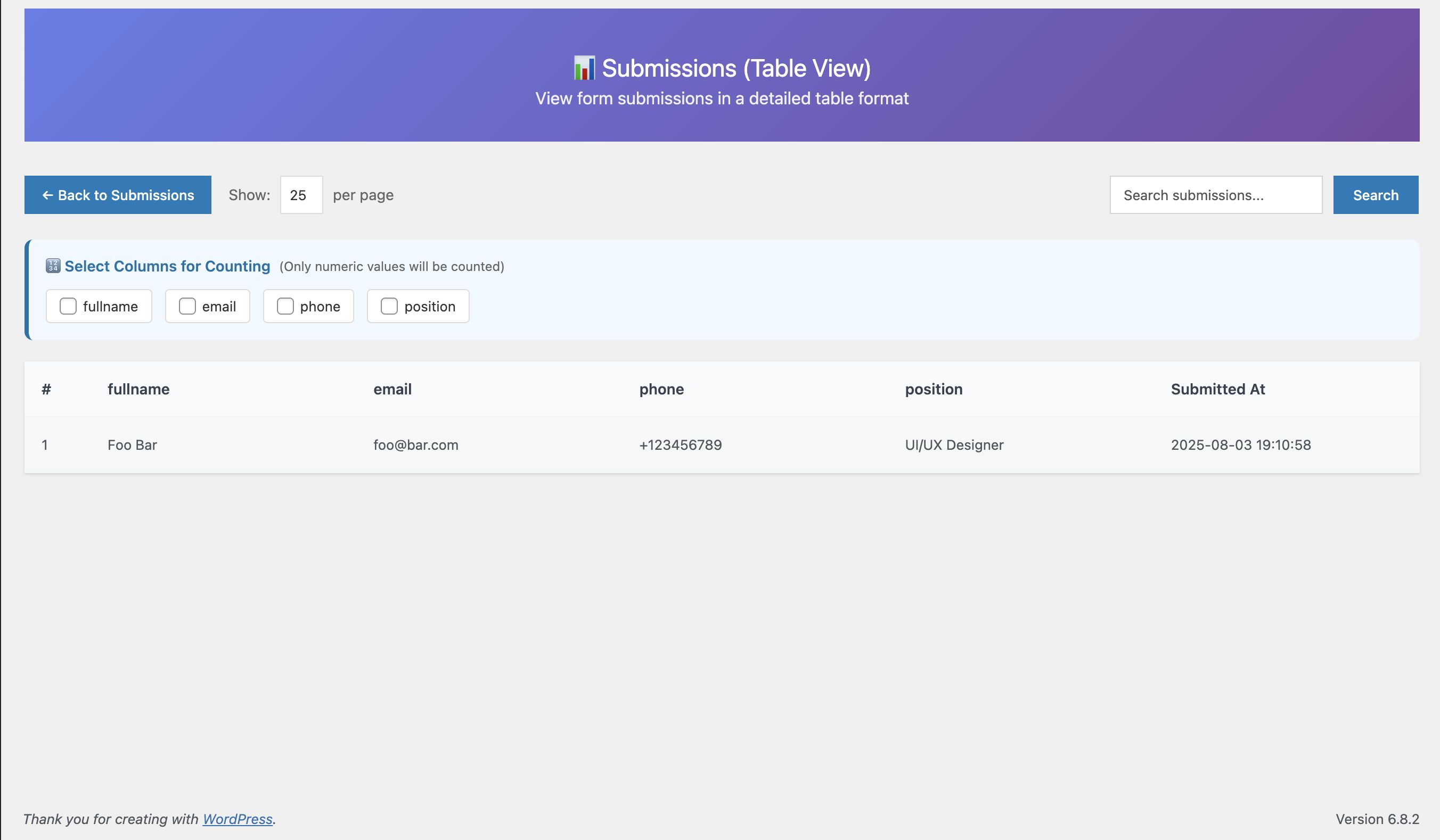
- Submission management: view, search, export (CSV/JSON) with pagination and countable columns
- GDPR ready with customizable consent field
- File upload with validation and secure storage
- Modal overlay for success messages
- Admin dashboard with statistics (total forms, submissions, top-performing forms)
- Email notifications (configurable)
- All messages in English, ready for translation
- Fully separated from free version: own database tables, options, shortcodes, admin menu
Integrations:
- Webhook: Send form data to any external URL
- Slack: Receive notifications in Slack channels
- Discord: Get notifications on Discord servers
- Mailchimp: Automatically add users to mailing lists
- Google reCAPTCHA: Protect forms from spam
Features
- 16+ field types including text, email, number, dropdown, radio, checkbox, file upload, GDPR consent, header, separator, paragraph, anchor, and submit button
- Drag & drop form builder with live preview
- Multiple layouts: standard and elegant image
- Conditional field logic for dynamic forms
- Customizable design: colors, spacing, border radius, font size, alignment
- GDPR compliance with consent field
- File upload with validation
- Modal overlay for success messages
- Admin dashboard with statistics
- Submission management with pagination and export (CSV/JSON)
- Email notifications
- Integrations: Webhook, Slack, Discord, Mailchimp, Google reCAPTCHA
- Shortcode integration
- Responsive design
- Translation ready
Requirements
- WordPress 5.6 or higher
- PHP 7.4 or higher
Instructions
- Upload the plugin folder to /wp-content/plugins/
- Activate the plugin via WordPress admin > Plugins
- Go to "ALS Forms Pro" in the admin menu
- Click "Add New Form" to launch the builder
- Customize fields, layout, and design
- Save and copy the shortcode to any page/post
- Use shortcode [als_form_pro id="1"] (replace 1 with your form ID)
- Configure integrations (optional) in ALS Forms Pro > Integrations
- View submissions in ALS Forms Pro > Submissions
Other items by this author



Information
| Category | Plugins / WordPress / Forms |
| First release | 1 November 2025 |
| Last update | 1 November 2025 |
| Supported CMS | WordPress 6.5, WordPress 6.6, WordPress 6.7, WordPress 6.8 |
| Files included | .php, .css, Javascript .js |
| Tags | responsive, contact form, mailchimp, reCaptcha, drag and drop, file upload, admin dashboard, gdpr, form plugin, webhook, discord, wordpress form builder, conditional logic, slack, export csv |