Pirate Defense - Unity TemplatePirate Defense - Unity Template
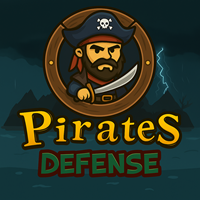
Defend your pirate base, upgrade heroes, and crush enemy waves in this thrilling action-defense game.
Pirate Defense - Unity Template
Defend your pirate base, upgrade heroes, and crush enemy waves in this thrilling action-defense g...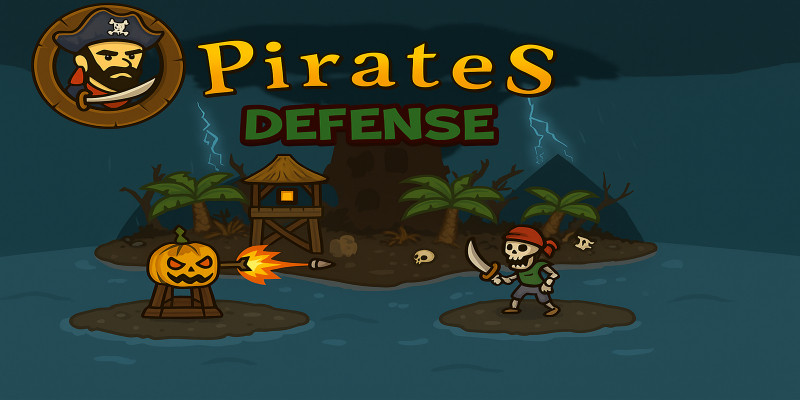
Screenshots
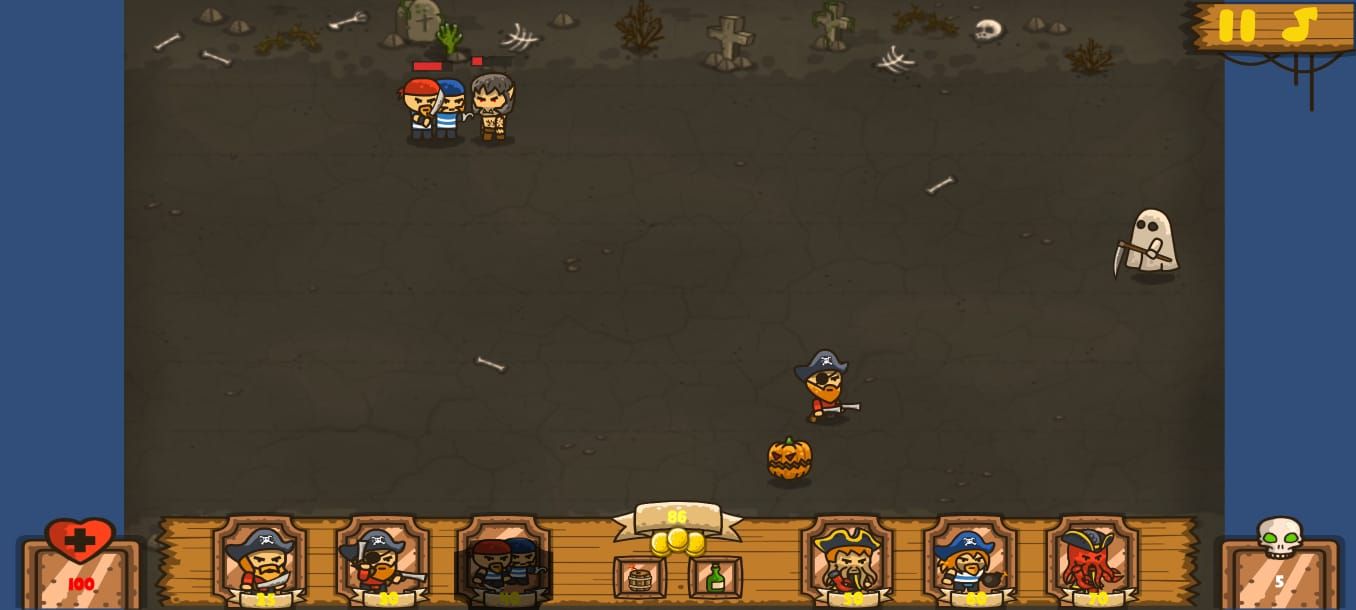
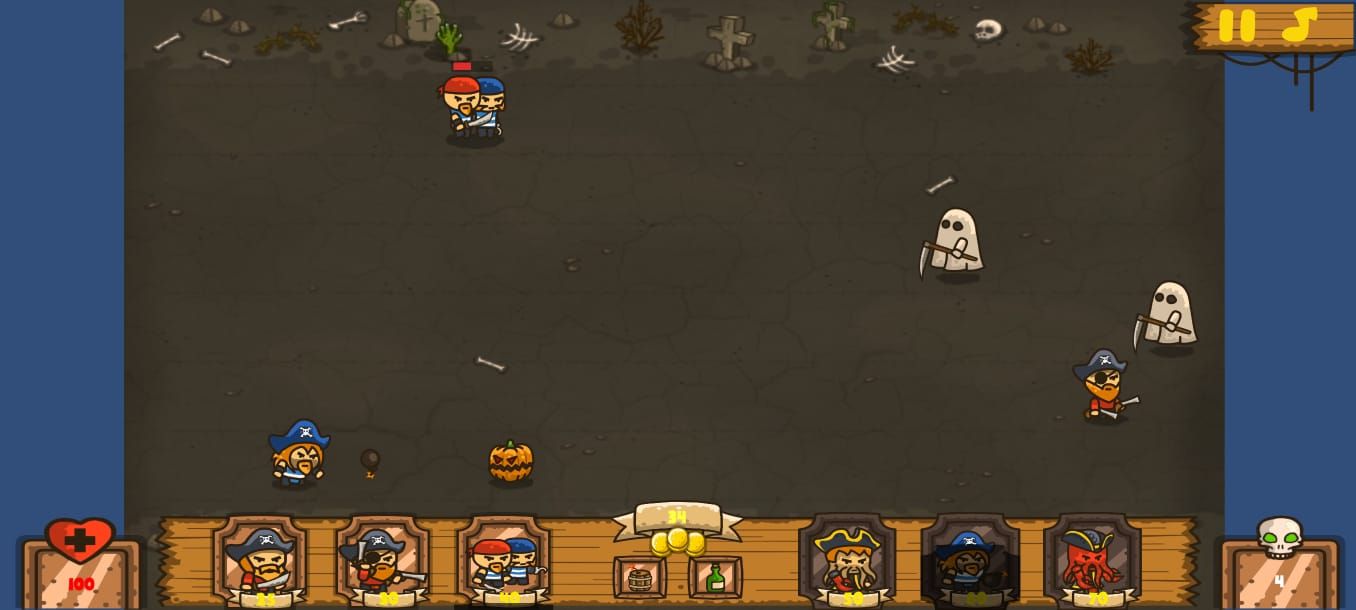
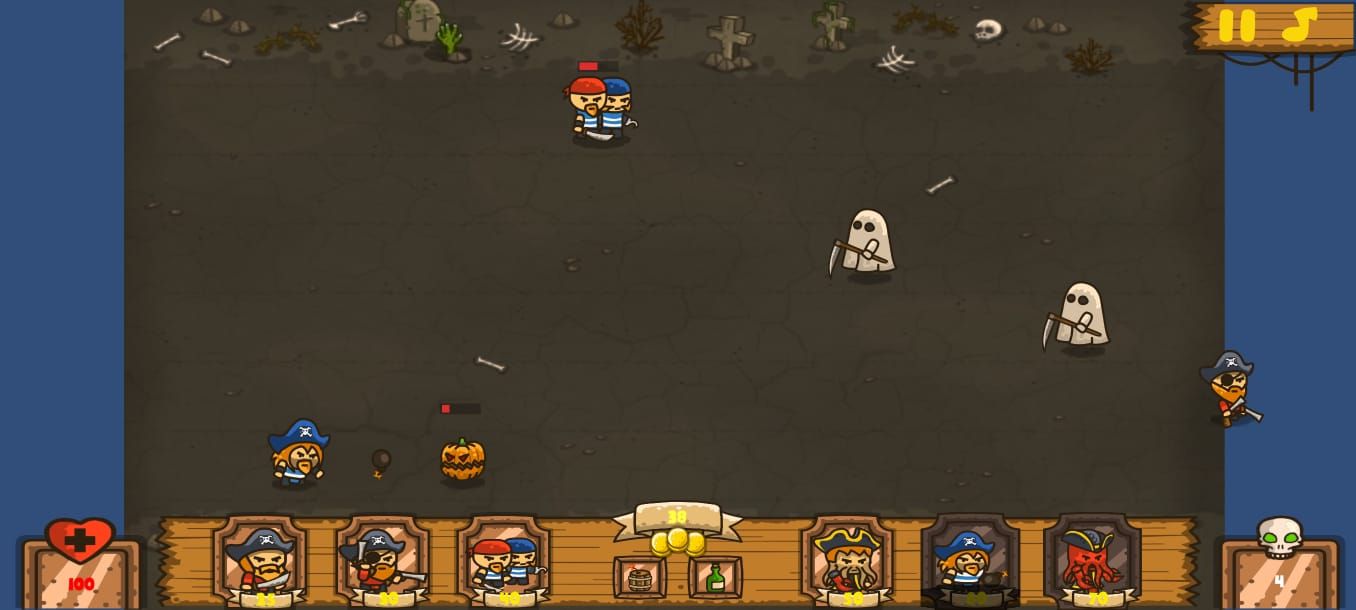
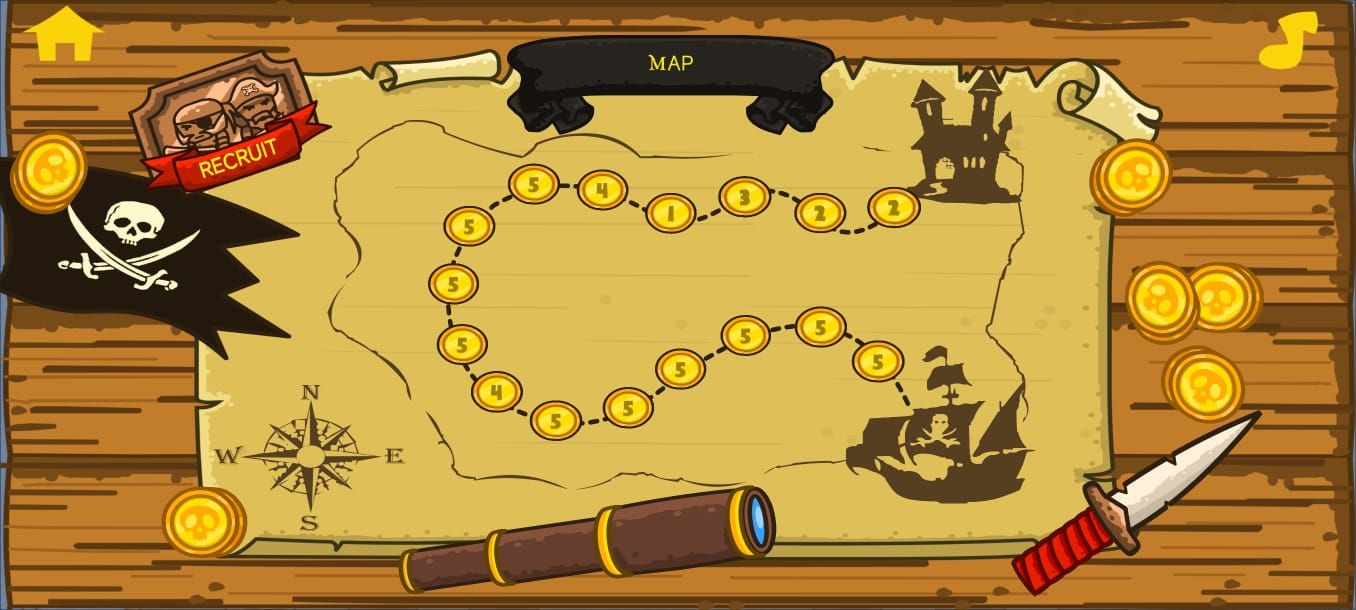
Overview
🏴☠️ Pirate Defense — Game Template by Reskin Factory
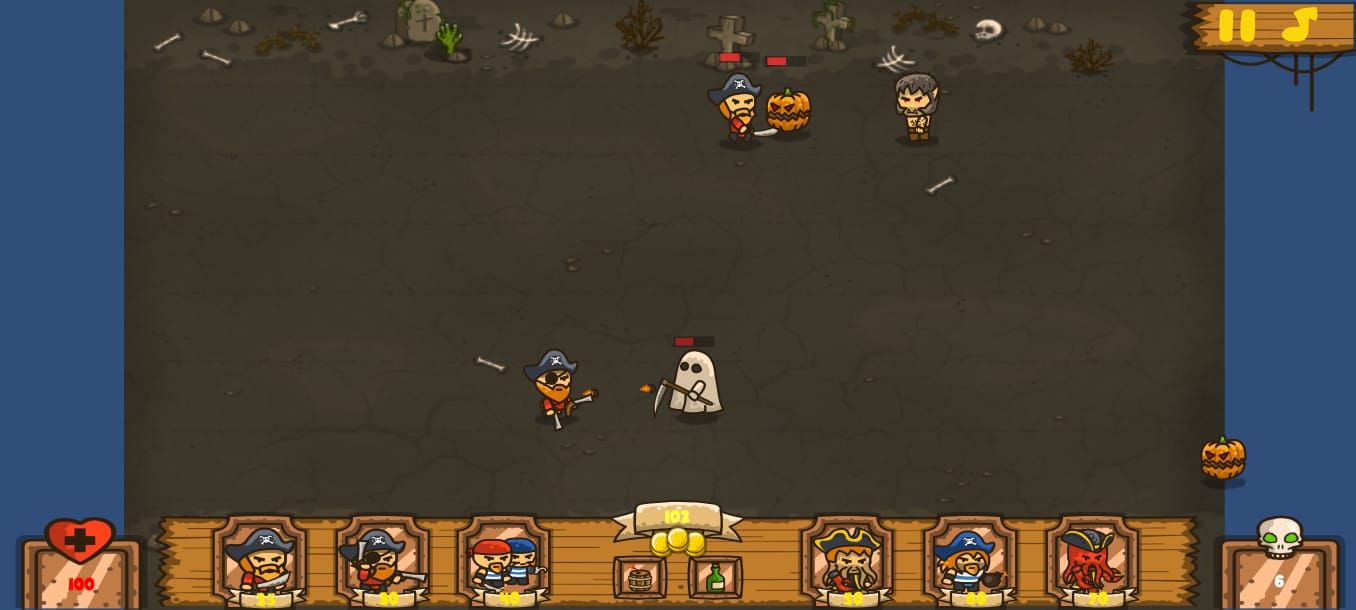
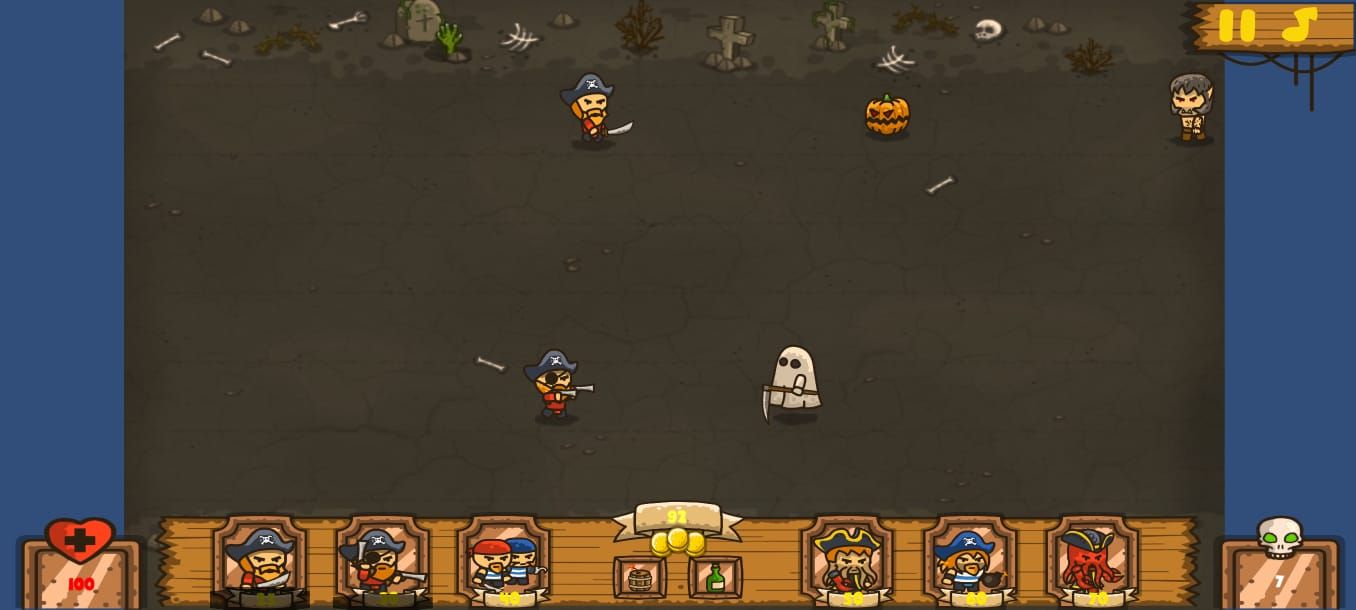
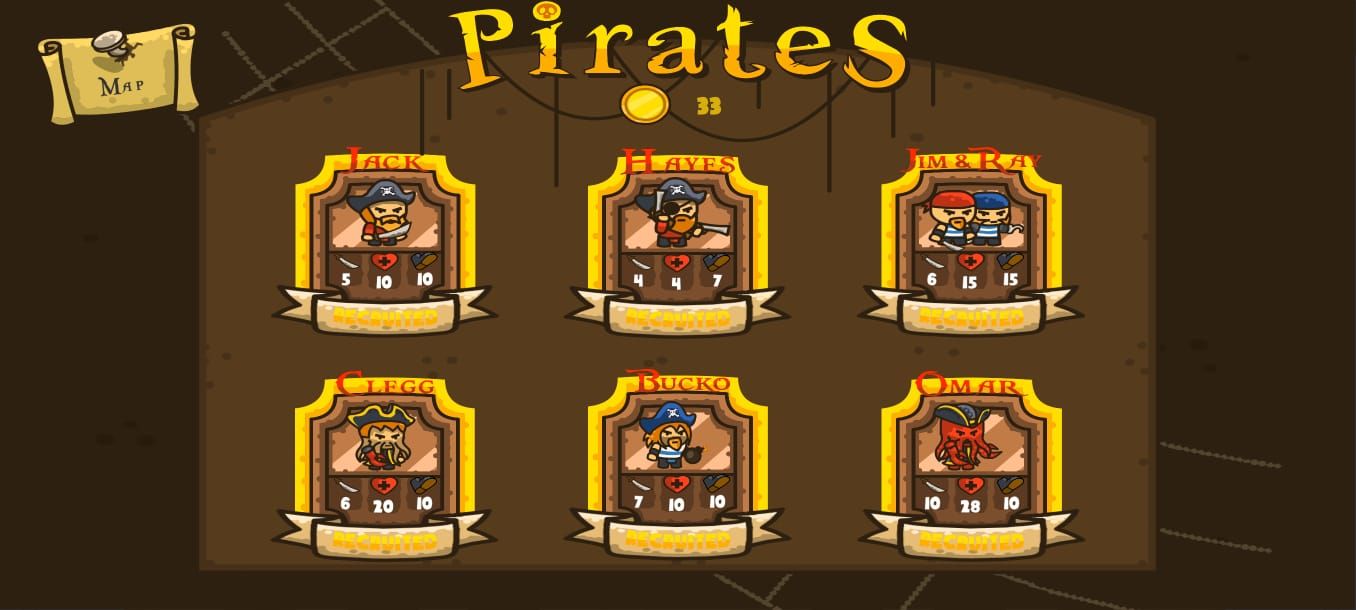
Set sail for adventure with Pirate Defense, a complete Unity game template that lets you build, customize, and publish your own thrilling pirate-themed defense game! Command brave pirates as you defend your base from relentless enemy waves, upgrade powerful heroes, and unlock exciting new abilities.
Built with Unity 2022.3.62f2, this project is fully optimized for modern devices and Google Play API 35 compliant. It’s stable, easy to edit, and packed with everything you need to create a professional mobile title — from ready-to-use scripts and assets to integrated AdMob and Unity Ads support.
Perfect for both beginners and experienced developers, Pirate Defense is simple to reskin, fun to expand, and ideal for quick publishing or creative customization. Whether you want to learn, launch, or level up your portfolio, this template gives you a head start toward success.
Features
💎 Key Features
- Fully playable pirate-themed defense gameplay
- Ready-made levels, characters, and upgrade systems
- AdMob & Unity Ads integration
- Built for Unity 2022.3.62f2 (API 35 compliant)
- Optimized performance with fixed bugs
- Easy reskin and customization workflow
- Professional, clean Unity project structure
Requirements
Unity 2022.3.62f2
Instructions
⚙️ How to Use the Source Code
-
Open the Project in Unity
- Use Unity 2022.3.62f2 or newer.
- Import the project folder into Unity Hub and open it.
-
Set Up the Build Settings
- Go to File → Build Settings and select Android as your platform.
- Make sure your SDK, NDK, and JDK paths are correctly configured.
-
Customize Your Game (Reskin)
- Open the Assets/Resources folder.
- Replace all image files (.png) with your own graphics.
- You can also replace music and sound effects in the Sounds folder.
- Update fonts in Resources/Fonts if desired.
-
Update AdMob and Unity Ads IDs
- Open the MainMenu scene.
- Select the AdsControl object and insert your AdMob & Unity Ads IDs.
- Also update your ad IDs directly in the AdsControl.cs script.
-
Build Your APK or AAB
- Go to File → Build Settings → Build.
- Unity will generate a ready-to-upload APK or AAB package.
-
Test Your Game
- Install your build on a test device.
- Check gameplay, ads, and UI elements to ensure everything works properly.
-
Publish to Google Play or App Store
- Create your store listing, upload your build, and go live!
Other items by this author


|
Unity Game Reskin Service
Have your Unity Game reskinned to meet your needs.
|
$499 | Buy now |
| Category | App Templates / Unity / Templates / Casual |
| First release | 4 November 2025 |
| Last update | 4 November 2025 |
| Operating Systems | MacOS 10.14, Windows 10, Unity 2019, Android 10.0, Android 11.0, Android 12.0 |
| Files included | Layered .png, .cs, .unityproj, .prefab, .fbx, build.settings |
| Tags | admob, android game, Unity, ios game, reskin, Unity Game, mobile game, easy to reskin, tower defense, unity template, Defense Game, casual game, ready to publish, strategy game, pirate game |