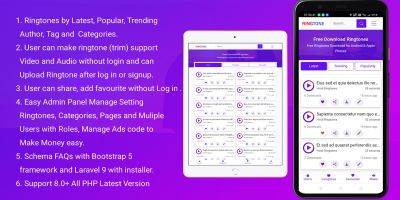
RadioX - Radio Streaming PHP ScriptRadioX - Radio Streaming PHP Script
RadioX is a complete, professional radio streaming application built with pure PHP. It provides everything you need to run a moder
RadioX - Radio Streaming PHP Script
RadioX is a complete, professional radio streaming application built with pure PHP. It provides e...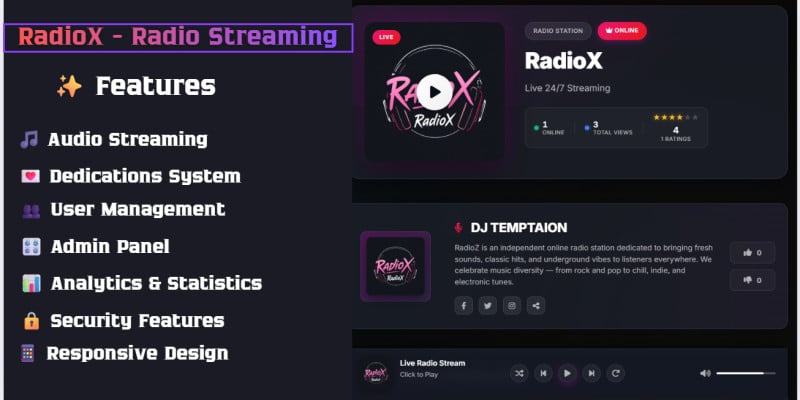
Screenshots
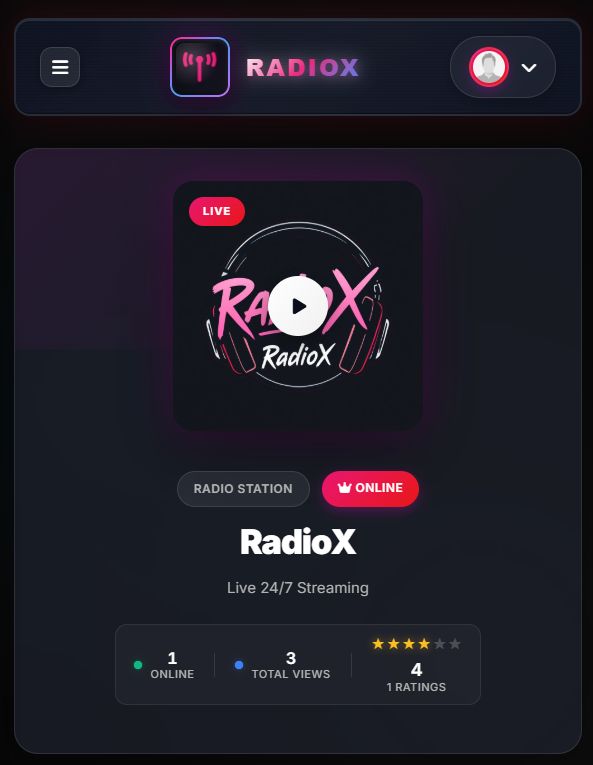
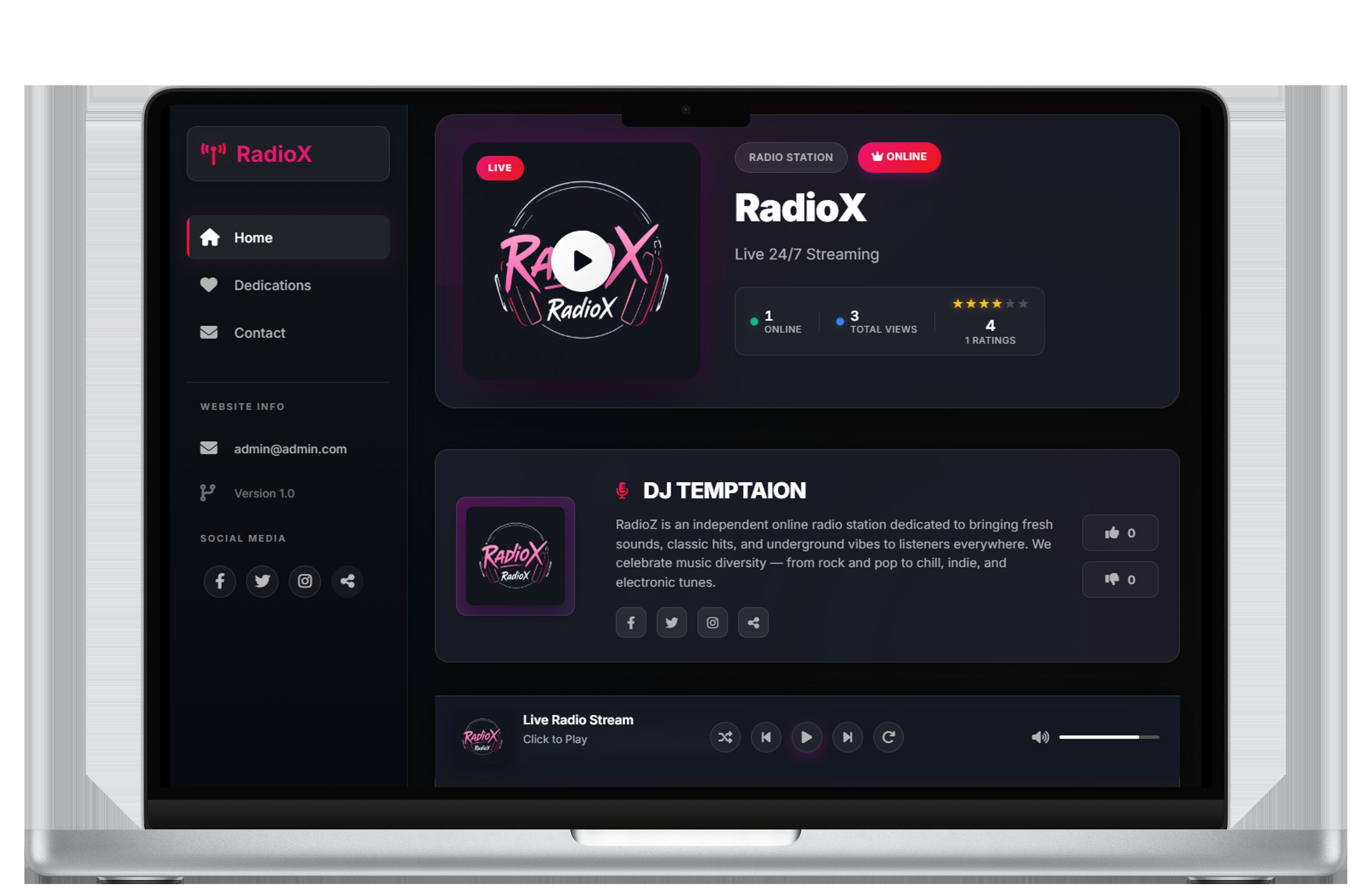



Overview
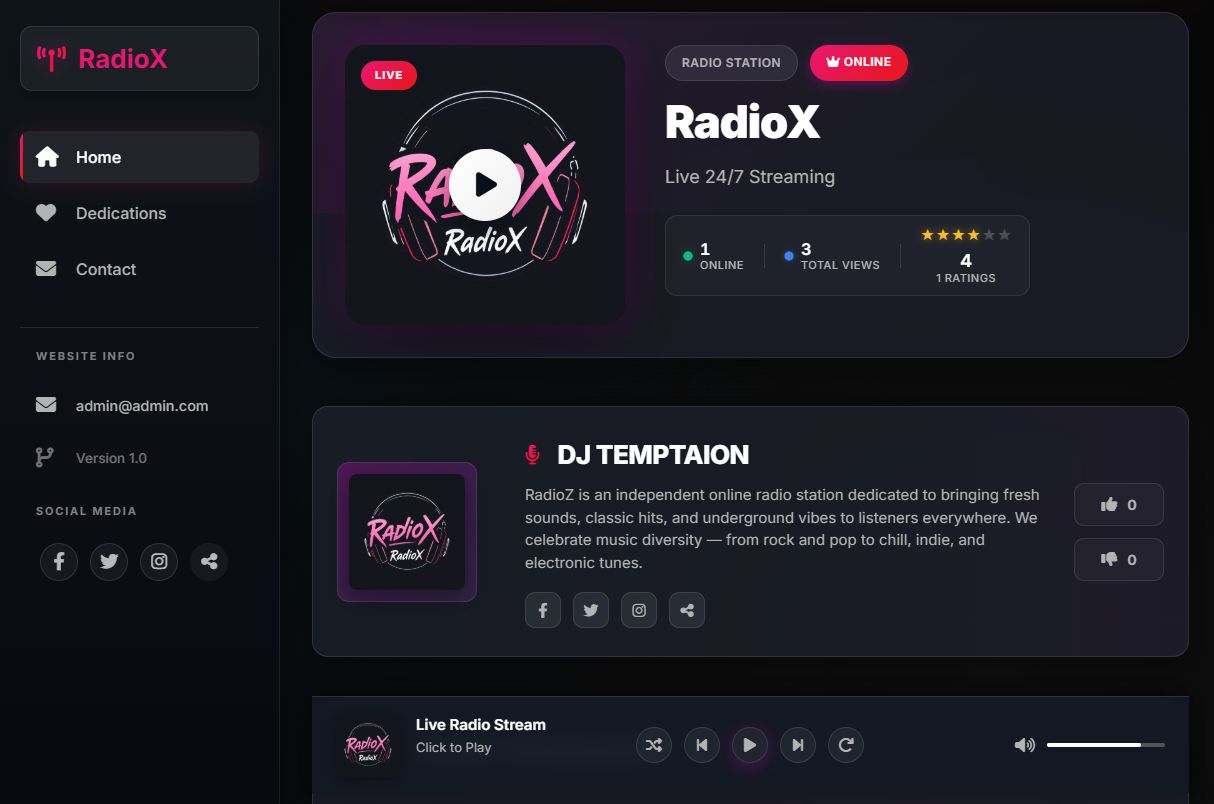
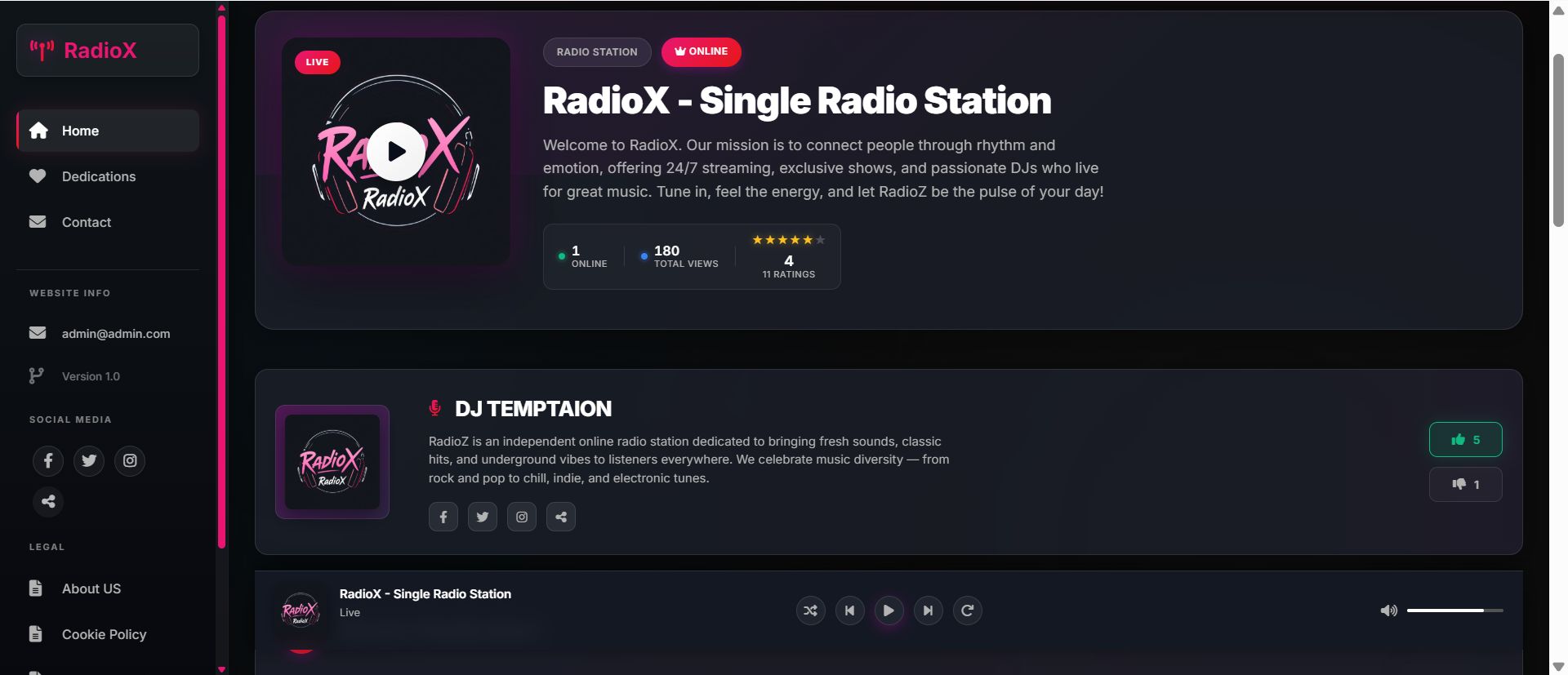
RadioX is a complete, professional radio streaming application built with pure PHP. It provides everything you need to run a modern online radio station with live streaming, dedications, user management, multi-language support, and comprehensive analytics.
💡 Perfect For: Radio stations, podcasters, music streaming services, online DJs, community radios, and anyone looking to create a professional radio streaming platform.
login with: admin
Password: 123456
-----------------------------
Technology Stack
- Backend: PHP 7.4+ (Pure PHP, no framework)
- Database: MySQL 5.7+ / MariaDB 10.3+
- Frontend: Bootstrap 5.3, Font Awesome 6, Vanilla JavaScript
- Architecture: PDO with prepared statements, MVC-inspired structure
- Security: CSRF protection, password hashing (bcrypt), XSS prevention
Features
🎵 Audio Streaming
- Multiple radio stations support
- HTML5 audio player with modern controls
- Playlist management
- Volume control and mute functionality
- Now playing information display
- Auto-play and remember last station
- Mobile-responsive player
💌 Dedications System
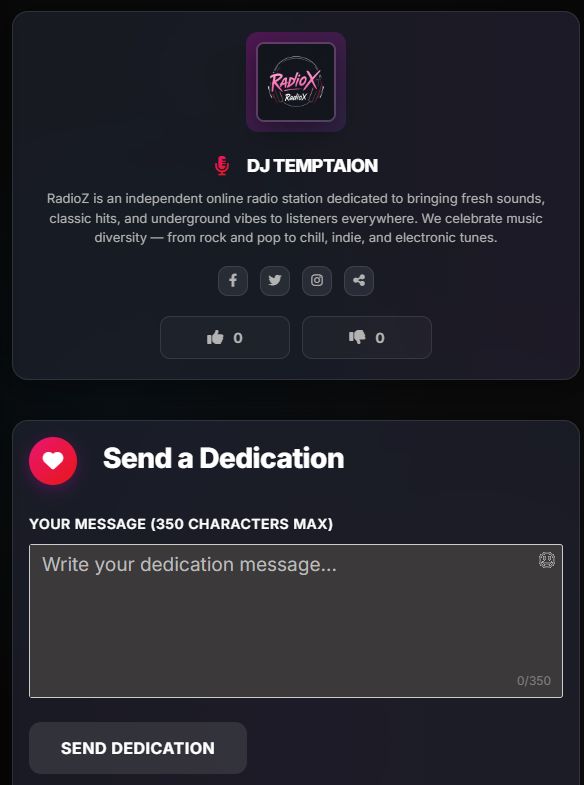
- Public dedication submissions (guest or logged-in users)
- Moderation system (manual or auto-approve)
- Dedication display on homepage
- Admin approval/rejection workflow
- Optional login requirement
- CAPTCHA support for guest submissions
- Spam prevention and rate limiting
👥 User Management
- User registration and login system
- Profile management with avatar uploads
- Password change functionality
- Admin and regular user roles
- User activity tracking
- Ban system (user-level and IP-based)
- Session management
🎛️ Admin Panel
- Dashboard with statistics overview
- User management (view, edit, delete, ban)
- Dedication moderation
- Radio station management
- Content pages (CMS functionality)
- Language management
- Site settings configuration
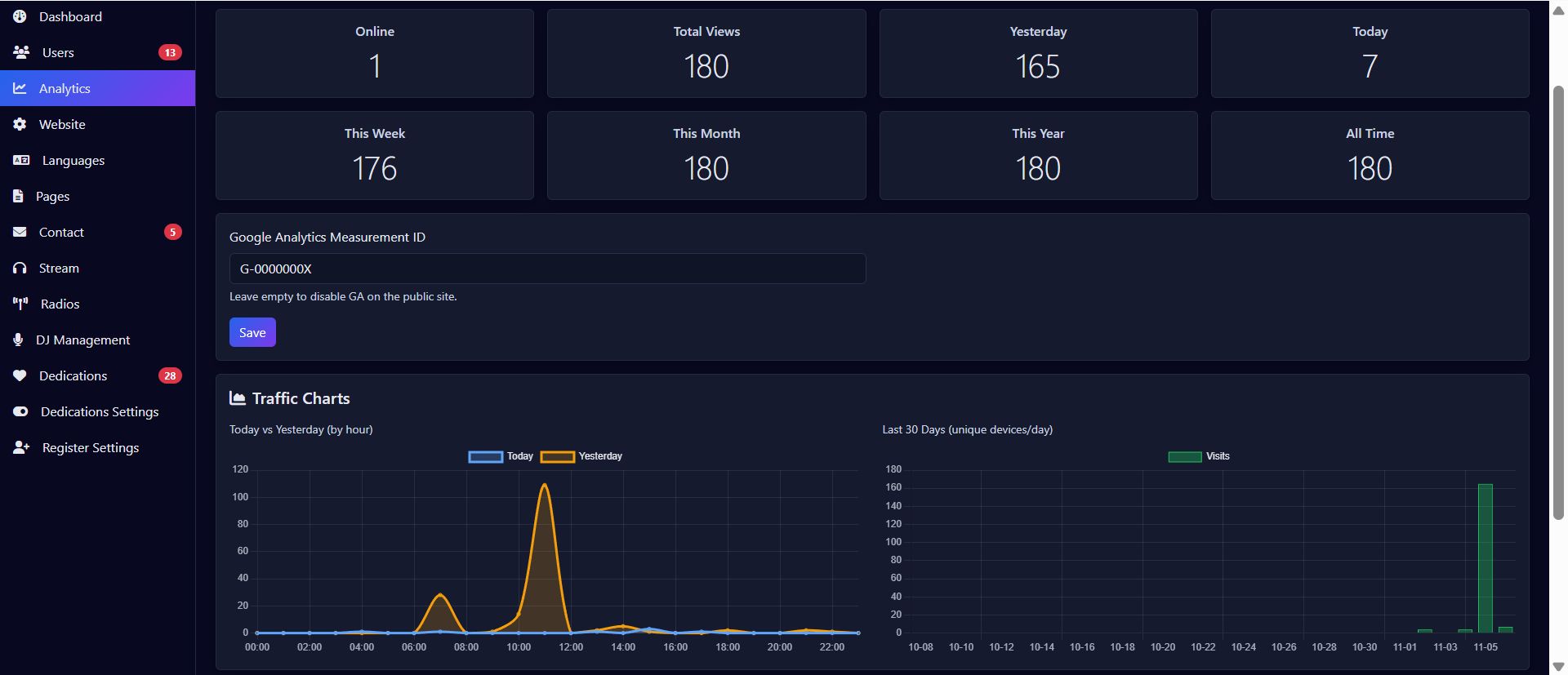
- Analytics and visitor tracking
- Contact message management
🌍 Multi-Language Support
- Pure JSON translation system (no database queries)
- Easy to add new languages
- Admin interface for editing translations
- Language switcher for users
- Flag icons support
- RTL support ready
- Includes English translations by default
📊 Analytics & Statistics
- Visitor hit tracking
- GeoIP location detection
- Device fingerprinting
- Daily/hourly visitor charts
- Country-based visitor statistics
- User agent tracking
- API endpoint for external analytics
🔒 Security Features
- CSRF protection on all forms
- Password hashing with bcrypt
- SQL injection prevention (PDO prepared statements)
- XSS protection (output escaping)
- Session hijacking prevention
- Rate limiting for API endpoints
- File upload validation
- Admin-only access control
📱 Responsive Design
- Mobile-first approach
- Bootstrap 5 framework
- Touch-friendly interface
- Optimized for all screen sizes
- Fast loading times
- Modern UI/UX design
Requirements
⚙️ Server Requirements
⚠️ Important:Please ensure your server meets ALL requirements before installation. The automatic installer will check these for you.
Minimum Requirements
- PHP Version: 7.4 or higher (PHP 8.0+ recommended)
- MySQL: 5.7+ or MariaDB 10.3+
- Web Server: Apache 2.4+ or Nginx 1.18+
- Disk Space: Minimum 50MB (100MB+ recommended for uploads)
- Memory: 128MB PHP memory limit (256MB recommended)
Required PHP Extensions
| Extension | Required | Purpose |
|---|---|---|
PDO | Required | Database connectivity |
pdo_mysql | Required | MySQL database driver |
mbstring | Required | Multi-byte string handling |
json | Required | JSON processing for translations |
session | Required | User sessions management |
GD or Imagick | Recommended | Image uploads (avatars, covers) |
curl | Recommended | GeoIP API requests |
File Permissions
The following directories must be writable (755 or 775):
uploads/
uploads/avatars/
uploads/radios/
uploads/site/
uploads/dj/
uploads/stream_covers/
config.php (during installation only)
Recommended Server Configuration
| Setting | Recommended Value | Description |
|---|---|---|
upload_max_filesize | 10M | Maximum upload file size |
post_max_size | 12M | Maximum POST data size |
max_execution_time | 300 | Script execution timeout |
memory_limit | 256M | PHP memory limit |
💡 Pro Tip:The included .htaccess file automatically configures many of these settings for Apache servers.
Instructions
Method 1: Automatic Installation (Recommended)
Step 1: Upload Files
Upload all files to your web server using FTP, SFTP, or your hosting control panel:
- For root installation: Upload to
public_html/orwww/ - For subfolder: Upload to
public_html/radiox/
Step 2: Create Database
Create a MySQL database and user via cPanel, phpMyAdmin, or command line:
CREATE DATABASE radiox_db;
CREATE USER 'radiox_user'@'localhost' IDENTIFIED BY 'your_password';
GRANT ALL PRIVILEGES ON radiox_db.* TO 'radiox_user'@'localhost';
FLUSH PRIVILEGES;
Step 3: Run Installer
Navigate to your website URL in a browser:
https://yourdomain.com/###/precode###install.php.
Step 4: Complete Installation Wizard
Follow the 4-step installation wizard:
- Requirements Check: Automatic validation of server requirements
- Database Setup: Enter database credentials and base URL
- Installation: Automatic database import and configuration
- Complete: Login credentials and security instructions
Default Admin Credentials:Username: admin / 123456





Future product updates
Quality checked by Codester
Lowest price guarantee


|
PHP Script Installation Service
Don't worry about the installation of your script! Have your PHP Script installed for you.
|
$39 | Buy now |
| Category | Scripts & Code / PHP Scripts / Multimedia / Music |
| First release | 6 November 2025 |
| Last update | 6 November 2025 |
| Files included | .php, .css, .html, Javascript .js |
| Tags | php script, Music, radio, stream, podcast |