Home / App Templates / Android / Applications / Finance

Android Currency Exchange App Source CodeAndroid Currency Exchange App Source Code
Android currency converter source code with live APIs, offline high‑precision rates, and easy customization.Home / App Templates / Android / Applications / Finance
Android Currency Exchange App Source Code
Android currency converter source code with live APIs, offline high‑precision rates, and easy cus...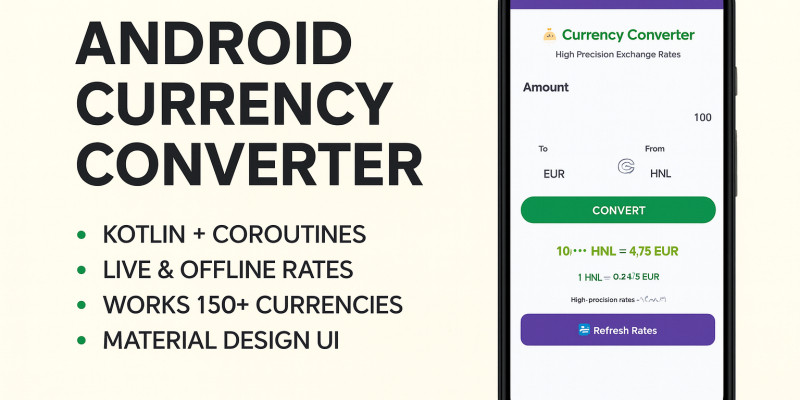
Screenshots


Overview
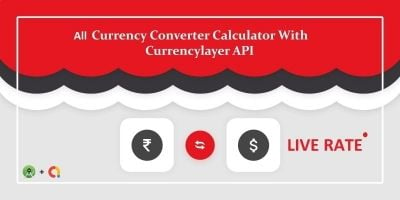
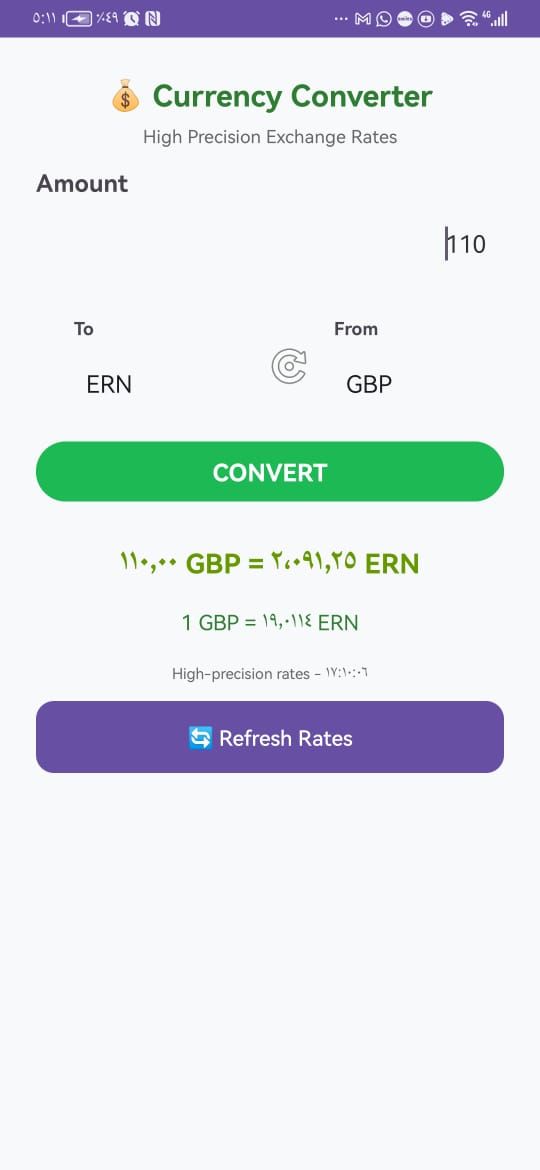
Build your own Android Currency Converter app with this complete source code project written in Kotlin. This template allows users to convert between 150+ world currencies (USD, EUR, GBP, SAR, and more) using live exchange rates from multiple free APIs (no API key required) and offline high‑precision fallback rates when internet is unavailable.
Designed with a clean Material Design interface, the app includes instant conversion, swap button, refresh functionality, and automatic updates when changing currencies. The project is optimized for performance using Kotlin coroutines to fetch data smoothly without blocking the UI.
Features
- Full Android source code for a currency converter app.
- Convert between 150+ currencies with accurate results.
- Live exchange rates from multiple free APIs (no API key needed).
- Offline high‑precision rates for reliable conversion anytime.
- Swap currencies instantly with one click.
- Auto‑update conversion when changing currencies.
- Modern UI with Material Design components.
- Easy customization: change app name, logo, colors, and package ID.
- Well‑structured Kotlin code with clear documentation.
Requirements
- Android Studio (latest version recommended).
- Basic knowledge of Kotlin/Java and Android development.
Instructions
- Download & Extract
- After purchase, download the ZIP file and extract it.
- Open in Android Studio
- Launch Android Studio (latest version recommended).
- Select Open an existing project and choose the extracted folder.
- Build & Run
- Allow Gradle to sync automatically.
- Connect an Android device or use an emulator.
- Click Run to build and test the app.
- Customization (Reskin Required)
- Change App Name in
strings.xml. - Replace App Icon in the
mipmapfolder. - Update Package Name via Android Studio → Refactor → Rename.
- Modify colors and styles in
res/values/colors.xmlandstyles.xml. - Optional: adjust layout XML files for UI changes.
- Change App Name in
- Exchange Rates
- ###li/li###
- Offline high‑precision rates are included as fallback.
- Publishing
- Generate a signed APK or App Bundle via Android Studio.
- Important: Reskinning is required before publishing on Google Play or other app stores.
- Upload the customized app to Google Play or any marketplace.


Additional options
|
Android App Reskin Service
Have your App reskinned to meet your needs.
|
$499 | Buy now |
Information
| Category | App Templates / Android / Applications / Finance |
| First release | 16 November 2025 |
| Last update | 16 November 2025 |
| Operating Systems | Android 7.0, Android 8.0, Android 9.0, Android 10.0, Android 11.0, Android 12.0 |
| Tags | android source code, currency converter, money converter, android studio project, kotlin app, currency calculator, financial app, currency exchange app, offline currency rates, live exchange rates, buy android app, multi currency app, android kotlin template, codester android app, currency api |