Auto Cloud Backup – Google Drive Dropbox WPAuto Cloud Backup – Google Drive Dropbox WP
A powerful WordPress auto-backup plugin that securely uploads your website files & database to Google Drive and Dropbox automa
Auto Cloud Backup – Google Drive Dropbox WP
A powerful WordPress auto-backup plugin that securely uploads your website files & database t...
Screenshots



Overview
Auto Cloud Backup – Google Drive & Dropbox Sync
is a powerful and secure WordPress plugin that automatically backs up your website files and database to Google Drive or Dropbox.
It includes a modern admin panel, beautiful UI, scheduling system, custom backup folders, instant one-click restore, and detailed activity logs.
This plugin makes sure your website is always safe, even if your hosting crashes, gets hacked, or files get deleted.
All backups are stored in your personal cloud storage with full encryption and reliability.
Perfect for bloggers, agencies, WooCommerce stores, and anyone who wants 24/7 website prot
ection.
Features
✔ Automatic full website backup
✔ Backup to Google Drive
✔ Backup to Dropbox
✔ One-click manual backup
✔ Auto scheduler (Daily / Weekly / Monthly)
✔ Backup compression (ZIP)
✔ Restore backup system
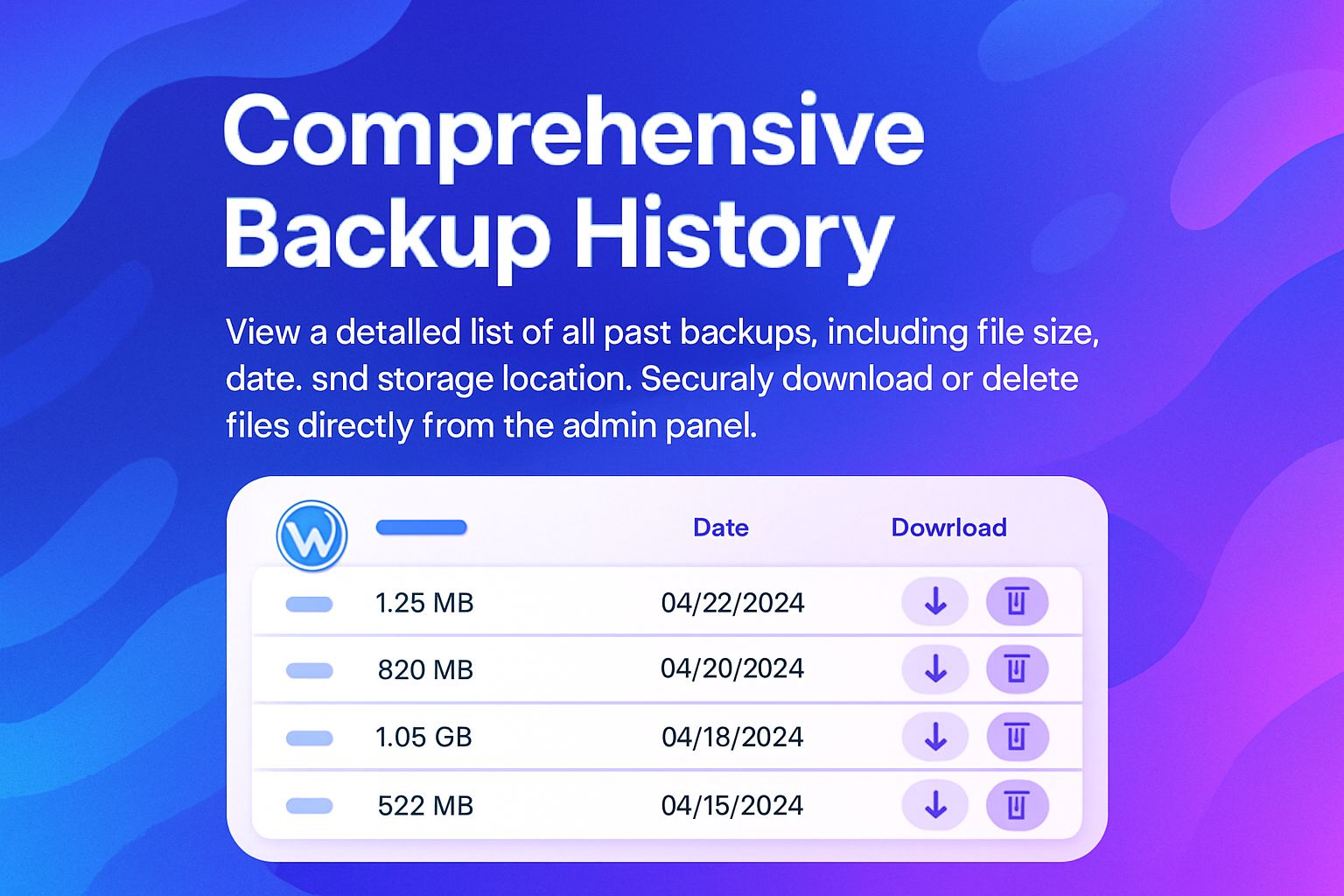
✔ Backup download to local system
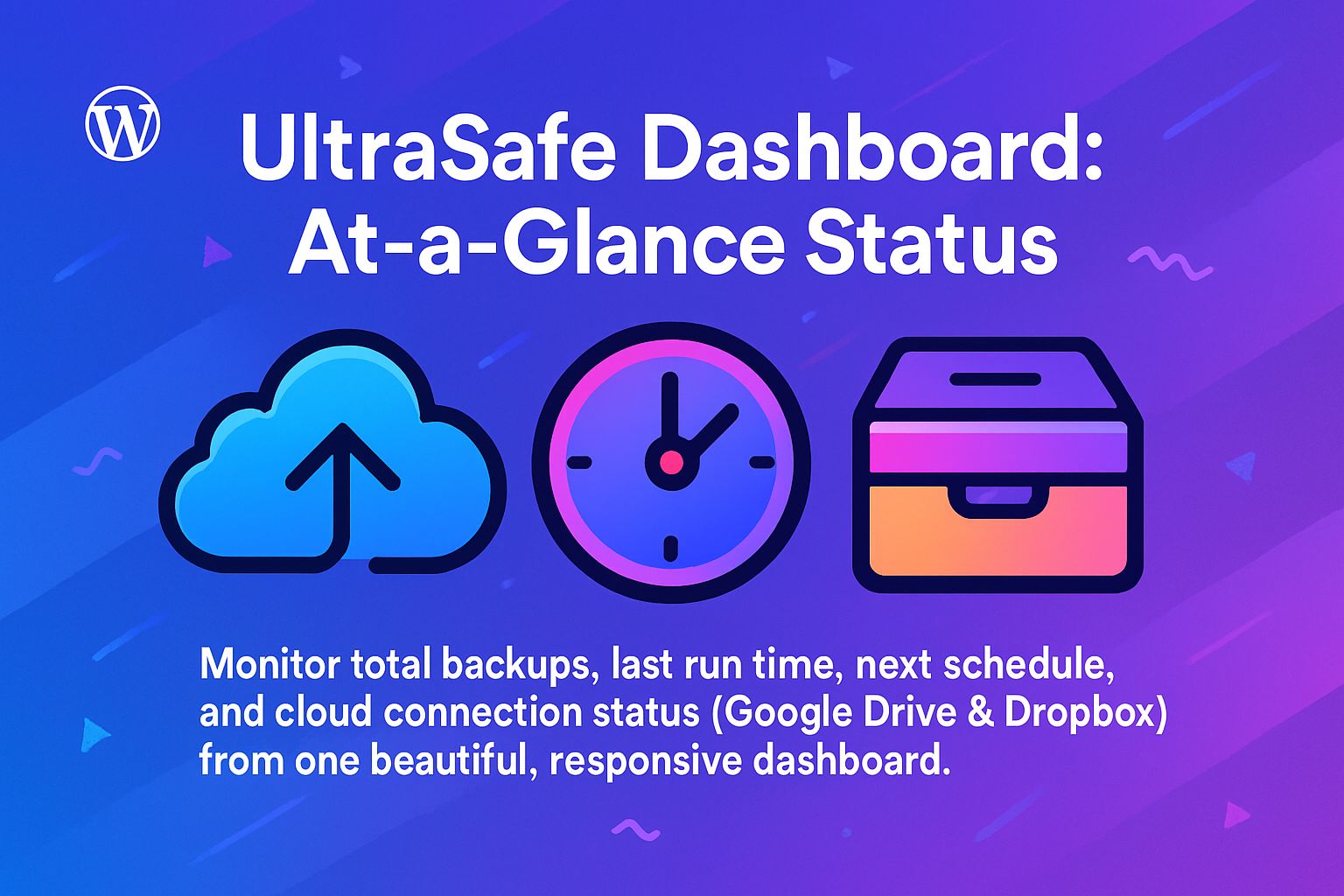
✔ Modern dashboard with analytics
✔ Email alerts & notifications
✔ Backup file size optimization
✔ Custom folder selection
✔ WP Files + Database backup
✔ Backup history logs
✔ Works on all hosting environments
✔ No coding required
Requirements
• WordPress 5.0 or higher
• PHP 7.2 or higher
• cURL enabled
• Google Drive API Keys
• Dropbox App Token
• 10MB minimum hosting space
• Works on Shared, VPS, and Cloud Hosting
Instructions
1. Install Plugin
Go to WordPress Dashboard → Plugins → Add New
Upload the ZIP file
Click Activate
2. Setup Google Drive
Go to plugin admin panel
Open Google Drive Settings
Add your Client ID & Secret
Click Connect with Google Drive
3. Setup Dropbox
Open Dropbox Settings
Enter your App Access Token
Click Connect Dropbox
4. Configure Backup Settings
Choose backup type:
Files Backup
Database Backup
Full Backup
Enable Auto Schedule
Choose Daily / Weekly / Monthly
5. Start Backup
Click Run Backup Now
Backup will auto-upload to your selected cloud storage
6. Restore Backup
Go to Backup History
Choose any backup
Click Restore
Your website will restore instantly.
Other items by this author






| Category | Plugins / WordPress / Miscellaneous |
| First release | 30 November 2025 |
| Last update | 30 November 2025 |
| Supported CMS | WordPress 6.5, WordPress 6.6, WordPress 6.7, WordPress 6.8 |
| Files included | .php, .html, Javascript .js |
| Tags | wp plugin, auto backup, wordpress backup, database backup, google drive backup, dropbox backup, cloud backup plugin, wp backup tool, website restore, wordpress cloud sync, auto scheduler backup, secure backup, site backup tool |