EventsHub – Live Events And Festivals PortalEventsHub – Live Events And Festivals Portal
A modern live events & festivals portal with auto API fetching, multi-language support, user accounts, and full admin control.
EventsHub – Live Events And Festivals Portal
A modern live events & festivals portal with auto API fetching, multi-language support, user ...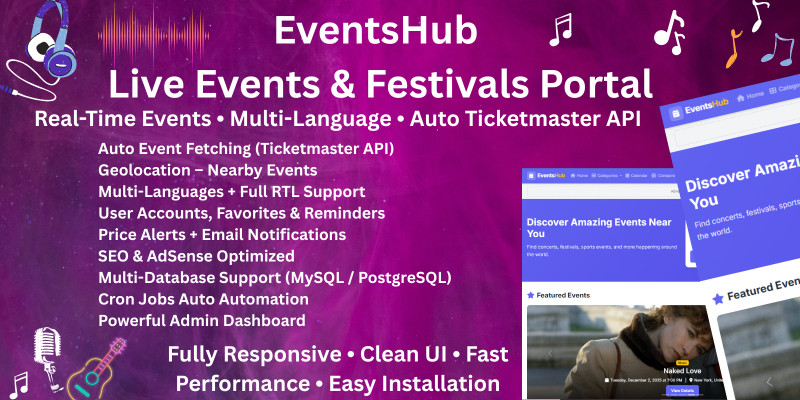
Screenshots




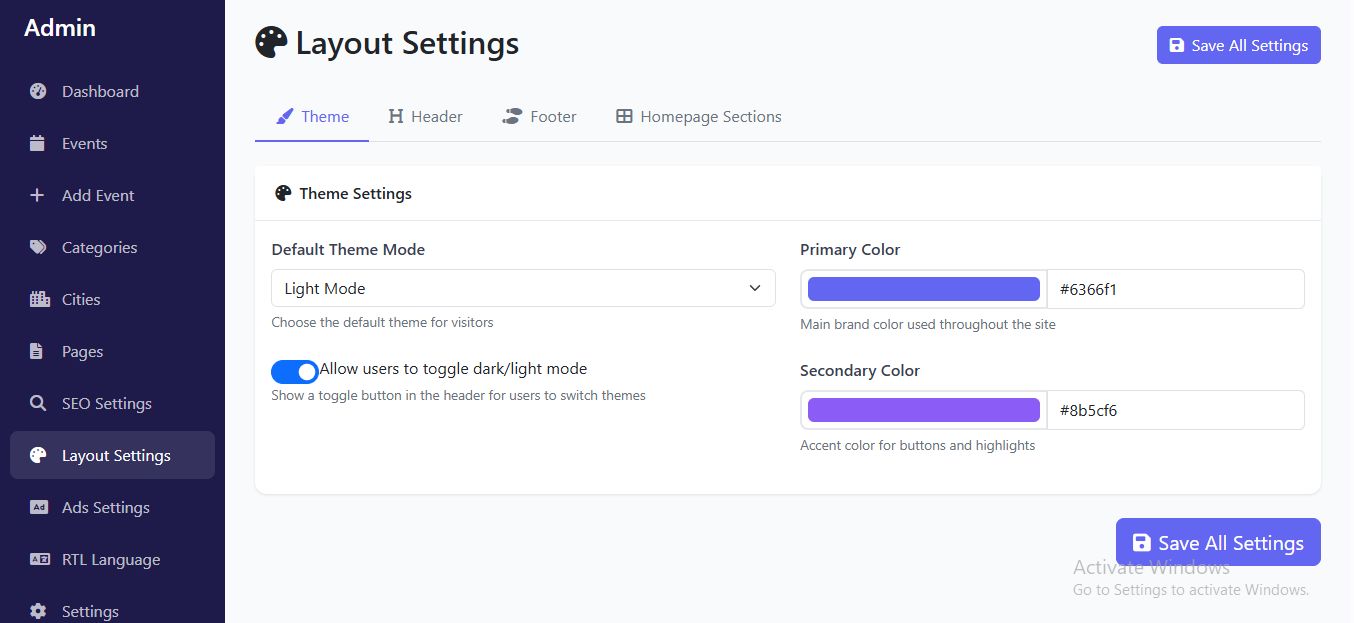
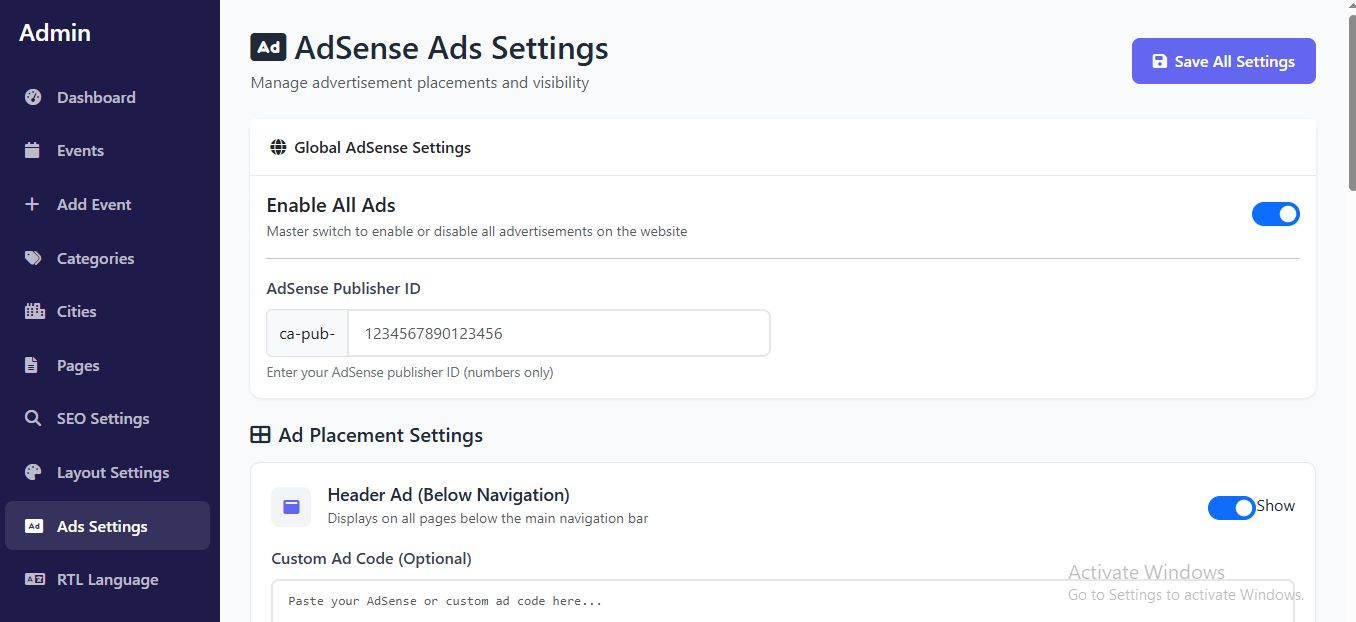

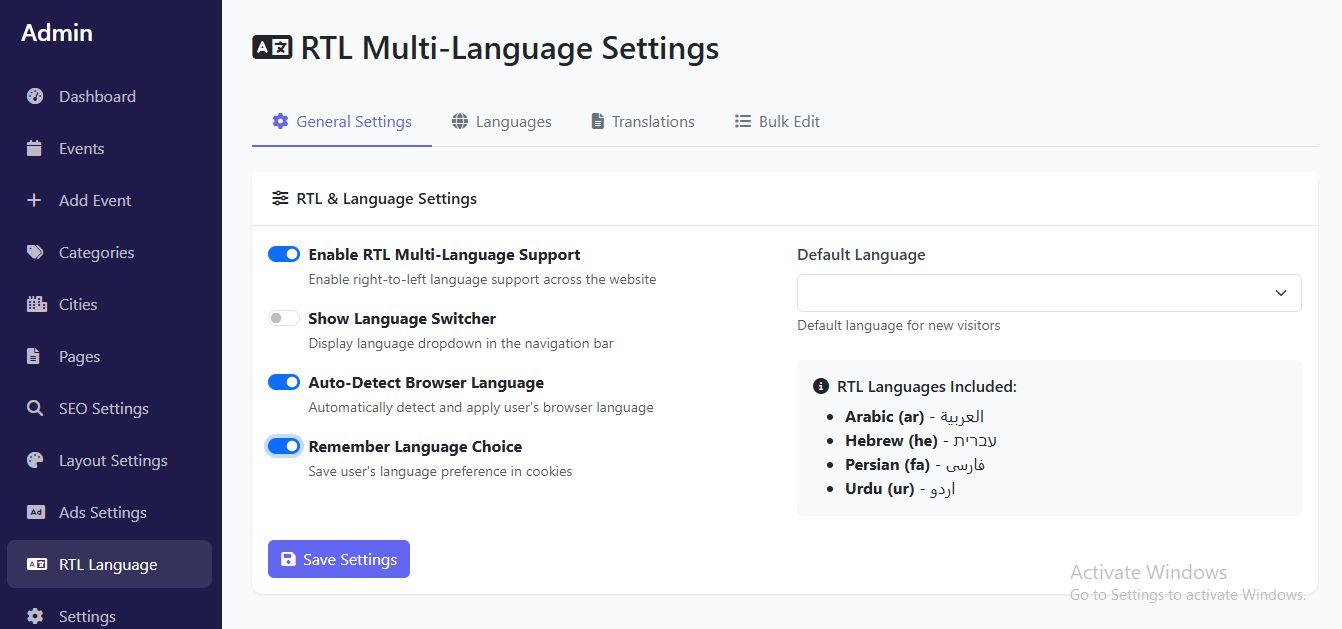
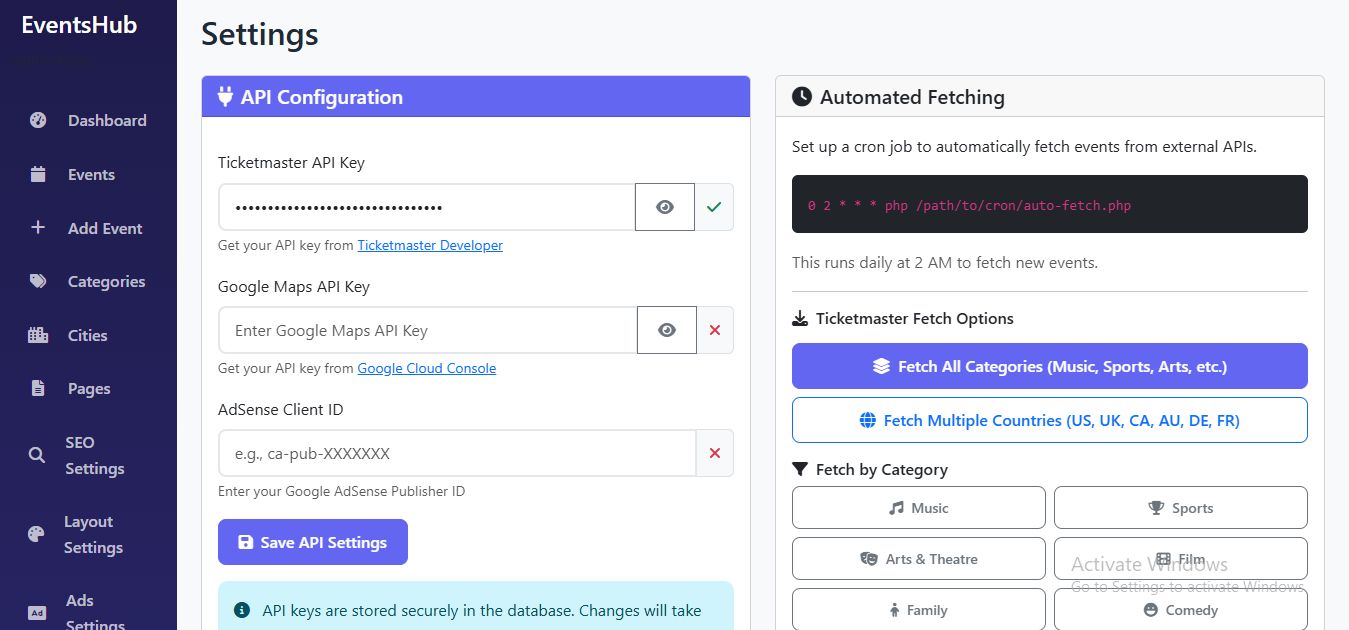
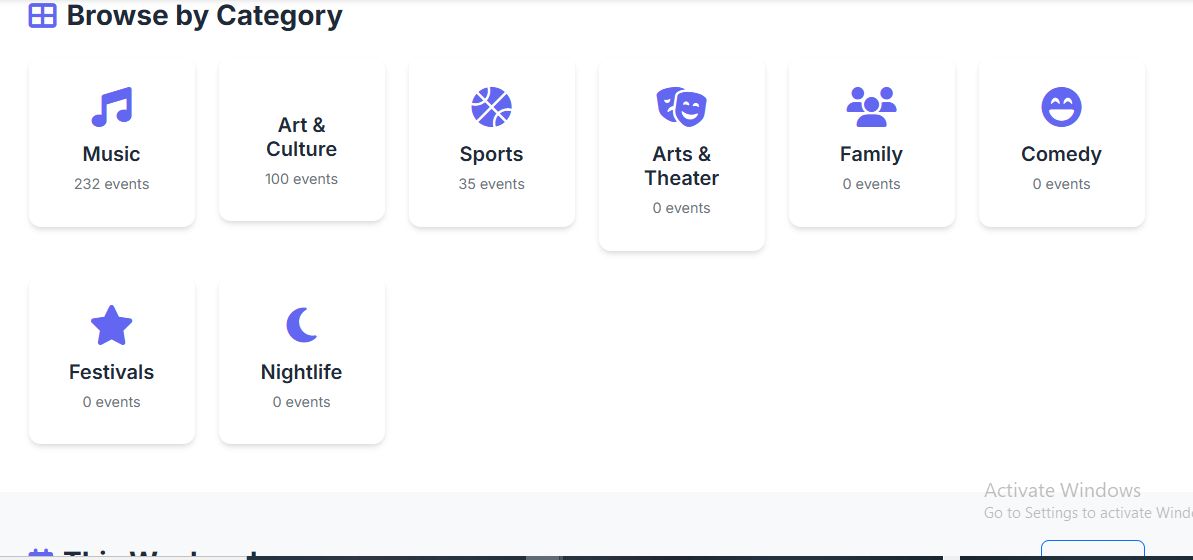

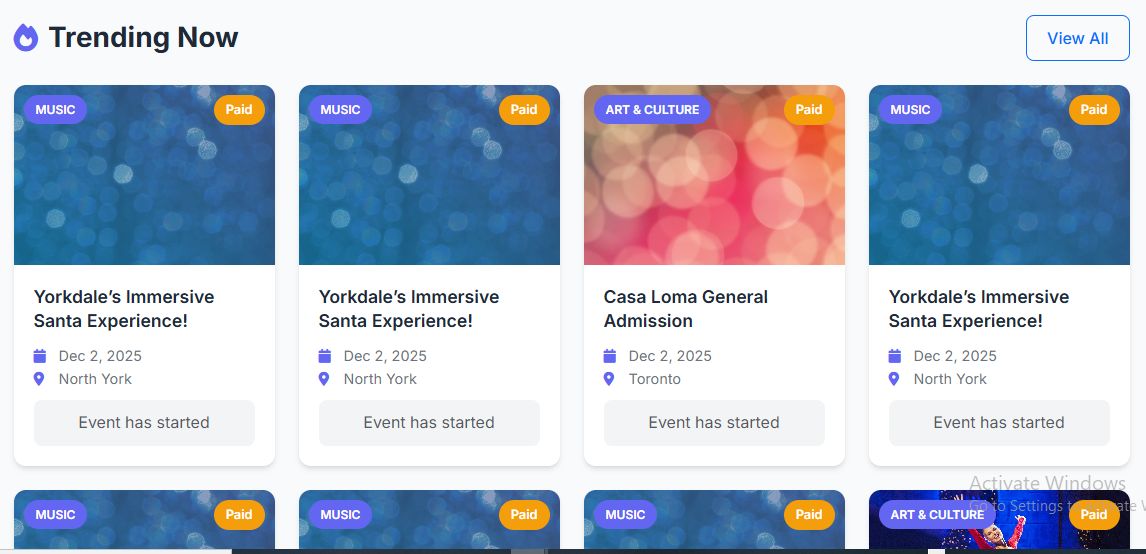
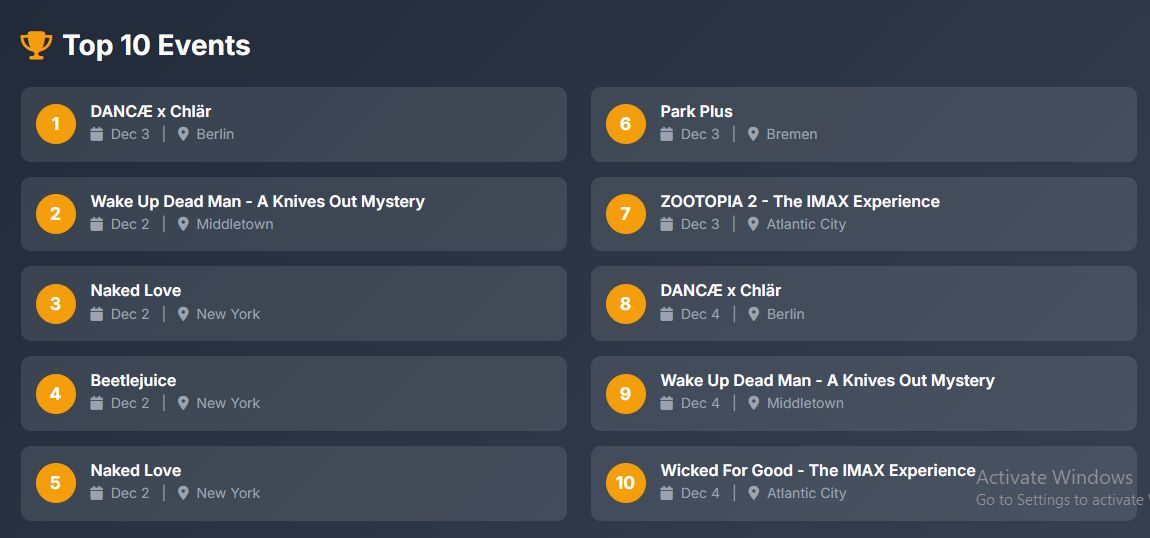
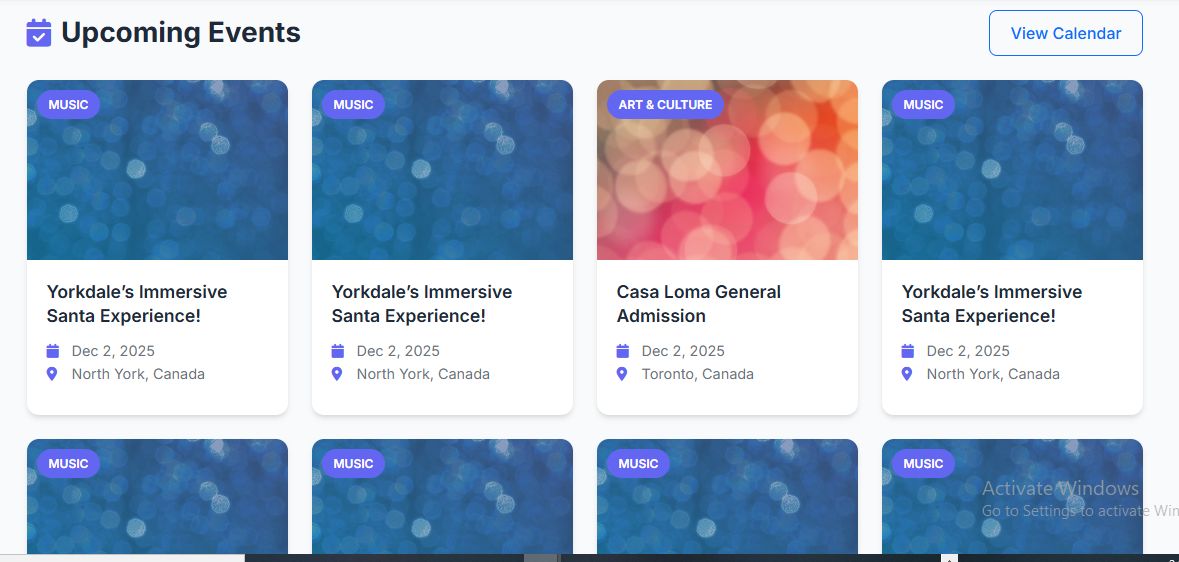

Overview
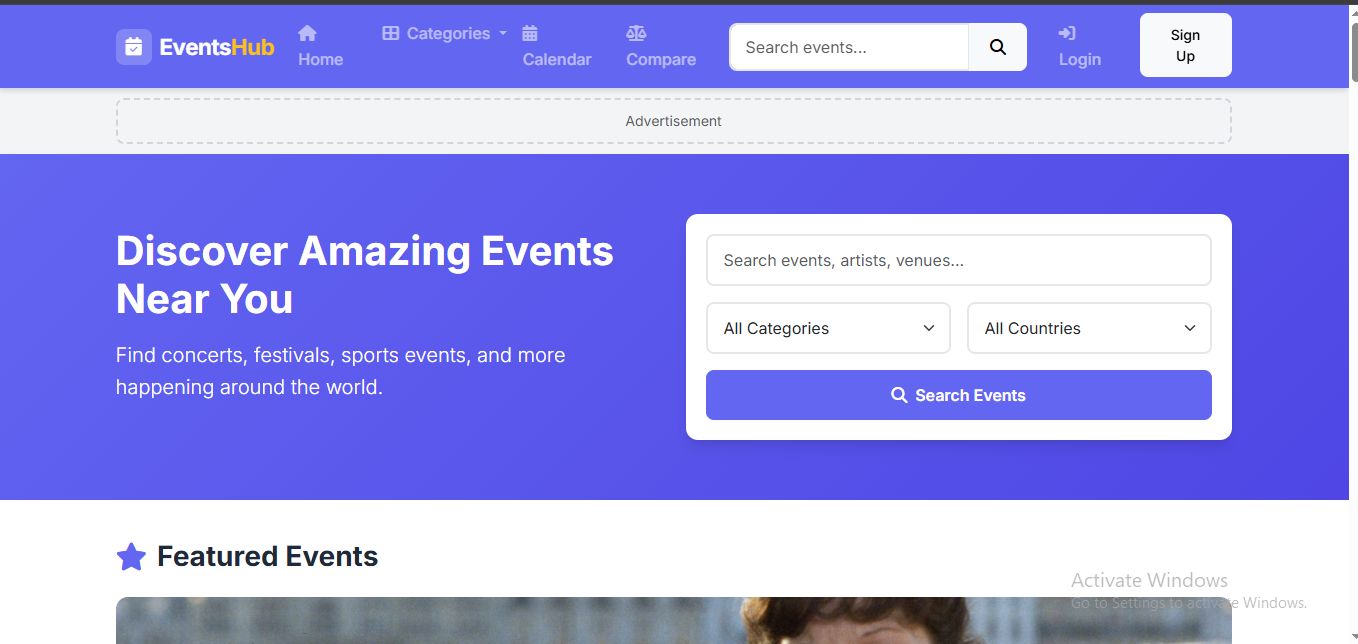
EventsHub is a powerful, modern, and fully automated Live Events & Festivals Portal that fetches real-time event data using the Ticketmaster API. Whether you want to showcase concerts, sports events, festivals, theater shows, or local community programs, EventsHub gives you everything needed to run a complete, SEO-optimized, AdSense-ready events website.
Designed for global audiences, EventsHub includes multi-language support and full RTL compatibility for Arabic, Persian, Hebrew, and Urdu users. With built-in geolocation, users instantly discover nearby events based on their location.
Users can register, save favorite events, set reminders, create price alerts, and write event reviews. The platform includes a beautiful calendar view, advanced search filters, and mobile-responsive pages for a smooth user experience on all devices.
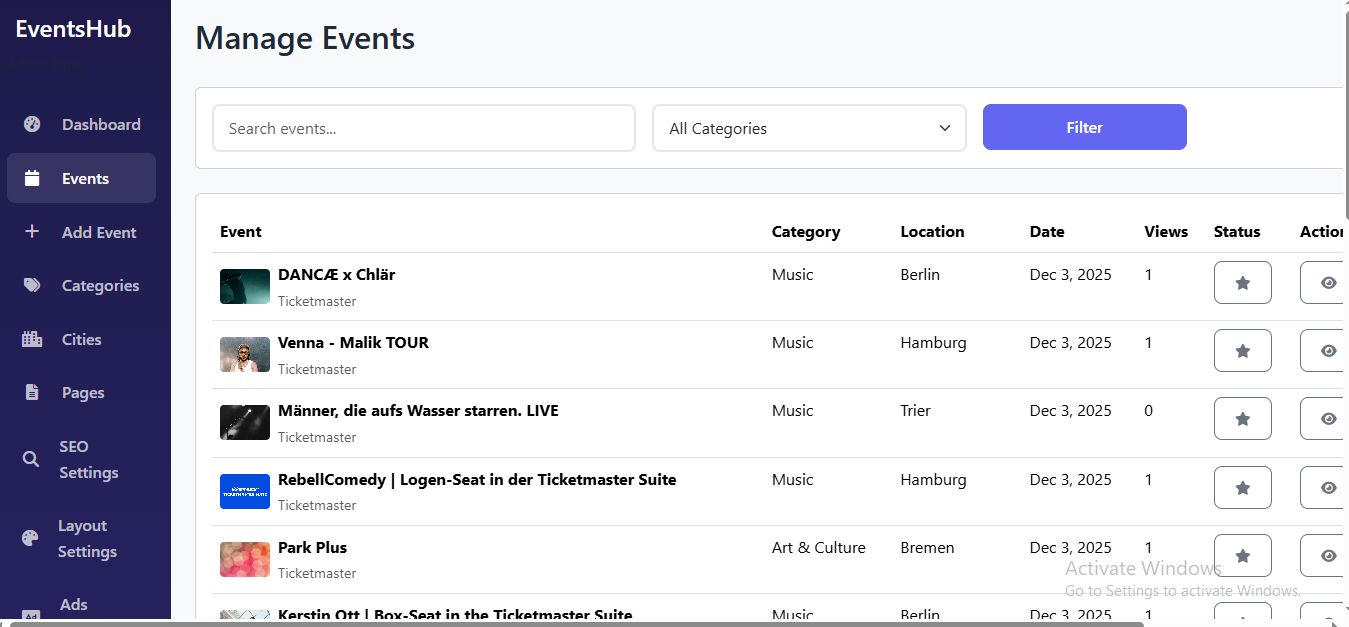
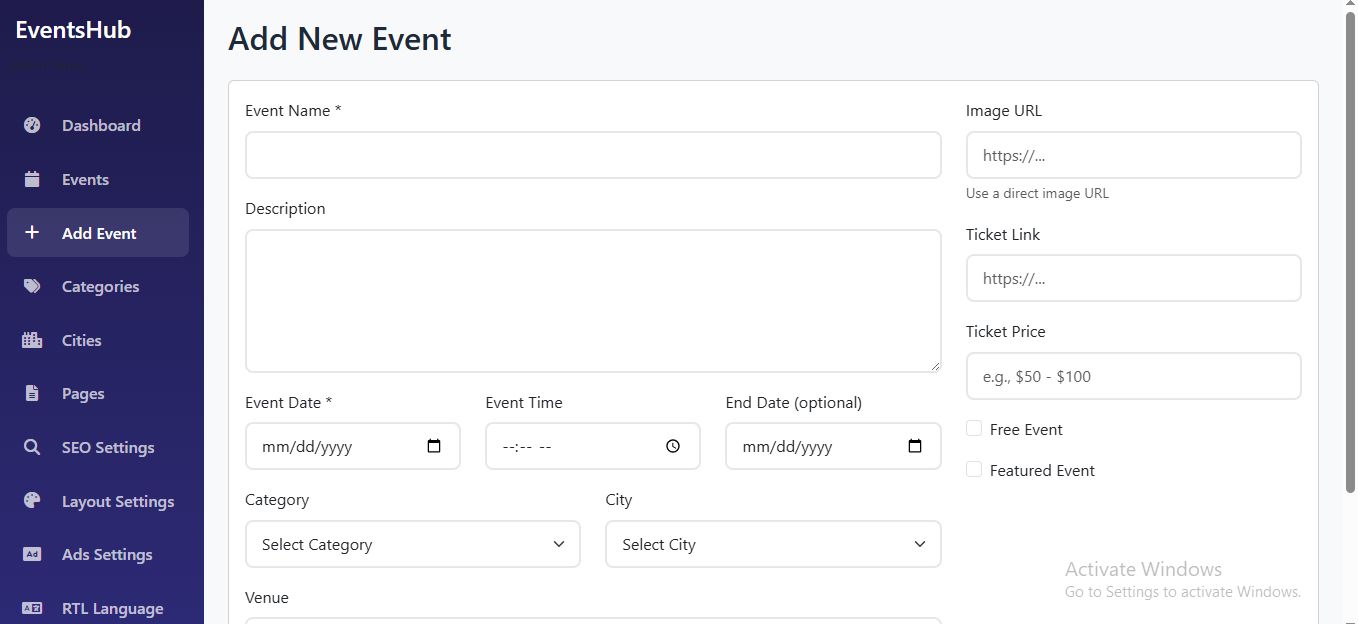
EventsHub also includes a robust Admin Dashboard where you can manage events, categories, cities, languages, users, ads, and SEO settings. You can add events manually or let the system automatically fetch fresh events using your API key. The built-in AdSense Manager allows you to place ads anywhere without editing code.
Whether you want to build a national event directory or a global festivals portal, EventsHub is the complete solution.
🔗 Live Demo
Explore the full working demo of the tool:
Frontend Demo:
https://gubit.xyz/
Admin Panel Demo:
https://gubit.xyz/login.php
Username: [email protected]
Password: admin123
Features
Frontend
- Automated event fetching using Ticketmaster API
- Live concerts, festivals, sports, theater, and community events
- User accounts (favorites, reminders, price alerts)
- Multi-language support + full RTL compatibility
- Geolocation-based Nearby Events
- Advanced search (category, city, date, price, keywords)
- Monthly & weekly Calendar View
- Event details with images, descriptions, tickets, maps
- User reviews & ratings
- Social sharing (Facebook, Twitter, WhatsApp)
- Fully responsive mobile-friendly design
- SEO-optimized clean URLs
Admin Panel
- Manage events (auto-fetched + manual)
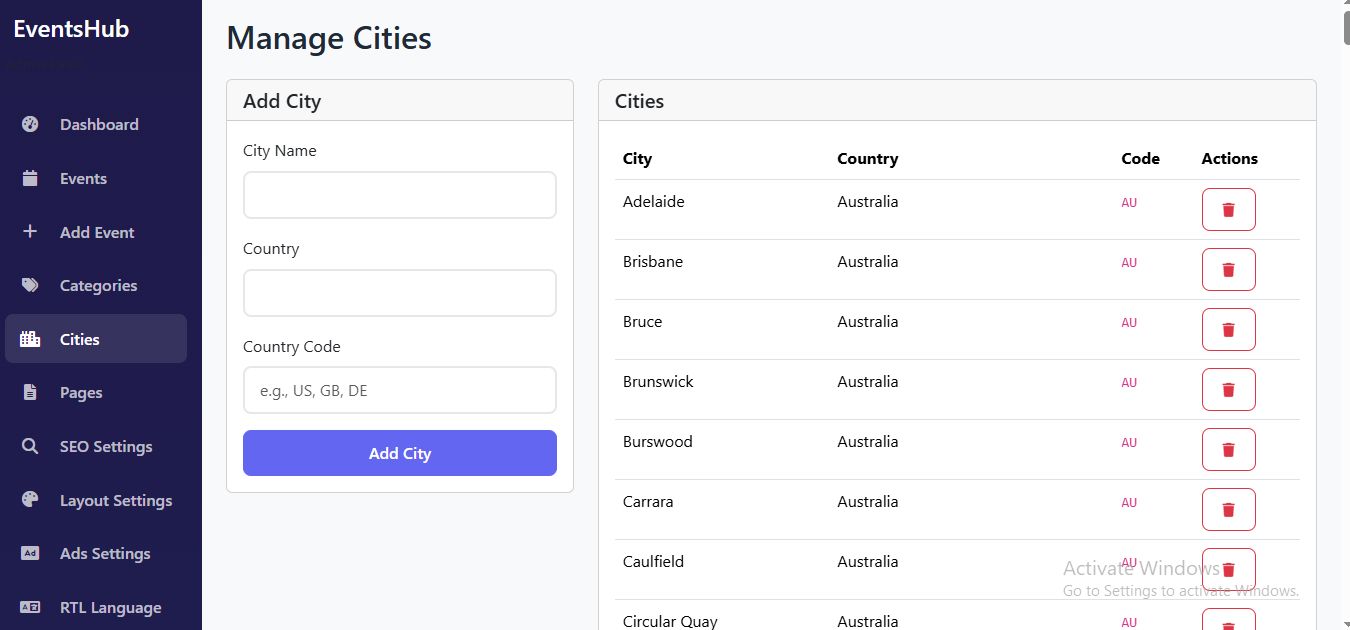
- Categories, cities, languages manager
- User management
- API key settings
- AdSense placement manager
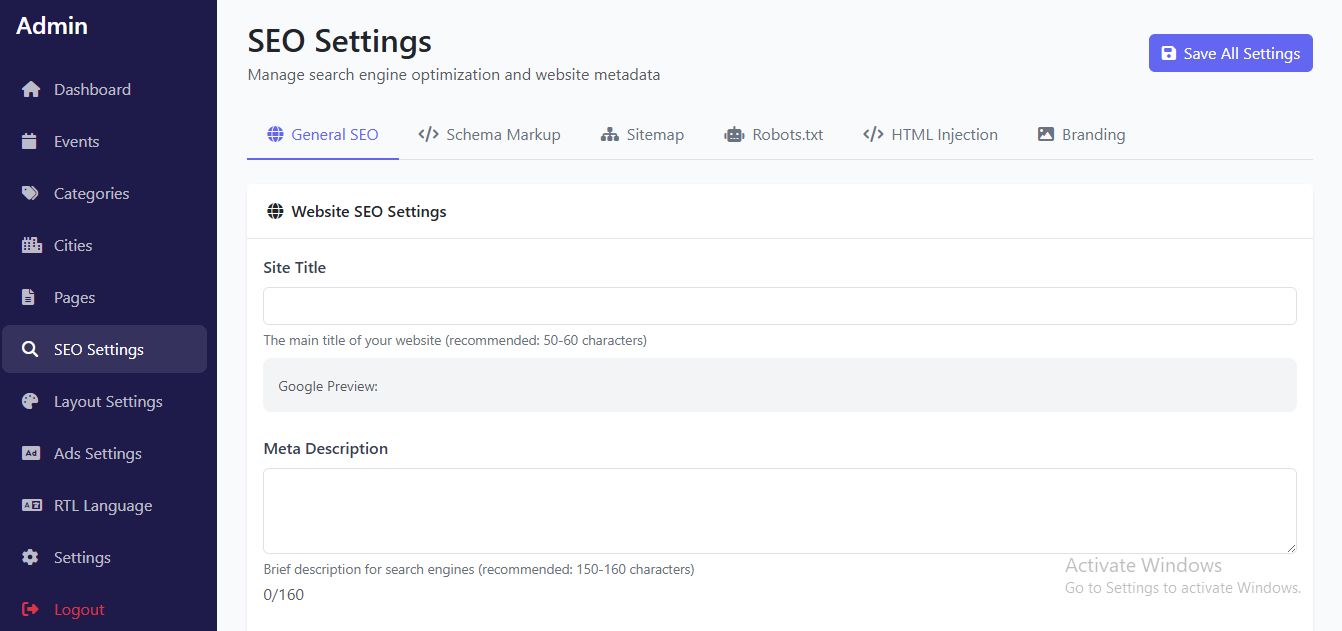
- SEO settings (meta title, meta description)
- Email/SMTP settings
- RTL language controls
- System cache control
- Database backup tools
- Supports MySQL + PostgreSQL
🔄 Automation & Cron Jobs
- Auto-fetch new events every 6 hours
- Process user reminders hourly
- Check price alerts every 4 hours
- Fully automated—no manual updating needed
Requirements
PHP 7.4+ (8.0 recommended)
MySQL 5.7+ or PostgreSQL 12+
Apache or Nginx
PDO, cURL, JSON, mbstring
SSL recommended
Cron jobs enabled
Runs perfectly on any hosting
Instructions
Step 1: Upload Files
Upload all project files to your hosting directory (usually public_html/ ).
Step 2: Configure Database
- Create a new MySQL database via cPanel or Plesk.
- Note down the database name, username, password, and host.
Step 3: Configure Application
- Edit config.php with your database credentials:
define('DB_HOST', 'localhost');
define('DB_NAME', 'your_database_name');
define('DB_USER', 'your_username');
define('DB_PASS', 'your_password');
define('DB_TYPE', 'mysql'); // or 'pgsql' for PostgreSQL
Step 4: Run Installation
- Open https://yourdomain.com/install... in your browser.
- The installer will create all necessary tables and default data.
Default Admin Login:
Email: [email protected]
Password: admin123
Step 5: Configure API Keys
- Login to Admin Panel at /admin/.
- Go to API Settings.
- Enter your Ticketmaster API Key and save settings.
Step 6: Set Up Cron Jobs
Add the following cron jobs in your hosting control panel:
# Fetch new events every 6 hours
0 */6 * * * php /path/to/cron/auto-fetch.php
# Process reminders every hour
0 * * * * php /path/to/cron/process-reminders.php
# Check price alerts every 4 hours
0 */4 * * * php /path/to/cron/check-price-alerts.php
Step 7: Final Steps
- Delete install.php for security.
- Configure your preferred languages in RTL Settings.
- Set up AdSense codes in Ads Settings.
- Customize SEO settings for each page.
Other items by this author










|
PHP Script Installation Service
Don't worry about the installation of your script! Have your PHP Script installed for you.
|
$39 | Buy now |
| Category | Scripts & Code / PHP Scripts / Miscellaneous |
| First release | 2 December 2025 |
| Last update | 2 December 2025 |
| Software version | PHP 7.4, PHP 8.0, PHP 8.1, PHP 8.2, PHP 8.3, PHP 8.4 |
| Files included | .php, .css, .sql, Javascript .js |
| Database | MySQL 4.x, MySQL 5.x |
| Tags | responsive, SEO, Calendar, events, admin panel, adsense, sports, theater, rtl, event management, concert, multi-language, festivals, ticketmaster, live shows |