Home / Scripts & Code / PHP Scripts / CMS
SvnDocs - The AI-Powered Flat-File Documentation SvnDocs - The AI-Powered Flat-File Documentation
AI-Powered Flat-File Documentation CMS. Zero Database. Offline Builder Ready.Home / Scripts & Code / PHP Scripts / CMS
SvnDocs - The AI-Powered Flat-File Documentation
AI-Powered Flat-File Documentation CMS. Zero Database. Offline Builder Ready.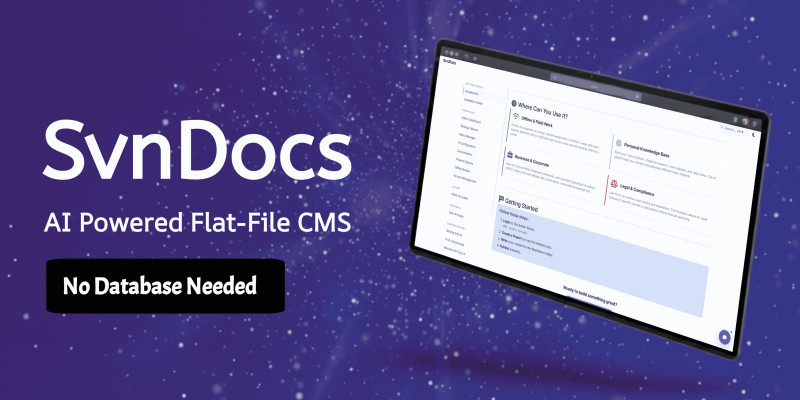
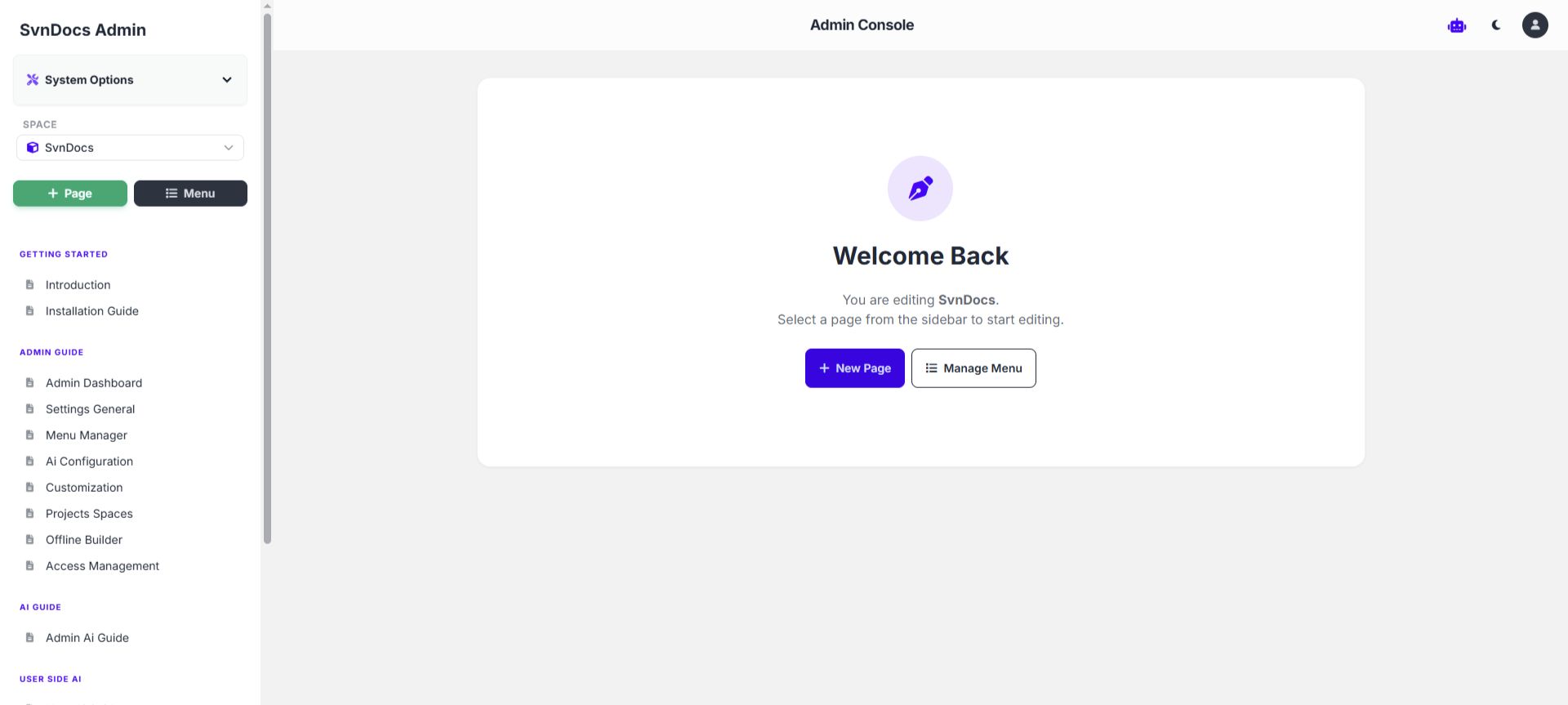
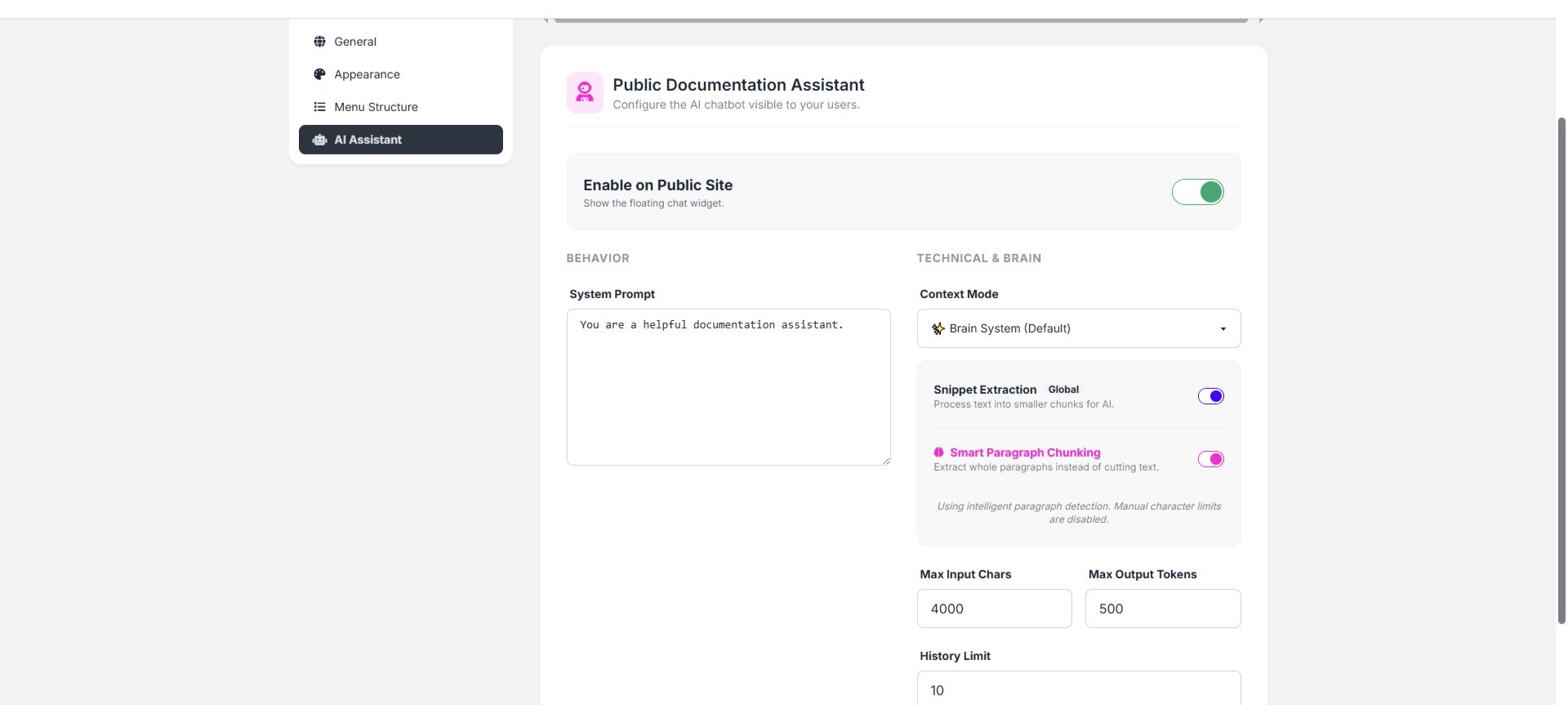
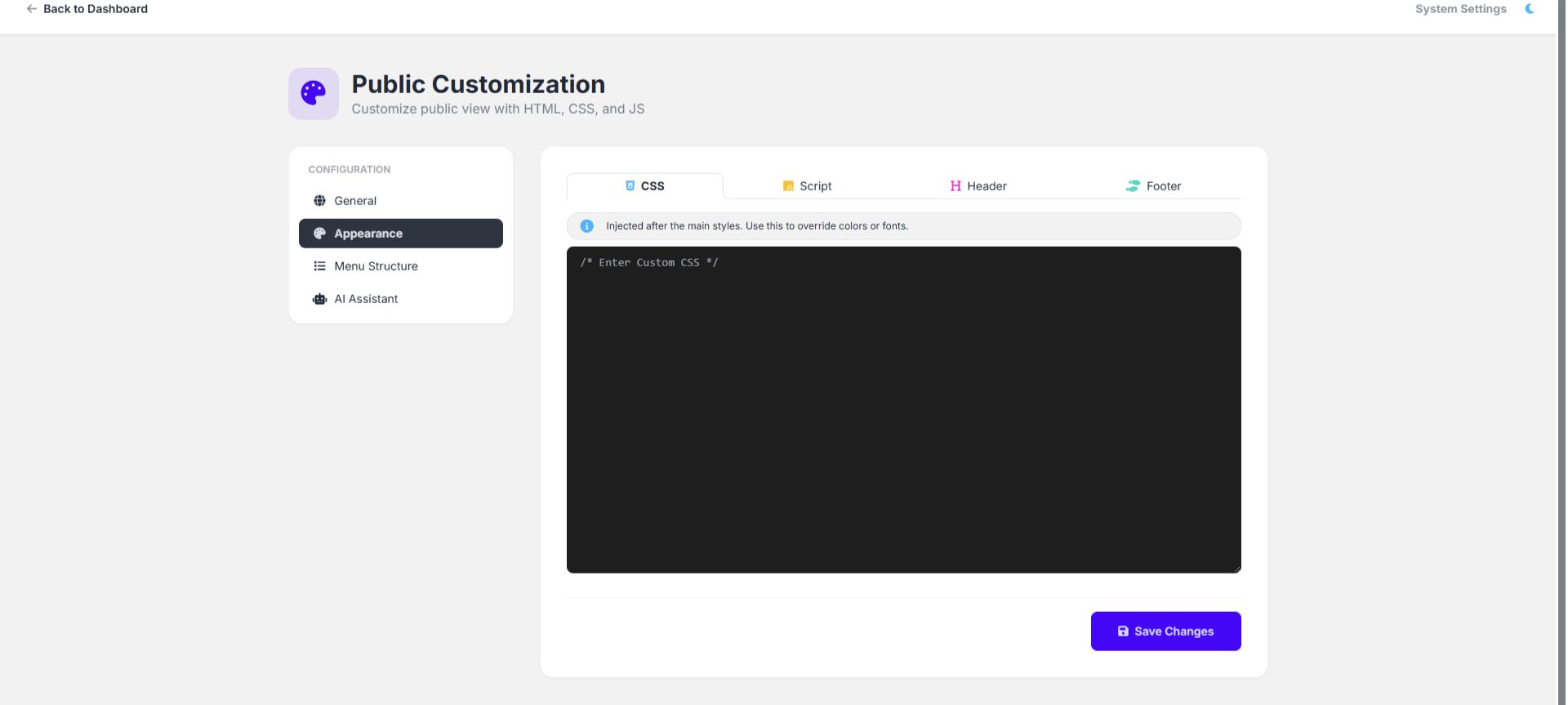
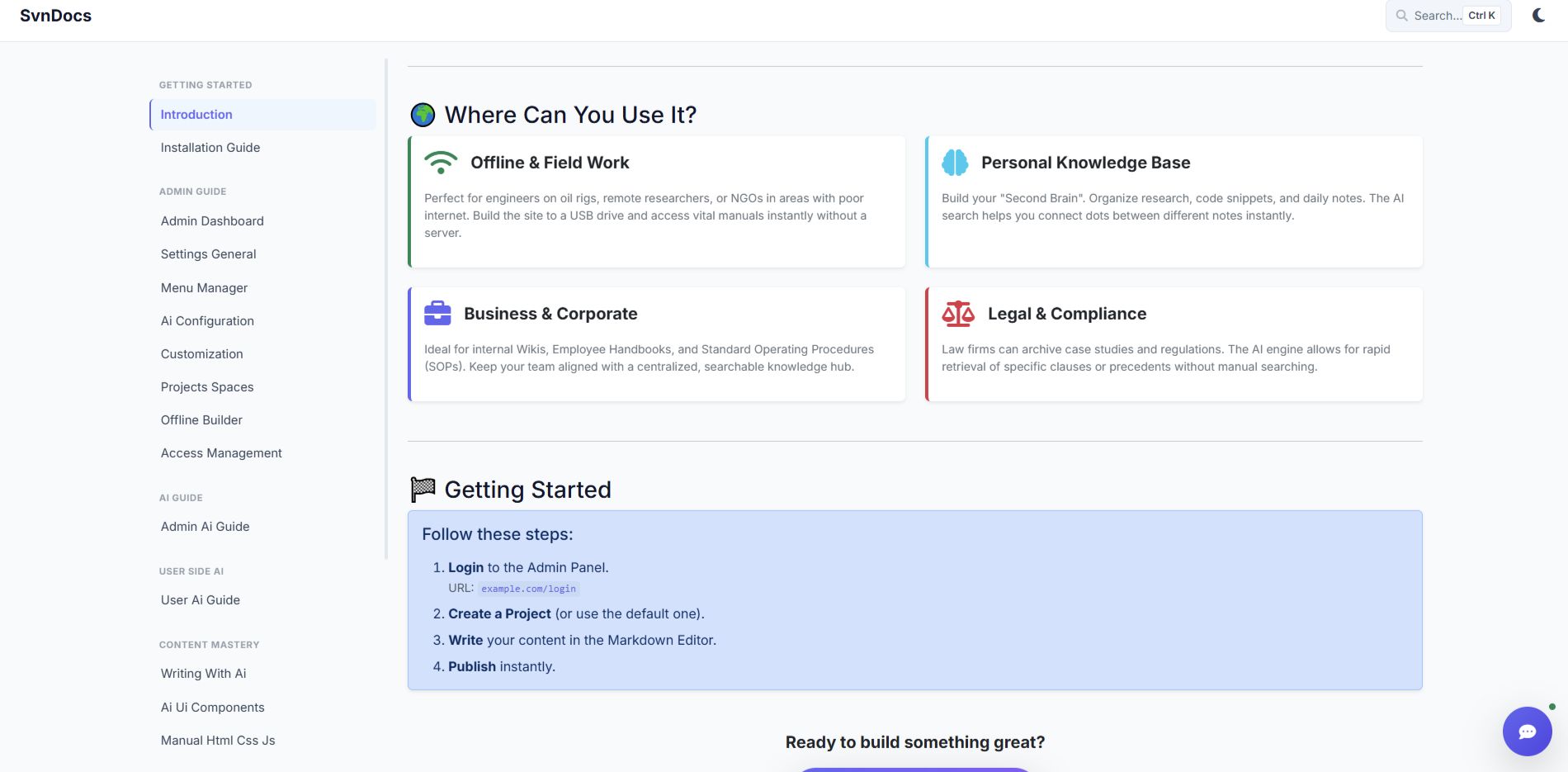
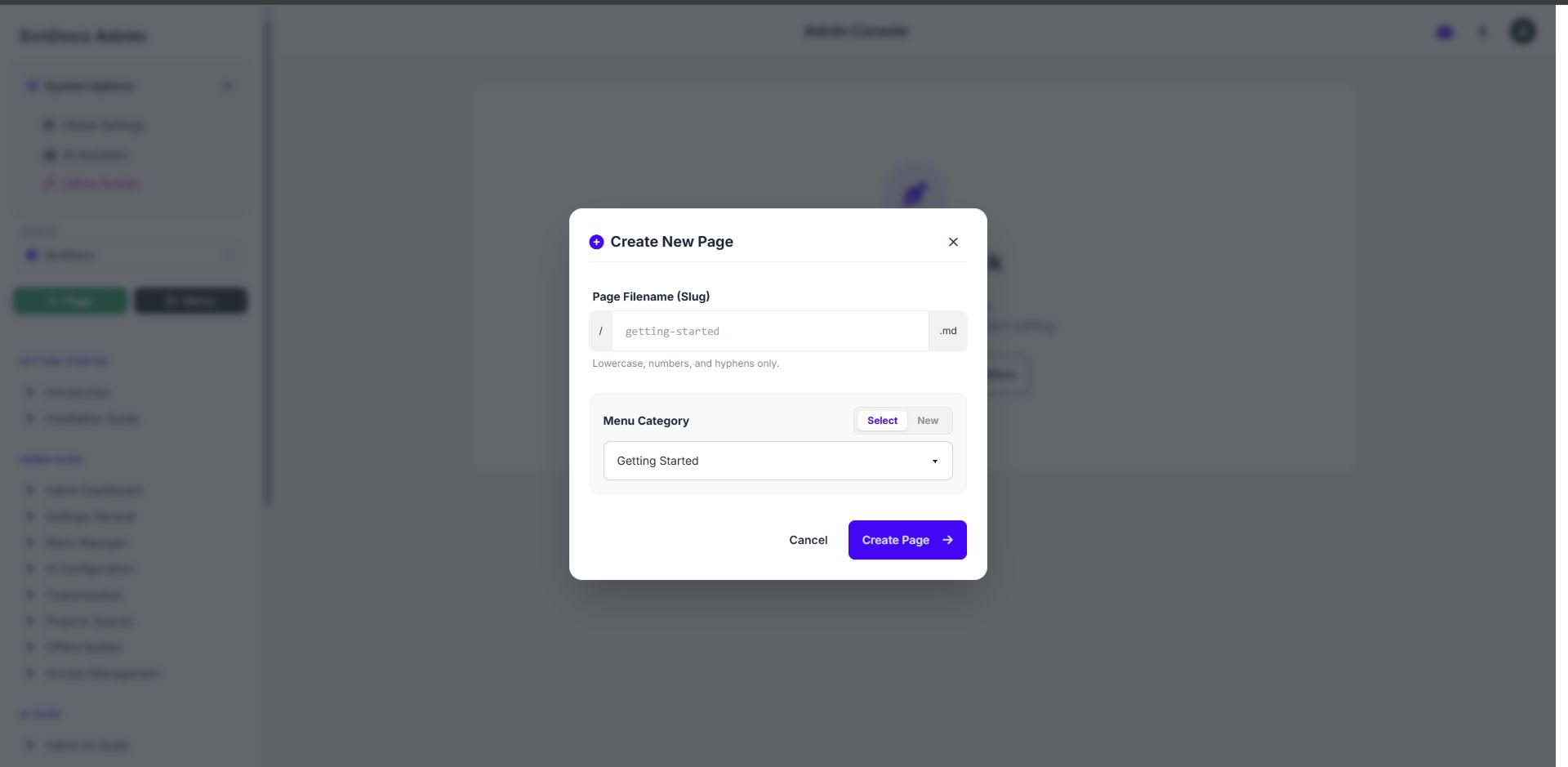
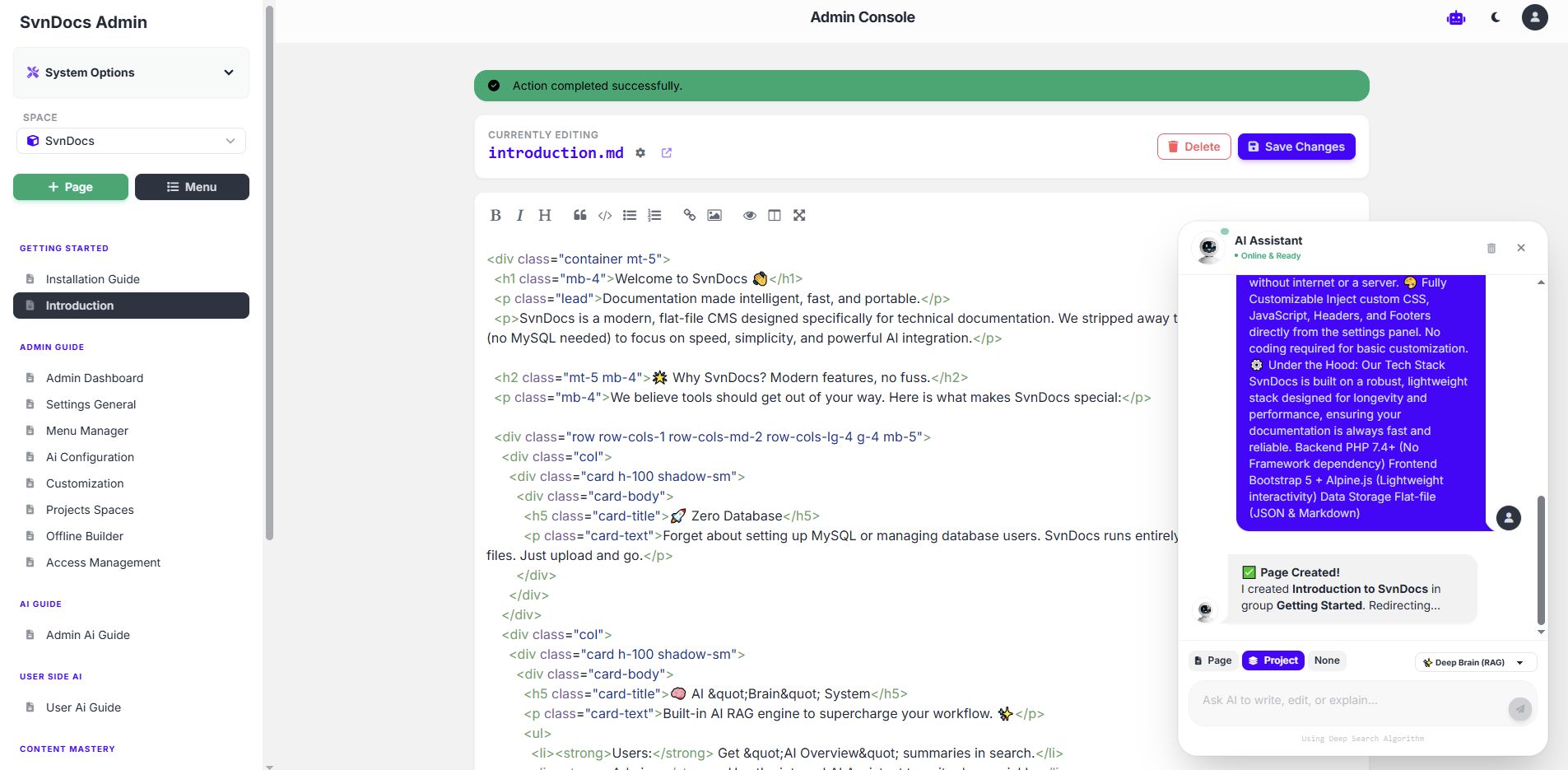
Screenshots



Overview
SvnDocs - The AI-Powered Flat-File Documentation CMS
Smart. Fast. No Database Required.
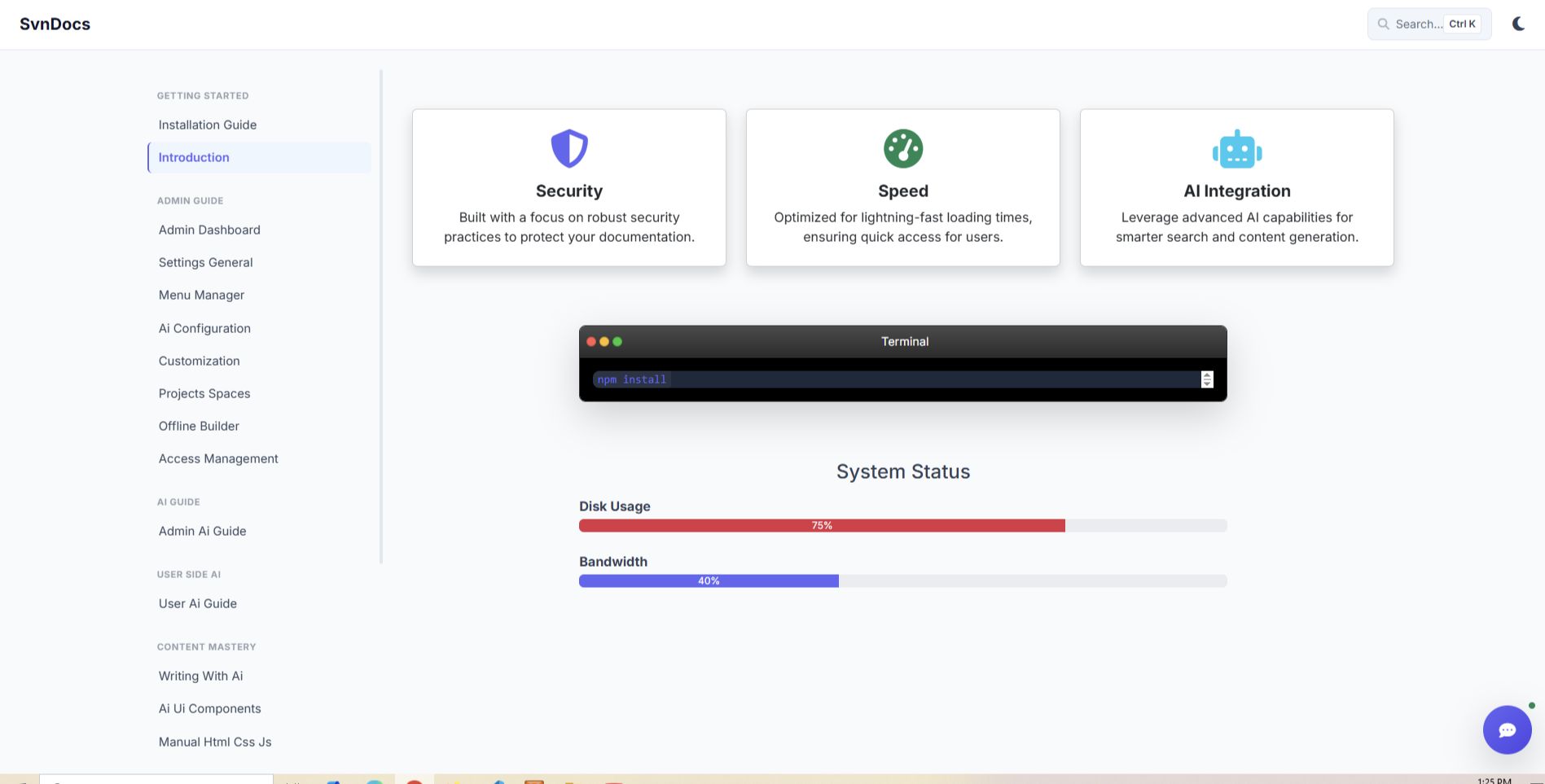
SvnDocs is a modern Knowledge Base & Documentation generator designed for speed and simplicity. Unlike traditional CMSs, it runs entirely on JSON and Markdown files—meaning Zero Database Setup.
It features a built-in AI Brain (RAG Engine) that understands your documentation and answers user queries intelligently, plus an Offline Builder to export your site as a standalone HTML app.
login Credentials (Demo)
Admin URL: http://svndocs.mkjuel.com/login
Username: admin
Password: 123456
Features
🔥 Why Choose SvnDocs?
- 🚀 Zero Database (Flat-File): No MySQL needed. Just upload and run. Easy to move, backup, and deploy.
- 🧠 AI "Brain" Engine: Connect Google Gemini, OpenAI, or DeepSeek. It scans your docs and provides instant "AI Overviews" in search results.
- 📦 Offline Builder: One-click export to a portable HTML/SPA file. Perfect for distributing manuals on USBs or offline networks.
- ✍️ Smart Admin Panel: Markdown editor with Drag & Drop image upload and an internal AI Writing Assistant.
- 🏢 Multi-Space Support: Manage multiple documentation projects (e.g., v1.0, v2.0) from a single installation.
✨ Key Features
- Smart Search: Hybrid search engine combining keywords and AI context.
- Visual Menu Manager: Drag and drop sidebar organization.
- Dark Mode: Built-in theme switcher for night reading.
- Customization: Inject custom CSS/JS/HTML directly from the dashboard.
- Deep Linking: AI auto-scrolls to specific text fragments in your docs.
- Secure Media Manager: Private storage for project assets.
- Responsive: Built with Bootstrap 5 and Alpine.js.
🌍 Use Cases
- Software Documentation: API references and SDK guides.
- Offline Field Manuals: For engineers and remote workers.
- Internal Wikis: Corporate SOPs and employee handbooks.
- Personal Knowledge Base: Build your "Second Brain".
Requirements
💻 Server Requirements
- PHP 7.4, 8.0, 8.1, or 8.2+
- Extensions: JSON, cURL, Zip, string
- Apache Or Nginx
1. Upload Files
Download the SvnDocs zip file.
- Upload/Extract the files:
- Live Server: Upload to
public_htmlor a sub-folder (e.g.,public_html/docs). - XAMPP (Local): Extract the folder into
C:xampphtdocsdocs.
- Live Server: Upload to
- Access: Open your browser and go to your URL (e.g.,
localhost/docs).
2. Run the Installer
- Open your browser and visit your site URL.
- SvnDocs will automatically redirect you to the Installation Wizard. yoursite.com/install
- You will see a checklist. If everything is green ✅, click Next.
- Create your Admin Account:
- Choose a Username.
- Set a strong Password.
- Enter your Site Title.








Additional options
|
PHP Script Installation Service
Don't worry about the installation of your script! Have your PHP Script installed for you.
|
$29 | Buy now |
Information
| Category | Scripts & Code / PHP Scripts / CMS |
| First release | 4 December 2025 |
| Last update | 4 December 2025 |
| Software version | PHP 7.4, PHP 8.0, PHP 8.1, PHP 8.2, PHP 8.3 |
| Files included | .php, .css, .html, Javascript .js |
| Tags | help desk, no database, documentation, knowledge base, wiki, ai support, flat file cms, offline docs, documentation builder, faq script |