Home / Plugins / WooCommerce
WooCommerce Store Hours Blocker PluginWooCommerce Store Hours Blocker Plugin
Manage WooCommerce store hours easily. Disable Add to Cart and checkout when your shop is closed.Home / Plugins / WooCommerce
WooCommerce Store Hours Blocker Plugin
Manage WooCommerce store hours easily. Disable Add to Cart and checkout when your shop is closed.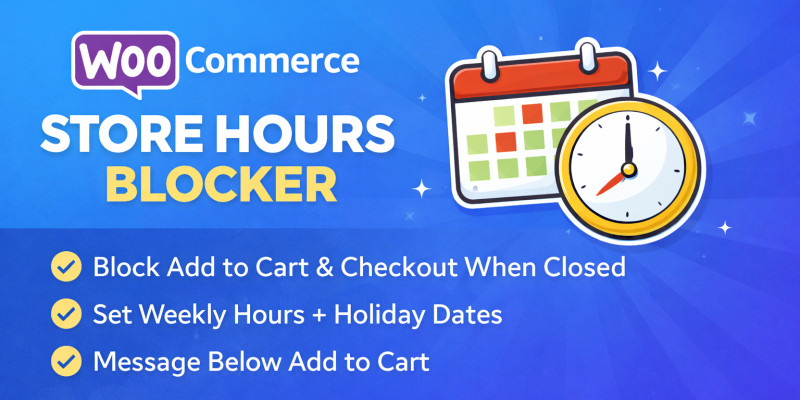
Screenshots


Overview
WooCommerce Store Hours Blocker is a lightweight and reliable plugin that allows you to control when customers can place orders on your WooCommerce store. It lets you define your store’s opening and closing hours and automatically blocks Add to Cart and Checkout when the store is closed — without breaking your website design or user experience.
This plugin is ideal for businesses that operate within specific working hours, such as restaurants, grocery stores, pharmacies, local shops, and service-based WooCommerce stores.
How It Works
- Set store opening and closing hours for each day of the week
- Optionally mark specific days as fully closed
- Add holiday or off-dates (YYYY-MM-DD format)
-
When the store is closed:
- Add to Cart is blocked
- Checkout is blocked
- A clear message appears below the Add to Cart button
- When the store is open, everything works normally
All logic runs safely in the background and only affects purchasing actions.
Design & Performance Safe
- Admin-only settings page
- Uses WooCommerce native notice styling
- No template overrides
- No database changes to products or orders
- Lightweight and optimized for performance
Your website UI remains completely unchanged.
Perfect For
- Restaurants & food delivery stores
- Grocery & local shops
- Pharmacies
- Appointment-based businesses
- Any WooCommerce store with fixed working hours
Installation
- Upload the plugin ZIP via Plugins → Add New → Upload Plugin
- Activate the plugin
- Go to WooCommerce → Store Hours Blocker
- Set your store hours and message
- Save settings
Features
- Set store hours for Monday to Sunday
- “Closed all day” option for specific days
- Holiday / off-date support
- Blocks Add to Cart outside business hours
- Blocks Checkout outside business hours
- Shows a clean notice below the Add to Cart button
- Custom closed message
- Admin bypass option (admins can order anytime)
- Supports overnight hours (e.g. 8 PM – 3 AM)
- Uses WordPress timezone settings
- Works with simple and variable products
- No frontend CSS or JavaScript added
- Does not affect theme layout or design
Requirements
- WordPress 5.8 or higher
- WooCommerce installed and activated
- PHP 7.4 or higher
Instructions
- Download the plugin ZIP file.
- Log in to your WordPress admin panel.
- Go to Plugins → Add New → Upload Plugin.
- Upload the ZIP file and click Install Now.
- Activate the plugin.
Notes
- The plugin uses your WordPress timezone (Settings → General).
- Works with both simple and variable products.
- No frontend CSS or JavaScript is added.
- Recommended to test on a staging site before using on a live store.
Other items by this author


Information
| Category | Plugins / WooCommerce |
| First release | 12 January 2026 |
| Last update | 12 January 2026 |
| Supported CMS | WooCommerce 5.x, WooCommerce 6.x, WooCommerce 7.x, WooCommerce 8.x, WordPress 6.0, WordPress 6.1, WordPress 6.2, WordPress 6.3, WordPress 6.4, WordPress 6.5, WooCommerce 9.x, WordPress 6.6, WordPress 6.7, WordPress 6.8 |
| Tags | woocommerce, woocommerce plugin, store hours, business hours, order restriction, add to cart blocker, checkout blocker, store schedule, working hours, holiday hours, shop hours, order control, time based restriction |