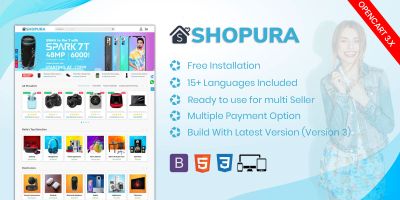

Screenshots


Overview
Aries Theme is a multipurpose Ecommerce theme for opencart 4. Especially suitable for fashion, shoes, kids clothing sales. Responsive, clean and elegant design make sure the customer has a good user experience while shopping.
Features
- Easy to install
- Responsive design, make it adapt to different size of devices
- Newsletter
- Customize Testimonial
- Mega Menu support
- Theme Background customizable
- SEO friendly
Instructions
1. Download the ocmod.zip file.
2. Log in admin panel, go to `Extension >> Installer` and click the `Upload` button to upload the ocmod file. And you will see an extension called **Aries Theme for Opencart 4** in the list. Click the `Install` button to get it installed.
3. Navigate to `System >> User >> User Group`, edit `Administrator` or any user group you like. Make sure admin user has permission to **Access** `extension/aries/mail/newsletter` if you would like to active newsletter function.
4. Navigate to `Extension >> Extension`, choose `Theme` and installed the theme.
5. Click the Edit button, toggle status to enable it and fill relative form according to your need.
6. Navigate to `Extension >> Extension`, choose `Moudle`: you will see two module called `Aries Feature` and `Aries Testimonial`, you may choose install them according to your need.
6. Navigate to `Extension >> Extension`, choose `Other`: you will see a module called `Aries Newsletter`, you may enable it while enable theme in "Step 3", and edit it here.
7. All aries module would be display on the sidebar navigation if they were actived. You may want to refresh the browser manually to meke it immediately visilble after the module is actived.
8. Resize banner to `1400`x`788` in `Extension>>Module>>Banner>>Homepage Slideshow`
9. If any problem, talk to [email protected] for support.


| Category | Themes / OpenCart |
| First release | 10 February 2026 |
| Last update | 16 February 2026 |
| Files included | .php, .css |
| Tags | opencart theme |