Simple Password ManagerSimple Password Manager
Simple Password Manager is a self-hosted, browser-based password manager that stores credentials locally.
Simple Password Manager
Simple Password Manager is a self-hosted, browser-based password manager that stores credentials ...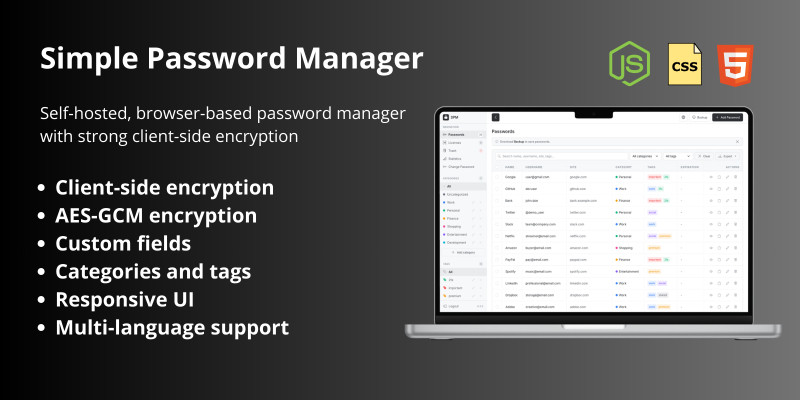
Screenshots





Overview
Simple Password Manager is a self-hosted, browser-based password manager that stores credentials locally using strong client-side encryption. It requires no backend, no database, and no server-side processing.
All encryption and decryption operations are performed directly in the user's browser, ensuring full control over sensitive data.
To provide a secure and portable solution for storing and managing passwords while maintaining complete ownership and control over your data.
Designed for individuals, developers, freelancers, and small teams who need a lightweight password manager that can be hosted on their own infrastructure without relying on external services.
Features
- Client-side encryption - All data is encrypted in the browser before storage.
- AES-GCM encryption - Industry-standard authenticated encryption.
- PBKDF2 key derivation - 100,000 iterations with SHA-256 for key derivation.
- Per-vault random salt - Each vault uses a unique 32-byte salt (no shared salt).
- No master password storage - The master password is never stored or transmitted.
- Zero-knowledge architecture - Only the user has access to decrypted data.
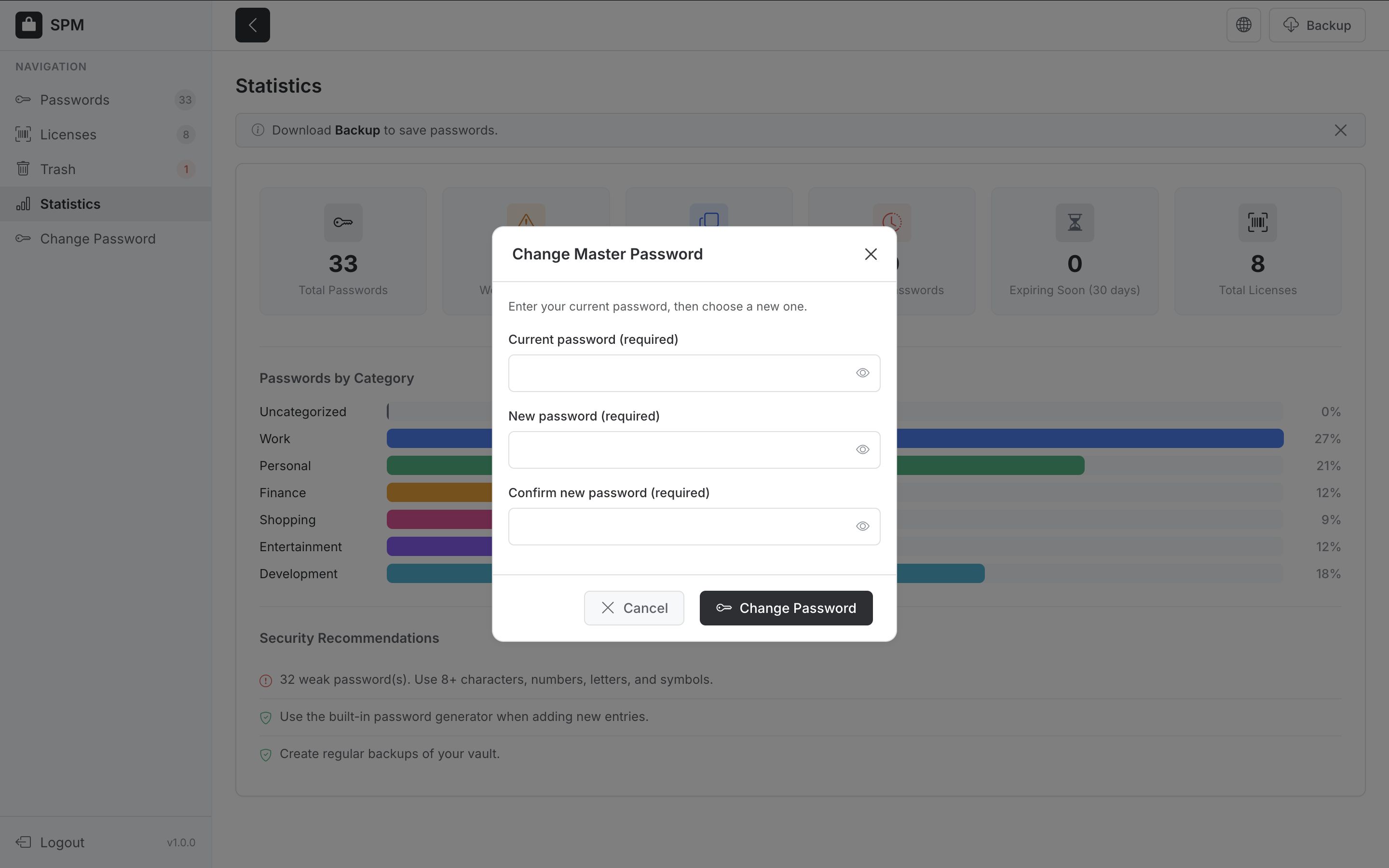
- Password strength validation - Enforces 8+ chars, lowercase, uppercase, numbers on create/change.
- Rate limiting - 5 failed unlock attempts trigger 5-minute lockout (brute-force protection).
- Auto-clear clipboard - Copied passwords are cleared from clipboard after 30 seconds.
- Security headers - CSP, X-Frame-Options, X-Content-Type-Options, Referrer-Policy in HTML.
- XSS protection - HTML escaping for user-generated content.
- Local vault storage - Encrypted vault stored in browser localStorage.
- Passwords and Licenses - Separate sections for passwords (login credentials) and licenses (software keys, serial numbers).
- Custom fields - Add custom key-value pairs to entries.
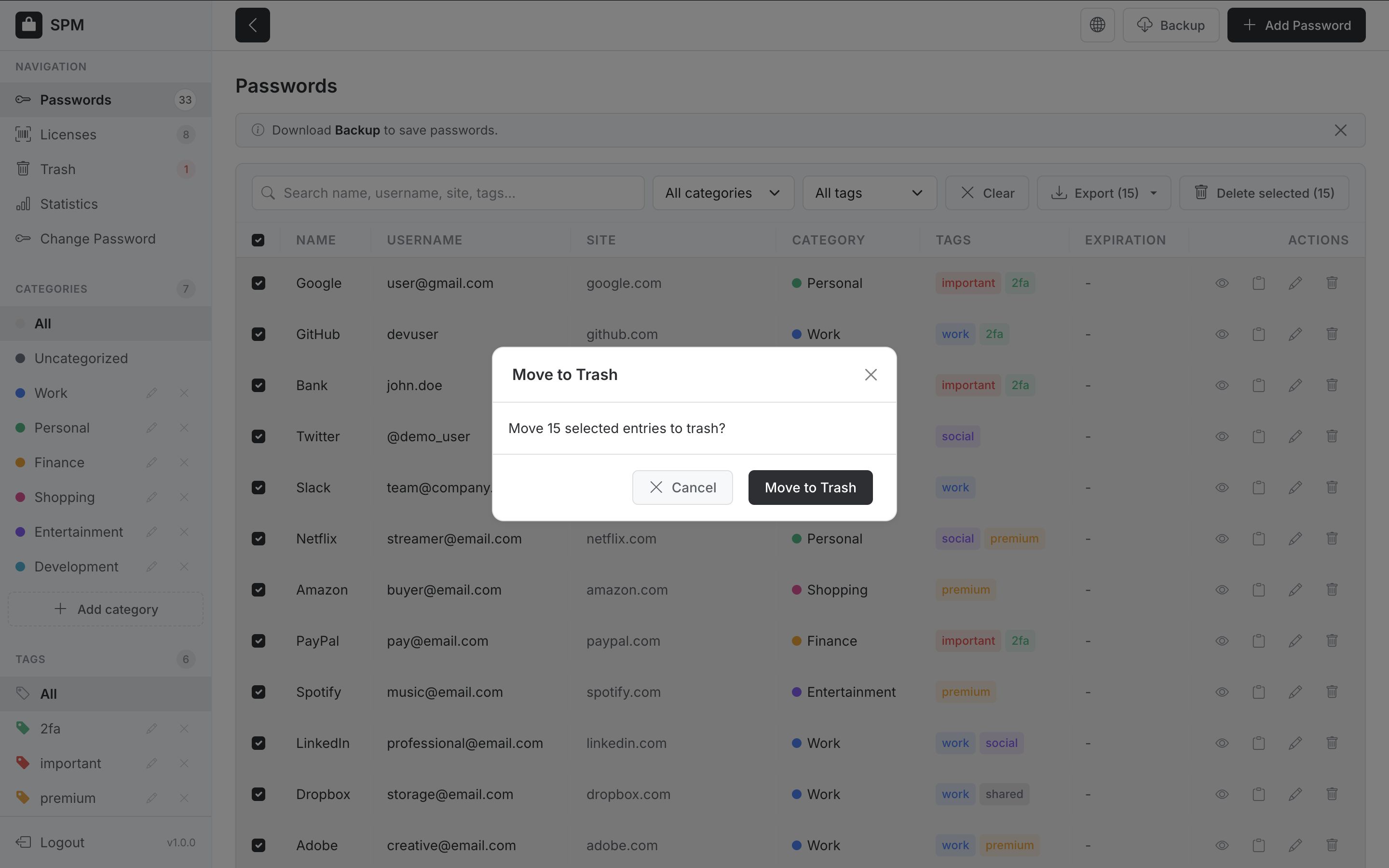
- Categories and tags - Organize entries with categories and tags.
- Export - Export passwords and licenses to CSV or JSON format.
- Backup and restore - Download and restore vault from file (.spm format).
- Responsive UI - Works on desktop and mobile devices.
- Multi-language support - English, Ukrainian, Russian, German, Spanish, French, Polish.
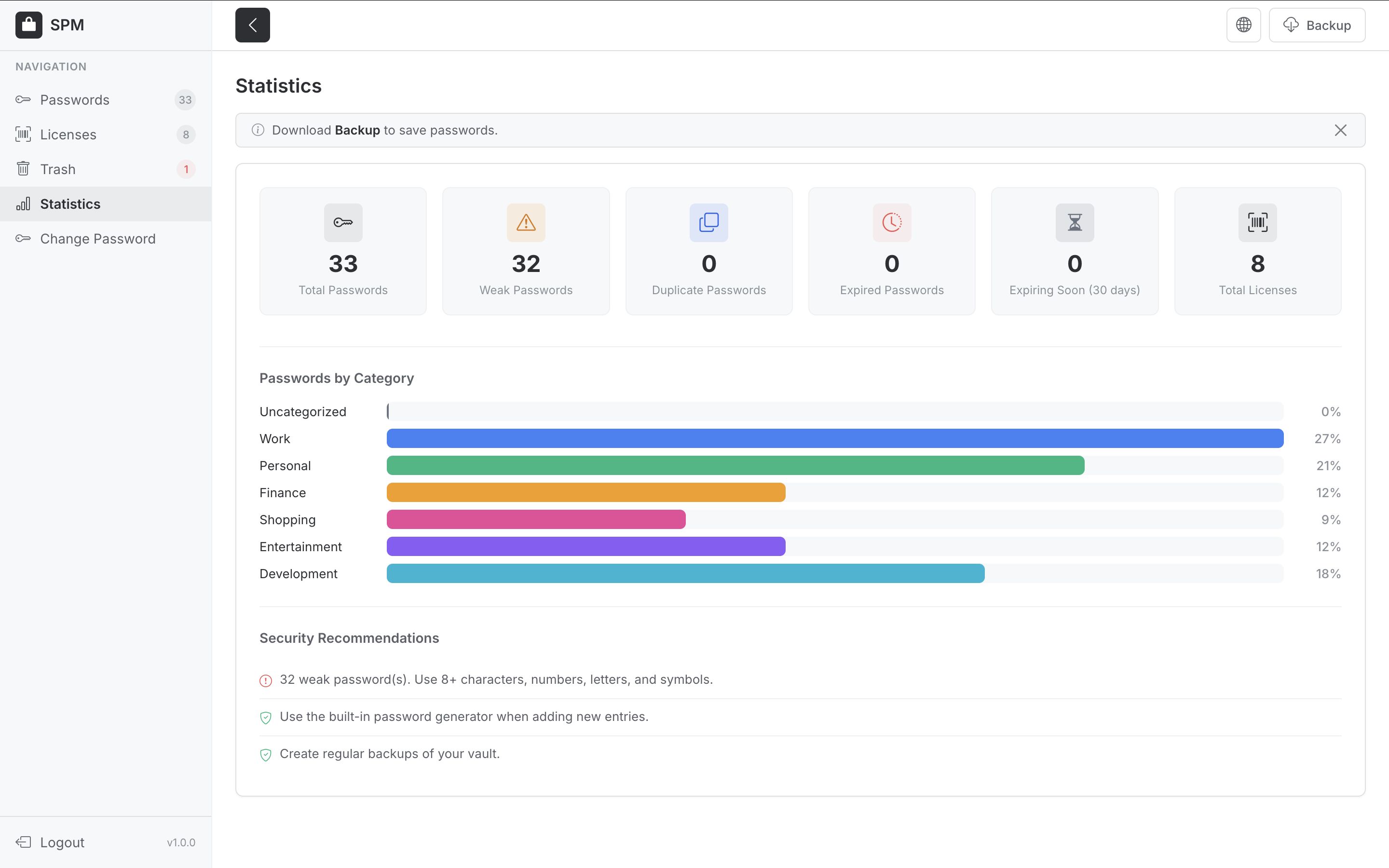
- Statistics - Total passwords/licenses, weak passwords, duplicates, expired and expiring soon items; passwords by category; security recommendations.
- Pagination - Tables for passwords, licenses, and trash are paginated.
- Search and filters - Filter by category, tag, and search text.
Requirements
- Apache, Nginx, or any static file server.
- Shared hosting is sufficient.
- HTTPS enabled.
- No PHP, Node.js, or database required.
Instructions
1. Upload all project files to your web server or hosting directory.
2. Ensure the file structure is preserved (see File Structure section in README).
3. Serve the application over HTTPS. HTTP is not recommended for password managers.
4. Open index.html or website domain in a browser.


| Category | Scripts & Code / JavaScript / Miscellaneous |
| First release | 16 February 2026 |
| Last update | 16 February 2026 |
| Files included | .css, .html, Javascript .js |
| Tags | password, password generator, secure, custom fields, license, password manager, encrypted passwords |