Home / Scripts & Code / PHP Scripts / Forms

Laravel - Contact Form ModuleLaravel - Contact Form Module
A simple and powerful Laravel Contact Form Module with admin panel, SMTP mail support, and message managementHome / Scripts & Code / PHP Scripts / Forms
Laravel - Contact Form Module
A simple and powerful Laravel Contact Form Module with admin panel, SMTP mail support, and messag...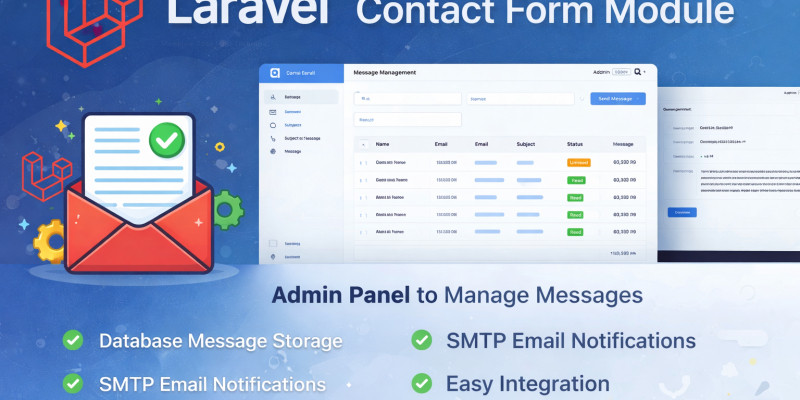
Screenshots



Overview
Laravel Contact Form Module
This Laravel Contact Form Module is a clean, lightweight, and ready-to-use solution for handling contact form submissions in your Laravel projects. It allows you to receive, store, and manage messages easily through a simple and intuitive admin panel.
Designed with flexibility and ease of integration in mind, this module helps you save development time while providing a professional message management system.
Main Features
- Secure contact form submission
- Message storage in database
- Admin panel for managing messages
- Read / Unread message status
- Email notification support (SMTP compatible)
- Easy configuration via .env
- Clean and structured code
- Built with Laravel best practices
Admin Panel Capabilities
- View all submitted messages
- Mark messages as read or unread
- Delete messages
- Organized message listing interface
Requirements
- PHP 8.x or higher
- Laravel 9 / 10 / 11
- MySQL Database
- SMTP configuration for email sending
Installation
- Upload the project files to your server.
-
Configure your
.envfile (database and mail settings). - Run migrations.
- Access the admin panel and start managing messages.
Detailed installation steps are included in the documentation.
Features
Features
- Built with Laravel Best Practices
- Secure Contact Form Submission
- Stores Messages in Database
- Admin Panel Dashboard
- View All Submitted Messages
- Read / Unread Message Status
- Delete Messages
- Email Notification Support (SMTP Ready)
- Easy .env Mail Configuration
- Clean and Organized Code Structure
- Simple Installation Process
- Developer-Friendly Architecture
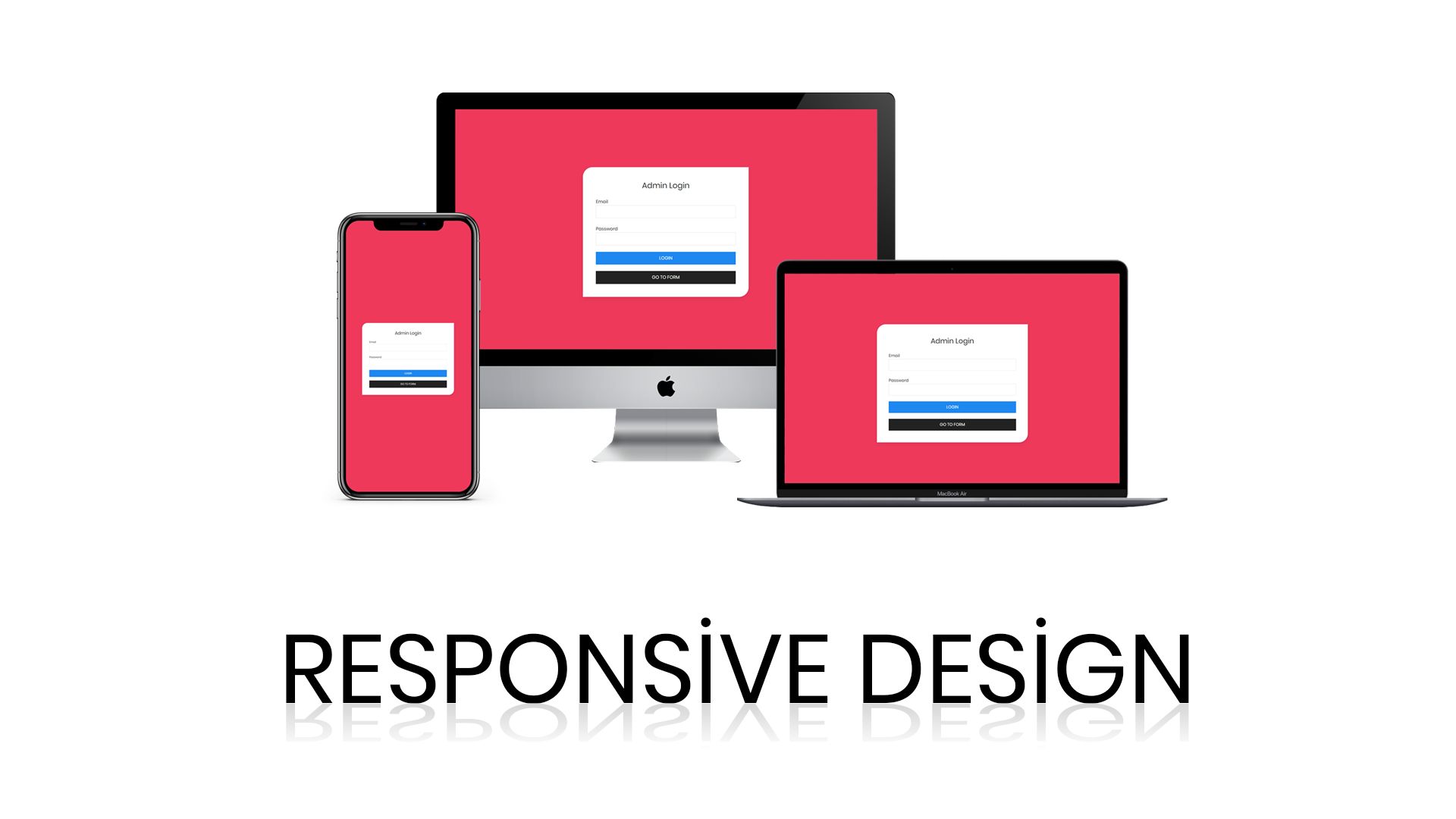
- Responsive Admin Interface
- Lightweight and Fast
Requirements
Requirements
- PHP 8.0 or higher
- Laravel 9.x / 10.x / 11.x
- MySQL or MariaDB
- Composer
- Web server (Apache or Nginx)
- SMTP service for email sending
Instructions
Instructions
Installation Steps
- Download and extract the package.
- Upload the project files to your server directory.
- Create a new MySQL database.
-
Open the
.envfile and update the following settings:- Database credentials
- Mail (SMTP) configuration
- Run the following command in your project directory:
php artisan migrate
- (Optional) Seed the database if included:
php artisan db:seed
- Start the application:
php artisan serve
- Access the application from your browser and log in to the admin panel.
Mail Configuration
To enable email notifications:
-
Configure your SMTP settings in the
.envfile:-
MAIL_MAILER -
MAIL_HOST -
MAIL_PORT -
MAIL_USERNAME -
MAIL_PASSWORD -
MAIL_ENCRYPTION -
MAIL_FROM_ADDRESS
-
Make sure your SMTP credentials are correct to send emails successfully.
After Installation
- Test the contact form from the frontend.
- Check submitted messages in the admin panel.
- Verify email notifications are working properly.


Additional options
|
PHP Script Installation Service
Don't worry about the installation of your script! Have your PHP Script installed for you.
|
$39 | Buy now |
Information
| Category | Scripts & Code / PHP Scripts / Forms |
| First release | 16 February 2026 |
| Last update | 16 February 2026 |
| HTML/CSS Framework | Bootstrap |
| Software version | PHP 7.4, PHP 8.0, PHP 8.1, PHP 8.2, PHP 8.3, PHP 8.4 |
| Files included | .php, .css, .html, Javascript .js |
| Software framework | Laravel |
| JavaScript Framework | jQuery |
| Tags | MySQL, laravel, adminpanel, phpscript, webapplication, contactform, laravelmodule, messagemanagement, smtpmail, emailnotification, contactsystem, formhandler, responsiveadmin, backendmodule, laraveladmin |