InterviewIQ – AI Interview Prep PlatformInterviewIQ – AI Interview Prep Platform
AI interview platform with mock interviews, resume scoring, role prep, challenges, insights, chatbot, tips, and fraud alerts.
InterviewIQ – AI Interview Prep Platform
AI interview platform with mock interviews, resume scoring, role prep, challenges, insights, chat...
Screenshots

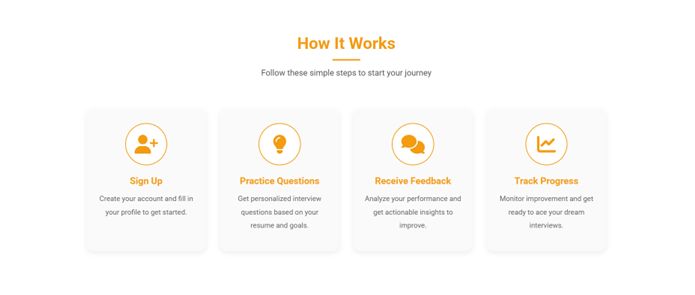


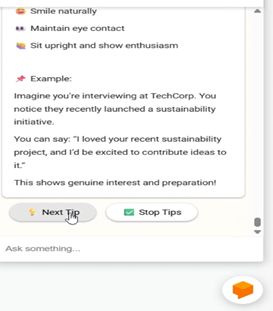
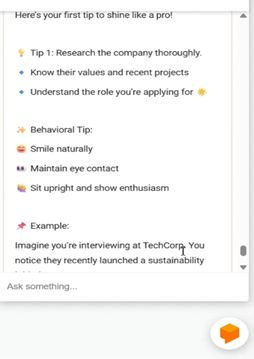


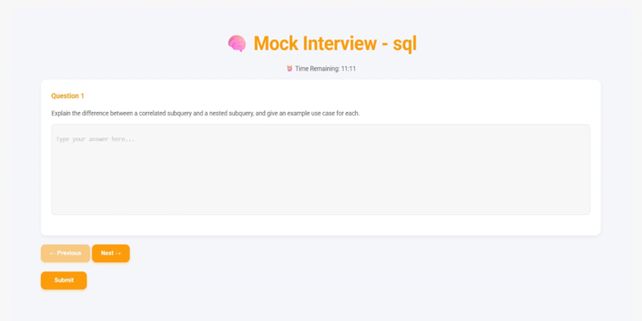


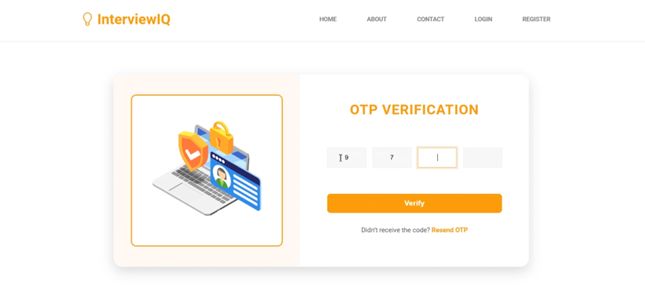


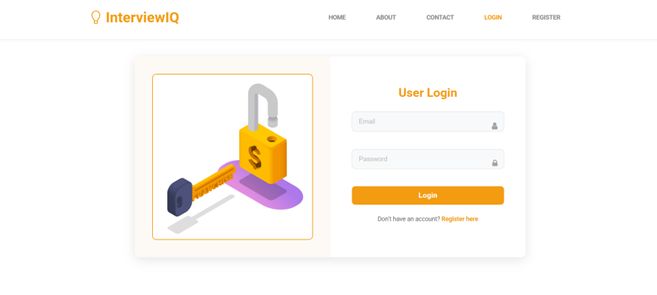


Overview
InterviewIQ is a full-stack AI-powered interview preparation platform designed to help users prepare effectively for interviews through intelligent tools, structured learning, and performance analytics.
Built with Django, MongoDB, and modern web technologies, this system provides a scalable and modular architecture suitable for real-world applications, customization, and integration.
The platform allows users to simulate interview scenarios, analyze resumes, generate personalized interview questions, and track progress using interactive dashboards. It also includes AI-powered assistance, daily practice modules, and educational resources to improve user performance and confidence.
The clean code structure, organized file system, and detailed documentation make this project suitable for developers, learners, and professionals looking for a production-ready system or a customizable web application foundation.
Features
• AI mock interview simulator with evaluation
• Resume score analysis system
• Resume-based interview question generator
• Role-specific preparation assistant
• Daily challenges module
• Daily insights and progress tracking
• Performance analytics dashboard
• Interactive AI chatbot (Dialogflow)
• Interview tips module
• Job fraud awareness section
• Resource learning hub
• Modular architecture
• Clean code structure
• Easy customization
• Scalable backend system
• Well-documented source code
Requirements
Python 3.8 or higher
MongoDB (local or cloud)
Perplexity API key and endpoint URL
Dialogflow account credentials
Internet connection for API services
Modern web browser
Instructions
1. Extract project files
2. Install dependencies using requirements.txt
3. Create .env file and add required environment variables
4. Configure MongoDB connection
5. Import Dialogflow chatbot files
6. Run database migrations
7. Start Django server
8. Access application via browser
Detailed installation steps are included in the documentation folder.


| Category | Scripts & Code / Django |
| First release | 17 February 2026 |
| Last update | 17 February 2026 |
| HTML/CSS Framework | Bootstrap |
| Software framework | Django |
| Files included | .py, .css, .html, Javascript .js |
| Tags | dashboard, analytics, python, ai, web app, mongodb, Interview, django, chatbot, full stack, interview prep, resume analysis, mock interview, genai, learning platform |