
Radiomouse - PHP Radio Portal ScriptRadiomouse - PHP Radio Portal Script
Launch a modern radio portal with live streams, EQ player, PWA, and fast Bulma design.
 Average rating of 1.0 based on 1 votes
Recently Updated
Average rating of 1.0 based on 1 votes
Recently Updated
Radiomouse - PHP Radio Portal Script
Launch a modern radio portal with live streams, EQ player, PWA, and fast Bulma design.
Average rating of 1.0

Screenshots
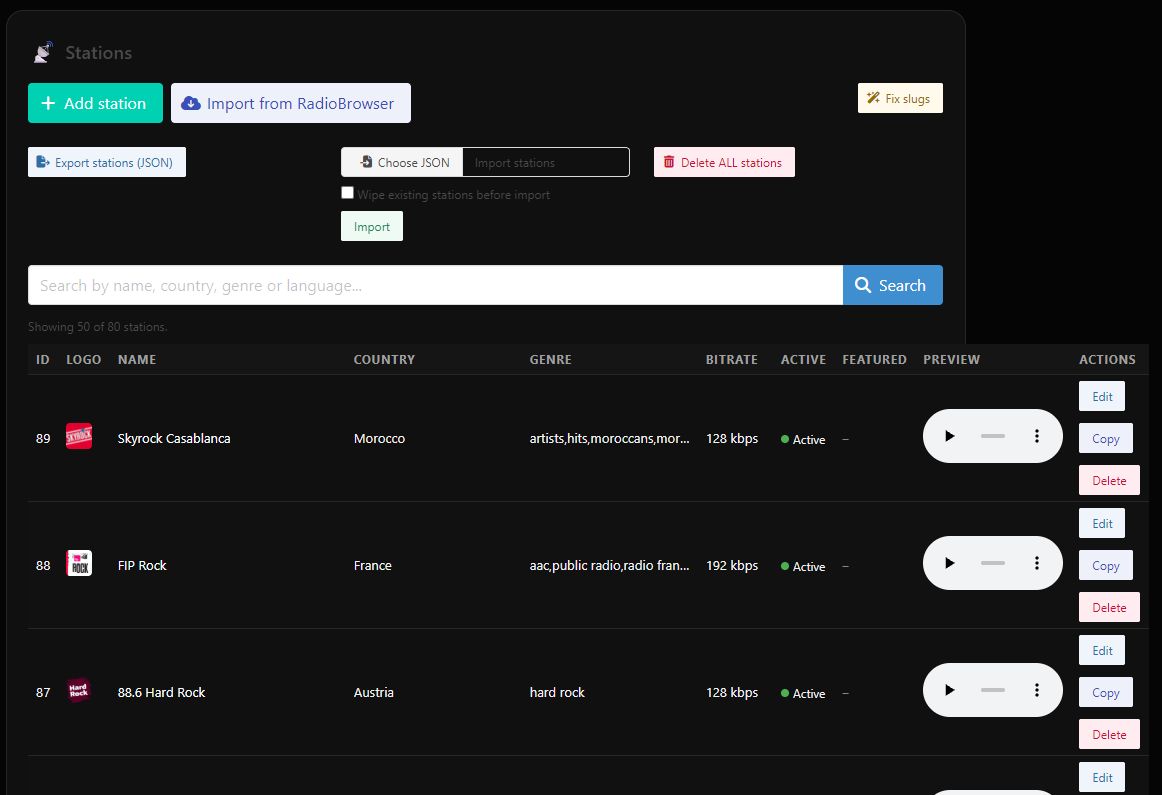

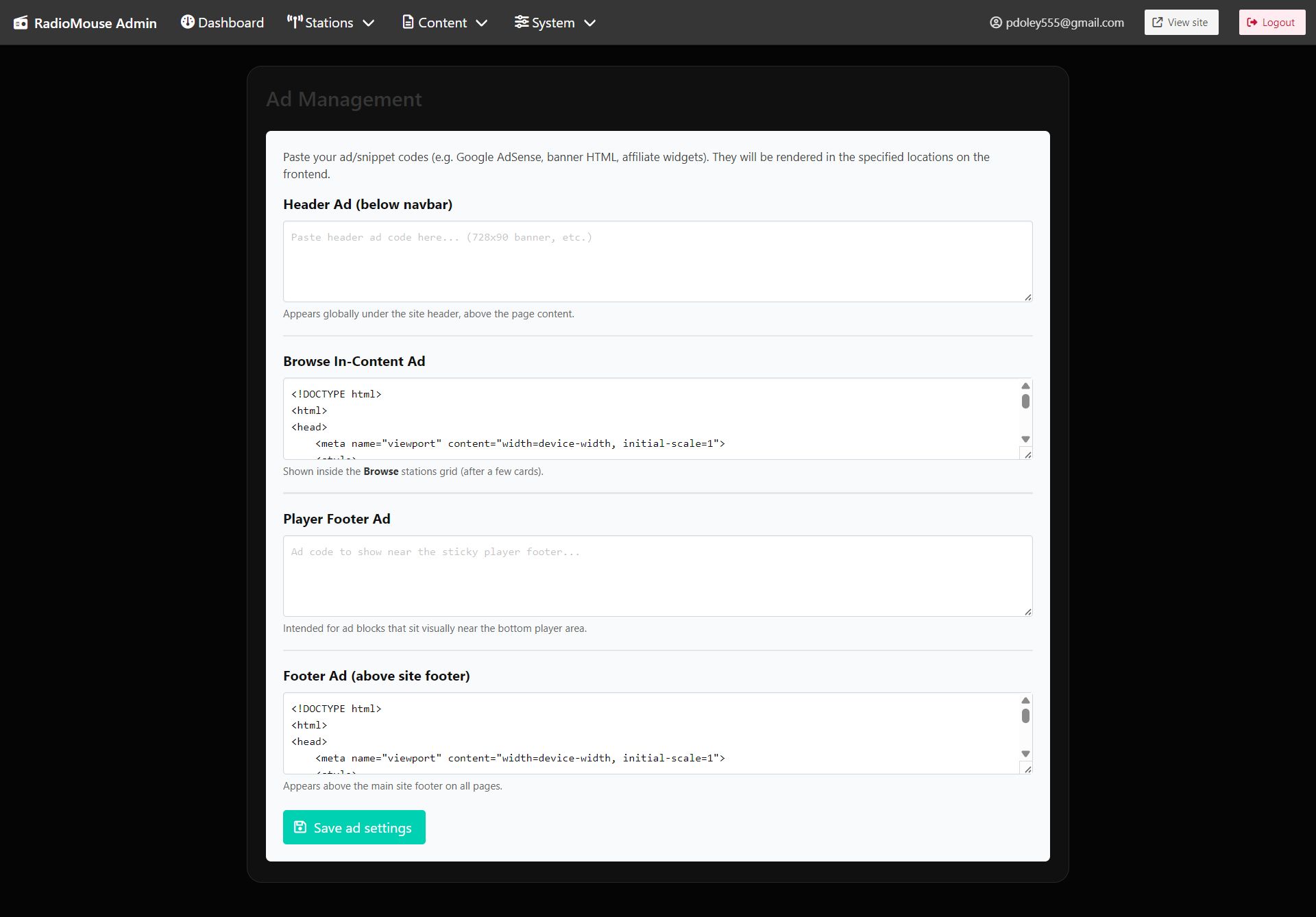
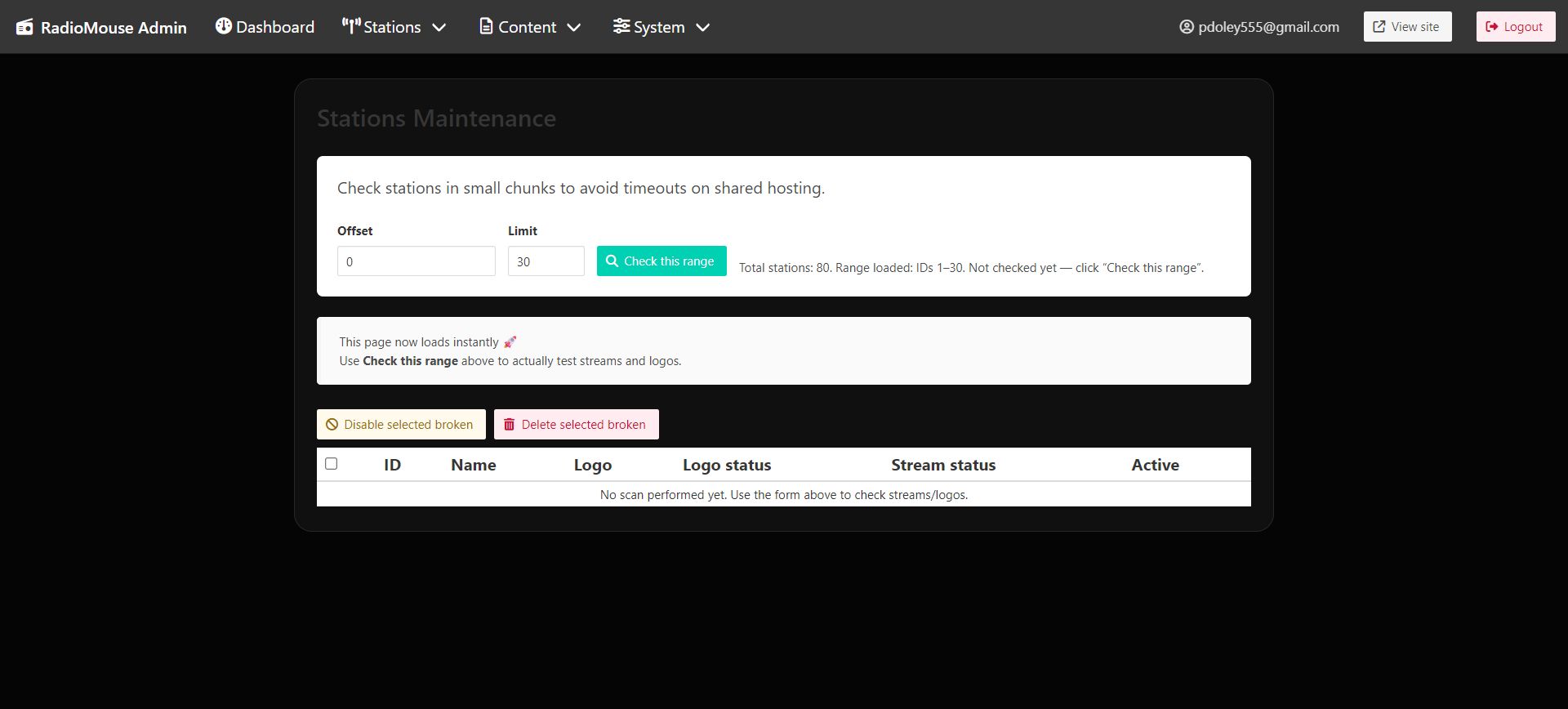


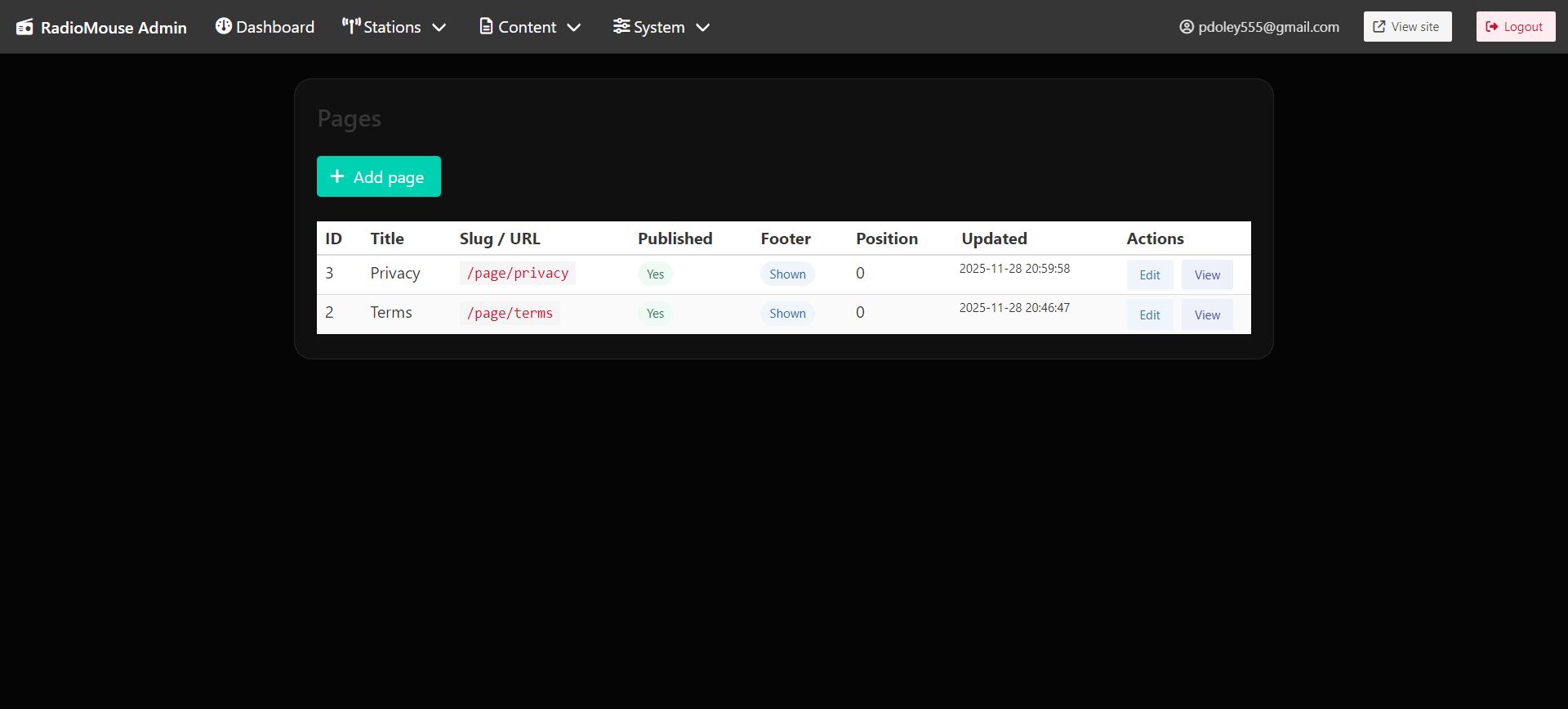
Overview
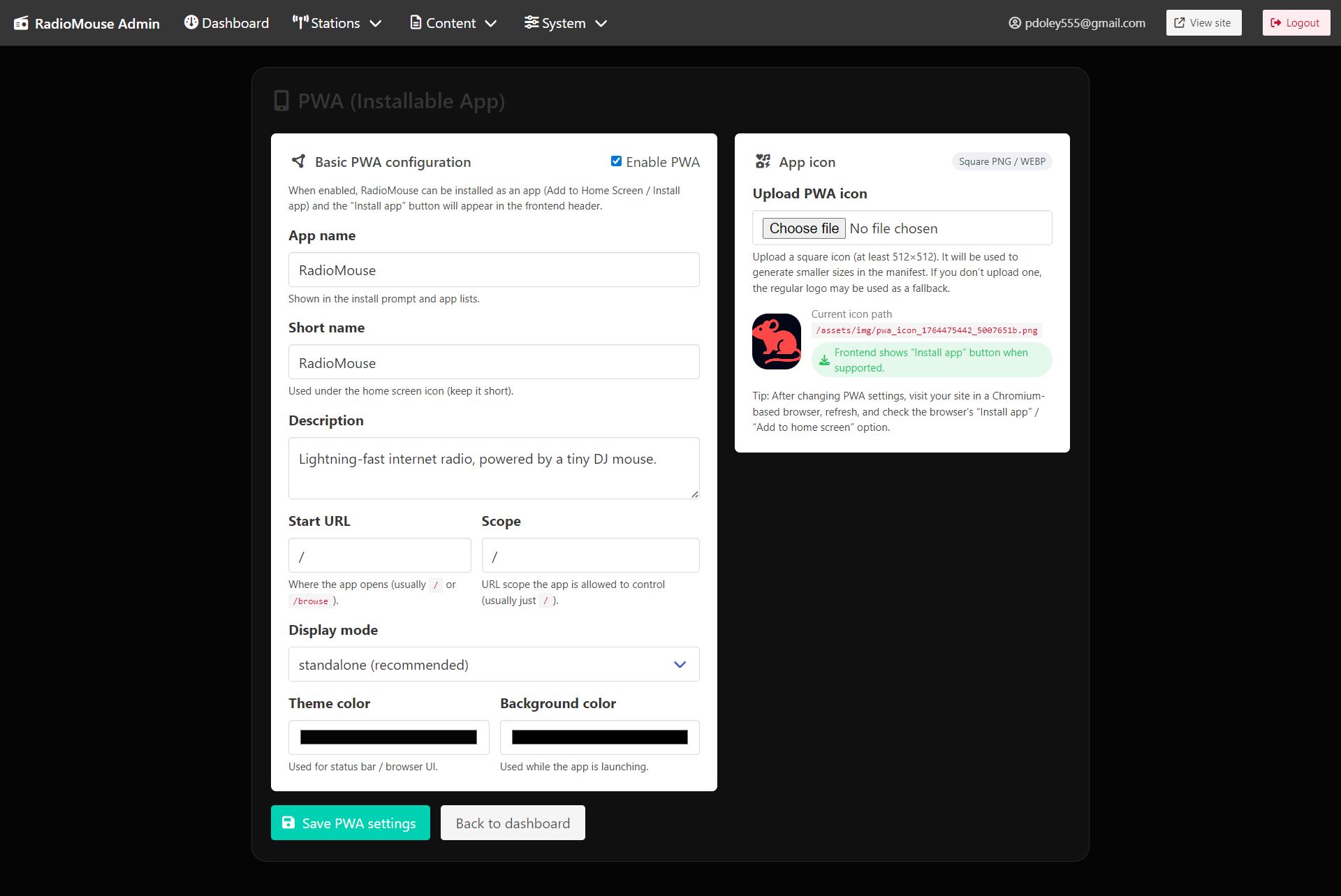
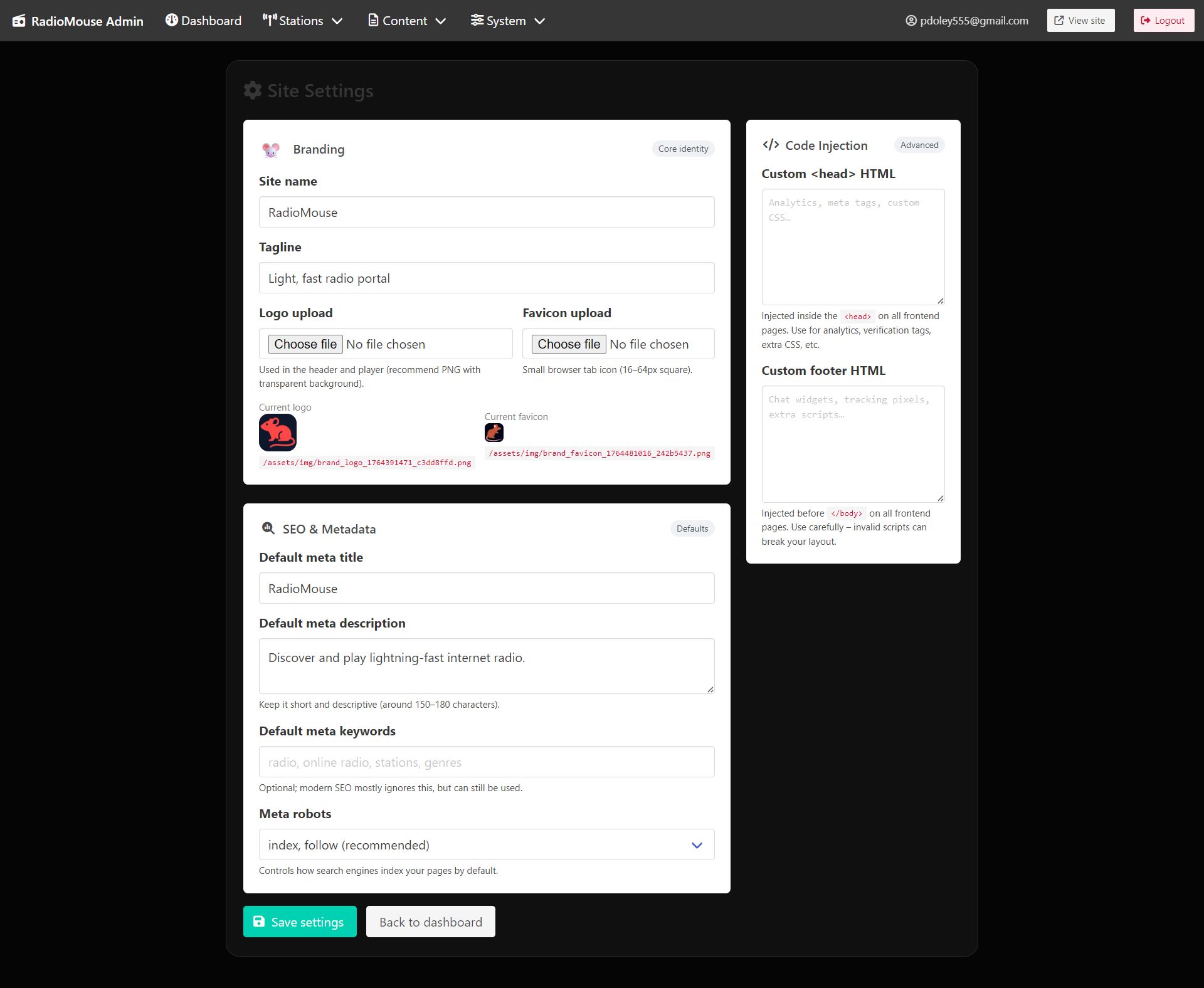
RadioMouse is a modern PHP radio portal script that lets you create a fast and stylish online radio directory with live streaming support for Icecast, Shoutcast, HLS/M3U8, AAC, and MP3. It features a sleek Bulma UI, global audio player with EQ visualizer, station pages, PWA support, and a powerful admin panel to manage stations and settings easily.
Features
- Live radio streaming (Icecast, Shoutcast, HLS/M3U8, MP3, AAC/AAC+)
- Modern global audio player with EQ visualizer
- Station pages with logos, bitrate, genres, and now-playing
- Fast Bulma-based responsive UI
- Station import from RadioBrowser API
- Favorites system with local storage
- PWA support for installable web app
- SEO-friendly pages with clean URLs
- Lightweight, fast, and fully customizable
- Admin panel to manage stations and settings
Requirements
Requirements
Before installation, make sure your environment meets the following:
Server Requirements
- PHP 8.0+ (recommended 8.1–8.3)
- MySQL 5.7+ or MariaDB 10.3+
- Apache Web Server
- HTTPS enabled (recommended)
Required PHP Extensions
- pdo_mysql
- mbstring
- json
- openssl
- curl
- fileinfo
Instructions
📁 1. Upload the Files
- Download the RadioMouse ZIP package.
- Extract it on your computer.
- Upload all files (including
/install) to your hosting:
- cPanel:
/public_html/ - DirectAdmin:
/domains/yourdomain.com/public_html/ - Localhost:
htdocs/orpublic/
🛠️ 2. Create a Database
- Open your hosting control panel.
- Go to MySQL Databases.
- Create:
- A new database
- A new database user
- Assign the user ALL PRIVILEGES
- Save the following for the installer:
- DB Host: usually
localhost - DB Name
- DB User
- DB Password
- DB Host: usually
🚀 3. Start the Installer
Once files are uploaded, visit:
https://yourdomain.com/install/install.php
You will see the RadioMouse Installer (mouse-themed UI).
🔧 Fill Out the Form
| Field | Description |
|---|---|
| DB Host | Usually localhost |
| DB Name | The database you created |
| DB User | Your database username |
| DB Password | Your DB password |
| Admin Email | Your login email |
| Admin Password | Admin panel password |
| Site Name | The title of your radio portal |
Then click:
🐭 Install RadioMouse
If everything is correct:
- ✔ Database tables created
- ✔ Admin account created
- ✔ Encryption key generated
- ✔ Branding initialized
🧹 4. Delete the /install Folder
For security, remove the entire:
/install
RadioMouse will not run until this folder is deleted.
🔐 5. Log Into Admin Panel
Admin URL:
https://yourdomain.com/admin/login.php
Use the credentials you created.
🎨 6. Initial Configuration
Inside the Admin Panel, recommended first steps:
- ✔ Set your site name & tagline
- ✔ Upload a logo & favicon
- ✔ Configure PWA (Add to Home Screen)
- ✔ Import stations from RadioBrowser
- ✔ Add/edit stations manually
📡 7. Add Radio Stations
RadioMouse supports:
- Icecast
- Shoutcast v1/v2
- M3U8 HLS
- AAC / AAC+
- MP3 streams
All URLs are encrypted and streamed through the server proxy for:
- ✔ Security
- ✔ Hiding real stream URLs
- ✔ Consistent EQ + HLS handling
To add a station:
- Go to Admin → Stations → Add
- Paste stream URL
- Save — the system auto-encrypts it
🔊 8. HLS & Real WebAudio EQ
- M3U8 streams use HLS.js (Safari uses native playback)
- All streams pass through server proxy — URLs stay hidden
- Built-in Bass/Mid/Treble Equalizer
- No configuration required
Reviews
-
4 months ago
 Gheorghita Alin PurchasedRating:
The script interface is very OK but the code leaves something to be desired. The script is not finished yet. I bought this script and received it with missing files. The admin panel is rudimentary and not 100% functional. The price paid is not justified. I do not recommend this script.
Gheorghita Alin PurchasedRating:
The script interface is very OK but the code leaves something to be desired. The script is not finished yet. I bought this script and received it with missing files. The admin panel is rudimentary and not 100% functional. The price paid is not justified. I do not recommend this script.
Other items by this author





| Category | Scripts & Code / PHP Scripts / Multimedia / Music |
| First release | 30 November 2025 |
| Last update | 30 March 2026 |
| Software version | PHP 8.0, PHP 8.1, PHP 8.2 |
| Files included | .php, .css, .sql, .swf/.flv, Javascript .js |
| Tags | hls player, audio streaming, radio directory, php radio script, m3u8 player, radio portal script, shoutcast player, icecast player, online radio website, radio streaming script, radio station listing, web radio portal, php audio player, streaming proxy, radio website builder |