PDF Master tools - PHP ScriptPDF Master tools - PHP Script
Powerful self-hosted PHP application with 20+ PDF tools: merge, split, convert, compress, watermark, and more.
PDF Master tools - PHP Script
Powerful self-hosted PHP application with 20+ PDF tools: merge, split, convert, compress, waterma...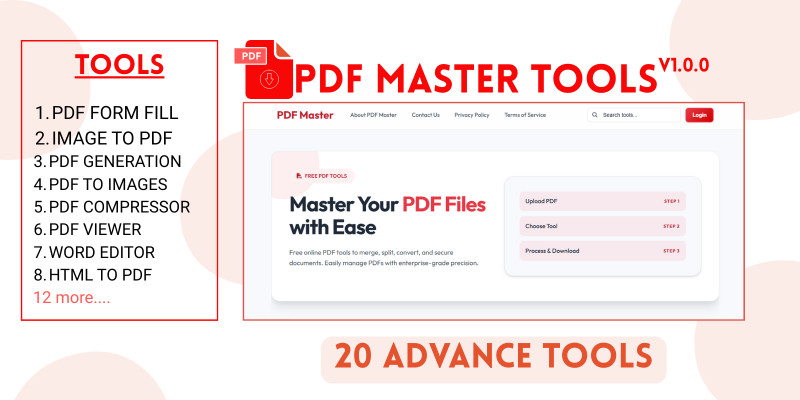
Screenshots





Overview
PDF Master is a powerful, self-hosted PHP application that provides a complete suite of PDF and document manipulation tools. Built for performance and ease of use, it allows you to offer professional-grade document services to your users or team. From merging and splitting to converting and compressing, PDF Master handles it all.
This comprehensive solution includes over 20 different PDF and document processing tools, a complete user management system, role-based access control, usage limits and quotas, secure file handling, responsive design, SEO optimization, ad integration, and a built-in blog system.
The application features an intuitive admin panel where you can manage users, configure tools, set usage limits, customize branding, manage content, and monitor system activity. The frontend provides a clean, user-friendly interface for all PDF operations.
PDF Master comes with a user-friendly installation wizard that makes setup quick and easy. Simply upload the files, set proper permissions, and run the installer through your web browser. The wizard will guide you through database setup and configuration automatically.
For optimal performance, especially when handling large files or high traffic, we recommend using a VPS (Virtual Private Server) or high-performance dedicated hosting. The PDF Compressor and advanced PDF manipulation tools require Ghostscript, which is pre-installed on most shared hosting providers.
Features
Complete PDF Toolkit
- Over 20 tools for PDF and document processing
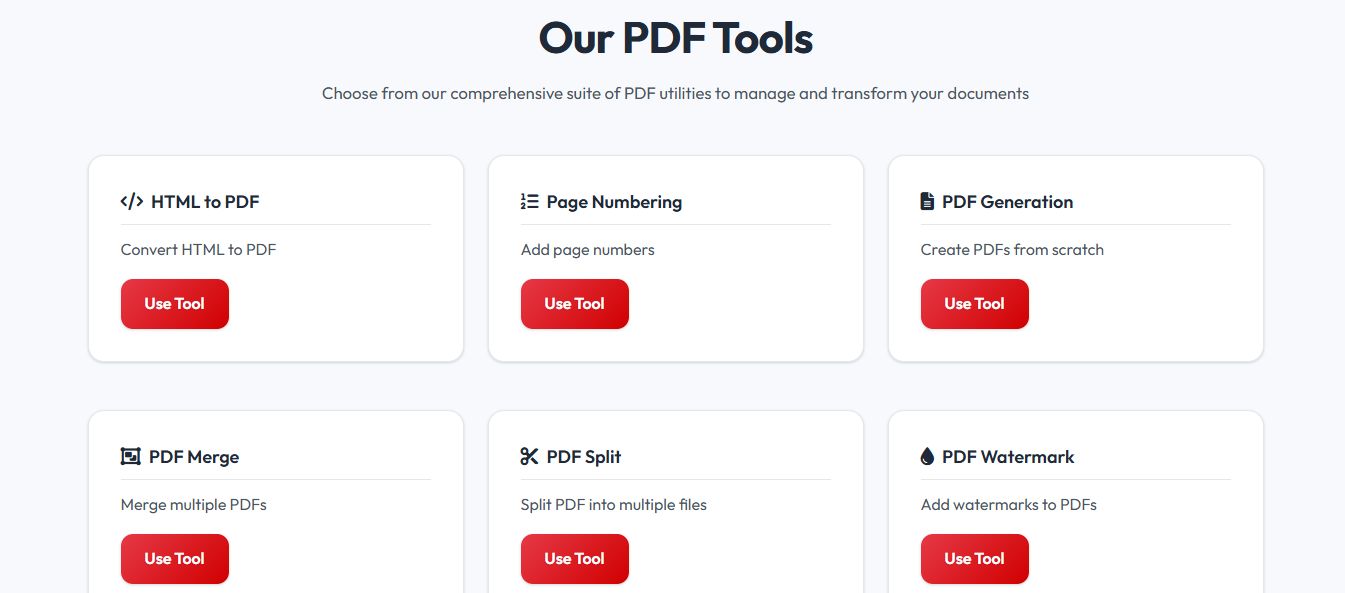
- PDF Generate, Merge, Split, Compress, Watermark, Form Fill, Metadata Editor
- Page Reorder, Page Numbering, PDF Viewer
- HTML to PDF, Word to PDF, Excel to PDF, Image to PDF
- PDF to Images, Word Editor, Word Viewer
- Barcode/QR Generator, ODT/RTF to PDF
User Management System
- Built-in user registration, login, and profile management
- Role-based access control with permissions for guests and registered users
- Usage limits and quotas to monetize or manage resources
- Storage quota management per user
- User ban/delete functionality
Admin Panel Features
- Real-time dashboard with statistics and charts
- Complete user management system
- Tool configuration with enable/disable options
- Usage limits configuration for guests and members
- File management and cleanup tools
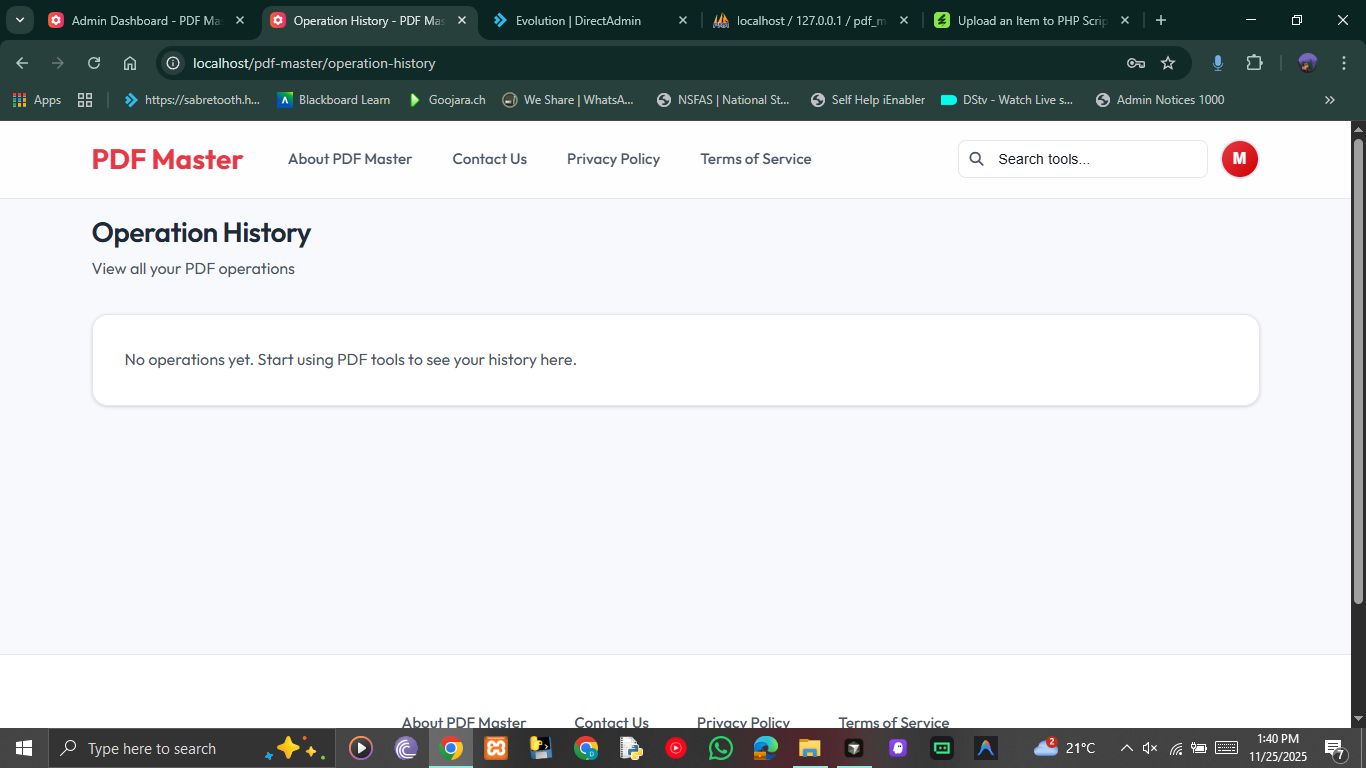
- Operations history tracking
- Comprehensive settings panel
- Branding customization (logo, favicon, colors)
- Content management (pages, blog posts)
- Ad integration slots
- Reports generation (CSV/PDF)
Security & Performance
- Secure file handling with automatic cleanup
- Session timeout and password requirements
- Max login attempts and lockout protection
- Email verification support
- Cookie consent management
SEO & Marketing
- SEO-friendly with customizable meta tags
- Automatic sitemap generation
- Robots.txt generator
- Social media tags (Open Graph, Twitter Cards)
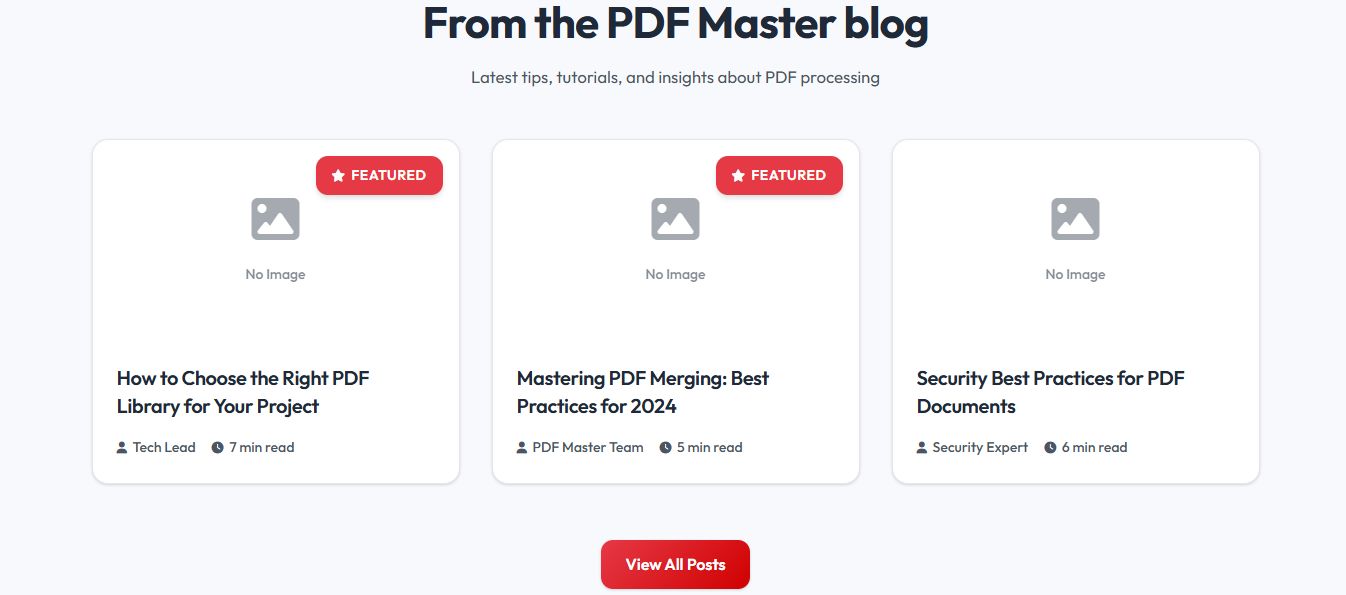
- Integrated blog system for content marketing
- Ad slot integration for monetization
Design & User Experience
- Fully responsive interface (desktop, tablet, mobile)
- Modern AdminLTE-based admin panel
- Clean and intuitive user interface
- Customizable branding
- Maintenance mode support
Easy Installation
- Built-in installation wizard
- Automatic database creation and migration
- No manual SQL imports needed
- Default admin account creation
- Step-by-step setup guide
Requirements
Server Requirements
- PHP 8.0 or higher
- MySQL 5.7+ / MariaDB
- Apache / Nginx Web Server
PHP Extensions
- pdo_mysql
- mbstring
- gd
- fileinfo
- curl
- zip
Optional Requirements
- Ghostscript - Required for PDF Compressor and advanced PDF manipulation tools
- Most shared hosting providers (Namecheap, Bluehost, GoDaddy) have Ghostscript pre-installed
- For VPS users, Ghostscript can be easily installed via package manager
Performance Recommendations
- For fast PDF generation and optimal performance, we highly recommend using a VPS (Virtual Private Server) or high-performance dedicated hosting
- Shared hosting works well for smaller deployments, but VPS is recommended for high traffic or large file processing
Instructions
- Upload upload.zip to your server main root
- Set writable permissions (755 or 777) for
/storage,/public/uploads, and/configdirectories - Navigate to
<a href="http://yourdomain.com/install/">http://yourdomain.com/install/</a>in your browser - Follow the installation wizard and enter your database details
- Log in to admin panel at
/adminwith username:Superadminand password:Admin@123
Live Demo
[NOTE: SOME TOOLS MIGHT BE SLOW ON THE DEMO BECAUSE IT USES A CHEAP HOSTING]
Demo User: https://pdf-master.r8db.co.za/
- Email:
[email protected] - Password:
Admin@123
Demo Admin: https://pdf-master.r8db.co.za/admin/login
- Username:
Superadmin - Password:
Admin@123
Detailed documentation included
Other items by this author


Future product updates
Quality checked by Codester
Lowest price guarantee


| Category | Scripts & Code / PHP Scripts / Miscellaneous |
| First release | 1 December 2025 |
| Last update | 1 December 2025 |
| Files included | .php, .sql |
| Tags | merge, pdftools, pdfmaster, split tool, advance tools |