Home / Themes / Miscellaneous

Pucu - React Portfolio Web TemplatePucu - React Portfolio Web Template
Modern and responsive React portfolio template designed for developers, designers, and creatives to showcase projects professionalHome / Themes / Miscellaneous
Pucu - React Portfolio Web Template
Modern and responsive React portfolio template designed for developers, designers, and creatives ...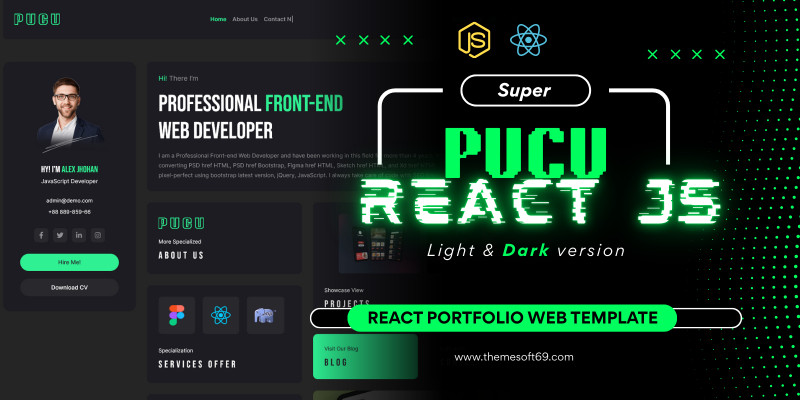
Screenshots
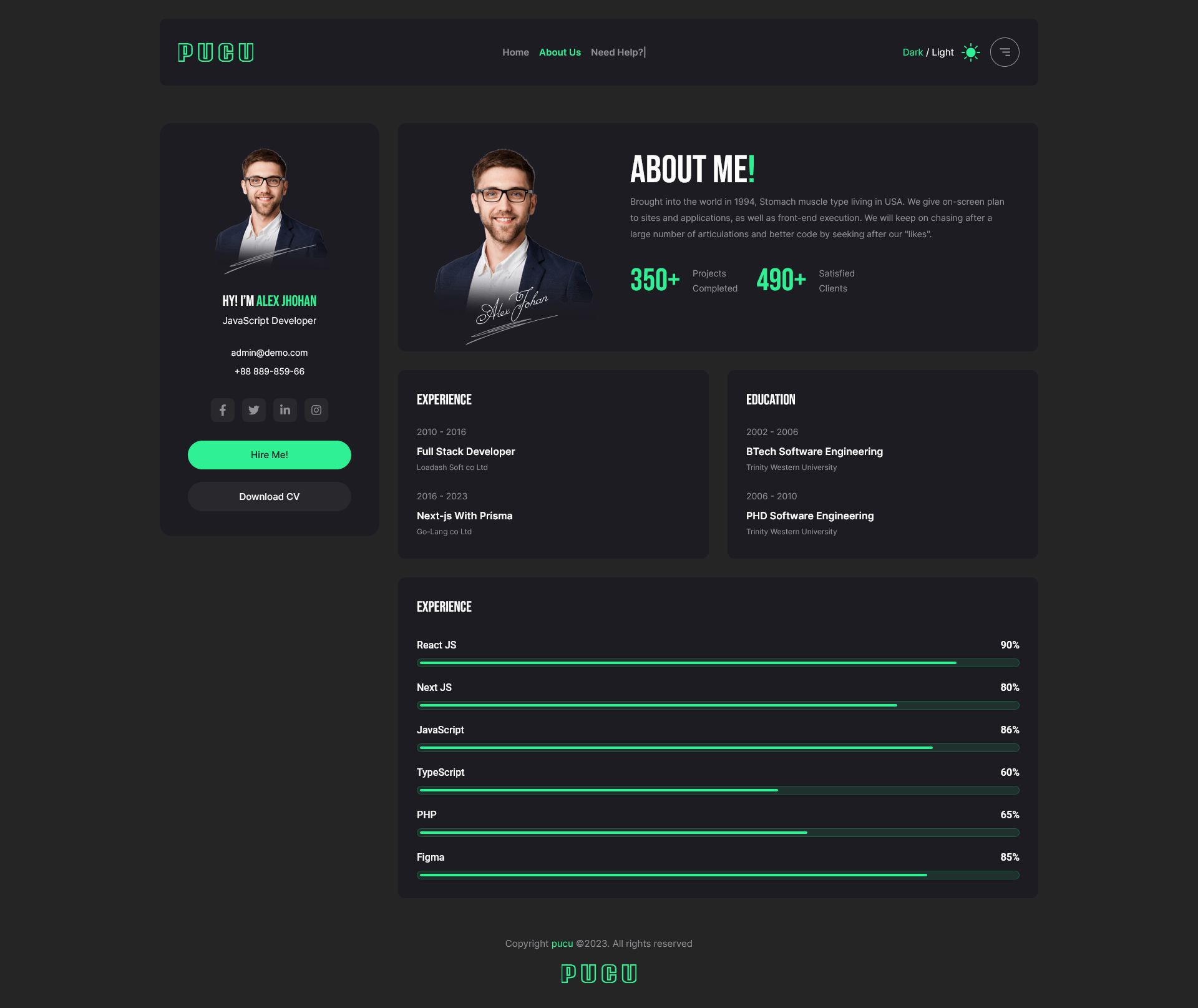


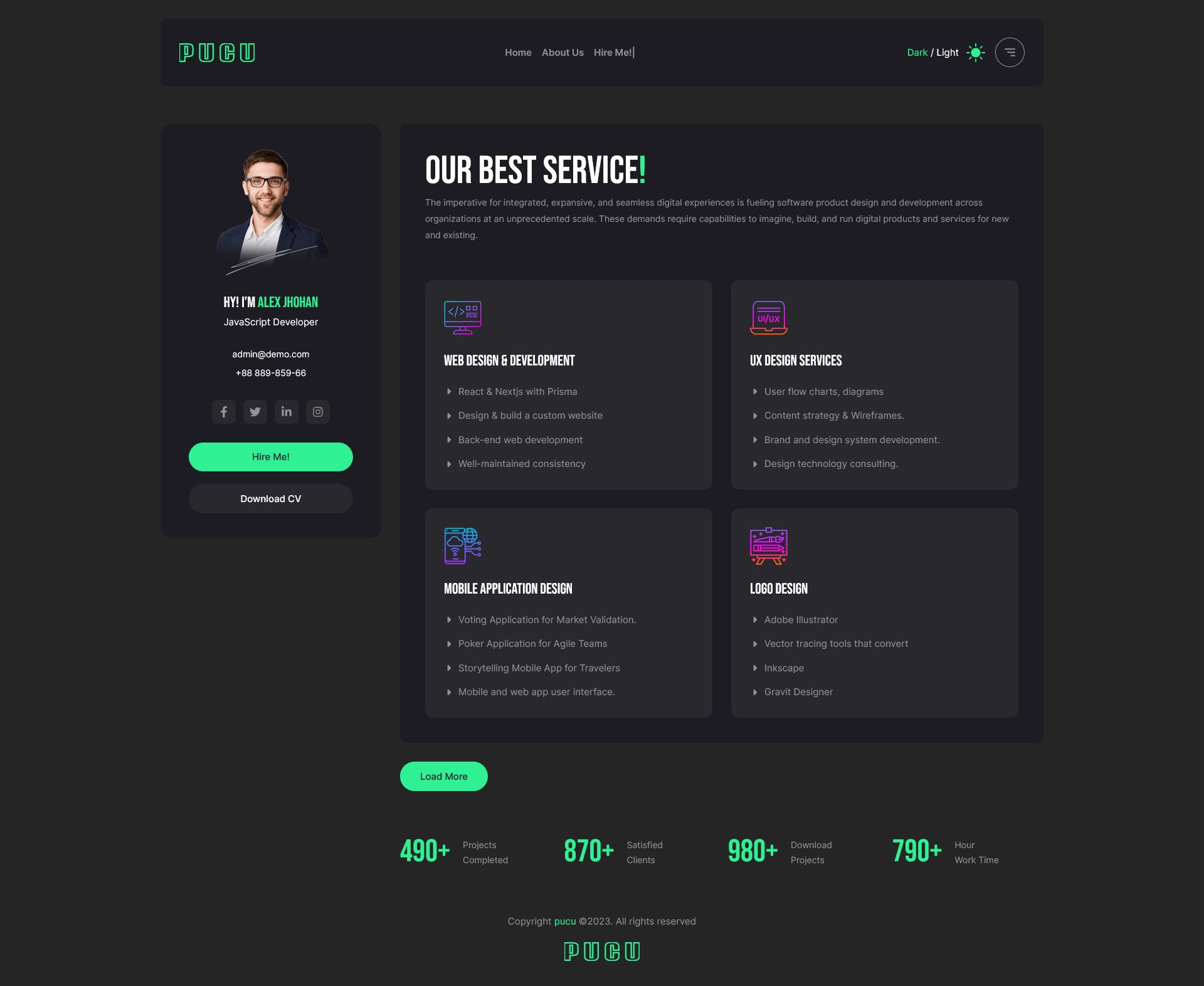
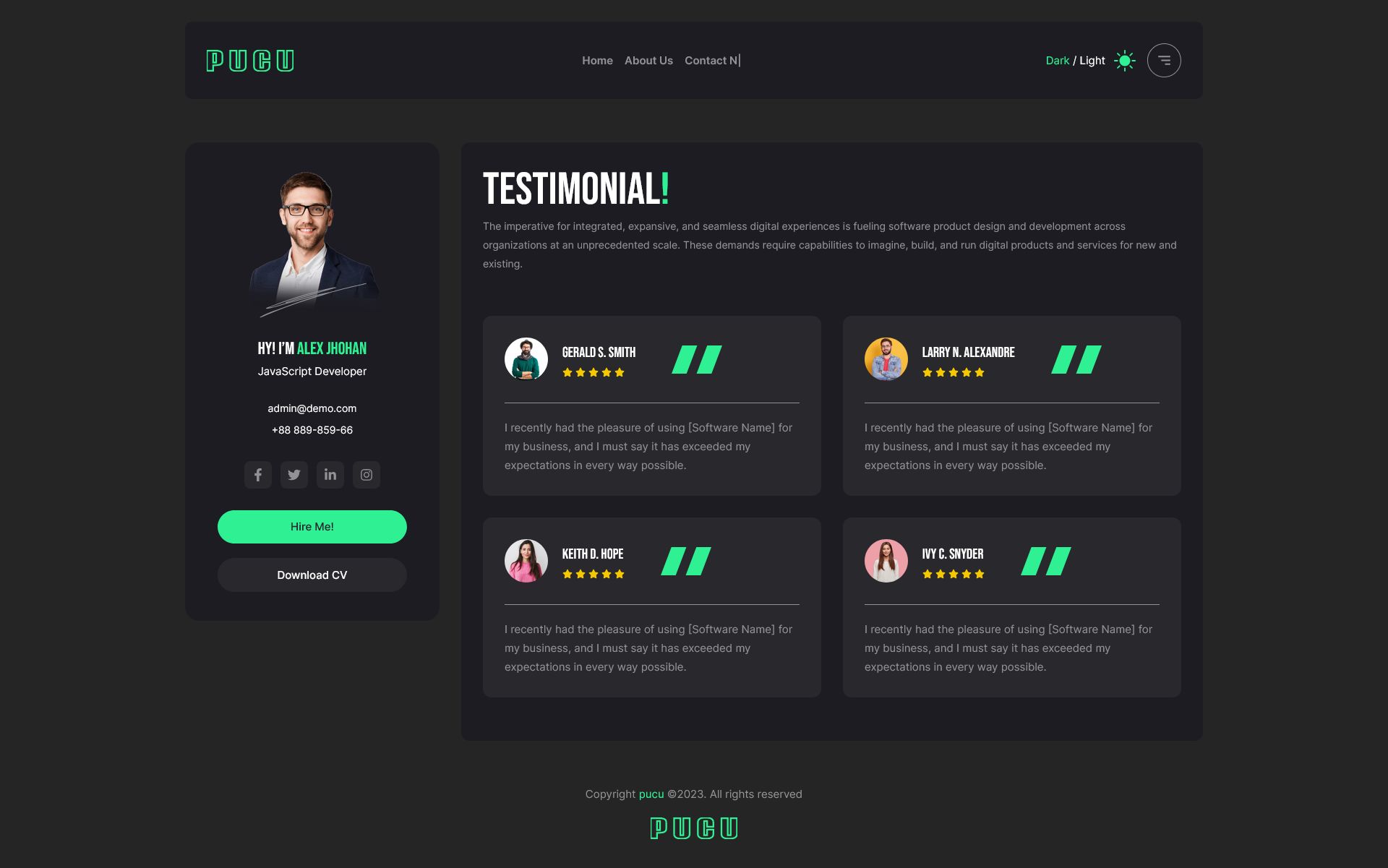

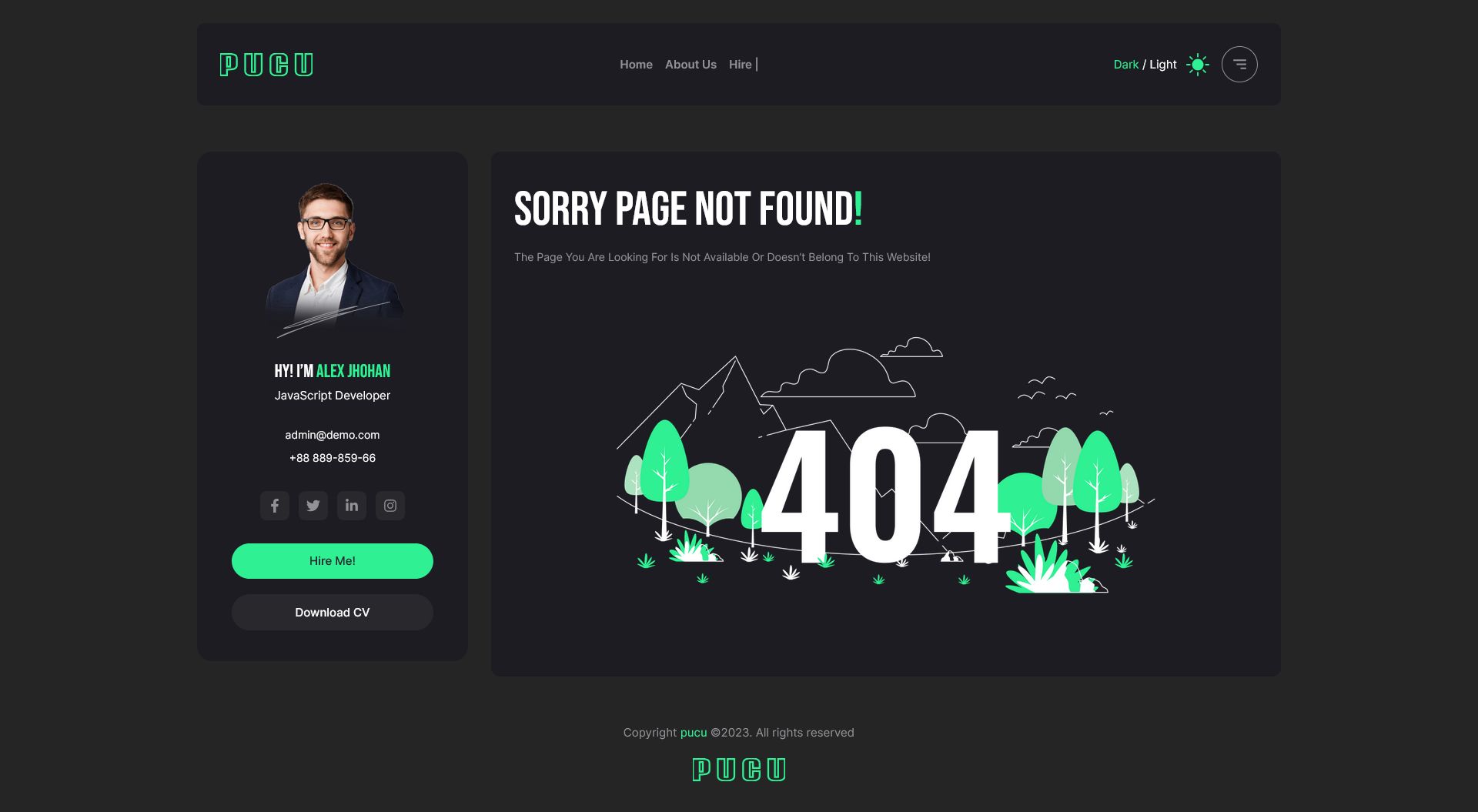
Overview
Pucu – React Portfolio Web Template
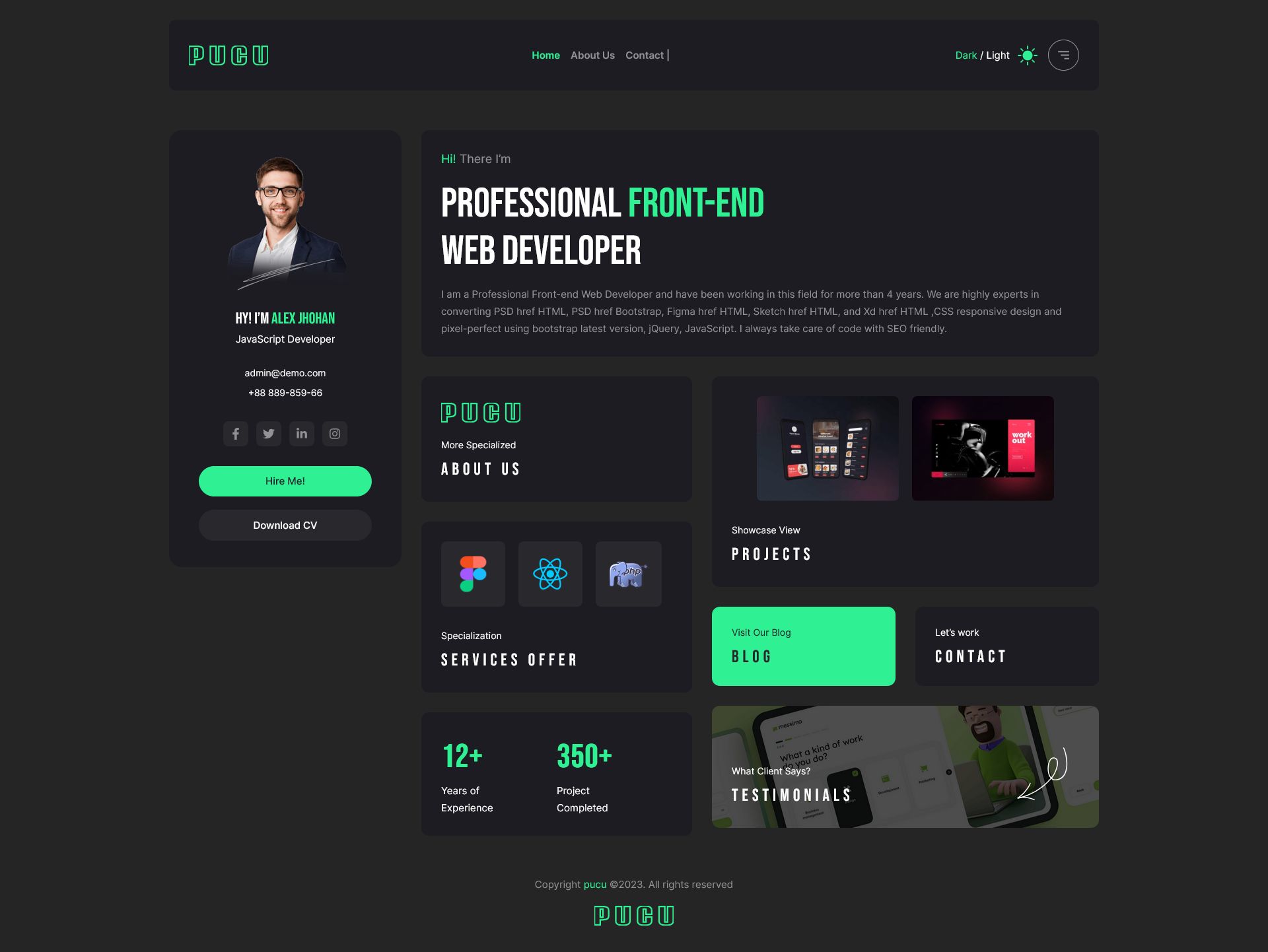
Pucu is a modern, clean, and fully responsive React Portfolio Template built with Tailwind CSS. It is designed for developers, designers, creators, freelancers, and agencies who want to showcase their work in a professional and visually appealing way. With fast performance, reusable components, and a smooth UI, Pucu helps you build a standout portfolio with ease.
Its well-structured codebase ensures easy customization, allowing you to modify sections, colors, layouts, and content efficiently. Whether you're showcasing projects, skills, or achievements, this template delivers a polished and high-quality presentation.
Features
- Built with React
- Tailwind CSS styling
- Fully responsive and mobile-friendly
- Clean and modern portfolio design
- Reusable and modular components
- Smooth animations and transitions
- Fast loading and optimized performance
- Easy to customize layout and content
- Well-structured and commented code
- Suitable for personal portfolio and creative showcase
What’s Included
- Full React project source
- Tailwind CSS configuration
- Components and assets
- Documentation guide
Features
- Built with React
- Styled using Tailwind CSS
- Fully responsive and mobile-friendly
- Modern, clean, and professional design
- Reusable and modular components
- Smooth animations and transitions
- Fast loading and optimized performance
- Easy to customize layout, sections, and content
- Well-structured and commented code
- Suitable for developers, designers, and creative portfolios
Requirements
- Basic knowledge of React and JavaScript
- Node.js and npm are installed on your system
- Modern code editor (VS Code, Sublime, Atom, etc.)
- Web browser for previewing the template
- Terminal/command prompt to run the development server
- Tailwind CSS configured (already included in the project)
Instructions
- Download and unzip the project folder.
- Open the project in a code editor (VS Code, Sublime, Atom, etc.).
- Make sure Node.js and npm are installed on your system.
-
Open the terminal in the project folder and run:
npm install
to install all dependencies. -
Start the development server with:
npm start
- This will launch the project in localhost for preview.
- Customize the template by editing components, pages, and Tailwind CSS styles.
-
Build the production-ready version with:
npm run build
-
Deploy the
buildfolder to your preferred hosting platform (Netlify, Vercel, or any static hosting). - Follow the included documentation for additional guidance and customization tips.
Other items by this author








Information
| Category | Themes / Miscellaneous |
| First release | 2 December 2025 |
| Last update | 2 December 2025 |
| Files included | .css, .html, Javascript .js |
| Tags | web template, modern design, Responsive design, creative portfolio, personal portfolio, developer portfolio, tailwind css, designer portfolio, freelancer portfolio, react template, clean ui, react web template, frontend template, react portfolio, developer template |