BroCode – Social Media Flutter AppBroCode – Social Media Flutter App
BroCode is a social media app built using Flutter & Firebase, designed as an Instagram-style clone.
BroCode – Social Media Flutter App
BroCode is a social media app built using Flutter & Firebase, designed as an Instagram-style ...
Screenshots


Overview
📱 BroCode – Social Media App (Flutter & Firebase)
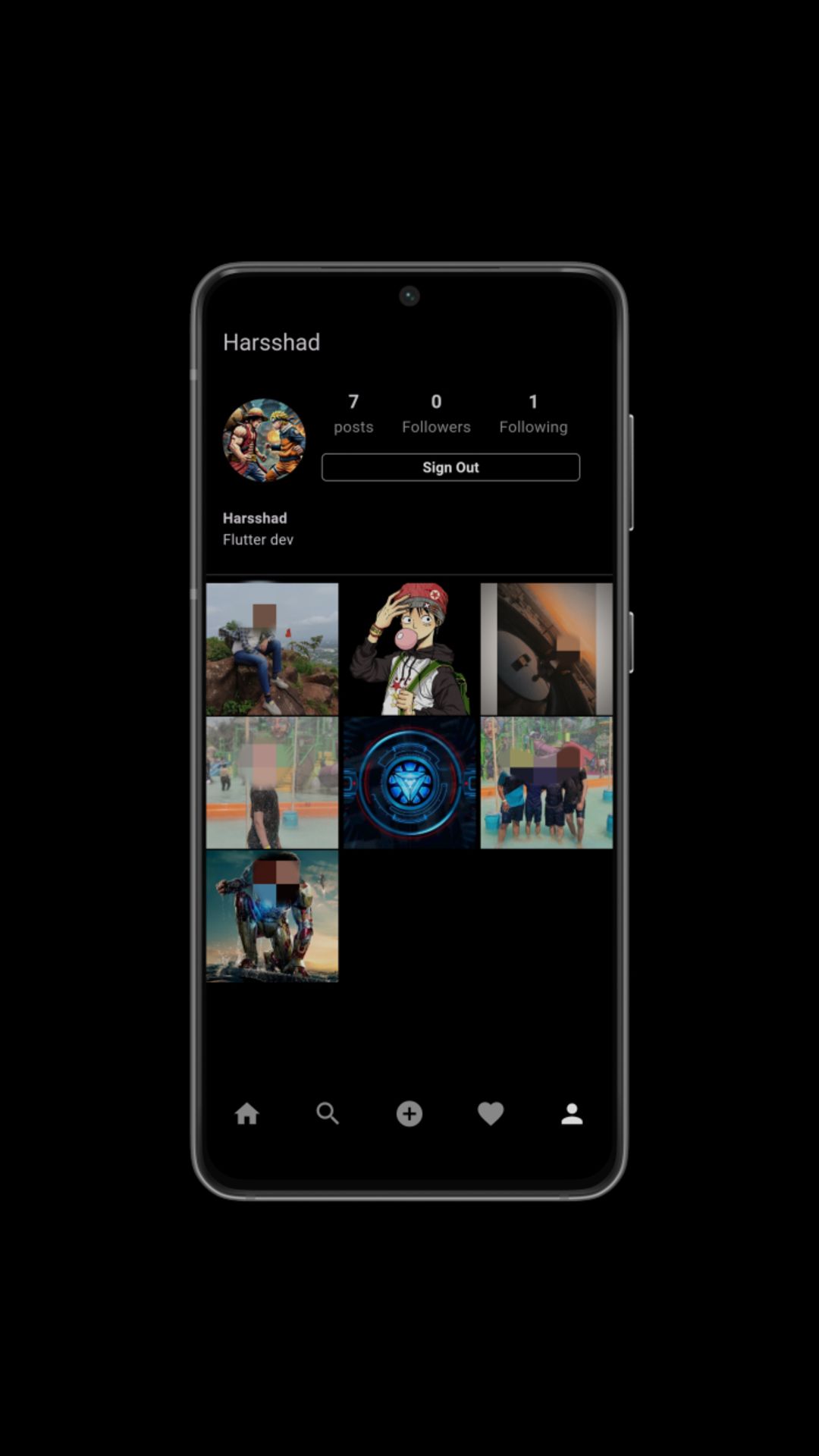
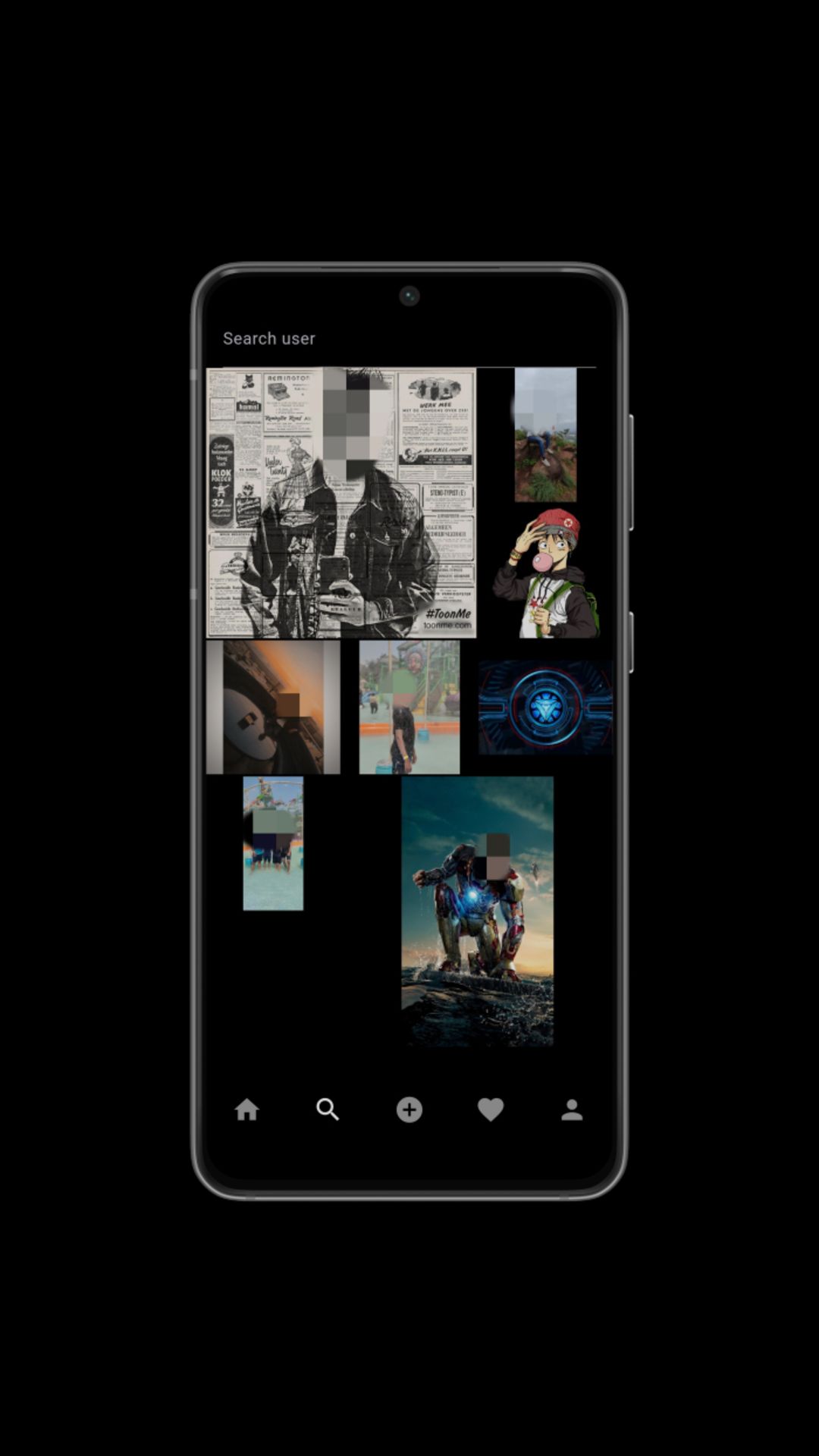
BroCode is a fully featured social media application built using Flutter and Firebase. Inspired by Instagram-style social networking, BroCode allows users to create accounts, upload posts with images, follow others, like and comment on media, and manage their profiles — all with responsive UI for both Android and Web.
The app is designed with clean and modern UI components, real-time features via Firebase Firestore, and easy customization for developers and entrepreneurs. It is a great starter project for building social networking apps or using it as a learning resource.
✨ App Highlights
- Authentication & secure user accounts
- Profile creation and edit features
- Image posts with captions and timestamps
- Real-time likes and comments
- Follow / unfollow social features
- Responsive UI for Android & Web
- Clean modular Flutter codebase for customization
Includes complete source code, full documentation, and build instructions for both Android and Web.
Features
- 🔐 Firebase Email & Password Authentication
- 👤 Custom User Profiles (username, bio, avatar)
- 📸 Upload Image Posts with Captions
- ❤️ Like and 💬 Comment on Posts in Real Time
- 🔁 Follow / Unfollow Other Users
- 📣 Personalized Home Feed
- 📰 Real-time Firestore Sync
- 📱 Responsive UI (Android & Web)
- ⚙️ Flutter 3.x Modular Codebase
- 📦 Firebase Firestore, Auth & Storage Integration
Requirements
- Flutter SDK 3.x or later
- Android Studio or Visual Studio Code
- Firebase Account (Authentication, Firestore & Storage)
- Android Emulator or physical device for testing
- Internet connection for API/Firebase integration
Instructions
- Download and extract the source code package.
- Open the project folder in Android Studio or VS Code.
- Run
flutter pub getto install dependencies. - Set up Firebase and add
google-services.jsonandGoogleService-Info.plistto the appropriate folders. - Update Firebase configuration in
firebase_options.dart. - Run the app with
flutter run.
Detailed documentation is included in the package for further guidance and troubleshooting.
Other items by this author


|
Flutter App Reskin Service
Have your App reskinned to meet your needs.
|
$499 | Buy now |
| Category | App Templates / Flutter / Full Applications |
| First release | 23 December 2025 |
| Last update | 22 January 2026 |
| Operating Systems | iOS 10.0, iOS 11.0, iOS 12.0, Android 10.0, iOS 14.0, iOS 13.0, iOS 15.0, Android 11.0, Android 12.0, iOS 8.0, iOS 9.0 |
| Files included | .css, .html, .swift, .apk, .java, build.settings, Javascript .js |
| Tags | android, iOS, comments, Social Media, Web, likes, realtime, mobile app, posts, firebase, flutter, instagram clone, user profiles |