


 Flutter Full Application Templates
Browse 394 Flutter Full Application Templates on Codester. These Flutter full application templates and complete apps include complete Flutter projects with Dart source, Material 3 UI, Firebase or REST integrations and state management patterns so you can reskin, connect your API and launch polished ecommerce, finance, social, chat, learning, utility and on-demand service apps for Android and iOS.


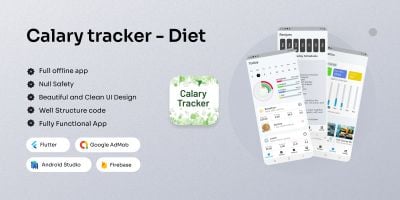


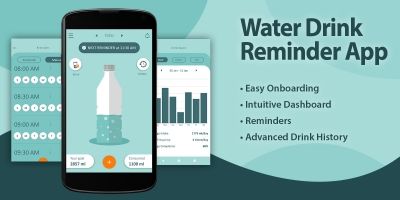
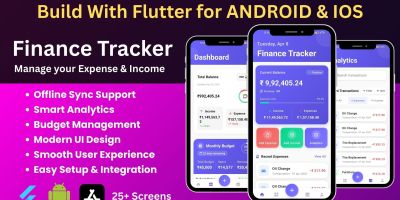


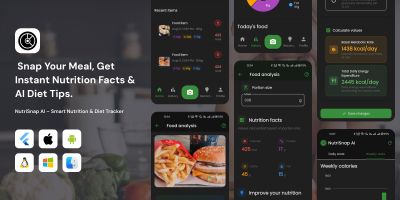




Download Flutter Full Applications
The Flutter Full Application Templates category is home to practical Flutter full application templates and complete apps that you can open in your IDE and run straight away. Instead of stitching together routing, theming and basic screens for every new idea, you start from a working Flutter project aimed at real ecommerce, finance, social, chat, learning, utility and on-demand service apps.
Most downloads in this section come with the essentials already solved: Material 3 styling, navigation with named routes or Router, responsive layouts, dark mode, basic error handling and UX details like empty states and loading indicators. Many projects also wire up Firebase or REST APIs, authentication, push notifications and local persistence, so you can focus on business logic and content instead of boilerplate.
Because everything is written in Dart, you are free to refactor and expand as needed. You can swap out state management solutions, introduce your own architecture (BLoC, Riverpod, Provider, MobX or Redux), add more feature modules and connect additional back-end services. Studying how the original author organised widgets, services and repositories is a useful way to refine your own approach to Flutter production code.
From a search perspective, solid templates help with both SEO and ASO. A stable app with fast startup and a smooth UI stands a better chance of ranking for long-tail keywords like “Flutter full-applications template”, “Flutter app source code” or “Flutter full applications starter” on Google Play, the App Store and in traditional search engines. Clear descriptions and good screenshots on your product or portfolio pages, combined with links back to the main Flutter Templates category, reinforce those signals.
Internal linking inside Codester’s ecosystem makes discovery easier too. Many teams pair Flutter full application templates and complete apps from this page with related sections such as the dedicated Flutter Full Application Templates or Flutter UI Kits subcategories, depending on their needs. It is also common to reference the broader App Templates & Source Codes hub, plus neighbouring stacks like Android app templates, iOS app templates, Ionic templates and React templates when you talk about your technology choices.
When you are adjusting a Codester project, keeping the official Flutter documentation, Dart language guides and Material 3 design system open in another tab is well worth it. They explain layout behaviour, adaptive design, accessibility and performance considerations that can make the difference between an app that looks okay in the emulator and one that feels great on a range of real devices.
Monetisation and analytics are usually just a configuration task. Many templates include placeholders for AdMob, in-app purchases or subscriptions, as well as integrations with Firebase Analytics or other tracking libraries. Once you plug in your own keys and events, you can start testing funnels, pricing and onboarding flows from day one instead of waiting for a fully custom build.
Over time, the Flutter Full Application Templates page can become your standard starting point for Flutter work. You might keep a few favourites bookmarked, reuse components and patterns across multiple projects and gradually fold Codester code into an internal design system. That way every new app benefits from the same, battle-tested Flutter full application templates and complete apps and you spend more of your time on the things that actually differentiate your product.