
Cloud Grep - File ManagerCloud Grep - File Manager
Cloud Grep is a powerful and flexible tool for file management and collaboration.
Cloud Grep - File Manager
Cloud Grep is a powerful and flexible tool for file management and collaboration.
Screenshots

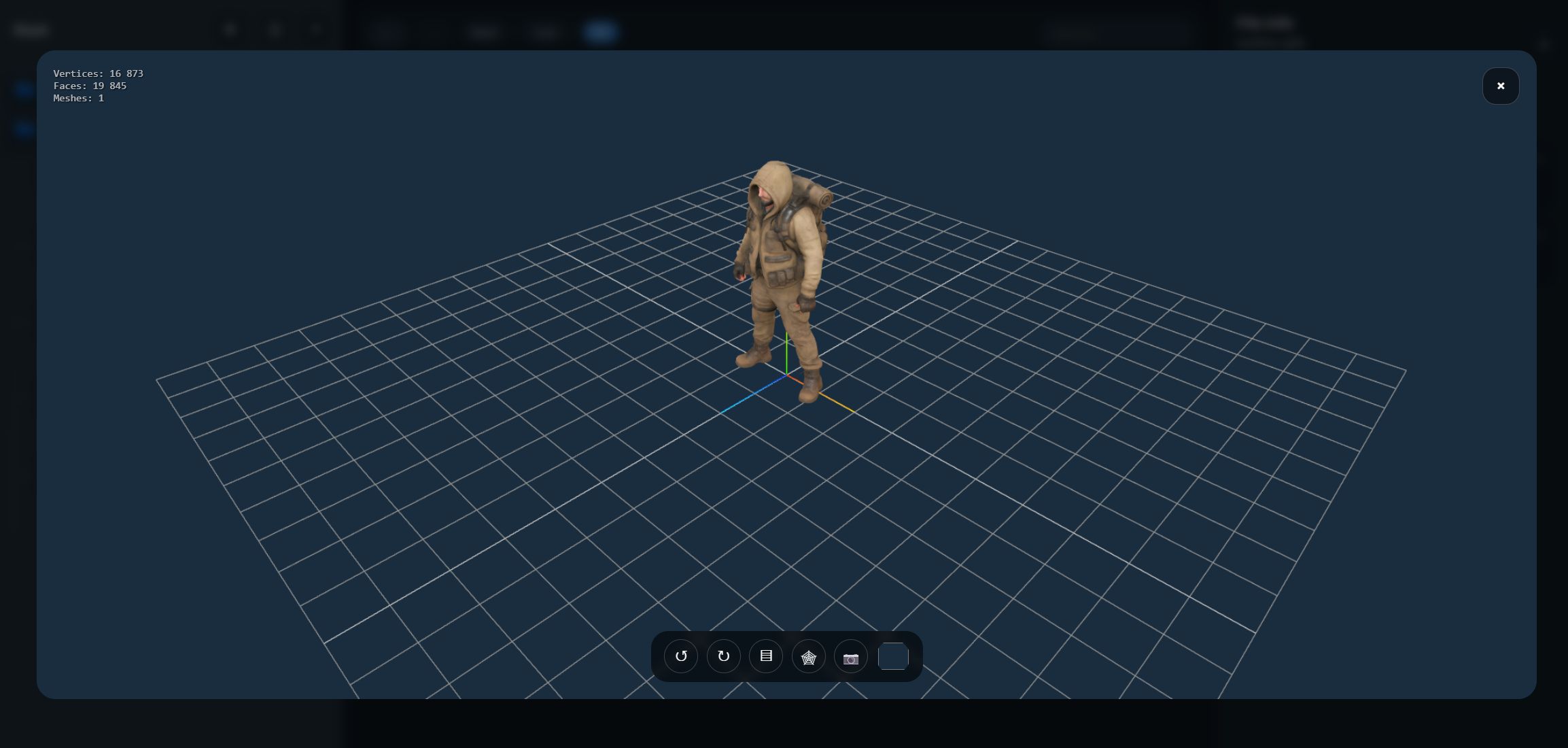


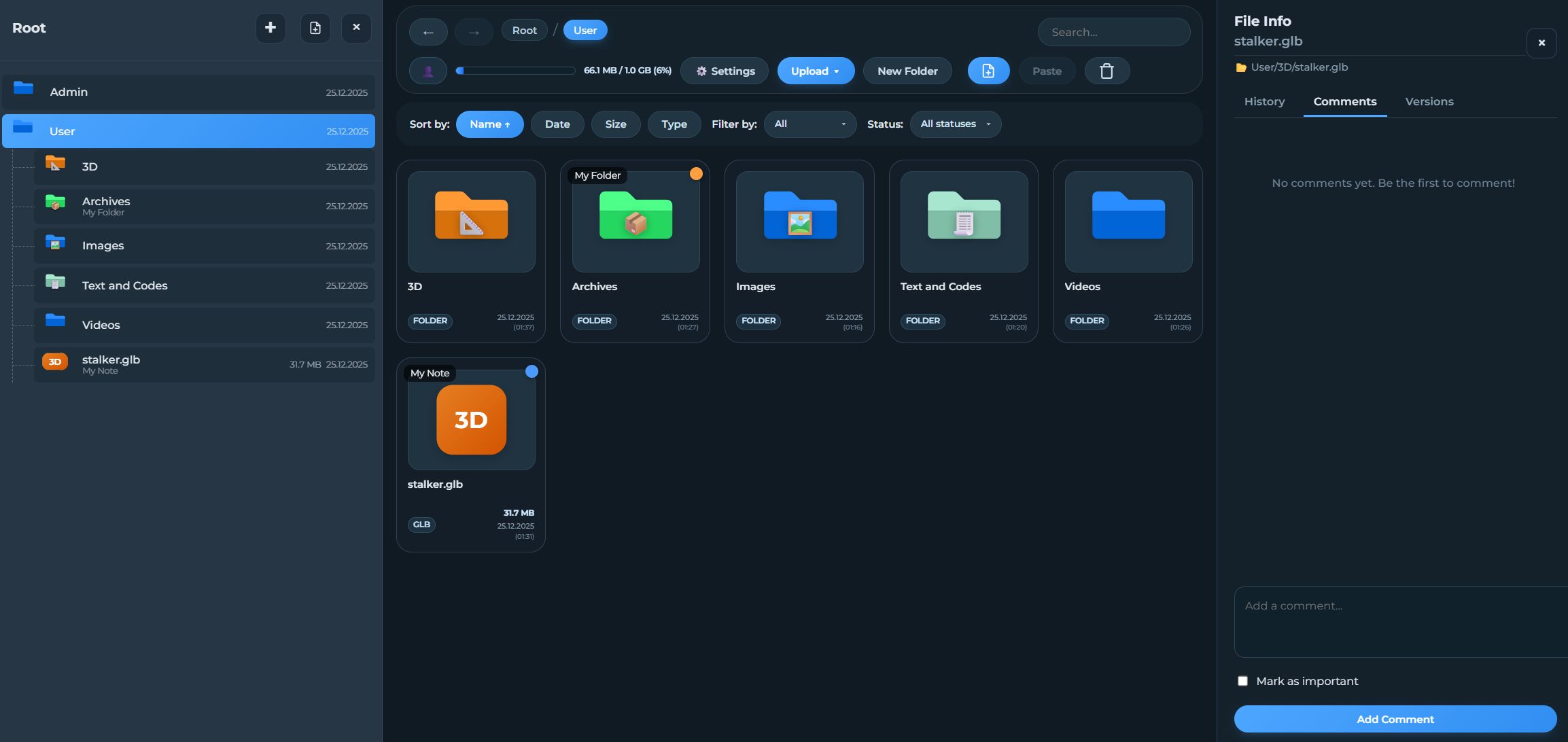

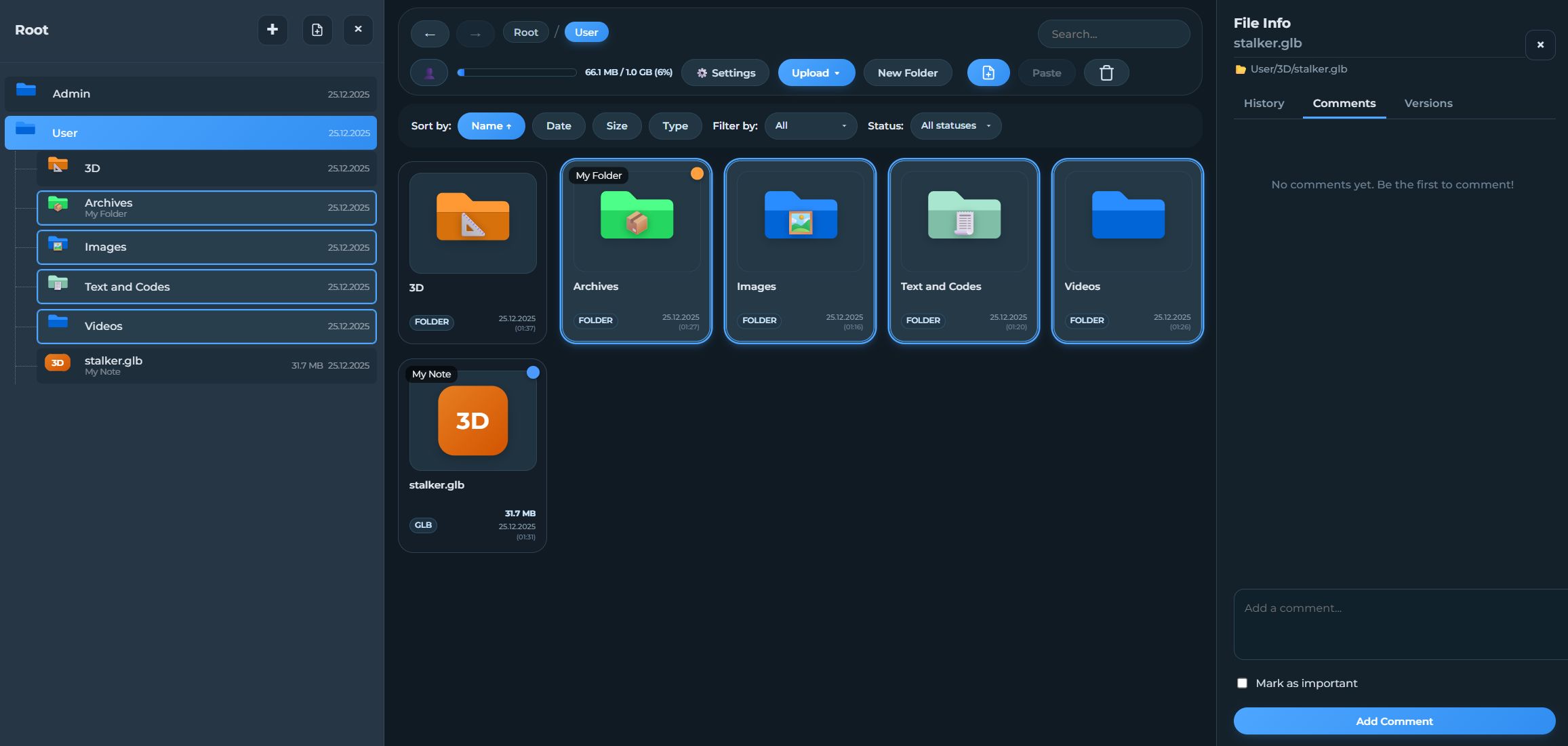
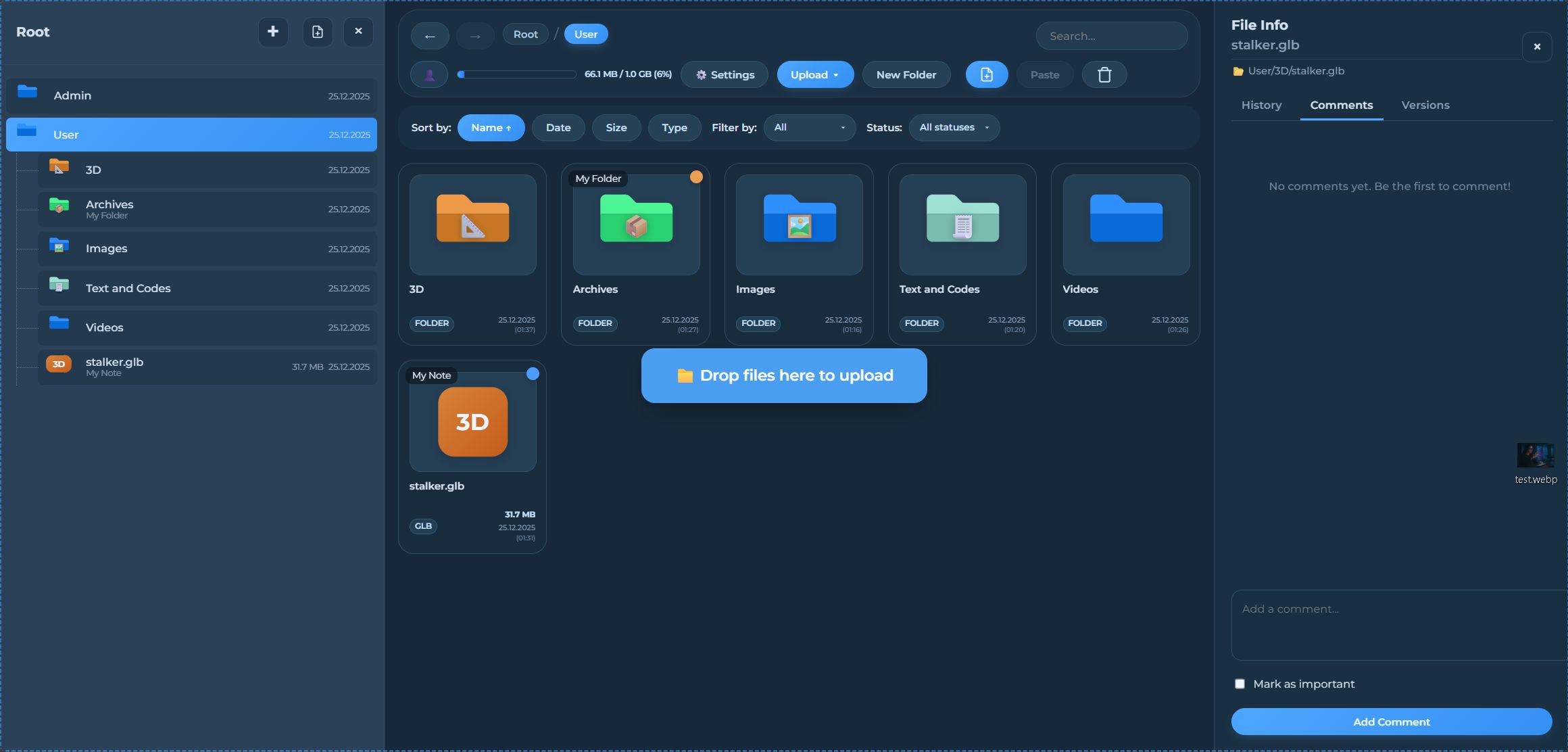
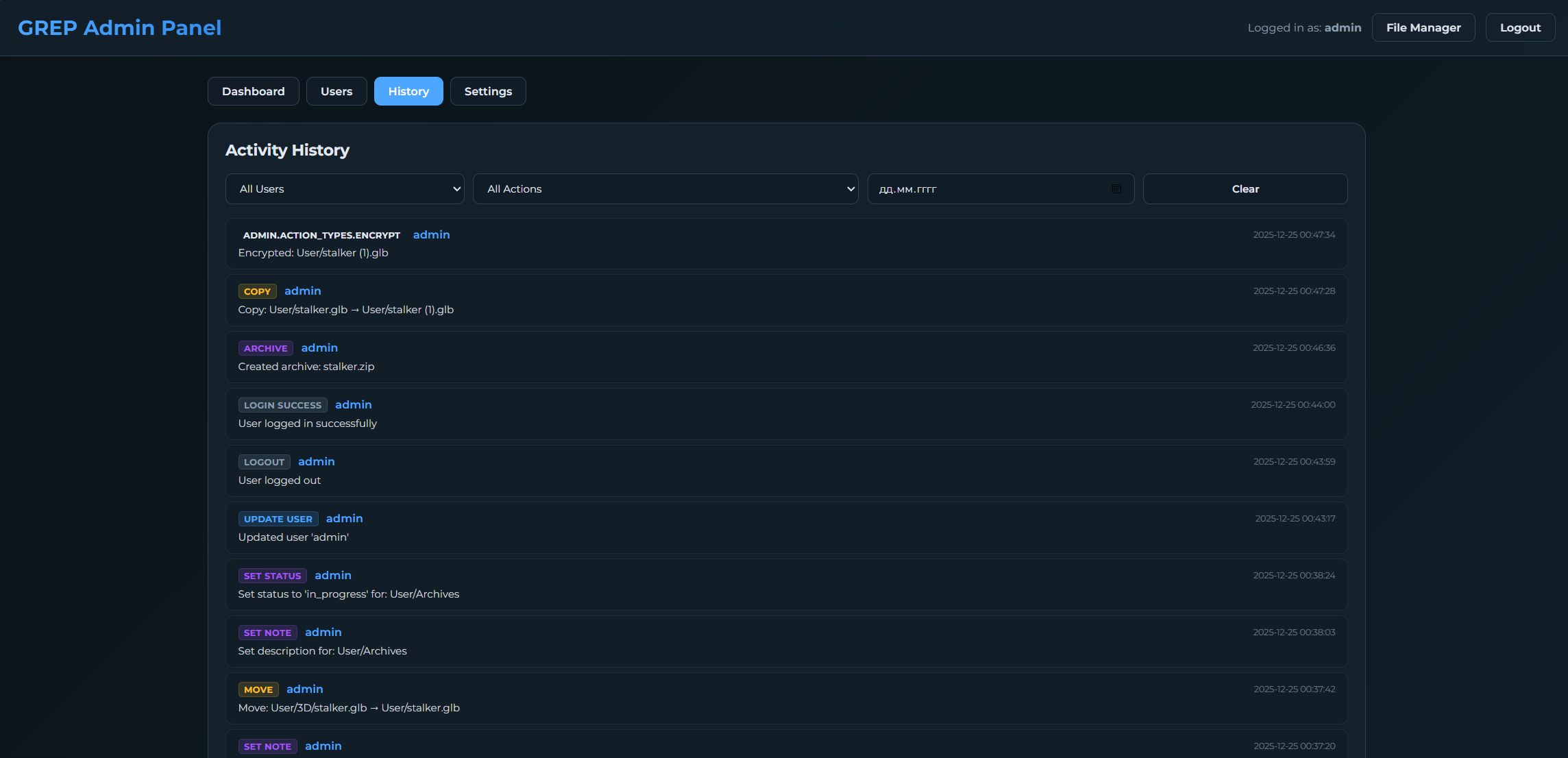
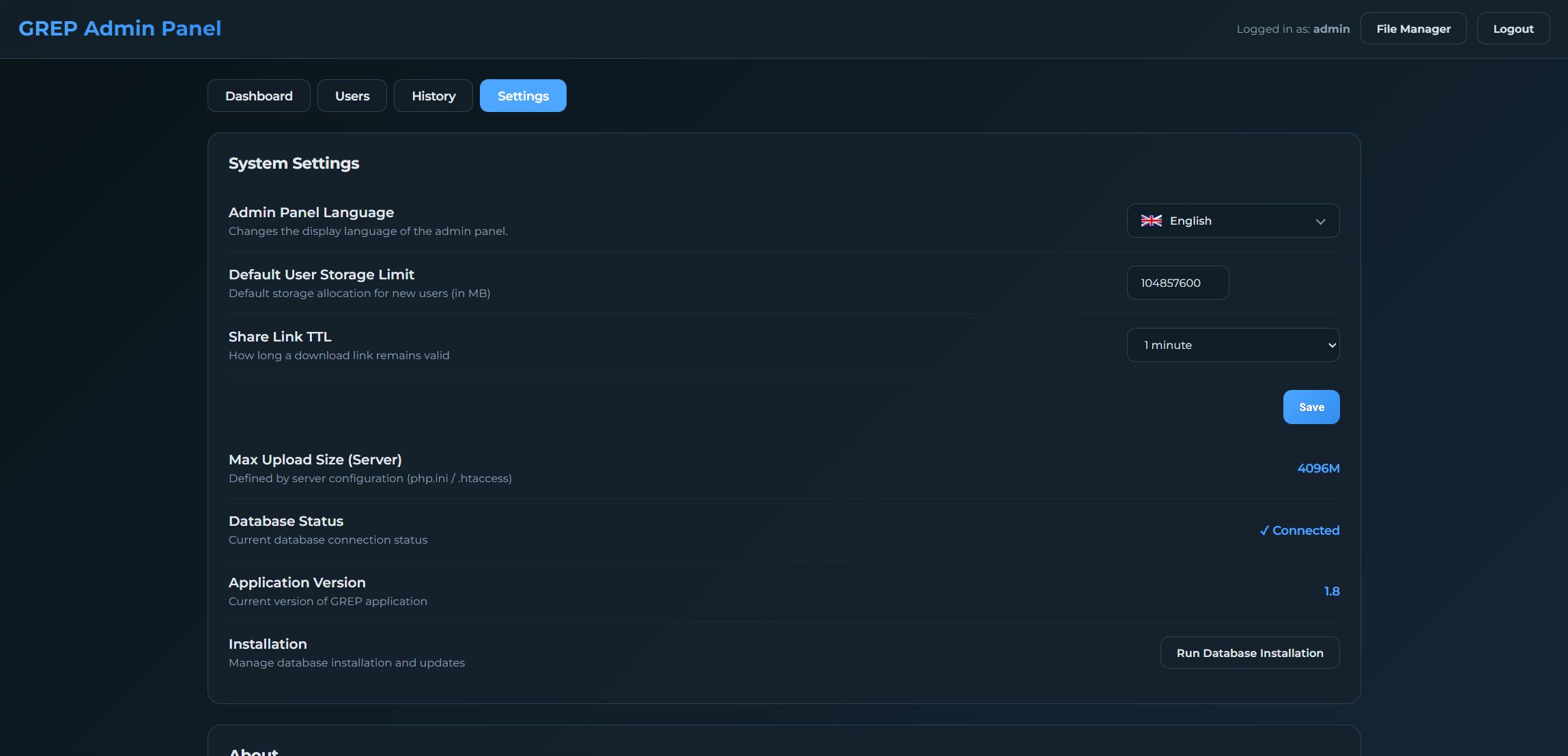
Overview
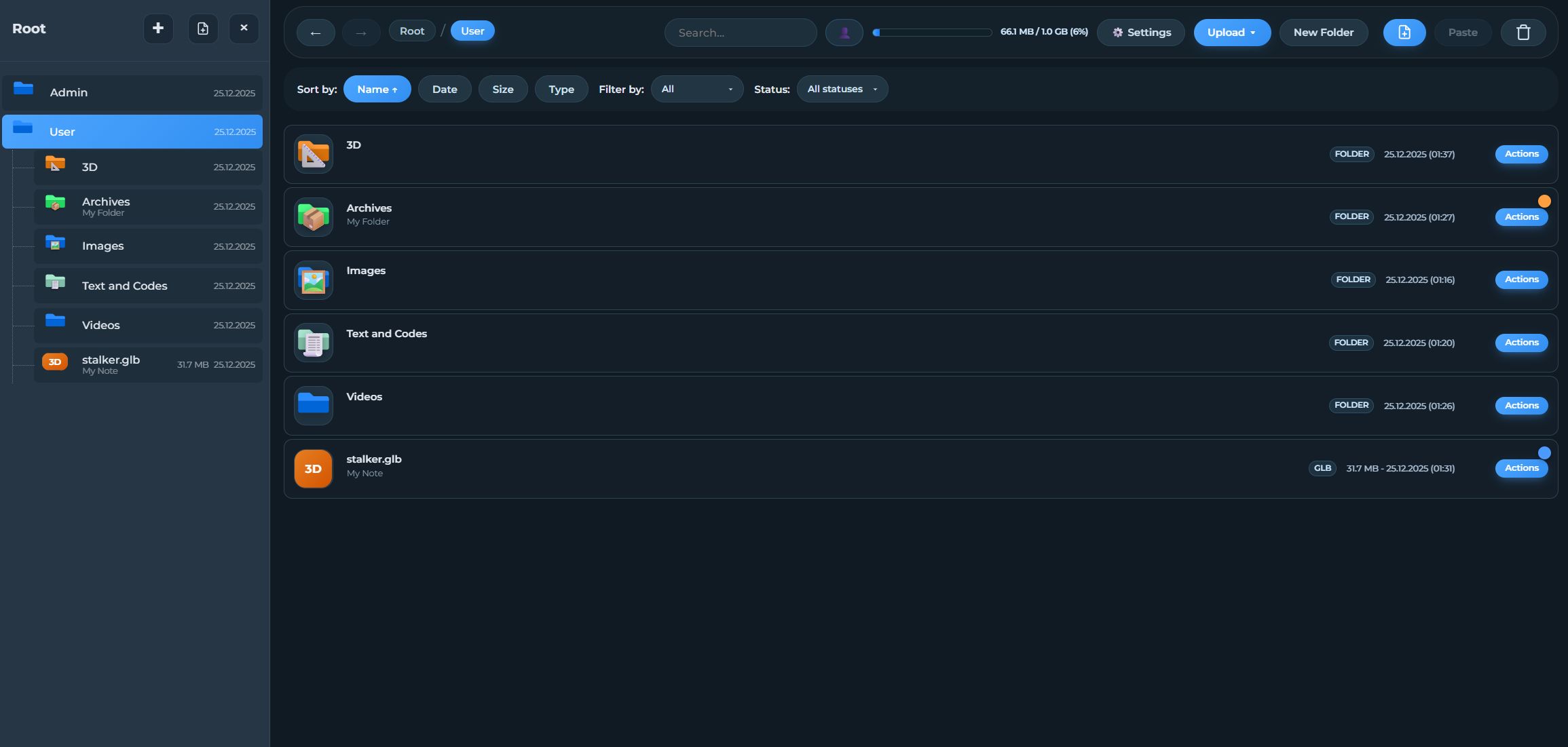
Cloud Grep is a powerful and flexible tool for file management and collaboration. If you need more than just storage - a system with a clear version history, visual task management, and an intuitive workspace organization — this script is for you.
File Manager + Version Control + Customization + Collaboration.
Note: This system is designed exclusively for desktop (PC) use to ensure maximum performance in a professional environment.
Features
Key Features:
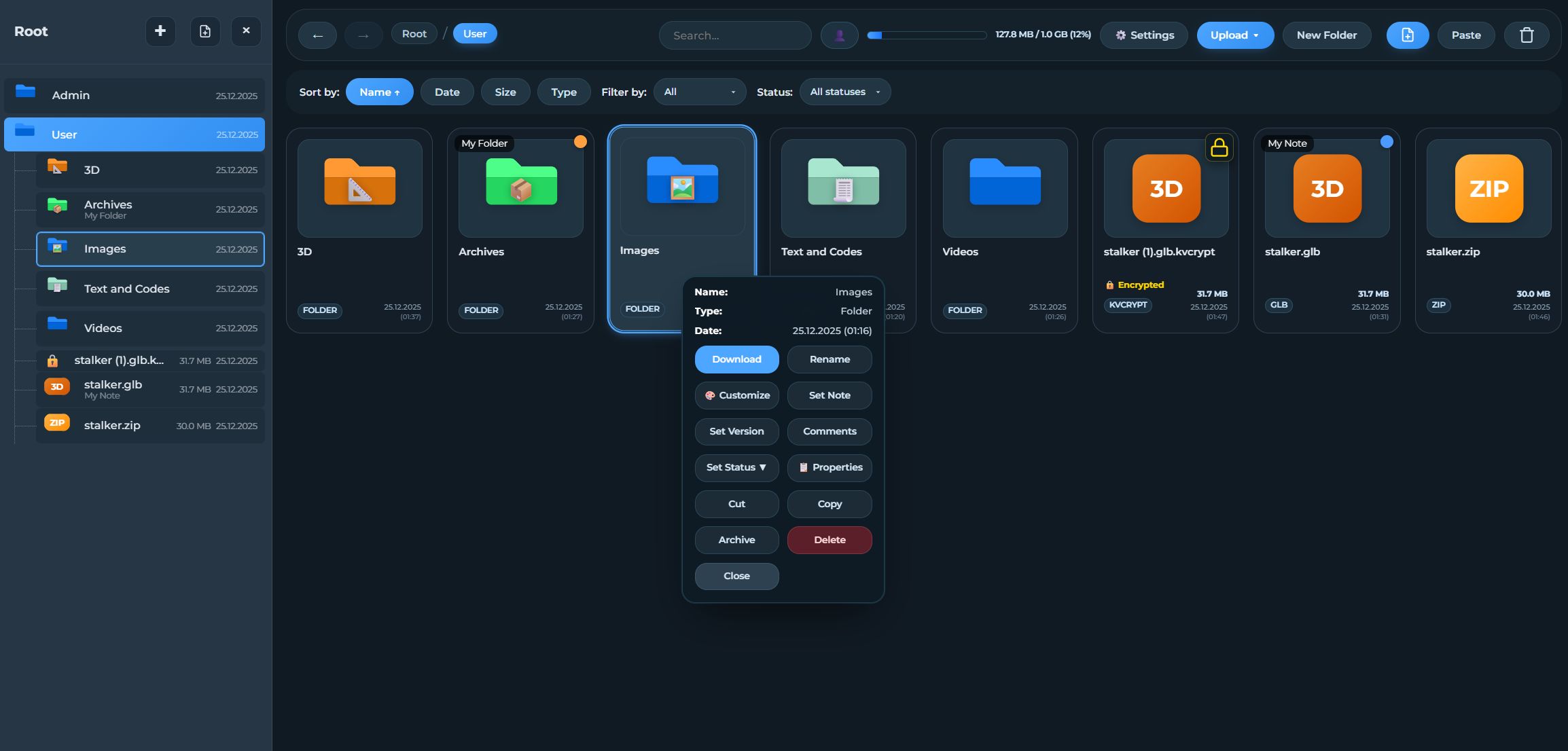
1. Version Control System
Upload new versions while preserving full history.
Text descriptions for every revision.
2. Notes and Comments
Leave comments - write notes directly within the file.
"Important" feature: highlight critical notes in the activity feed.
3. Statuses and Workflow
Assign statuses: In Progress, Pending Review, Completed.
4. Folder Customization
Color-coded directories.
Ability to set custom icons for folders.
5. Advanced Viewers
3D model viewer (FBX, OBJ, GLTF) via WebGL.
Monaco Code Editor with syntax highlighting.
Technical Capabilities:
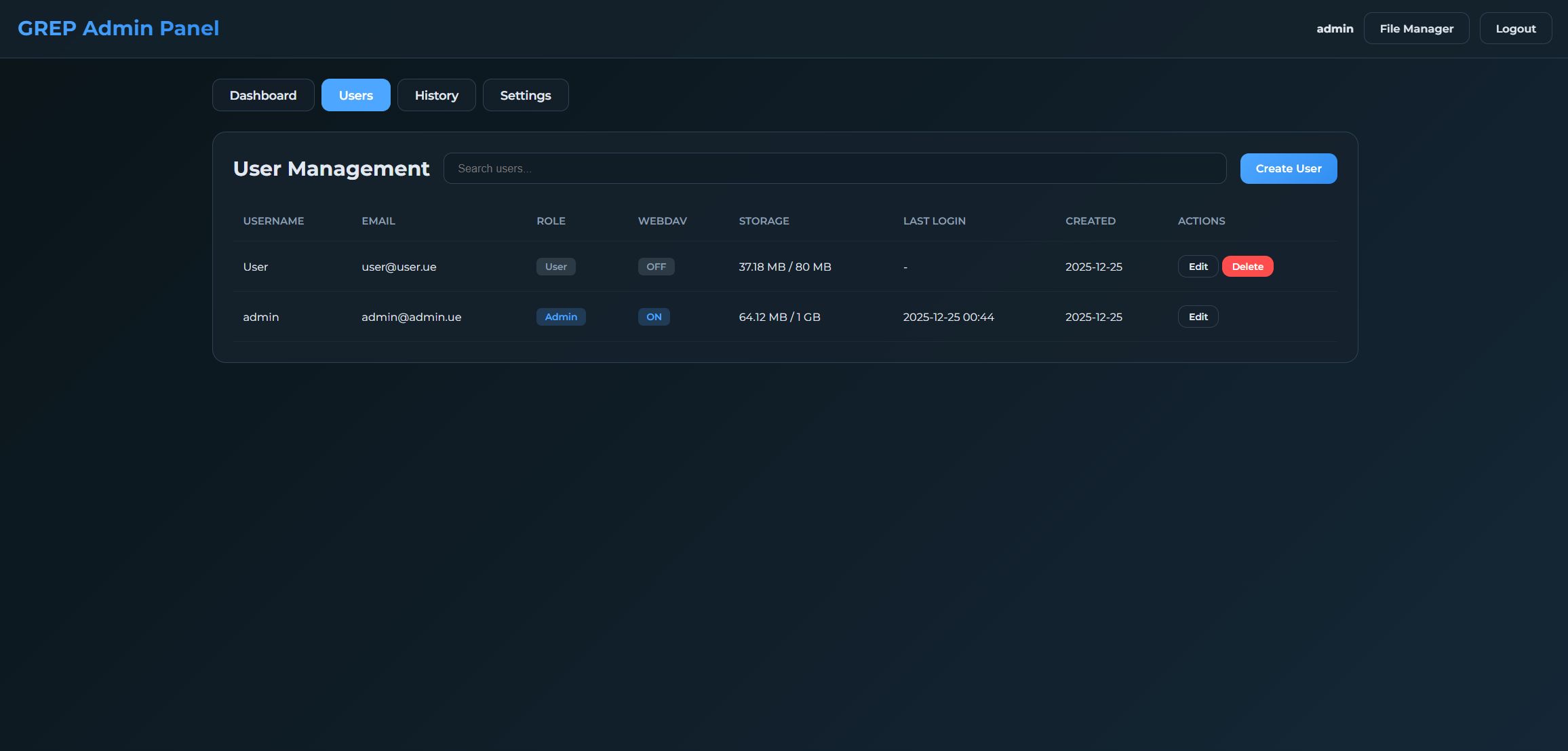
Built-in WebDAV server (connect as a network drive).
AES-256 file encryption (.kvcrypt).
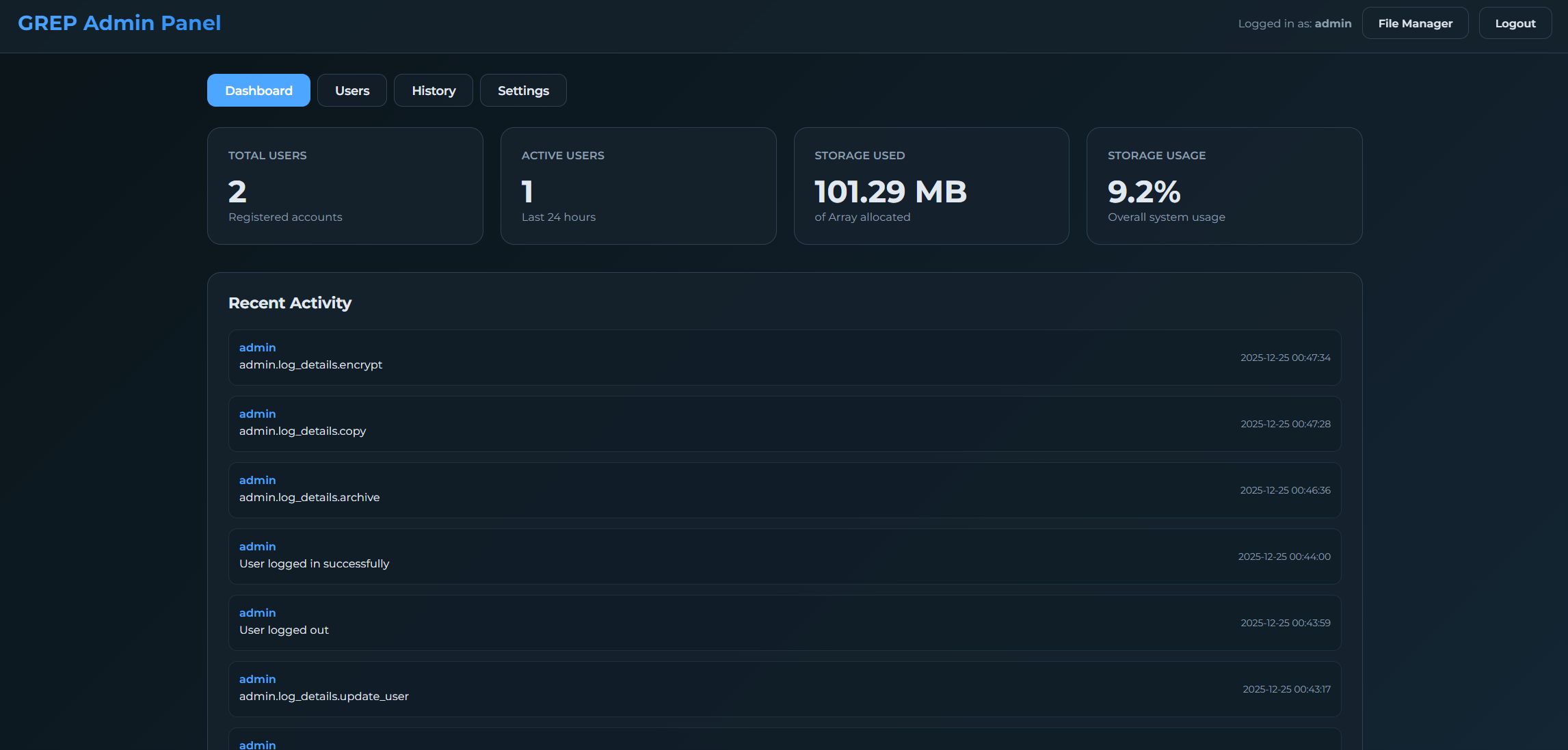
User activity logging (audit trail).
Interface scaling adjustment (75%–150%).
Professional installer included.
Requirements
System Requirements
For stable performance, we recommend the following configuration:
PHP: Version 8.x
MySQL: Version 5.2 or higher
PHP Extensions: PDO, OpenSSL, Fileinfo, MBString, ZipArchive
Permissions: Write access for /config/ and /files/ directories
Note: This configuration has been fully tested and is guaranteed to work. The script may function on other software versions, but stability in those cases has not been verified.
Instructions
Follow these steps to set up Cloud Grep on your server.
1. Preparation
Upload and Extract: Upload Cloud Grep files to your server's root directory (e.g., /public_html/ or /var/www/html/).
Permissions: Ensure that the /config/ and /files/ directories are writable (set permissions to 755 or 777).
Database: Create a new MySQL/MariaDB database and a user with full access privileges.
2. Running the Installer
Navigate to Install: Open your browser and go to yourdomain.com/install.
Step 1: Welcome: The system will check your server requirements. Click "Continue" if all parameters are green.
Step 2: Database Setup:
Enter your database host (usually localhost).
Enter the database name, username, and password.
Click "Check Connection".
Step 3: Administrator Account:
Enter your desired admin username and email address.
Set a strong admin password (use the visibility icon to confirm).
Click "Finish Setup".
Step 4: Installation: The system will import the schema and generate the configuration file.
3. Completion and Security
Success: Once you see the "Success!" screen, you are ready to use the application.
SECURITY: You MUST immediately delete the /install/ folder from your server to prevent unauthorized access.
Login: Click "Go to Login" and use your admin credentials.
Pro Tips
Middle Mouse Navigation: Use the mouse wheel to quickly open comments or navigate into folders!
WebDAV: You can map your cloud storage as a network drive. See Admin Settings for details.
Interface Scaling: If the UI feels too small or large, adjust the scale in your User Profile.
Need more help? For a detailed overview of all capabilities, please refer to the Features Guide (features_en.md).


|
PHP Script Installation Service
Don't worry about the installation of your script! Have your PHP Script installed for you.
|
$39 | Buy now |
| Category | Scripts & Code / PHP Scripts / Miscellaneous |
| First release | 26 December 2025 |
| Last update | 26 December 2025 |
| Software version | PHP 8.0, PHP 8.1, PHP 8.2, PHP 8.3, PHP 8.4 |
| Files included | .php, .css, .html, .sql, Javascript .js |
| Tags | php script, admin panel, File Sharing, collaboration, file manager, cloud storage, file management, workspace, file explorer, webdav, file versioning, 3d viewer, encrypted storage, monaco editor, dropbox alternative |