Modern Construction ERP - Java SQLiteModern Construction ERP - Java SQLite
Complete desktop inventory and sales management system. Built with Java, FlatLaf dark theme, and portable SQLite database.
Modern Construction ERP - Java SQLite
Complete desktop inventory and sales management system. Built with Java, FlatLaf dark theme, and ...
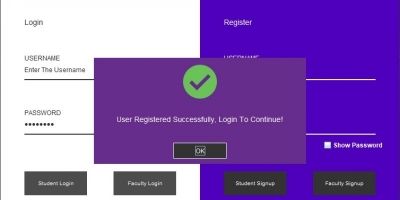
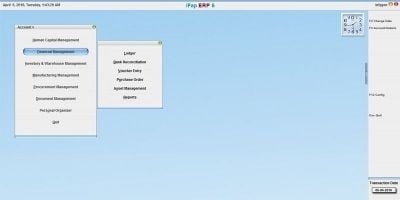
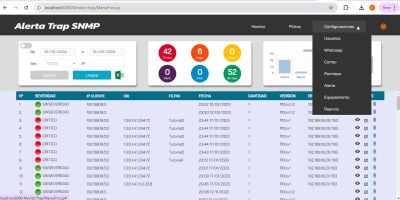
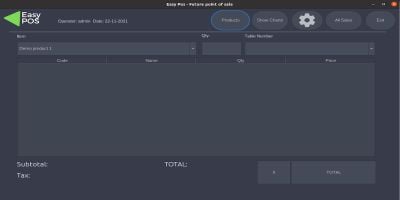
Screenshots


Overview
Welcome to the Modern Construction & Inventory ERP!
This is a complete, ready-to-use desktop application designed specifically for construction businesses, hardware stores, and general inventory management. Built with Java and powered by a lightweight, portable SQLite database, this software requires ZERO complex server setup. Just extract the files and run!
It features a stunning, modern Dark Mode UI powered by FlatLaf, ensuring a premium user experience. Whether you need a reliable offline stock management tool for your business or a rock-solid, well-coded template to modify for your own projects, this ERP system provides the perfect foundation.
What is included in the download?
- Compiled Executable (.exe) for direct use without coding knowledge.
- Portable JRE (Runtime) so the end-user doesn't even need to install Java.
- Full Java Source Code (NetBeans Maven Project) for developers.
- Comprehensive PDF User Documentation.
Features
Zero Setup Required: Uses a portable SQLite database. Works instantly on any Windows PC.Modern UI/UX: Premium dark theme layout using the FlatLaf look and feel.Advanced Inventory Management: Easily track materials, categories, stock levels, and unit prices.CRM & Sales Module: Manage clients, process sales, and track client debts.Interactive Dashboard: View key statistics and visual charts at a glance.Highly Customizable: Clean, well-structured Java code ready for further development.
Requirements
For Regular Users:
- Windows OS (Windows 10 / 11) to run the standalone .exe file.
- No extra database installation required (SQLite is built-in).
- No Java installation required (Portable JRE is included).
For Developers (Source Code Modification):
- Java Development Kit (JDK) 11 or higher.
- Apache NetBeans IDE (Recommended) or IntelliJ/Eclipse.
- Maven (for dependency management).
Instructions
Extract the downloaded main .zip file to your computer.To use the app directly: Open the "Programs exe" folder and double-click the .exe file. The database will be created automatically in the same folder.To edit the code: Open your Java IDE (e.g., NetBeans), click "Open Project," and select the "Source Code" folder.Login: Please read the included "Documentation.pdf" file for the default Admin username and password.


| Category | Scripts & Code / Java |
| First release | 15 March 2026 |
| Last update | 15 March 2026 |
| Files included | .db, .java, .xml |
| Tags | Java, crm, Database, swing, construction, SQLite, erp, inventory, Point Of Sale, stock management, dark theme, desktop app, flatlaf |