


 Ionic Themes
Kick‑start your next project with Ionic Themes. Each download is a complete Ionic starter with routing, components, sample data and build scripts, making it easy to reskin and deploy engaging banking, ecommerce, social, medical, delivery and multi‑purpose UI kits for Ionic Angular, React and Vue as mobile apps or progressive web apps.











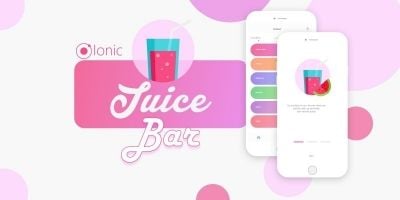

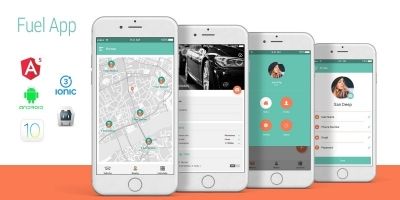
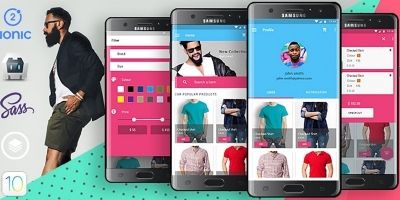
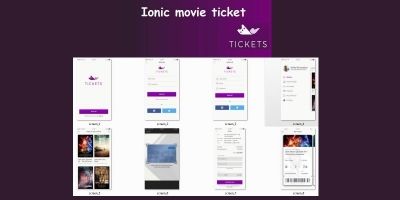
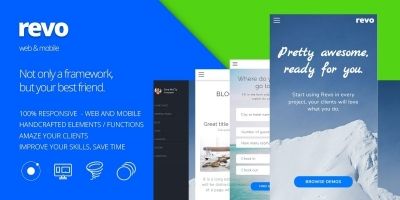

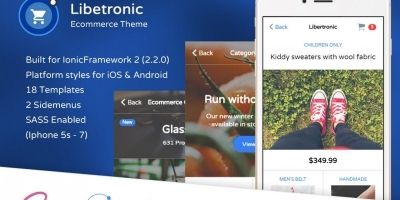
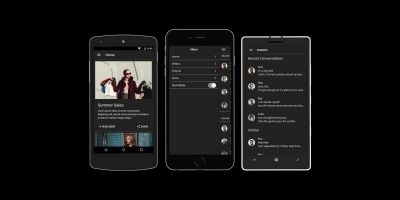
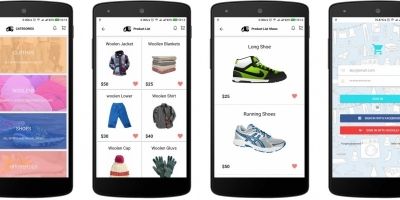




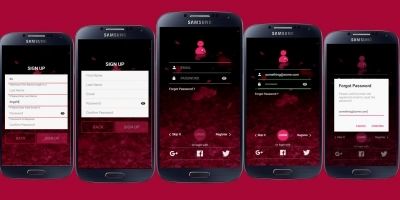
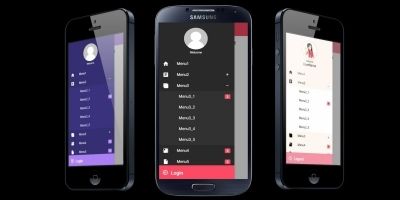
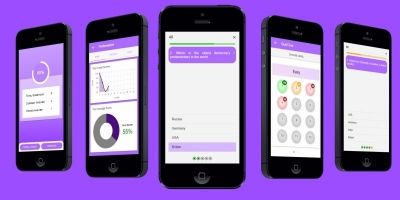
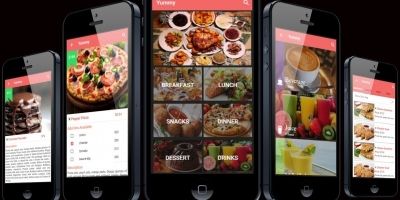

Themes In Ionic
The easiest way to grasp what the Ionic Themes section offers is to think about common project bottlenecks. Most teams lose time on the same pieces: setting up navigation, wiring authentication, making the UI responsive, configuring native plugins and polishing small interaction details. The Ionic themes, UI kits and app layouts you find here are designed to clear those hurdles for you.
A typical download gives you a working example tailored to banking, ecommerce, social, medical, delivery and multi‑purpose UI kits for Ionic Angular, React and Vue. You get a live codebase with routing, components, services and theming all in place. You can inspect file structure, play with CSS variables, see how APIs are called and understand where state lives, all before you commit to any big architectural decisions of your own.
Because everything runs through the normal Ionic toolchain, you can build and test for Android, iOS and the browser from the same repository. That makes it practical to start with a PWA for early users, then graduate to full native builds via Capacitor when you are ready to publish on Google Play and the App Store. The same templates can also sit alongside native categories like Android app templates or cross‑platform stacks in the wider App Templates marketplace, which is helpful if your team mixes technologies.
When you are planning how to use these projects, it can help to sketch out the internal linking strategy at the same time. For example, a product marketing site might link to a specific full app or theme, then offer a general “see more Ionic starters” link back to Codester’s Ionic templates. You might also point advanced users or clients to targeted pages like Ionic Full App Templates & Source Codes, Ionic Plugins or Ionic Themes so they can browse the ecosystem on their own.
External documentation still matters. Keeping a tab open with the Ionic documentation alongside a Codester project makes it easier to understand why the original author structured modules or components in a particular way. If you are using Capacitor, the Capacitor docs are invaluable for configuring push notifications, deep links, background tasks and platform‑specific behaviour.
Even for experienced engineers, starting from one of these Ionic themes, UI kits and app layouts can be a smart trade‑off. You keep full control over the TypeScript and HTML, but you avoid spending days wiring up the same shell you have built half a dozen times before. Instead, your time goes into UX, content and the business logic that actually differentiates your themes‑based app in a crowded marketplace.
Over time, the Ionic Themes page can become a repeat stop in your delivery process. When a new brief lands that smells like banking, ecommerce, social, medical, delivery and multi‑purpose UI kits for Ionic Angular, React and Vue, you already know where to look for a starter that will shave weeks off the schedule – and because the code is open, you can keep evolving it alongside your own internal standards and patterns.