
SEO Auto Pages - WordPress PluginSEO Auto Pages - WordPress Plugin
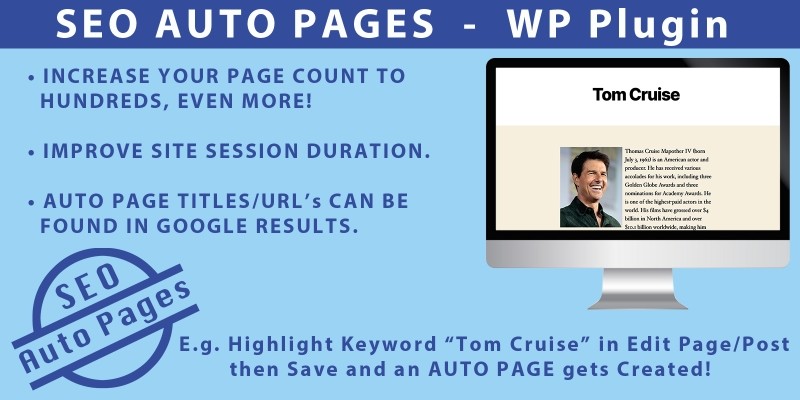
Increase Number of Website Pages by Hundreds! Auto Pages are Created by Highlighting Known Keywords from Existing Pages/Posts.
 Average rating of 4.0 based on 3 votes
Screenshots

Overview
SEO Auto Pages can Increase the Number of Pages on your Website in Minutes! Highlight Well Known Keywords (like “Tom Cruise”, “Car”, “SEO” etc.) in your Page/Post and an Auto Page gets Created. Go from 10 to 100’s of Pages! More Pages can mean better Google Rankings and Higher Session Duration 
Features
- Highlight "Known" Keywords and they get turned into Auto Pages with Text/Image. Go from 10 pages to 100’s of Pages in minutes.
- Give Users more Content to Browse and Increase Session Duration.
- Auto Pages may appear in Google Search Results.
Requirements
Will work in Wordpress Versions 4.0 to 5.6
Will most likely work for All Future 5.6+ Versions (i.e. 6.9) but it hasn’t been fully tested for them as yet :)
Instructions
- Go to Plugins Page and Click on [Add New] then [Upload Plugin]. Browse and Select the “SEO Auto Pages” Plugin ZIP, Upload and Activate.
- Check that your Settings > Permalink Settings have been setup properly. Common Settings should be set to “Post name” or anything Other Than “Default”. This is because the “SEO Auto Pages” Plugin uses Clean URL’s.
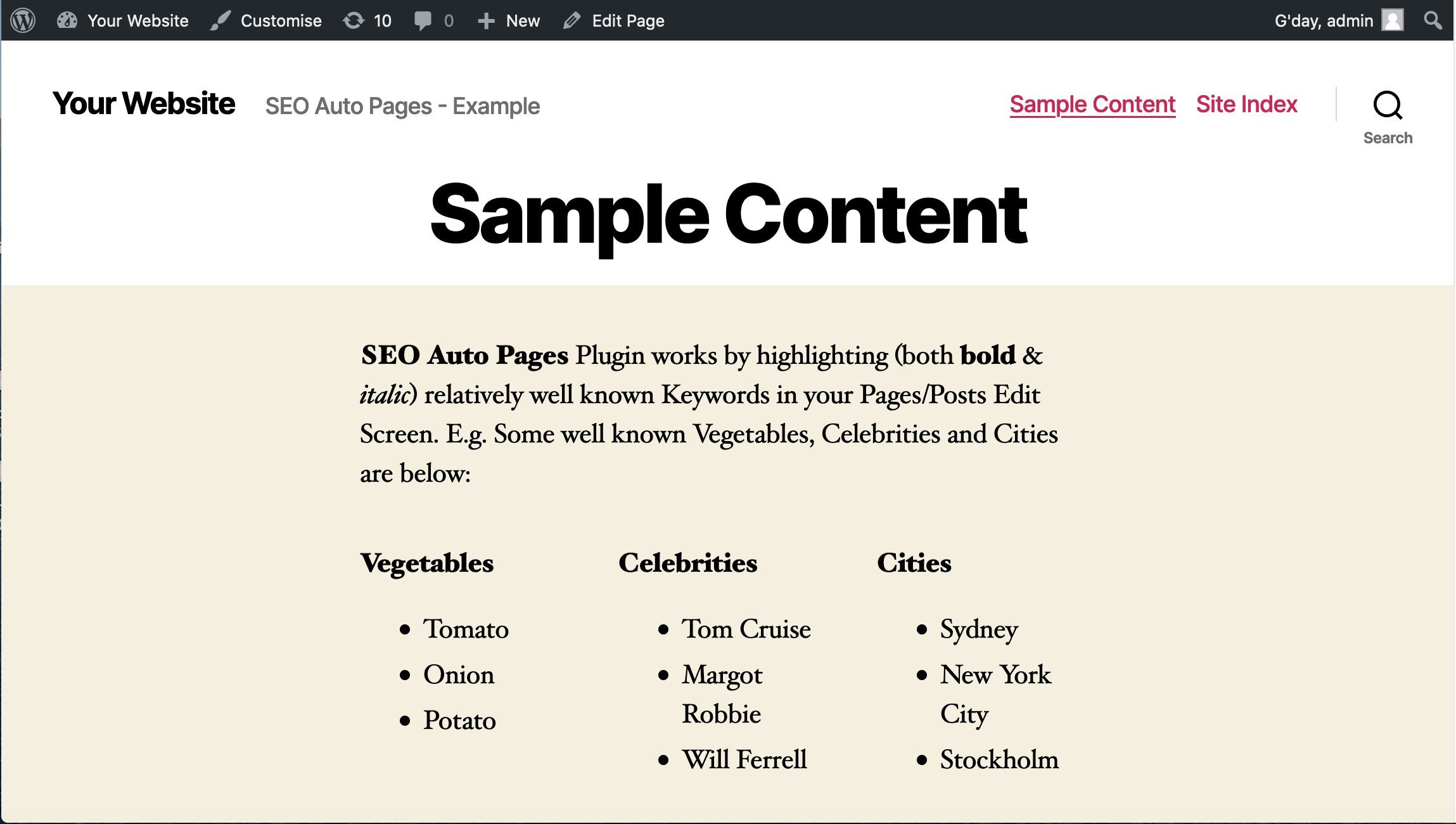
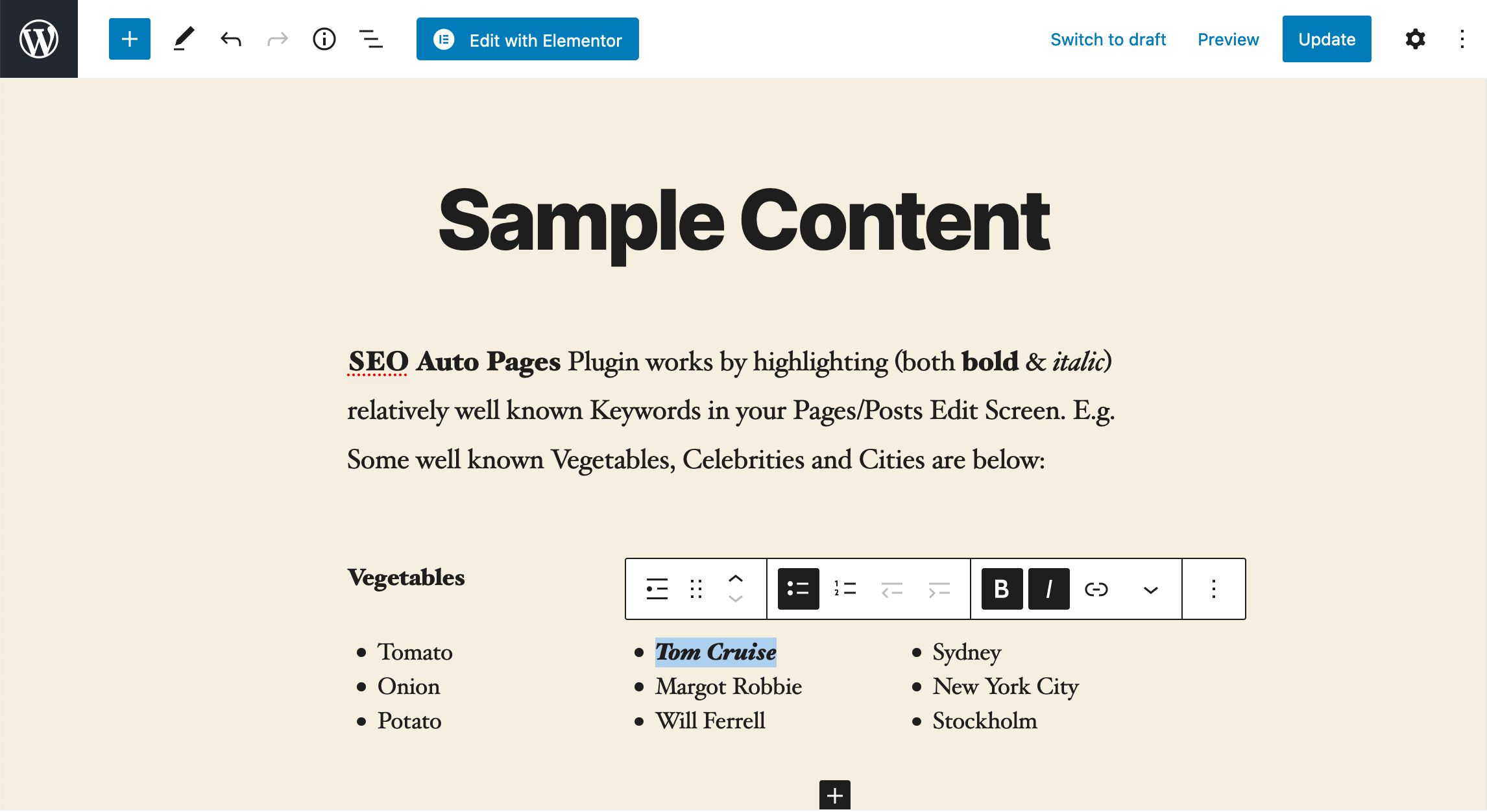
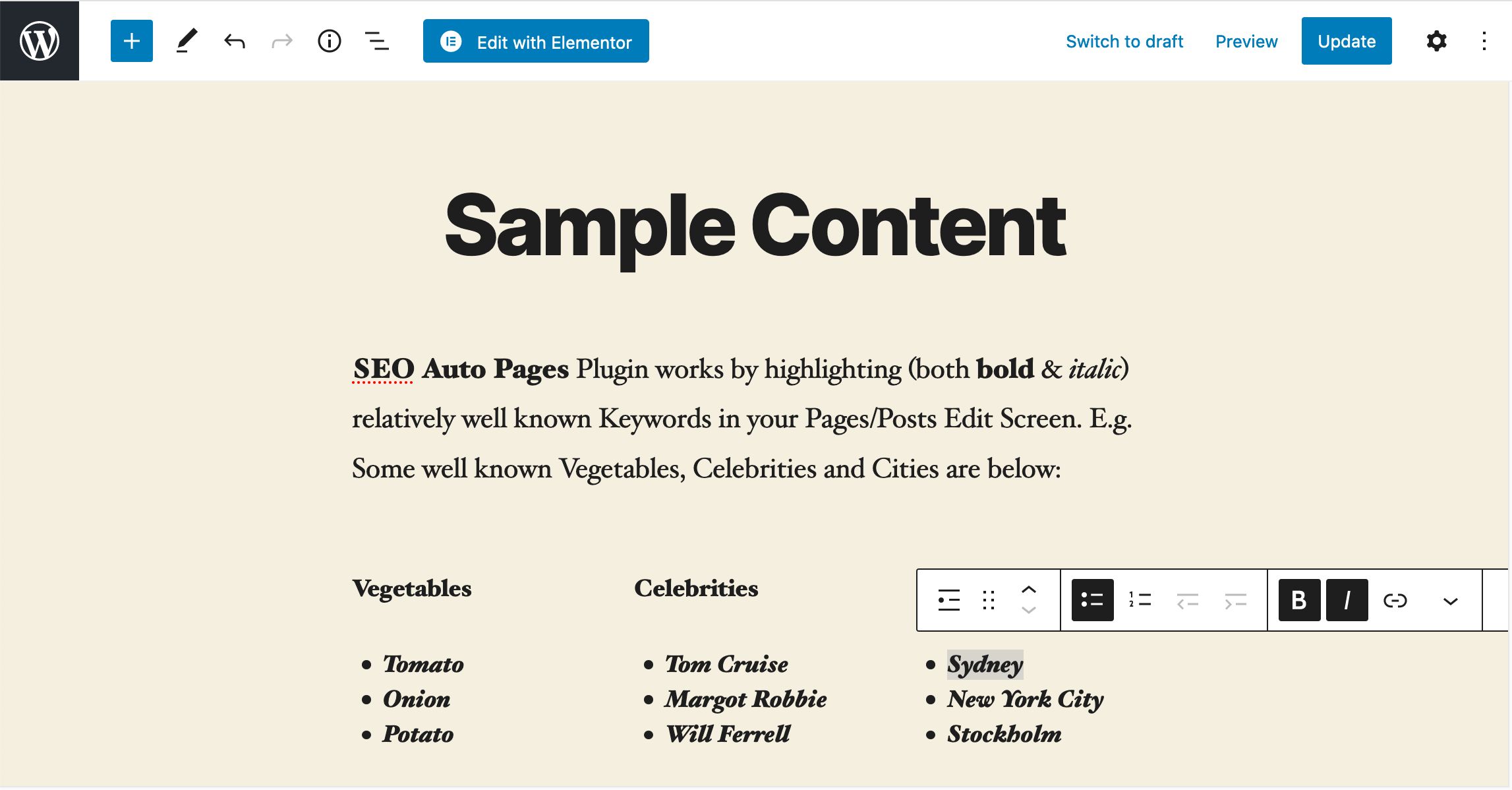
- Find an Existing Page/Post on your Site that has some interesting written Content with Well Known Keywords (that probably have a Definition on the Internet) like “Tom Cruise”, "Car", "Tomato" etc. Then in the Visual Editor “both Bold then Italic” this Keyword so it looks like Tom Cruise (bold & italic). Then [Update] your Page/Post. Remember, Both Bold & Italic is needed.
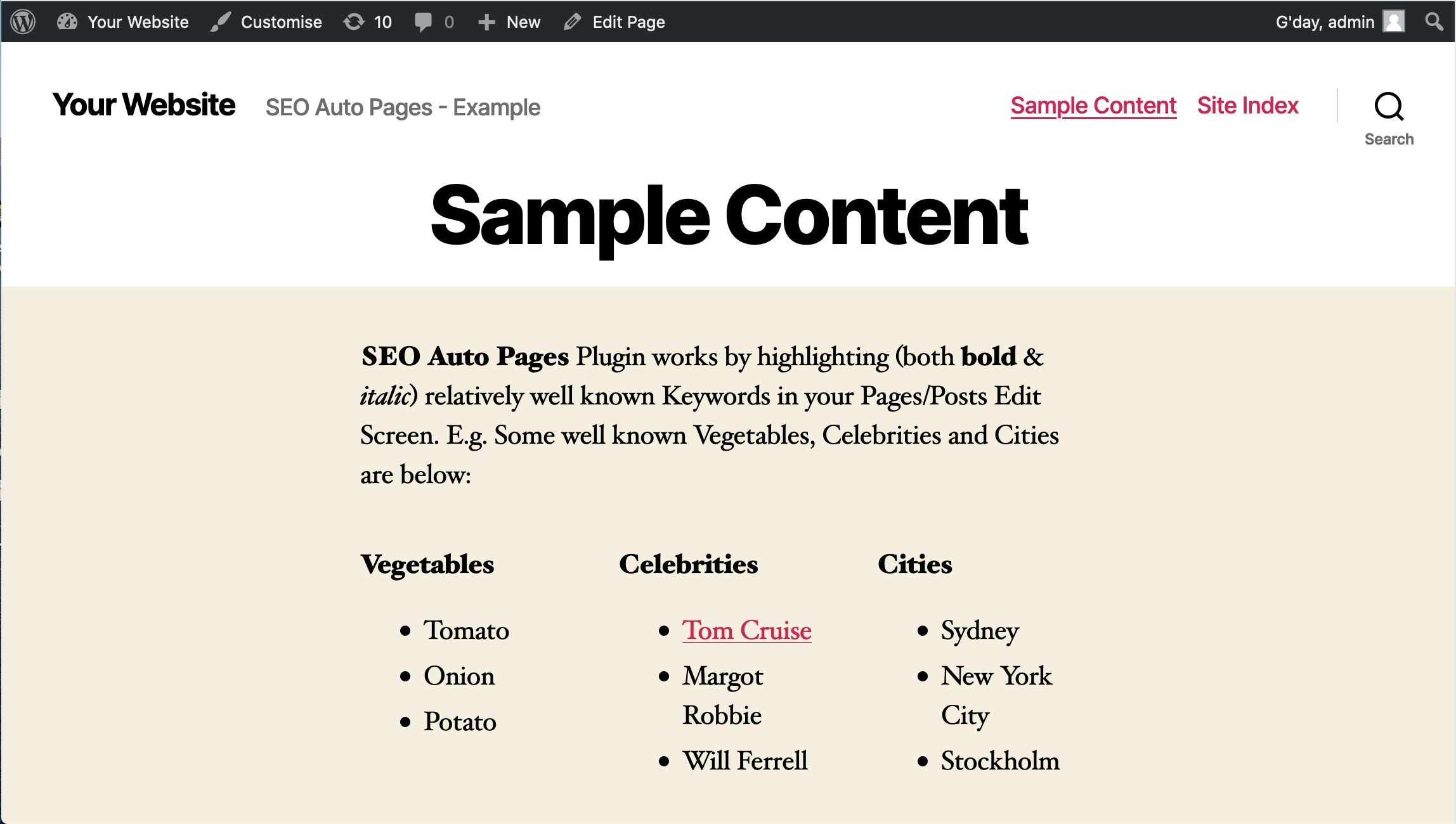
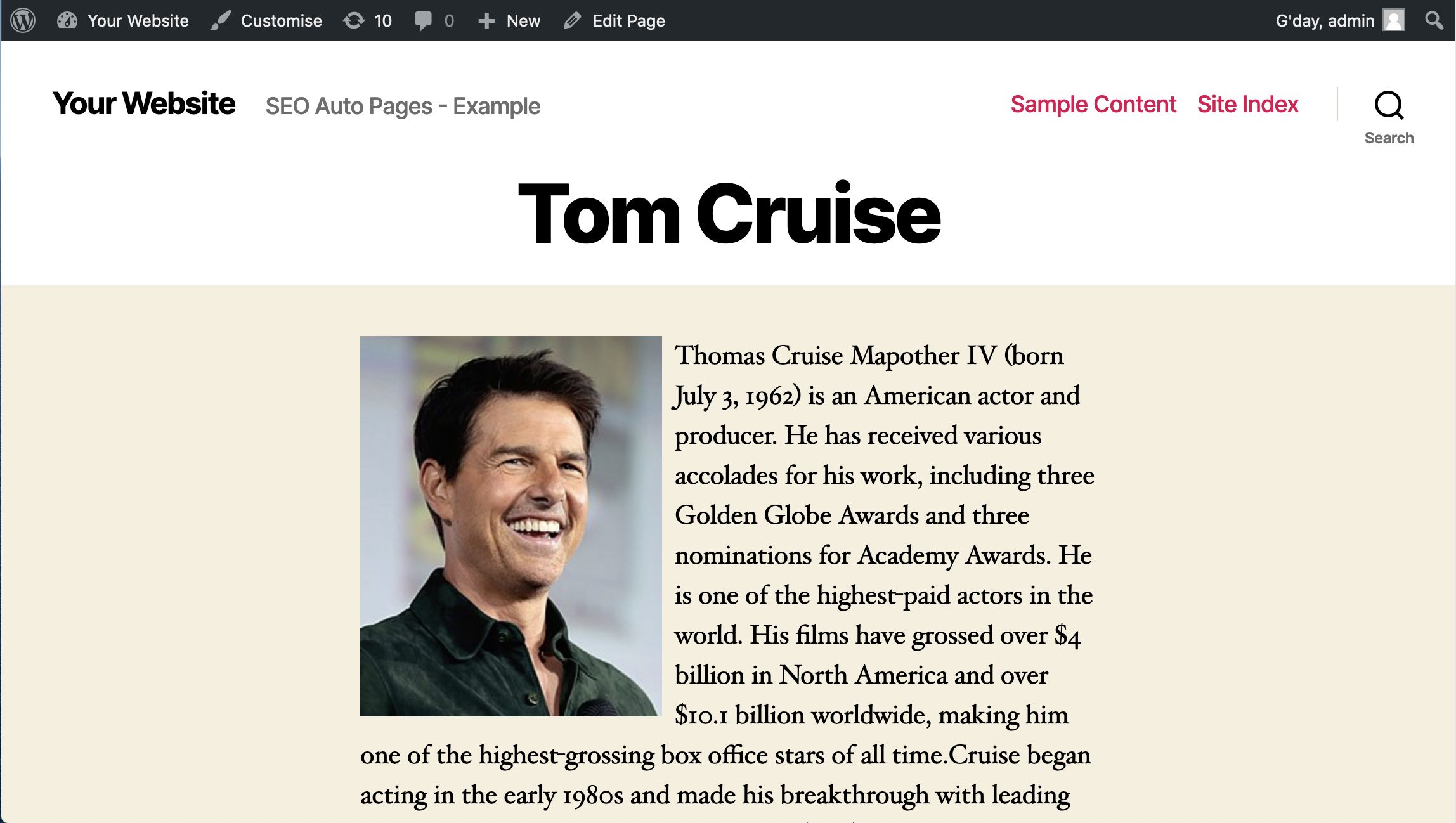
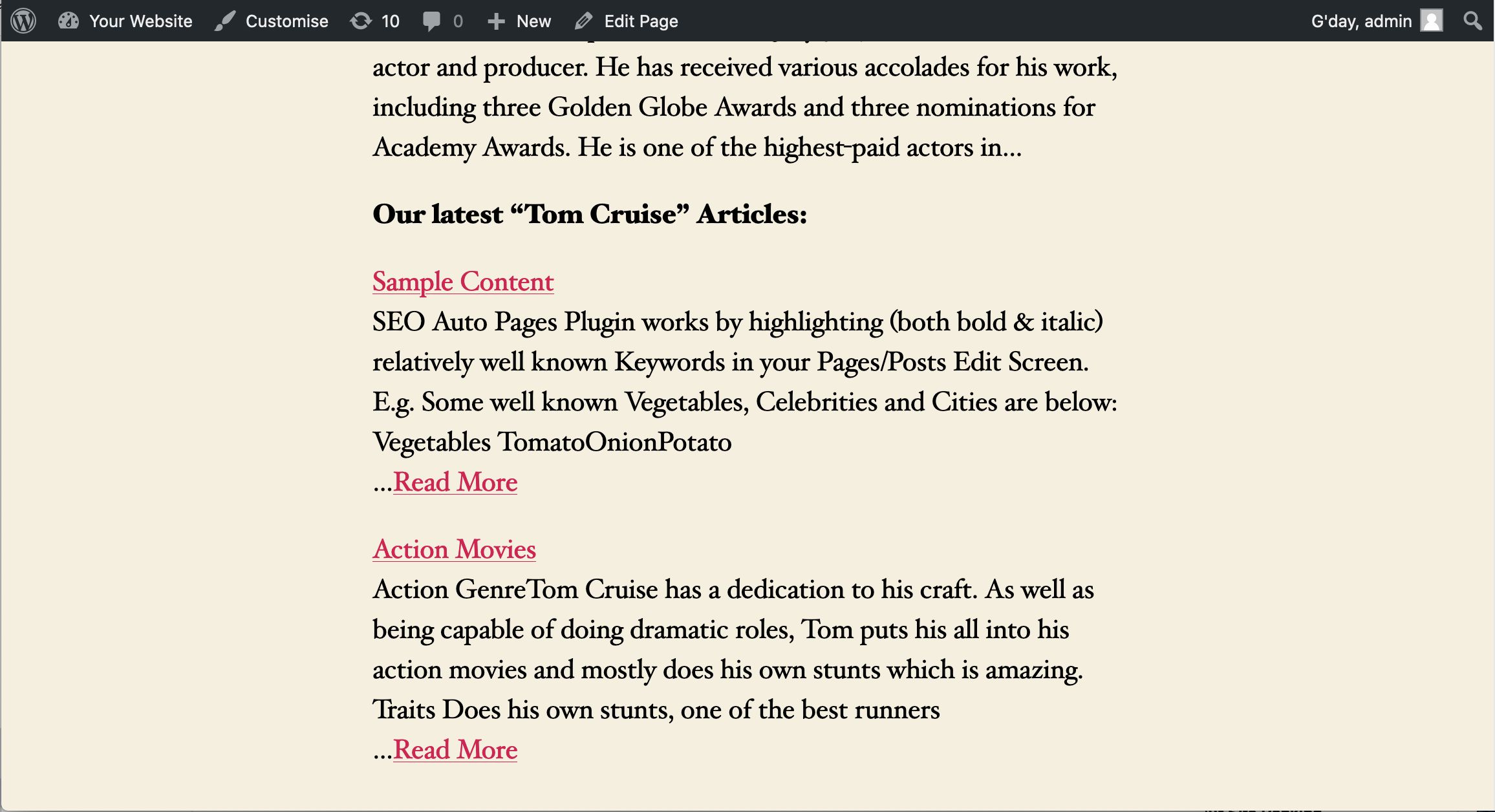
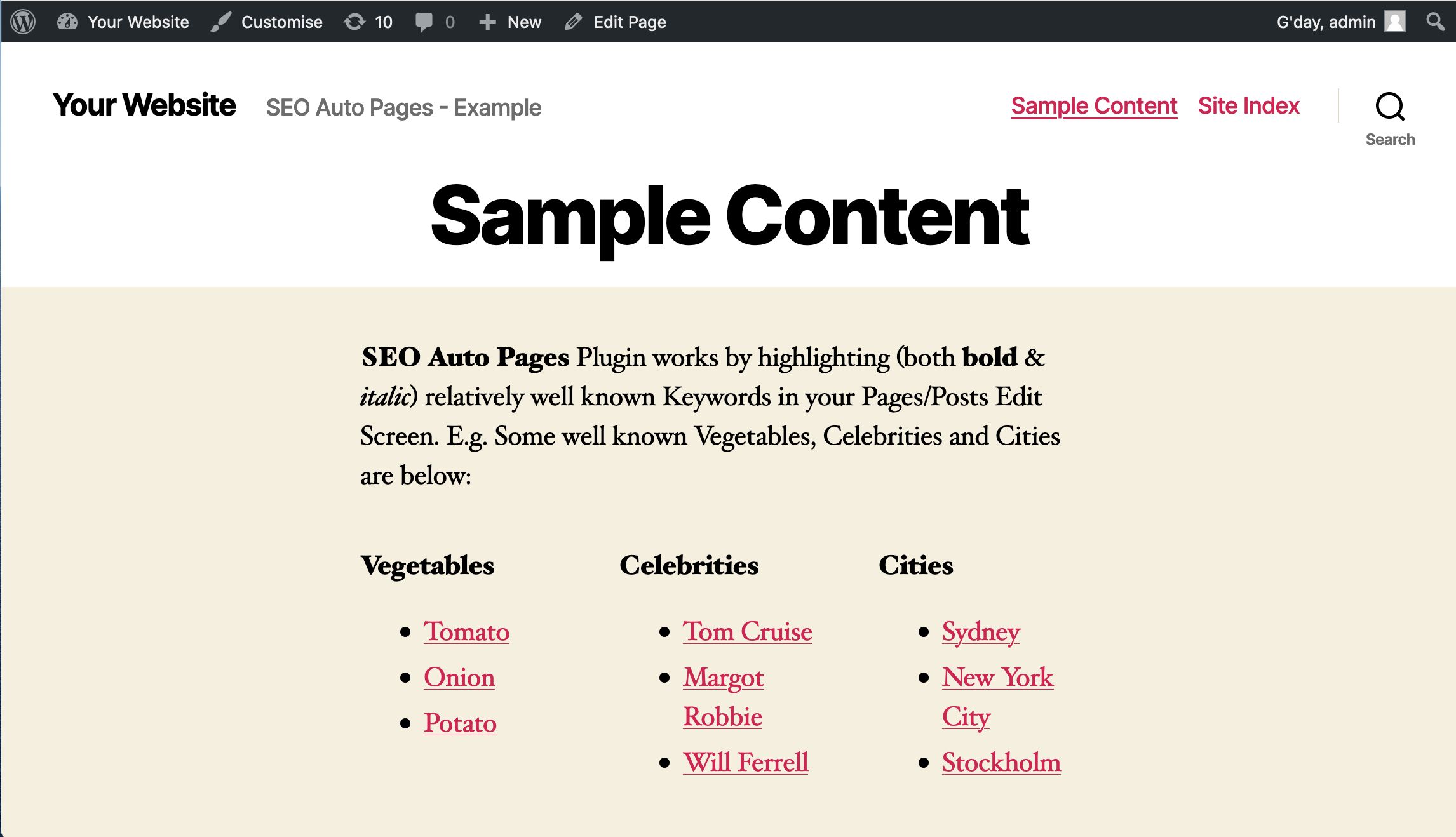
- Then View the Page/Post and the Keywords you have Highlighted have now been Turned into Links (i.e. a link to /keyword/tom-cruise/). Click on this link and you will be taken to an Auto Page Definition of “Tom Cruise”. There is also a list of Articles listed below where this Keyword appears in.
- Sometimes the Auto Page shows a Correct Definition with both Text and Image. Sometimes Just Text and No Image. Sometimes No Definition. Sometimes Wrong Definition. Test it out :)
- If you are not satisfied with the Auto Definition Page then simply go to the Post/Page and Unhighlight (un-bold and un-italic) that Keyword then click [Update] Page/Post.
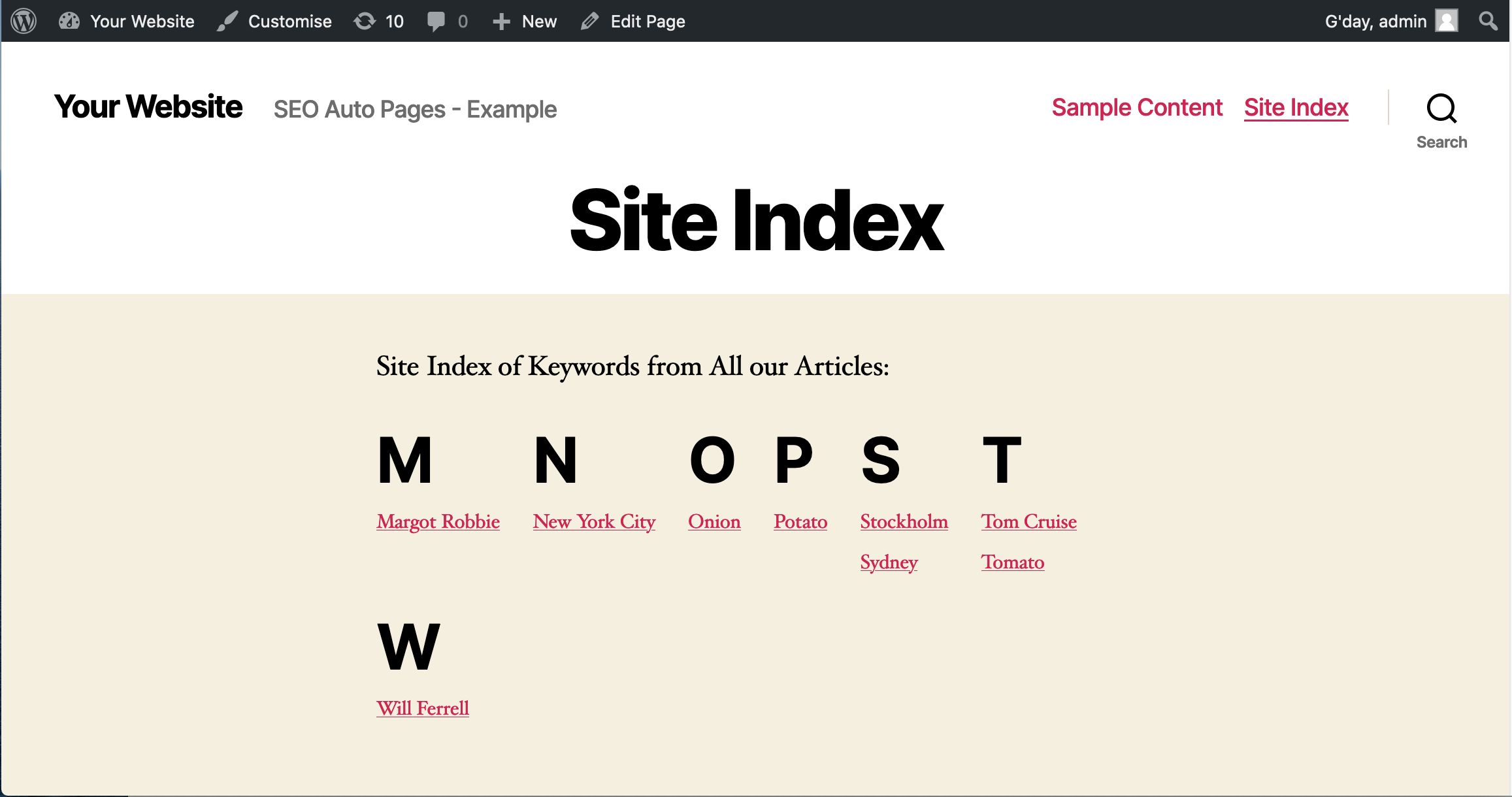
- A Site Index Page “http://[your-site]/site-index” gets automatically created and it lists all your Special Auto Page Keywords. We strongly recommend you create a LINK to this “/site-index” page in your Main Navigation Menu. This way the Google Crawler has a better chance to Crawl "/site-index" and index all the Auto Page URL’s.
Reviews
-
Dec 12, 2021
 Satya777 PurchasedRating:
-
Feb 10, 2021
brendanr PurchasedRating:
Great plugin! I setup a few keywords across several pages and it generated some nice simple pages. I'll be watching my stats to see if it brings in visitors.
-
Feb 3, 2021
DaveB PurchasedRating:
Quick and Easy to use. I created a lot of auto pages in short time. These definition pages provide both quantity and quality.
Free support
Future product updates
Quality checked by Codester
Lowest price guarantee
Buy Now - Fast Checkout
Future product updates
Quality checked by Codester
Lowest price guarantee


For custom development work and installation services you can request a FREE quote directly from the author of this product.
Request a Free Quote

Information
| Category | Plugins / WordPress / SEO |
| First release | 1 February 2021 |
| Last update | 6 October 2025 |
| Supported CMS | WordPress 4.4, WordPress 4.3, WordPress 4.2, WordPress 4.0, WordPress 4.5, WordPress 4.6, WordPress 4.7, WordPress 4.8, WordPress 4.9, WordPress 5.0, WordPress 5.8, WordPress 5.9, WordPress 6.0, WordPress 6.1, WordPress 6.2, WordPress 6.3, WordPress 6.4, WordPress 6.5, WordPress 6.6, WordPress 6.7, WordPress 6.8 |
| Files included | .php, .css |
| Tags | wordpress, generator, SEO, plugin, content, creator, import, keywords, meta tags, title, description, wikipedia, generate, miscellaneous |