
Axe VPN Flutter App With Admin Panel Axe VPN Flutter App With Admin Panel
Ultimate Cross-Platform VPN Solution with Laravel Backend Control
Axe VPN Flutter App With Admin Panel
Ultimate Cross-Platform VPN Solution with Laravel Backend Control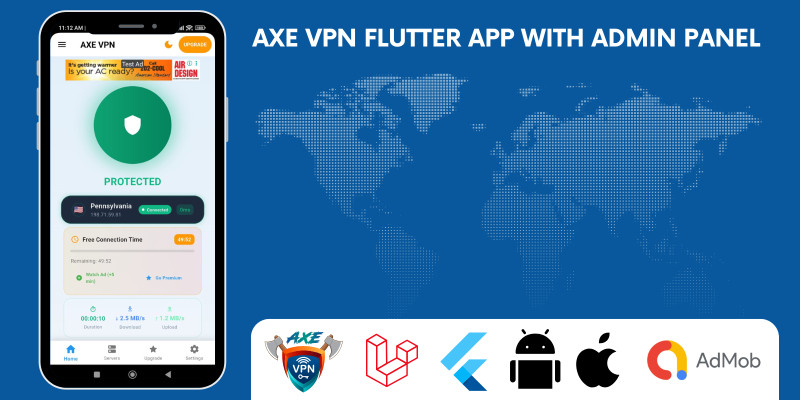
Screenshots
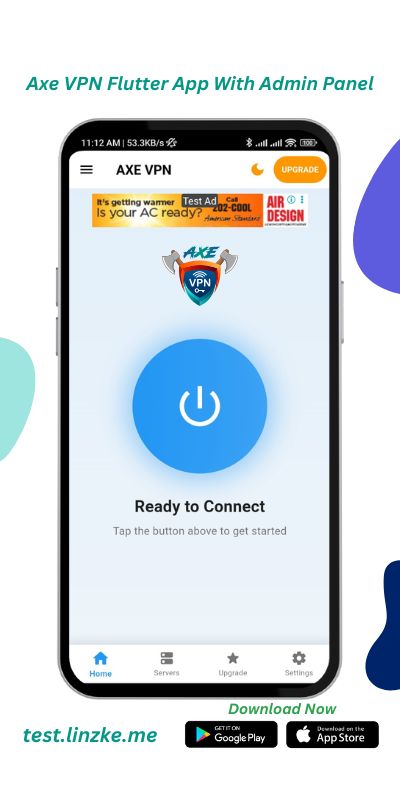
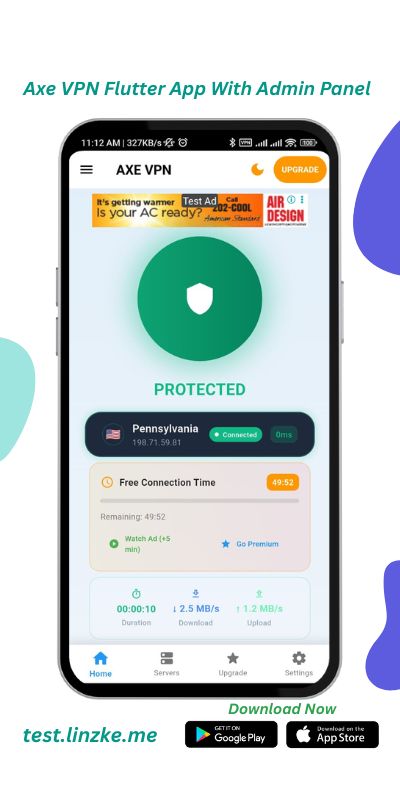
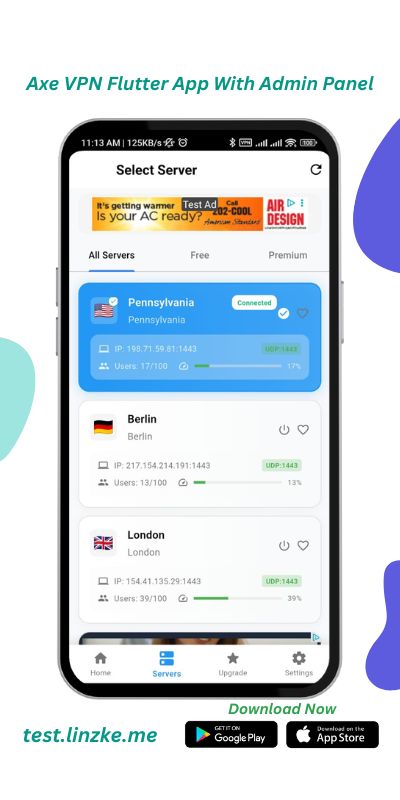
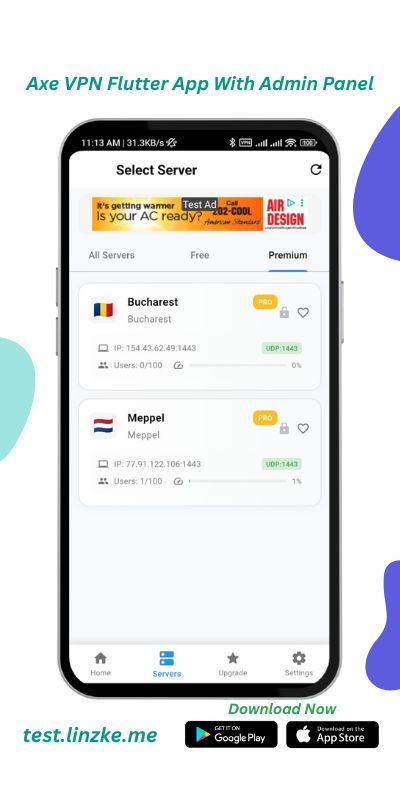
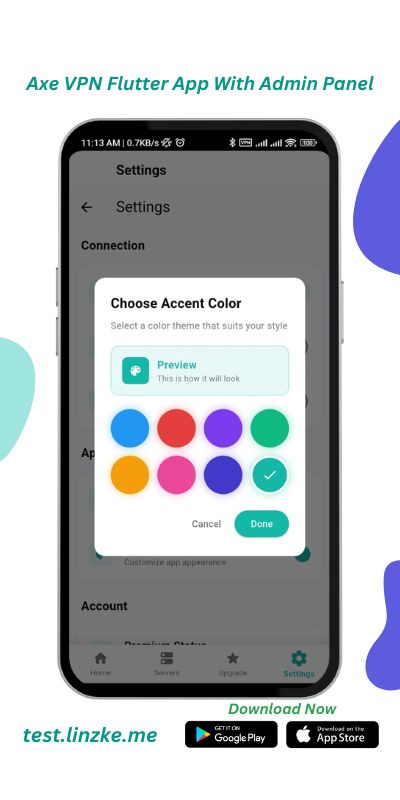
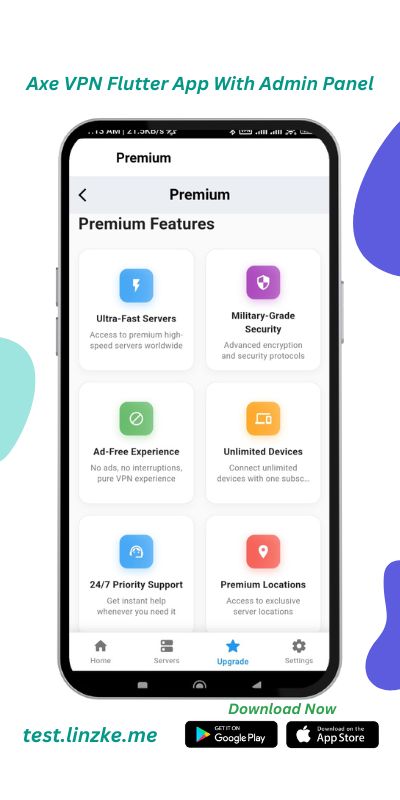
Overview
Built with Flutter 3.38.7, Axe VPN delivers a high-performance, secure, and scalable cross-platform experience. Featuring OpenVPN support, a powerful Laravel-based admin dashboard, and built-in monetization via subscriptions and AdMob, this app is ready for Android 13+ and iOS 16+. Launch your own branded VPN service in days — not months.
✓ Live on Play Store: Download Now
Features
✨ Key Features
- One-tap connect/disconnect
- Support for 100+ global servers (API-driven)
- Kill switch & auto-reconnect on network change
- OpenVPN (Android/iOS) and WireGuard protocol support
- Modern Material 3 design with dynamic theming
- Real-time speed and ping testing
- Data usage tracker and connection history
- Smooth animations and intuitive navigation
- Subscription plans (Google Play & App Store)
- AdMob banners and interstitial ads
- Premium-only features (e.g., unlimited locations)
- Revenue-ready out of the box
- Manage servers, users, and subscriptions
- Send push notifications via Firebase (FCM)
- Real-time analytics and user activity dashboard
- Add/remove servers without app updates
Requirements
Shared or VPS hosting,
Flutter basic knowledge
App Publication knowledge
Instructions
🧩 How to Use This Item
1️⃣ Setup Backend (Laravel)
- Upload the Laravel folder to your hosting.
-
Run
composer installandphp artisan migrate --seed. -
Set
.envvalues (DB, APP_URL, FCM key). - Login to Admin Panel → Add servers, plans, and settings.
2️⃣ Configure VPN Servers
- Install OpenVPN or WireGuard on VPS.
- Add server IP, protocol, and config in Admin Panel.
3️⃣ Setup Flutter App
- Open project in VS Code / Android Studio.
-
Update
API_BASE_URLin config. -
Add
google-services.json&GoogleService-Info.plist. - Set AdMob IDs and Subscription Product IDs.
4️⃣ Connect Firebase & Payments
- Enable FCM in Firebase, copy server key to Laravel.
- Add In-App Products in Play Console / App Store.
5️⃣ Build & Test
-
Run
flutter runfor testing. -
Build release:
-
Android →
flutter build appbundle --release - iOS → Archive via Xcode.
-
Android →
6️⃣ Go Live
- Manage servers, users, and notifications from Admin Panel.
- Add/remove VPN servers anytime — no app update needed!
Other items by this author



Information
| Category | App Templates / Flutter / Full Applications |
| First release | 2 November 2025 |
| Last update | 23 March 2026 |
| Operating Systems | Android 8.0, iOS 11.0, Android 9.0, iOS 12.0, Android 10.0, iOS 14.0, iOS 13.0, iOS 15.0, Android 11.0, Android 12.0 |
| Tags | admob, Vpn App, vpn script, flutter template, laravel admin, vpn android, subscription system, flutter vpn, openvpn, wireguard, vpn ios, vpn source, laravel backend, firebase push, mobile vpn |