


 VB.Net Source Code Snippets
Browse VB.NET source code snippets and Visual Basic .NET projects with full source code. Download ready-made VB.NET POS systems, school management software, payroll apps and utilities, then customize forms, SQL Server or Access databases, and business logic to accelerate Windows desktop development, learning and client projects without starting from scratch.











VB.NET Source Code Snippets & Complete Visual Basic .NET Projects
The VB.NET Source Code Snippets section is packed with practical VB.NET projects with source code you can open directly in Visual Studio. You’ll see full Windows Forms business apps, utilities and tools built in Visual Basic .NET – not just tiny snippets – so you can study real projects and adapt them for your own clients or learning.
If you want a quick overview of what other developers actually use, the Top 20 VB.NET Source Code Snippets page highlights best-selling items such as POS systems, school management systems, payroll and HR tools, inventory applications, email marketing utilities and Firebase desktop integrations written in VB.NET.
Typical VB.NET projects you’ll find here
Many downloads are more like ready-made desktop applications than short code samples. Common types of VB.NET source code you’ll encounter include:
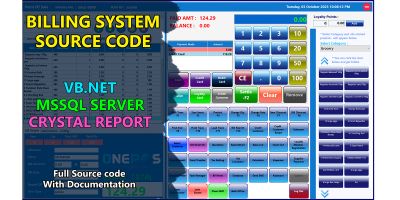
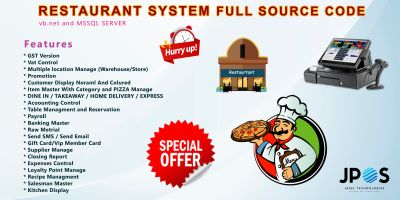
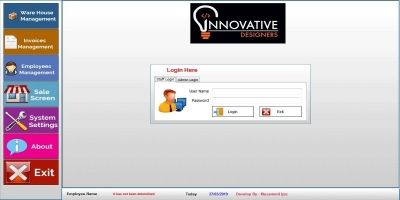
- VB.NET POS systems with stock, invoice and customer management.
- School and college management systems with fees and student records.
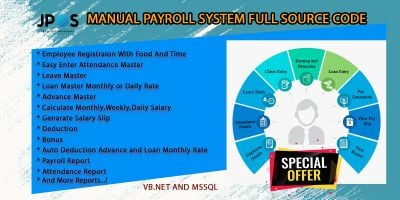
- Payroll and HR management systems for small companies.
- Restaurant, retail and gym management WinForms applications.
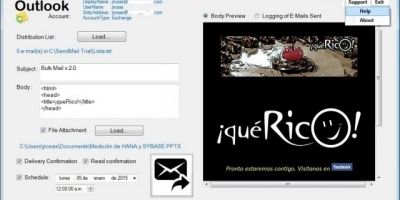
- Backup, email sender, image compressor and automation utilities.
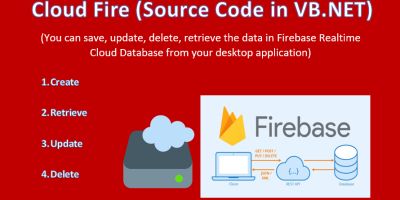
- Cloud-connected apps such as Firebase database managers.
Because you get the full project (forms, modules, classes and database scripts), you can treat any download as a starting point: change branding, extend forms, swap an Access database for SQL Server, or add new reports without having to build the base architecture yourself.
VB.NET alongside C# and other .NET stacks
Many .NET developers switch between VB.NET and C#. If you maintain mixed solutions, it’s worth browsing the related C# Source Code Snippets category as well. You can borrow ideas from C# projects and map them to Visual Basic .NET source code, or run VB.NET desktop front-ends against C# web APIs.
Codester also makes it easy to pair VB.NET back-office tools with web front-ends from other sections. For example, you might use a VB.NET inventory or POS system from this page as the internal application, and connect it to an online dashboard built with PHP or NodeJS using scripts from the PHP Scripts & PHP Code or NodeJS Projects With Source Code categories.
When you want to deepen your understanding of the language itself, the official Visual Basic documentation on Microsoft Learn is a good companion to the projects here. You can read about language features, Windows Forms, and .NET basics, then see how those ideas appear in real VB.NET project structures.
Using VB.NET projects with source code for learning & capstones
Searches like “vb.net projects with source code”, “vb.net mini projects” and “vb.net projects for beginners” are common because full applications are such good learning material. A school ERP, POS or payroll system downloaded from this page can be:
- A reference when you’re stuck designing your own WinForms project.
- A starting point for a thesis, capstone or final-year project.
- A sandbox to practice refactoring, debugging and adding new features.
You can walk through forms, event handlers, database code and reports to see how a complete Visual Basic .NET application is put together. Then you can gradually replace parts with your own modules and ideas.
Choosing the right VB.NET source code snippet or project
While looking through the VB.NET Source Code Snippets list, it helps to keep your real goal in mind:
- Are you building a business app (POS, inventory, school, HR) or a utility?
- Do you prefer MS Access, SQL Server or another database back-end?
- Will the project be used in production, or mainly for learning?
- Do you need multi-user, multi-branch or cloud integration features?
- Which version of Visual Studio and .NET Framework are you targeting?
Product pages usually mention framework requirements, included features and sometimes screenshots of key forms. It’s worth confirming those details before you commit, so you know the code will open cleanly in your environment.
Once you’ve chosen a project, most of the work is straightforward integration: configuring the database connection, adjusting namespaces, translating labels, adding your own logo and colours, and then extending forms, reports or modules as needed. After that, the VB.NET project you downloaded becomes a solid base that saves you days or weeks of boilerplate on future desktop applications.