


 PHP Login Scripts
Explore 82 login scripts for secure user authentication, registration and user management. Build login systems with sessions, hashed passwords, email verification and remember me functionality, and integrate ready-made PHP login and registration scripts into dashboards, CMSs and client projects without rewriting every authentication and user login feature from scratch.
 Scripts & Code11
 AngularJS2
 C & C++143
 C#56
C#56 CSS28
CSS28 Django0
 Golang15
 Java212
 JavaScript134
 NodeJS2751PHP Scripts8
 Ads78AI41Affiliate62Booking32Blog24Chat6Countdown58CMS35CRM17Directory21Database81eCommerce122Finance19Food55Forms12Forum70Games2GPS42Help Desk51Links248Multimedia82Login270Management17Mail90Marketplace18News7Newsletter62POS38Payment19Polls32Project Management99SaaS20Search51Security88Social Networking15Sport6Statistics37Uploaders42Website Builders639Miscellaneous95
 Python90
 ReactJS1
 Ruby28
 VB.NET7563
 App Templates2452
 Themes1062
 Plugins14159
 Graphics










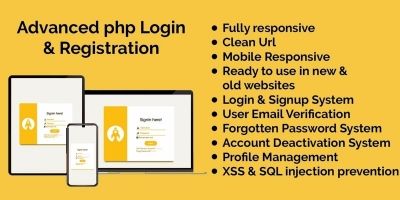
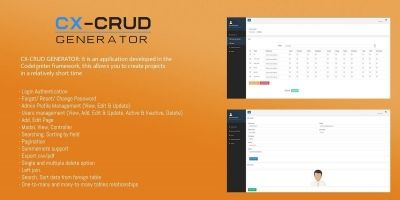
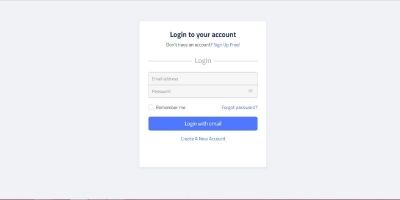


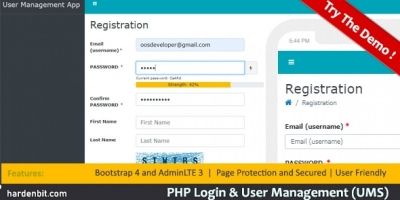



PHP Login Scripts for Authentication, Registration & User Accounts
The PHP Login Scripts category on Codester is all about user authentication. Instead of hand-coding every login form, session check and password reset flow from scratch, you can start from ready-made PHP login and registration scripts that already implement the basics: login, logout, registration, password hashing and access control.
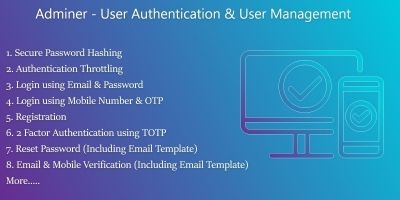
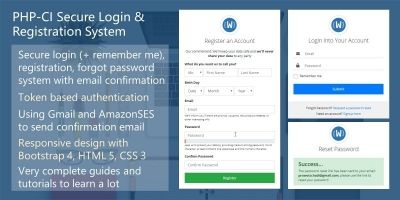
If you like to begin with what others are using in production, take a look at the most popular PHP login scripts first. That overview typically surfaces secure login systems with user roles, admin dashboards, multi-role authentication and extras like OTP or two-factor authentication.
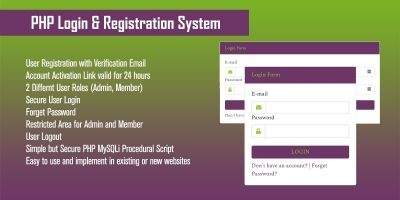
Scripts in this category cover a few common scenarios. Some are minimal PHP login scripts with session and registration pages that drop easily into a small site or admin panel. Others are more complete user management systems with roles and permissions, profile pages, email verification and password reset links, designed to serve as the central authentication layer for an entire application.
Typical features you’ll see across PHP login systems here include:
- Login and registration forms backed by a MySQL or MariaDB user table.
- Secure password hashing using modern functions like
password_hash()andpassword_verify(). - PHP sessions to keep users logged in across pages, with logout handling.
- “Remember me” or persistent login options using cookies where appropriate.
- Password reset flows via email, sometimes with token-based links.
- User roles, permissions and optional admin dashboards for managing accounts.
Because everything is written in PHP, these login scripts fit naturally alongside other tools in the wider PHP Scripts & PHP Code ecosystem. A common pattern is to plug a login system from this category into a CMS, dashboard or business app so that user accounts, roles and authentication are handled in a consistent way across the whole project.
Security is an important part of any authentication system. When you review scripts,
it’s worth checking how passwords are stored and how sessions are managed. Modern
PHP projects typically use the built-in password hashing API
(password_hash, password_verify) rather than older functions
like md5() or sha1(). The official PHP manual and security
guides explain why this matters for real-world applications.
For general best practices, resources such as the OWASP Authentication Cheat Sheet and the Password Storage Cheat Sheet provide concise guidelines on password storage, brute-force protection and login security in web apps – principles that apply directly to PHP login systems.
When you’re choosing a PHP login script from this category, a quick checklist helps: how easy is it to integrate with your existing database, does it support the PHP version on your server, can you customise the HTML/CSS of the forms, and does the codebase look approachable if you plan to extend it? Demo links on the product pages usually show both the login flow and, where available, the admin interface.
Once you’ve picked a script, most of the work is in configuration and integration: setting up the database tables, adjusting connection settings, changing field names to match your schema, replacing the logo and styling, and wiring login checks into the areas of your site you want to protect. After that, the login system quietly handles sessions and authentication in the background while you focus on building the actual features your users care about.
Whether you’re adding a simple login form to a small project or standardising authentication across multiple client sites, the PHP Login Scripts category and its most popular items give you a focused starting point for secure, reusable logins without having to reinvent the basics every time.