


 PHP Website Builder Scripts
Build websites faster with PHP website builder scripts and drag-and-drop site builders. Download ready-made PHP site builder scripts with page sections, templates, live preview and export, then customize designs, menus and SEO settings to launch landing pages, portfolios and business websites without coding every layout from the ground up.
 Scripts & Code11
 AngularJS2
 C & C++142
 C#55
C#55 CSS28
CSS28 Django0
 Golang15
 Java211
 JavaScript130
 NodeJS2734PHP Scripts8
 Ads76AI41Affiliate61Booking31Blog23Chat6Countdown58CMS35CRM17Directory21Database80eCommerce121Finance19Food55Forms11Forum70Games1GPS41Help Desk50Links248Multimedia82Login270Management17Mail89Marketplace17News7Newsletter62POS38Payment19Polls32Project Management99SaaS20Search49Security86Social Networking15Sport6Statistics37Uploaders42Website Builders639Miscellaneous94
 Python90
 ReactJS1
 Ruby28
 VB.NET7544
 App Templates2448
 Themes1047
 Plugins14153
 Graphics






























PHP Website Builder Scripts for Drag-and-Drop Sites & Landing Pages
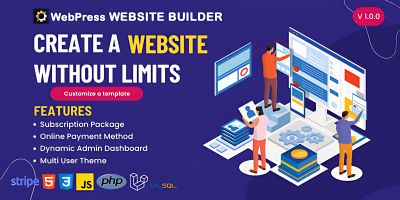
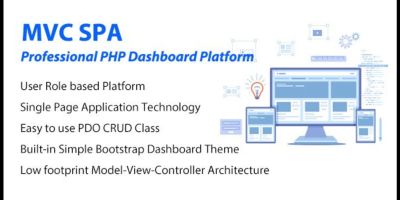
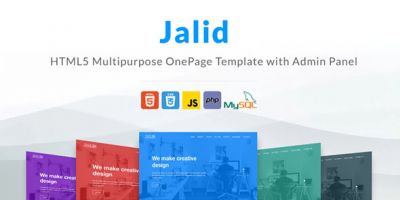
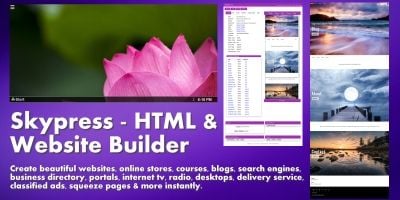
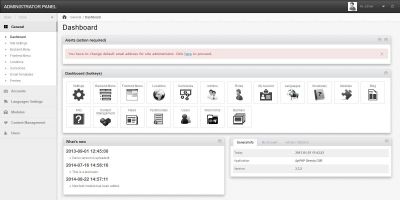
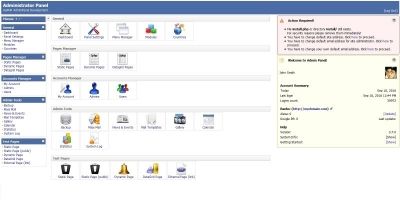
The PHP Website Builder Scripts section is home to tools that help you assemble complete websites, not just single components. These PHP website builder scripts and site builder dashboards let you create and edit pages, sections and layouts visually, then save or export the result as a working site.
A quick way to see what other developers, agencies and no-code users rely on is the Top 20 PHP Website Builder Scripts . There you’ll usually find multi-page business website builders, one-page landing page creators, live HTML/CSS/JS editors and lightweight page builder panels that have been tested in real client work.
What kind of builders live in this category?
The scripts here sit somewhere between a CMS and a design tool. Common patterns:
- Block-based website builder PHP scripts with ready-made sections (hero, services, contact, etc.).
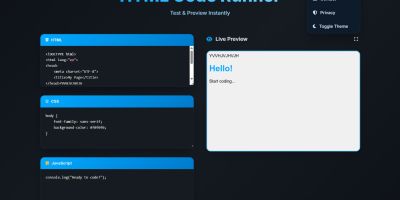
- Drag-and-drop page builders with live preview of HTML, CSS and JavaScript.
- Multi-site or multi-tenant builders where each client gets their own website.
- Simple landing-page creators for campaigns, product launches and portfolios.
Some focus on pure front-end export (download the HTML files when you’re done), others include a full admin panel so users can log in later and edit pages in place.
How website builders fit with other PHP tools
A website seldom lives in isolation, so these builders often sit alongside more specialised PHP scripts in the wider PHP Scripts & PHP Code ecosystem. A typical setup might be:
- Use a website builder from this category for the main pages and layout.
- Add a blog or news area with Blog Software PHP Scripts or PHP News Scripts .
- Handle contact forms via PHP Form Scripts & Generators and login-protected areas via PHP Login Scripts .
If you need a more traditional content management system instead of a visual builder, it’s worth comparing this category with CMS Software PHP , which focuses more on structured content and admin-driven editing than on drag-and-drop page composition.
Things to check before choosing a PHP website builder
As you browse the PHP Website Builder Scripts list, it helps to answer a few practical questions:
- Is this primarily for your own projects, or for multiple clients / tenants?
- Do you want drag-and-drop blocks, or are code-oriented HTML/CSS editors fine?
- Will you host the resulting sites on the same server, or export static files?
- Do you need multi-language support, user roles or white-label branding?
- How easy is it to add custom blocks, snippets or your own templates?
Product demos normally show both the builder interface and the pages it creates. It’s worth trying a simple exercise: build a basic homepage with hero, features, about, testimonials and contact sections. If that feels smooth, everyday client pages will too.
Front-end output, SEO and performance
A good website builder doesn’t just look nice in the editor – it should output clean, responsive markup. When testing a demo, check the generated HTML on mobile as well as desktop, and see whether you can edit page titles, meta descriptions and URL slugs. These basics matter for SEO and sharing.
Many builders also let you inject your own CSS or JavaScript, or integrate third-party tools like analytics and chat widgets. Make sure there’s a straightforward way to add tracking codes, cookie banners or performance tweaks you commonly use.
Putting a PHP website builder to work
Once you’ve picked a script, the set-up is usually lighter than a full CMS: install it, create a few templates or starter sites, configure branding (logo, colours, fonts), define any user roles and, if it’s multi-tenant, decide how you’ll separate client workspaces. After that, your chosen PHP website builder script becomes a reusable base for landing pages, portfolios and small business sites – saving you from building the same layout controls and content blocks over and over again.