


 Ticketing Software And Help Desk Systems PHP
Download PHP ticketing software and help desk systems to manage support tickets, customer requests and internal IT issues. Browse ready-made PHP help desk scripts with ticket management, departments, email piping, priorities, SLAs and knowledge bases to build a modern branded support center for clients, SaaS platforms and growing businesses worldwide.
 Scripts & Code9
 AngularJS2
 C & C++133
 C#52
C#52 CSS26
CSS26 Django1
 Golang14
 Java198
 JavaScript68
 NodeJS2180PHP Scripts7
 Ads55AI33Affiliate46Booking27Blog18Chat25CRM5Countdown14Directory19Database103Finance46CMS22Food53Forms8Forum57Games2GPS33Help Desk46Links76Login172Management213Multimedia12Mail77Marketplace10News6Newsletter42POS34Payment20Polls20Project Management17Search47Security58eCommerce75Social Networking11Sport5Statistics37Uploaders41Website Builders557Miscellaneous69
 Python50
 ReactJS1
 Ruby23
 VB.NET7131
 App Templates2054
 Themes799
 Plugins13833
 Graphics











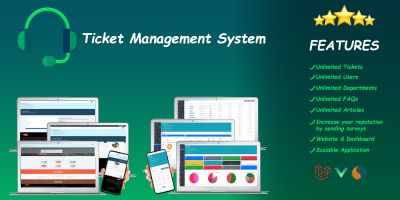
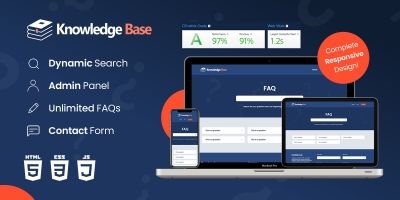
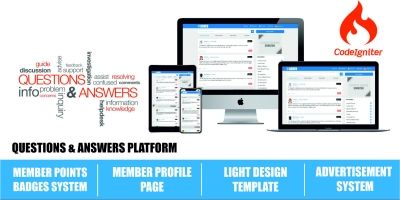
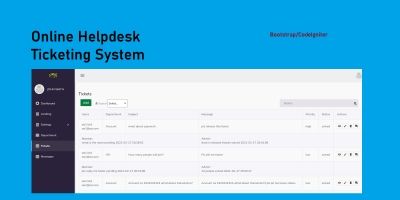



PHP Ticketing & Help Desk Systems for Real Support Teams
The Ticketing Software And Help Desk Systems PHP category on Codester brings together complete PHP ticketing systems and help desk software PHP scripts. These projects give you a ready-made support center with ticket management, departments, priorities and email integration, so you don’t have to design every support workflow from scratch.
If you want to see what other developers and agencies rely on, start with the most popular ticketing & help desk scripts . That overview highlights proven PHP help desk systems used for customer support, internal IT tickets and SaaS support portals.
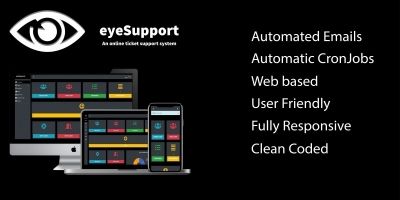
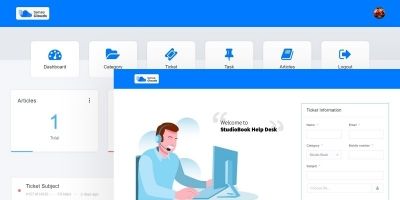
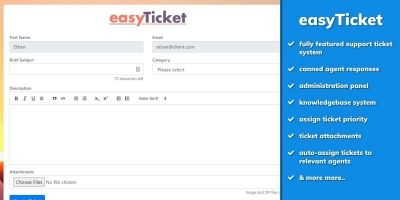
The scripts in this category range from simple, single-department support ticket systems to full-blown multi-agent help desk platforms. Typical features include a ticket inbox, status and priority handling, canned responses, attachment support, agent assignment and activity logs. Many systems also offer email piping, so tickets can be created and updated directly via email.
Common ways these PHP ticketing scripts are used:
- Customer support centers for SaaS products and web hosting companies.
- Internal IT help desks for tracking incidents and service requests.
- Agency or freelancer support portals for ongoing maintenance contracts.
- Multi-brand or multi-department support with separate email addresses.
How Ticketing Scripts Fit in a PHP Stack
Because all solutions here are built in PHP, they fit neatly alongside other tools in the wider PHP Scripts & PHP Code ecosystem. A common pattern is to run a help desk from this category alongside a CRM or business app, sharing users or customers between systems.
For example, a ticketing system from this category can work with customer data stored in CRM Software PHP Scripts , so agents see account details while replying to tickets. If you also offer live chat, it’s natural to combine a help desk here with real-time support from PHP Chat Scripts , letting customers choose between chat and tickets while keeping everything in PHP.
Many support portals also use web forms as entry points. In that case, a contact or support form generated using PHP Form Scripts & Generators can feed directly into your ticket database, ensuring all requests are tracked even if they start as a simple form submission.
Choosing the Right PHP Help Desk Script
When you compare ticketing software, it helps to think about your support style. Do you mainly need a classic email ticketing system with a clean inbox, or a multi-channel help desk with departments, SLAs and detailed reports? Product descriptions and online demos in this category usually show the full workflow from ticket creation through resolution.
A quick evaluation checklist:
- How easy is it to create tickets via web form and email?
- Can you assign tickets to agents, teams and departments?
- Are there filters, tags or queues to keep the inbox clean?
- Does the system support canned replies, attachments and internal notes?
- Is there basic reporting on ticket volume, response time and status?
It’s also worth checking the basics: required PHP version, database support, whether the script uses a framework or custom core, and how upgrades are handled. A ticketing system that matches your existing hosting stack will be easier to deploy and maintain.
Getting Started
After you choose a script from the Ticketing Software And Help Desk Systems PHP list, most of the work is configuration: adding departments, defining roles and permissions, setting up email addresses for incoming tickets, editing templates, and updating the branding to match your site. Once that’s done, you can invite agents, open it to customers and let the system handle the routine ticket flow while your team focuses on actually solving problems.