


 PHP Image Scripts
Explore 75 image scripts for image upload, image gallery, image hosting and thumbnail generation. Download ready-made PHP photo gallery scripts with GD and Imagick image processing, watermarking, resizing and cropping to power portfolios, stock photo sites, blog galleries and client projects with clean, responsive image management for developers and agencies.
 Scripts & Code11
 AngularJS2
 C & C++142
 C#55
C#55 CSS28
CSS28 Django0
 Golang15
 Java211
 JavaScript129
 NodeJS2735PHP Scripts8
 Ads76AI41Affiliate61Booking31Blog23Chat6Countdown58CMS36CRM17Directory21Database80eCommerce121Finance19Food55Forms11Forum70Games1GPS41Help Desk50Links248Multimedia75Image89Video40Music82Login270Management17Mail89Marketplace17News7Newsletter62POS38Payment19Polls32Project Management99SaaS20Search49Security86Social Networking15Sport6Statistics37Uploaders42Website Builders639Miscellaneous94
 Python90
 ReactJS1
 Ruby28
 VB.NET7542
 App Templates2448
 Themes1047
 Plugins14153
 Graphics





















PHP image scripts for galleries, converters & hosting
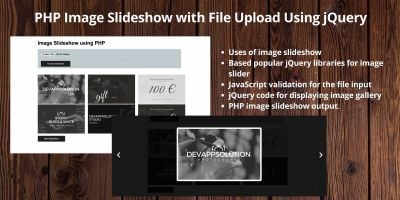
If you are building an image-heavy website, the scripts in the PHP Image Scripts section give you a head start. From a simple PHP image upload script for forms and admin panels to a full PHP image gallery script or image hosting script, you can plug in ready-made code instead of re-inventing upload, resize and thumbnail logic.
Typical use cases include photography portfolios, wallpaper sites, stock photo marketplaces, screenshot tools, art communities and client proofing galleries. Many items combine secure image upload, automatic image resizing, compression and background optimisation so you can keep page speed under control while still serving high quality photos.
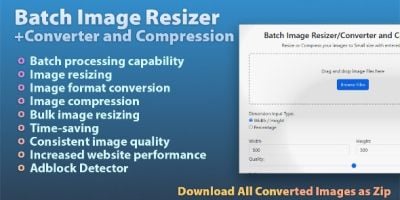
To see what other developers rely on, it is worth browsing the most popular PHP image scripts. You will find converters (JPG to PNG, HEIC to JPG, bulk image resizers), online photo editors, gallery systems, image sharing platforms and tools for generating social share images or avatars. Combining a gallery, converter and simple upload tool can quickly turn a basic PHP site into a capable image platform.
Most projects in this category rely on the standard PHP GD image library or the Imagick extension for more advanced photo effects. If you plan heavy image processing – for example bulk background removal, complex filters or large thumbnail sets – it helps to review the official PHP GD image manual and the Imagick documentation so your hosting environment is configured correctly before you go live.
When your site mixes photos with video or audio, it often makes sense to pair one of these PHP image gallery scripts with tools from the wider multimedia stack. The PHP Multimedia Scripts category is a good starting point, and for projects where images sit next to tutorials, trailers or reels you can also explore dedicated PHP video scripts. Music sites or podcast directories that rely on cover art and artist photos frequently combine image tools from this page with PHP music & sound scripts.
Security and access control matter on any image hosting script. If you need members-only galleries, private client albums or paid downloads, it is straightforward to integrate a gallery or converter with a login system from the PHP login scripts category, or with broader tools in the PHP Scripts & PHP Code hub. That way you keep authentication, roles and billing in one place while image upload, processing and delivery stay focused in a specialised script.
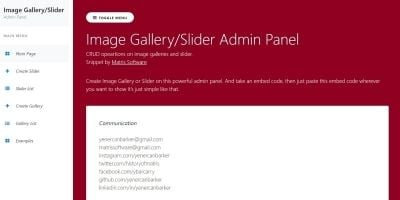
When you evaluate an individual PHP image script, check the demo on a mid-range smartphone as well as a desktop browser. Look for fast first load, lazy-loaded thumbnails, clean HTML for SEO, and an admin panel that feels practical for day-to-day work. If you expect large batches of images, confirm that the script offers queue-based processing or cron support and works well with object storage or a CDN. Choosing the right starting point here saves time later when your gallery, image converter or photo sharing site begins to grow.